About this app
24 video tools in one offline app. No cloud, no subscription.
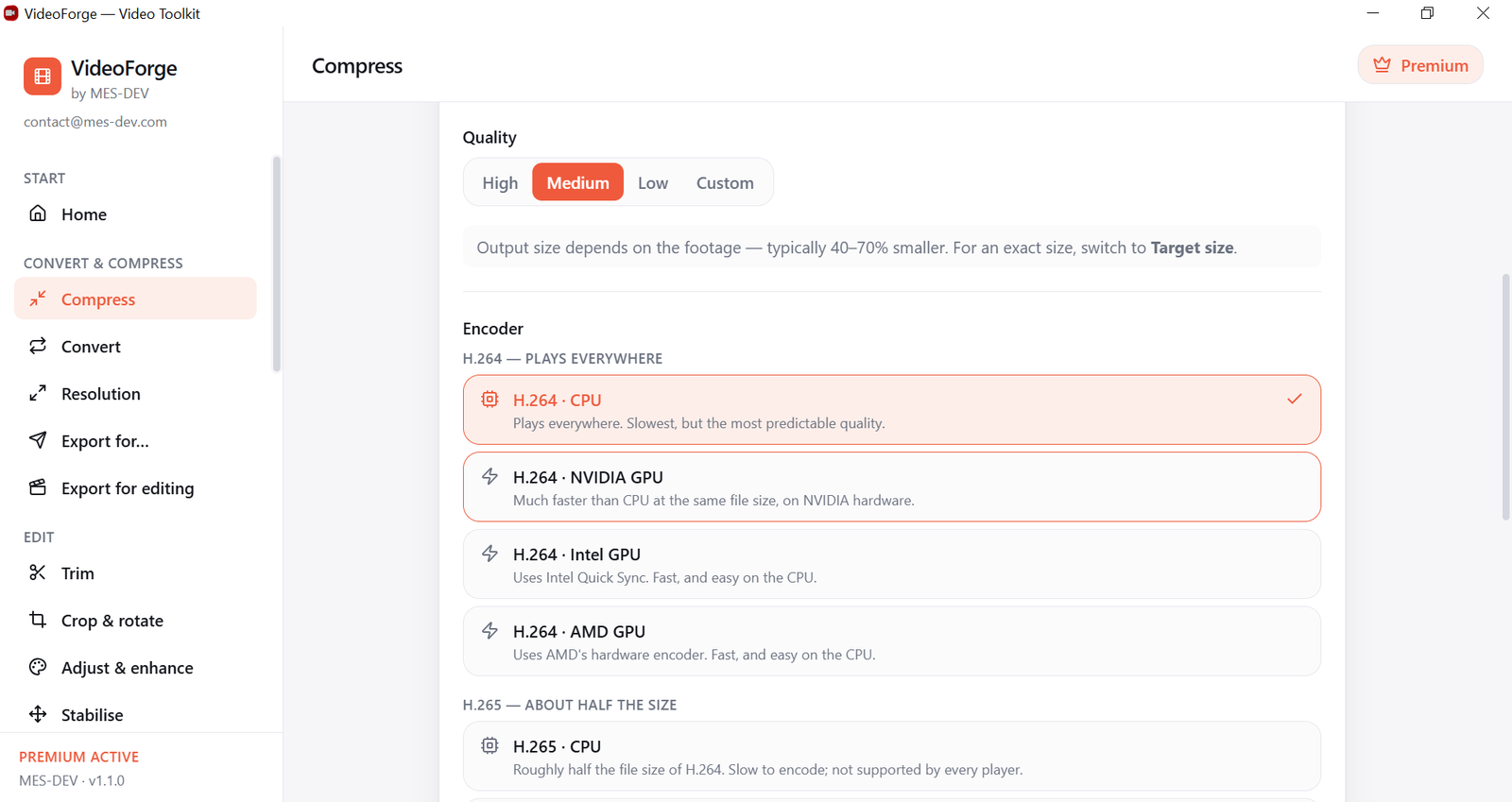
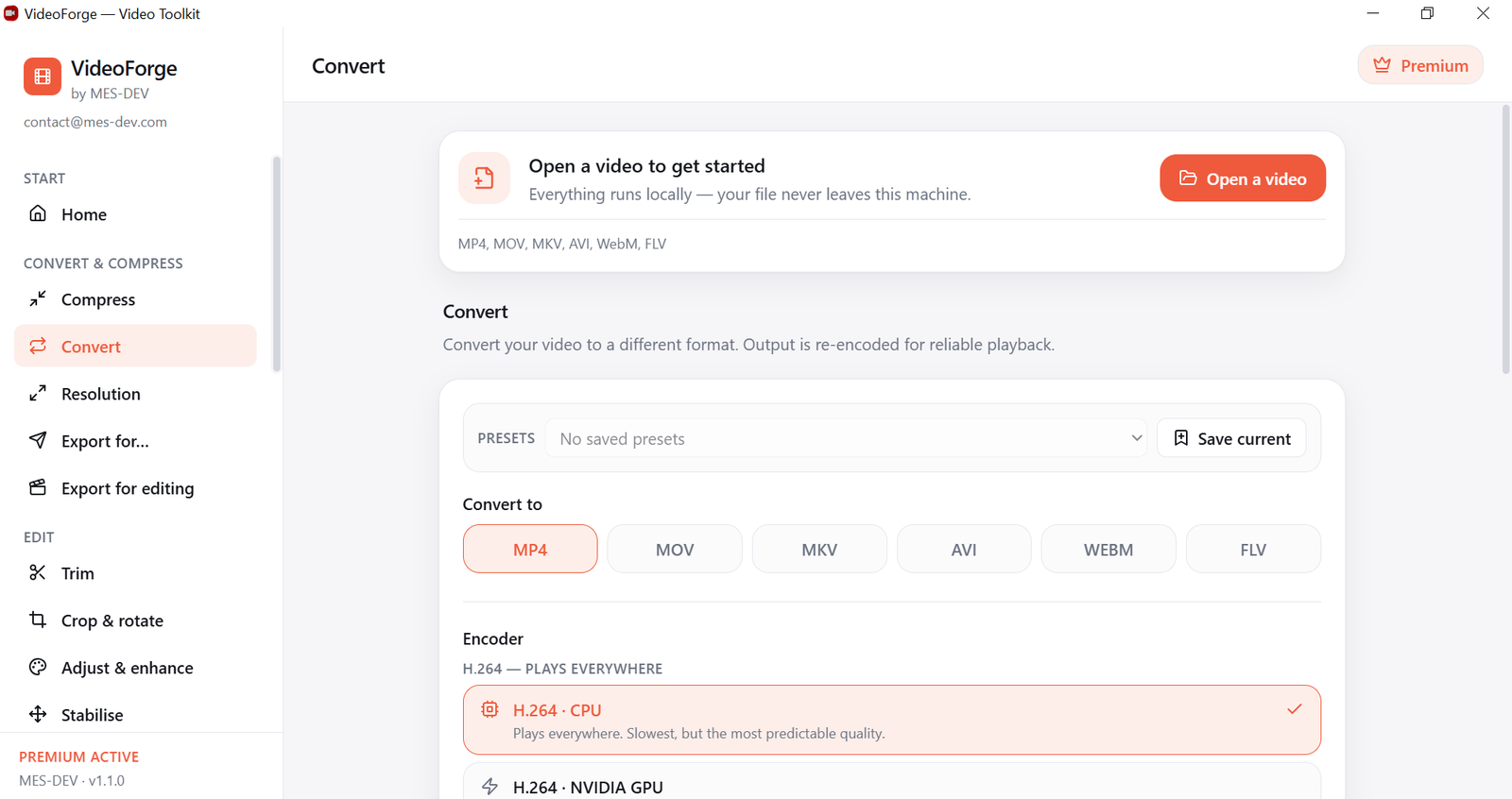
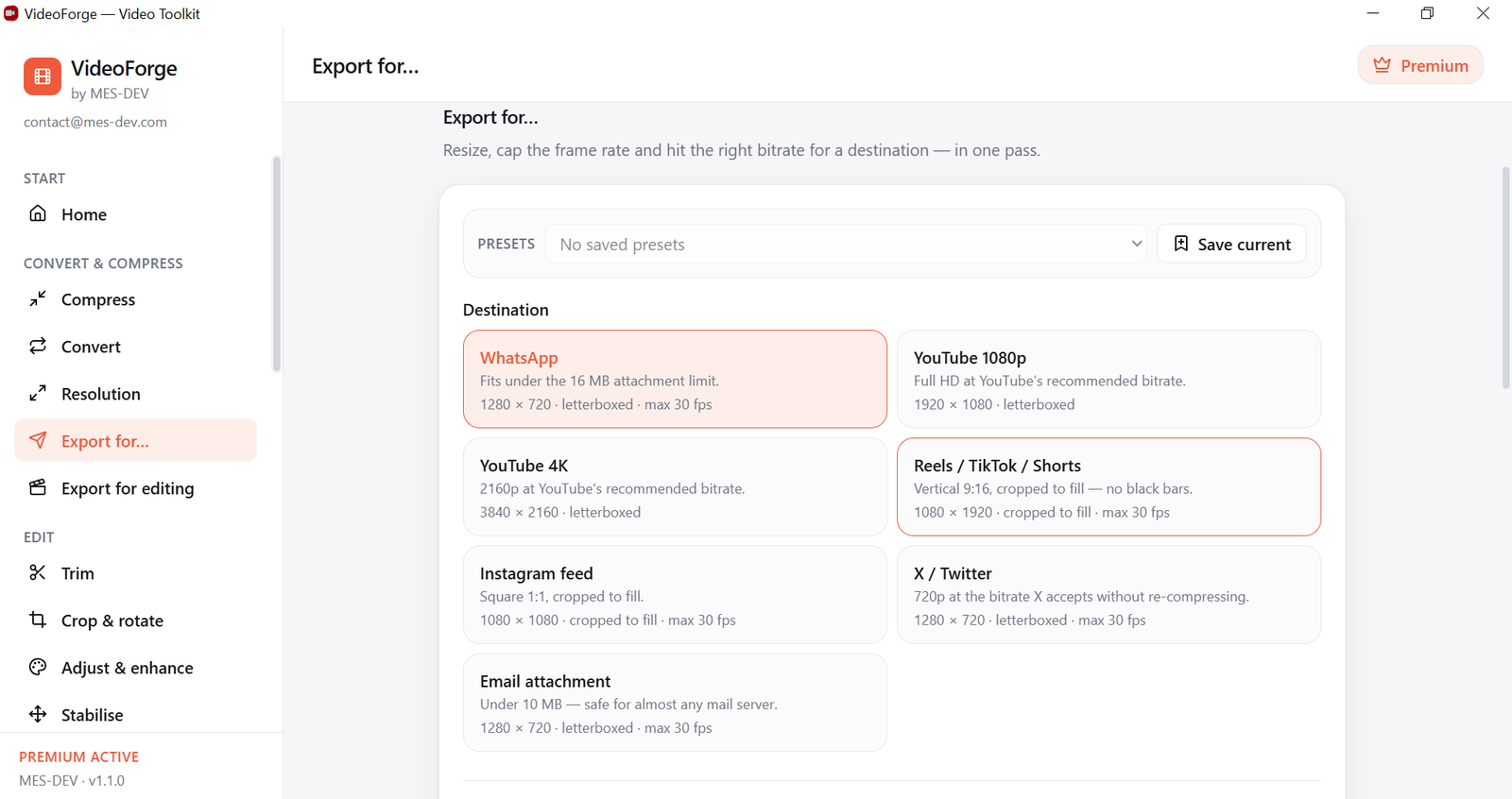
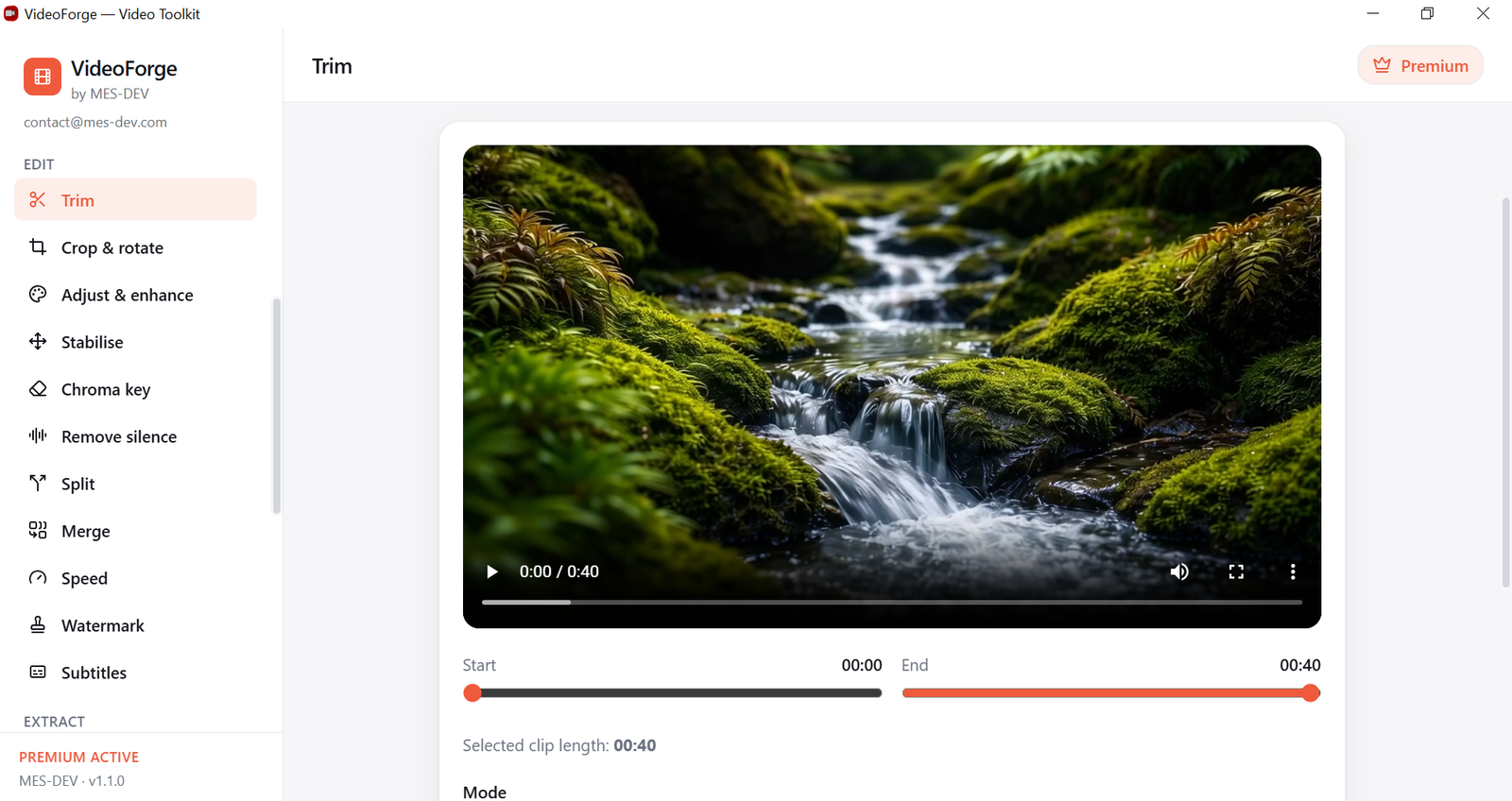
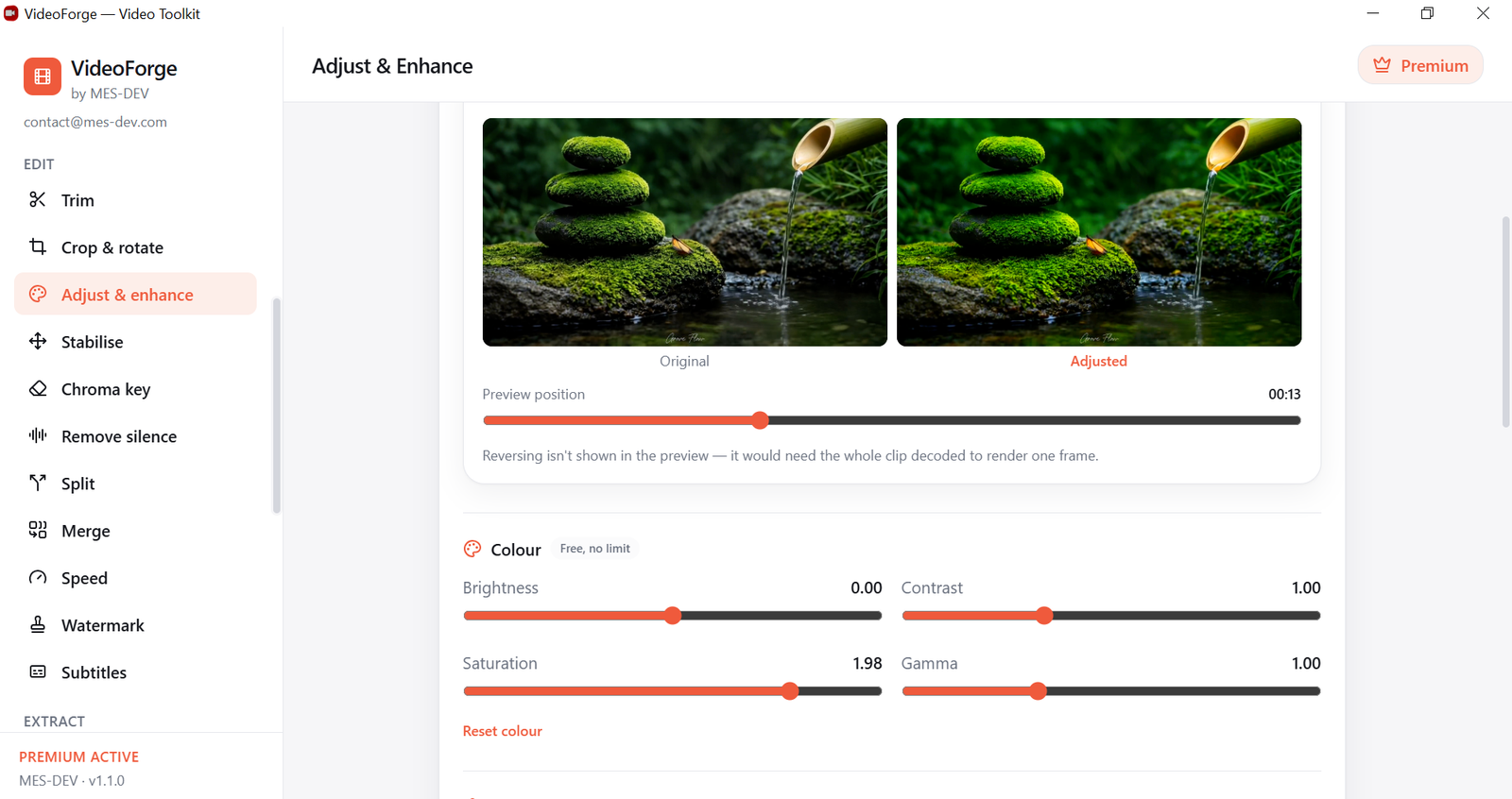
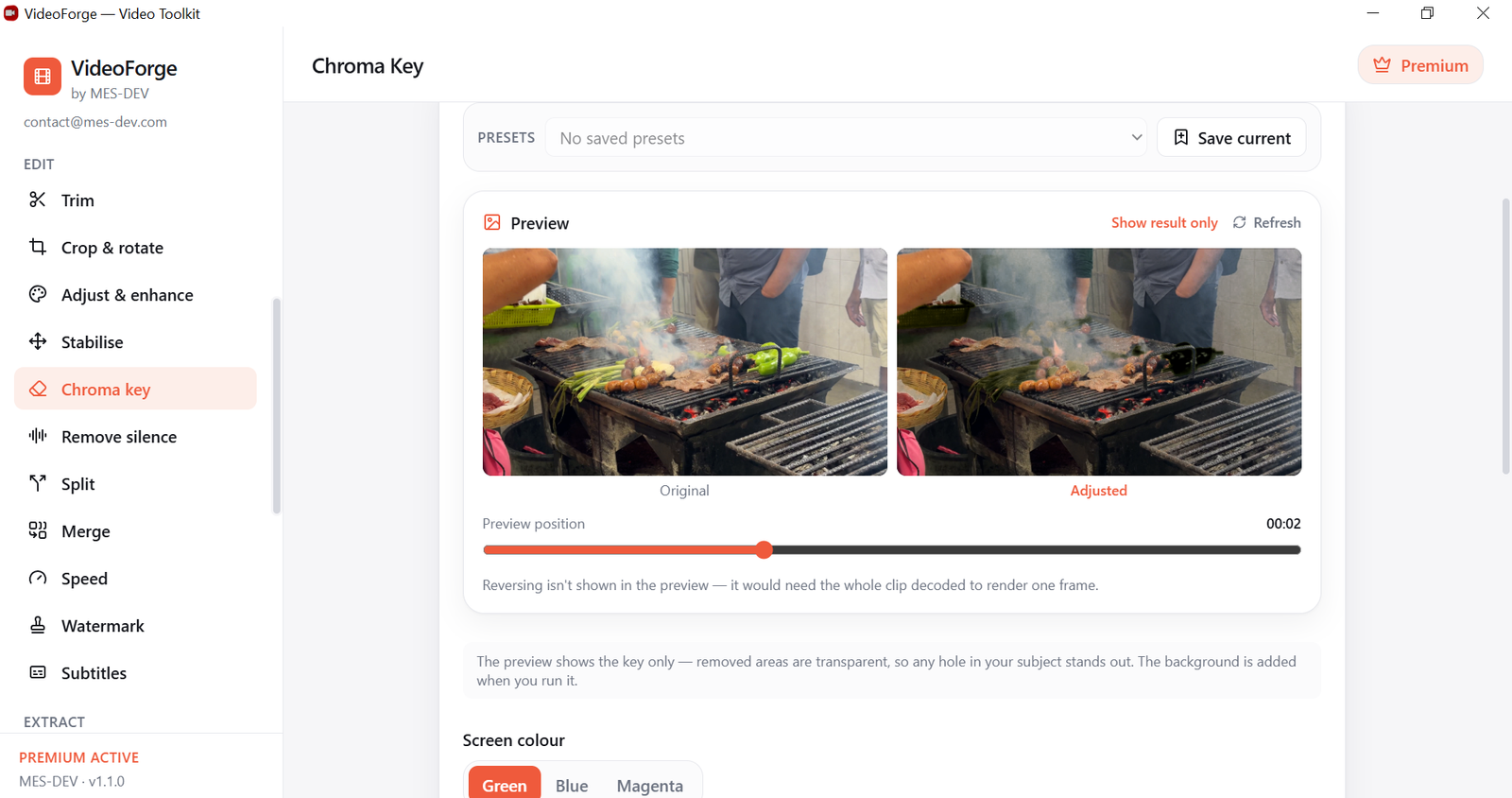
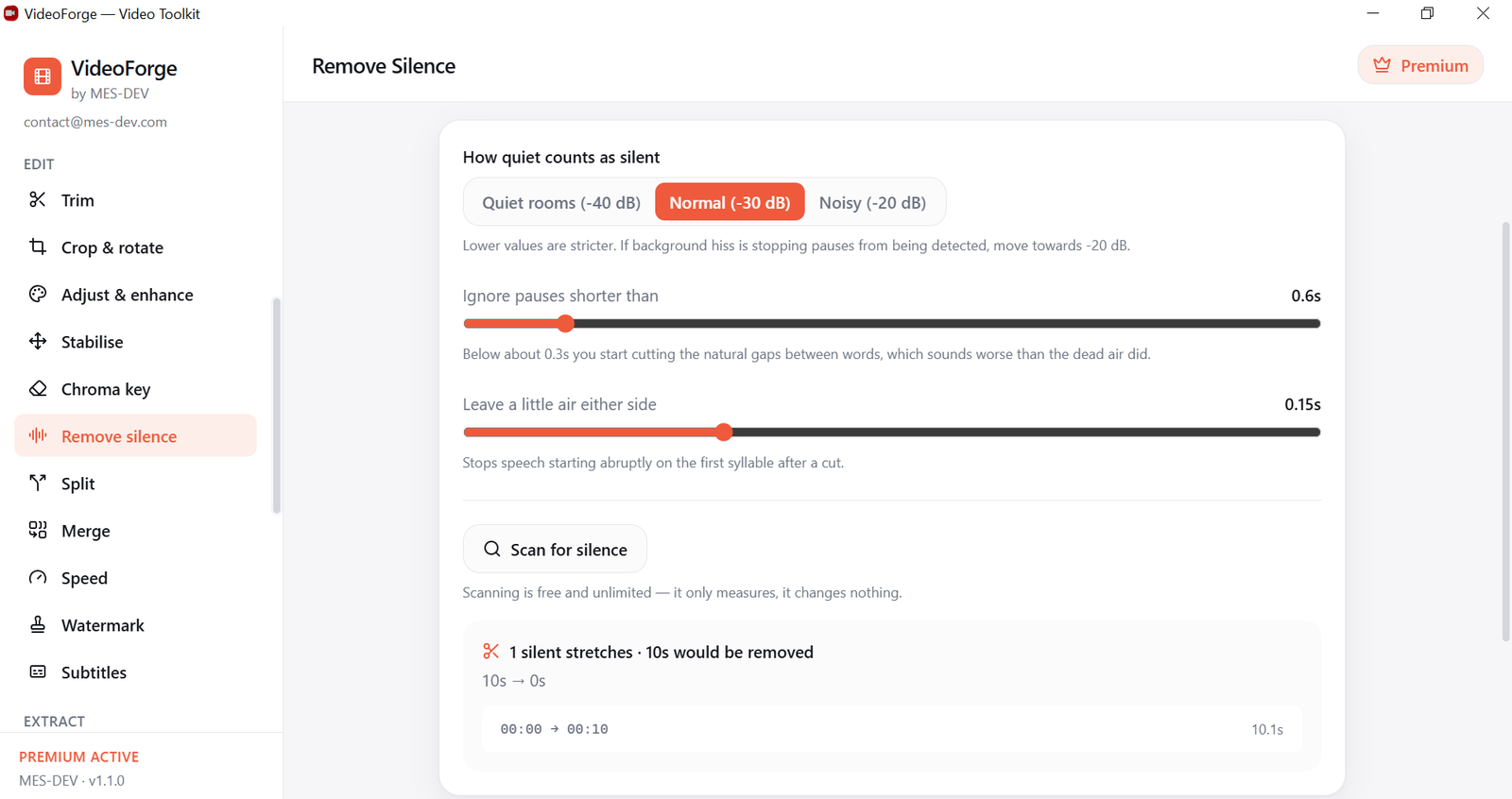
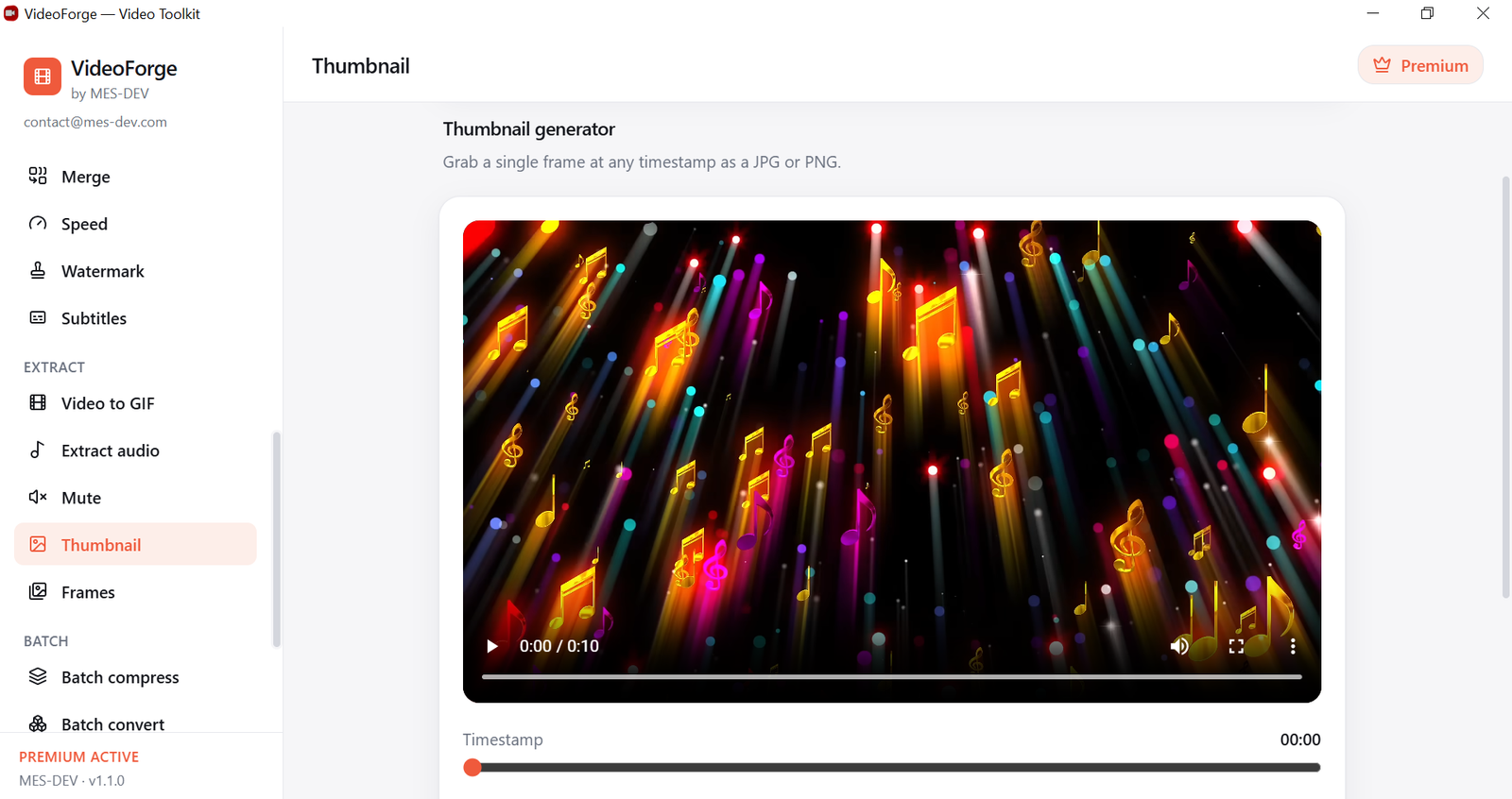
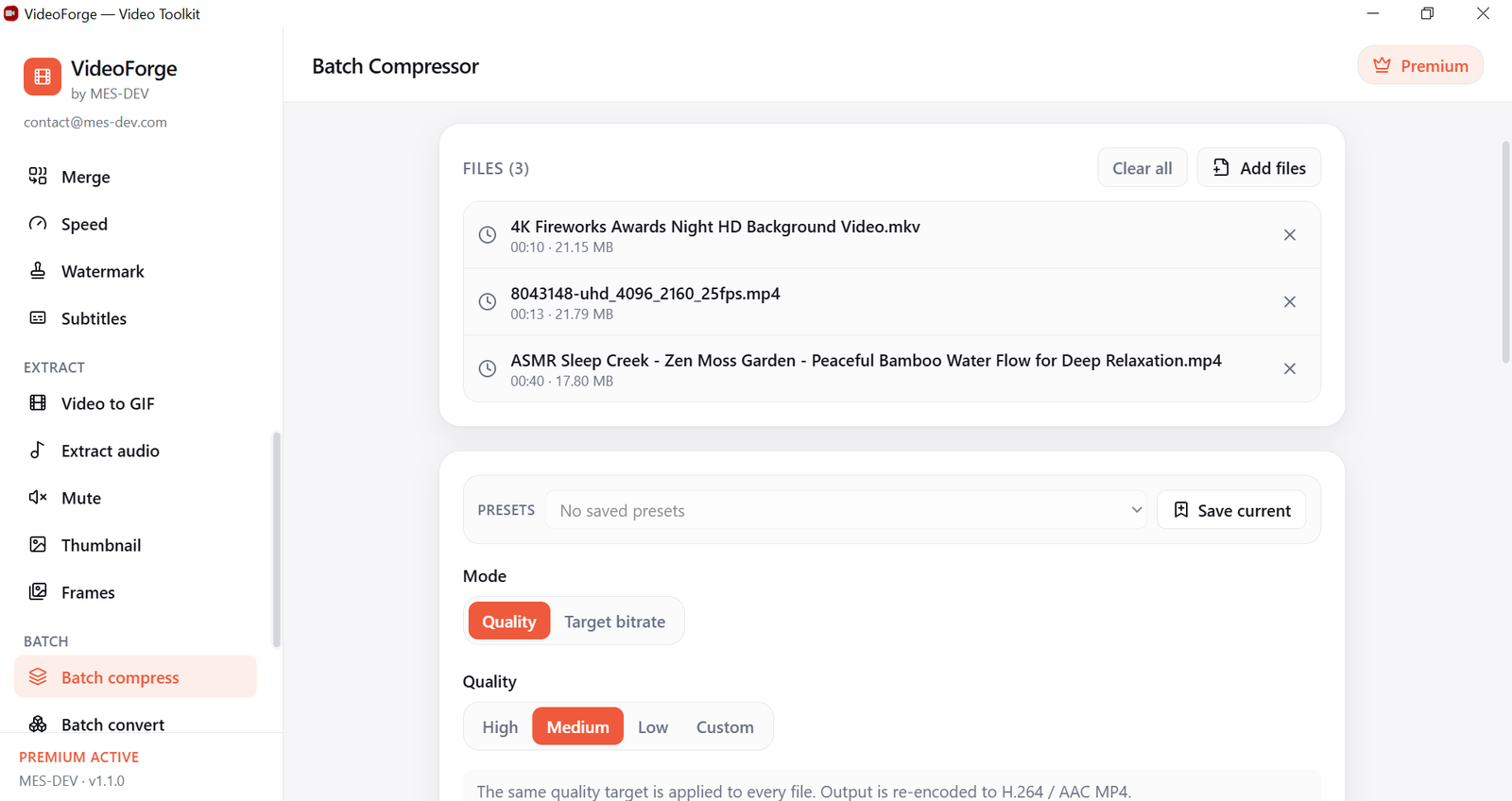
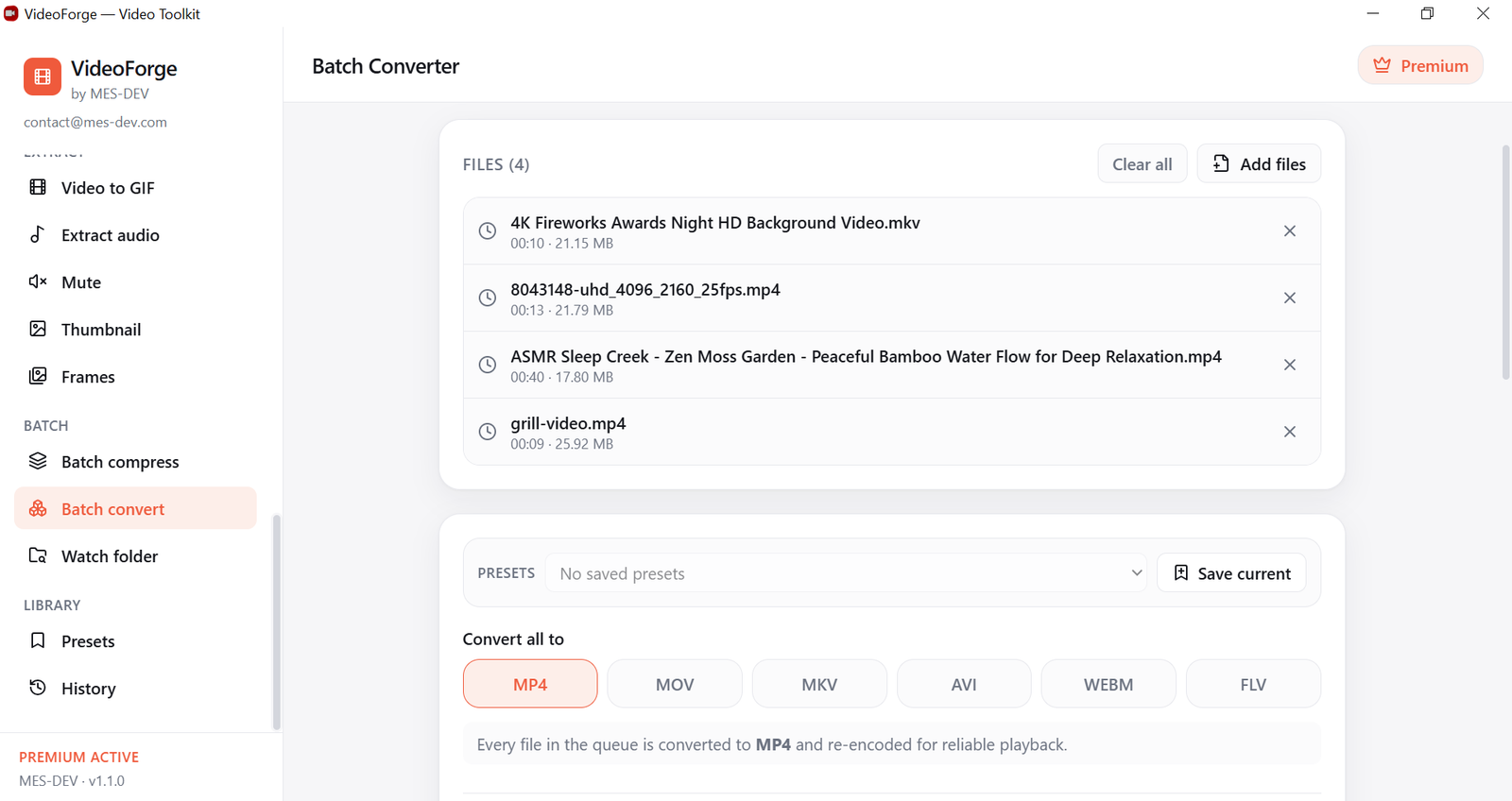
VideoForge is a fast video toolkit for Windows — 24 tools in one clean desktop app. The conversion engine downloads once on first run; after that everything runs on your own machine. No terminal, no cloud upload, no subscription. Your video files never leave your machine. Built for YouTubers, content creators, social media managers, educators and remote workers who need to process video quickly without wrestling with HandBrake's complexity, paying for a full editor, or uploading large files to online tools that throttle, watermark or queue you. EVERY TOOL IS OPEN FROM THE FIRST LAUNCH There is no locked section in VideoForge. Every one of the 24 tools works the moment you install it. Premium removes the free tier's length and volume limits — it does not unlock hidden buttons. CONVERT & COMPRESS Compress with a quality slider and a live size estimate, or hit an exact file size. Convert between MP4, MOV, MKV, AVI, WebM and FLV. Rescale to any resolution with control over fit and scaling quality. Export in one click for WhatsApp, YouTube 1080p and 4K, Reels, TikTok, Instagram, X or email — each preset already knows the right size, frame rate and bitrate. Export to ProRes or DNxHR when you need to hand footage to Premiere, Final Cut, Resolve or Avid. EDIT Trim losslessly in an instant, or frame-accurately with a re-encode. Crop to any ratio, straighten a sideways phone clip, or mirror it. Adjust colour, apply .cube LUTs, upscale, sharpen, reverse and level audio loudness — all in one pass, with a live before-and-after preview on a real frame from your video. Stabilise shaky handheld footage. Key out a green or blue screen and drop in a colour or an image. Find the dead air in a recording and cut it out. Split one clip into several, join several into one, change speed without distorting pitch, overlay a text or logo watermark, and burn subtitles permanently into the picture. EXTRACT Turn any part of a clip into an optimised animated GIF. Pull the soundtrack out as MP3, WAV, AAC or FLAC. Strip the audio. Grab a single frame as JPG or PNG, or export a whole sequence of stills. BATCH & UNATTENDED Run one setting across a queue of files. Or point the watch folder at a directory and walk away — anything dropped in is processed automatically, overnight if you like. FASTER, SMALLER FILES Encode on your graphics card with NVIDIA NVENC, Intel Quick Sync or AMD AMF and the same job finishes several times faster. Output H.265 or AV1 for roughly half the file size at the same quality, and 10-bit colour so skies, sunsets and slow fades stop banding. WHAT'S FREE, AND WHAT PREMIUM CHANGES Compress, trim, convert, crop, rotate, extract audio, mute, thumbnails, colour adjustment, presets and history are unlimited, forever. Everything else is free up to a minute of output, two files per batch, or twenty frames — enough to run any tool on your own footage and see exactly what it produces. A one-time Premium licence removes every one of those ceilings. VideoForge downloads its FFmpeg video engine (about 168 MB) once on first launch, then works entirely offline. Free to download and use forever. Premium is a one-time purchase valid on two machines, with no recurring fee.
Screenshots
1 / 20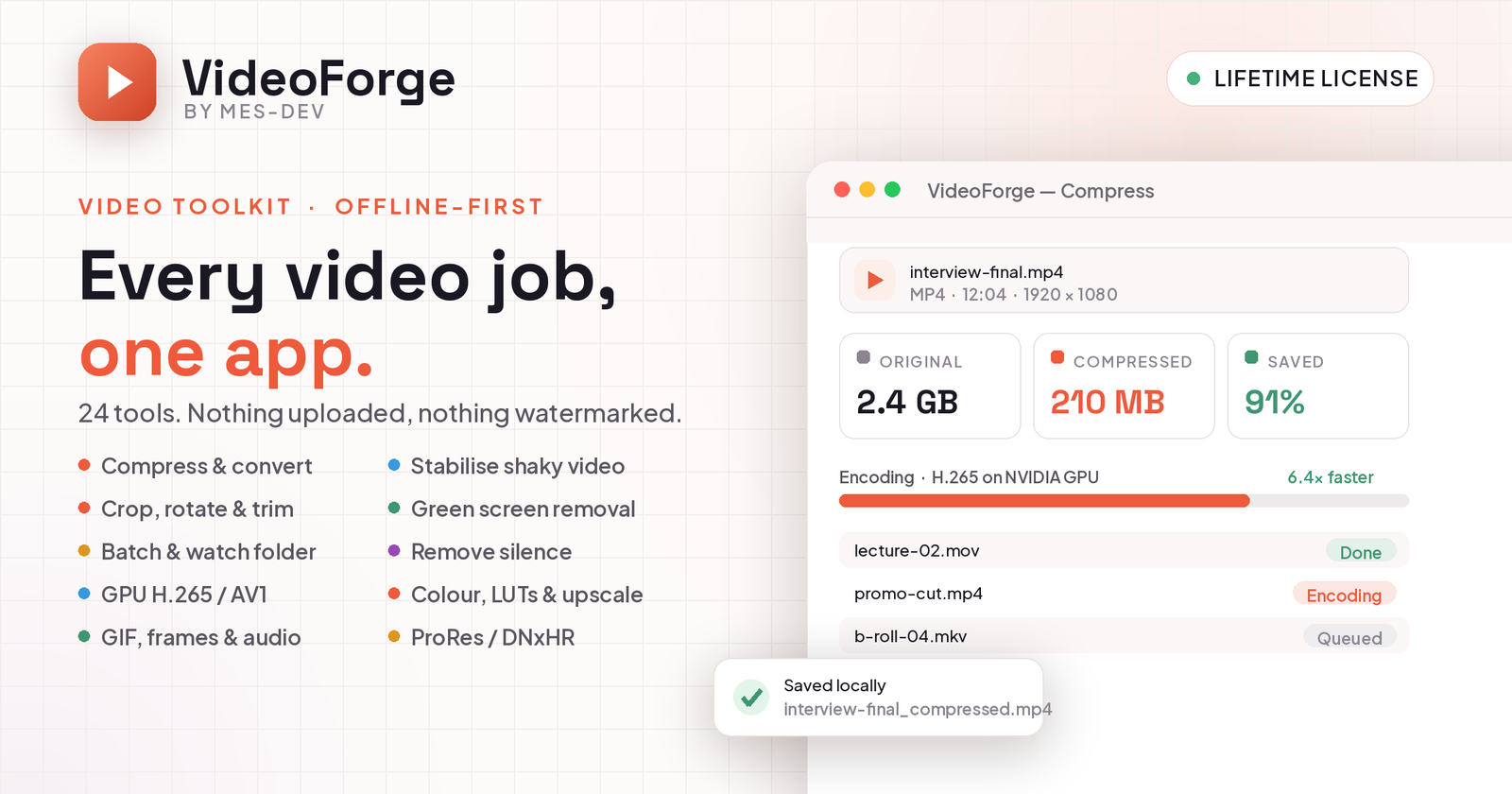






Changelog
Frequently asked questions
Is VideoForge free?
Yes. VideoForge is free to download and use. It also has an optional Premium upgrade for $14.99 (one-time payment). Premium is never required to use the free version.
Does VideoForge work offline?
Yes, after setup. VideoForge needs an internet connection once, on first use, to download the components it needs. After that it runs fully offline.
Which computers can run VideoForge?
VideoForge is a desktop app for Windows. It installs on your computer like any other program; it is not a website or a phone app.
How big is the VideoForge download?
The installer is about 2.1 MB.
What is the latest version of VideoForge?
The latest version is 1.1.0, released September 2, 2026. The page lists what changed in each release under Changelog.
How do I get help with VideoForge?
Use the Support Center on this website: you can chat, open a ticket or send an email, and the developer answers directly.
User reviews
2 reviewsWrite a review
Download VideoForge and we'll email you a link to leave a review — no account needed.
Liliane
1 month ago
I bought the app. It helps me a lot . Thanks also for the great support too. Appreciate it
Tarek
2 months ago
Nice app
Very interesting. It helps me a lot. Thank you
How to do it with VideoForge
Short, free guides — every one of these runs entirely on your PC.
Related apps

Productivity
CodeCraft
CodeCraft is a free desktop application that lets you generate QR codes and barcodes in seconds. Supports 7 QR types and 7 barcode formats with live preview and one-click export.

Productivity
InvoiceCraft
Free offline invoicing for Windows. Live preview, PDF export, 4 templates including Arabic RTL, tax & discounts, clients and reports. No account, no subscription.

Productivity
ConvertCraft
ConvertCraft is a free Windows converter: 14 unit categories, 162 currencies with live rates, world weather and a global hotkey. Works offline. Optional one-time Premium.