About this app
Create, send and track professional invoices — offline, one-time purchase, no subscription
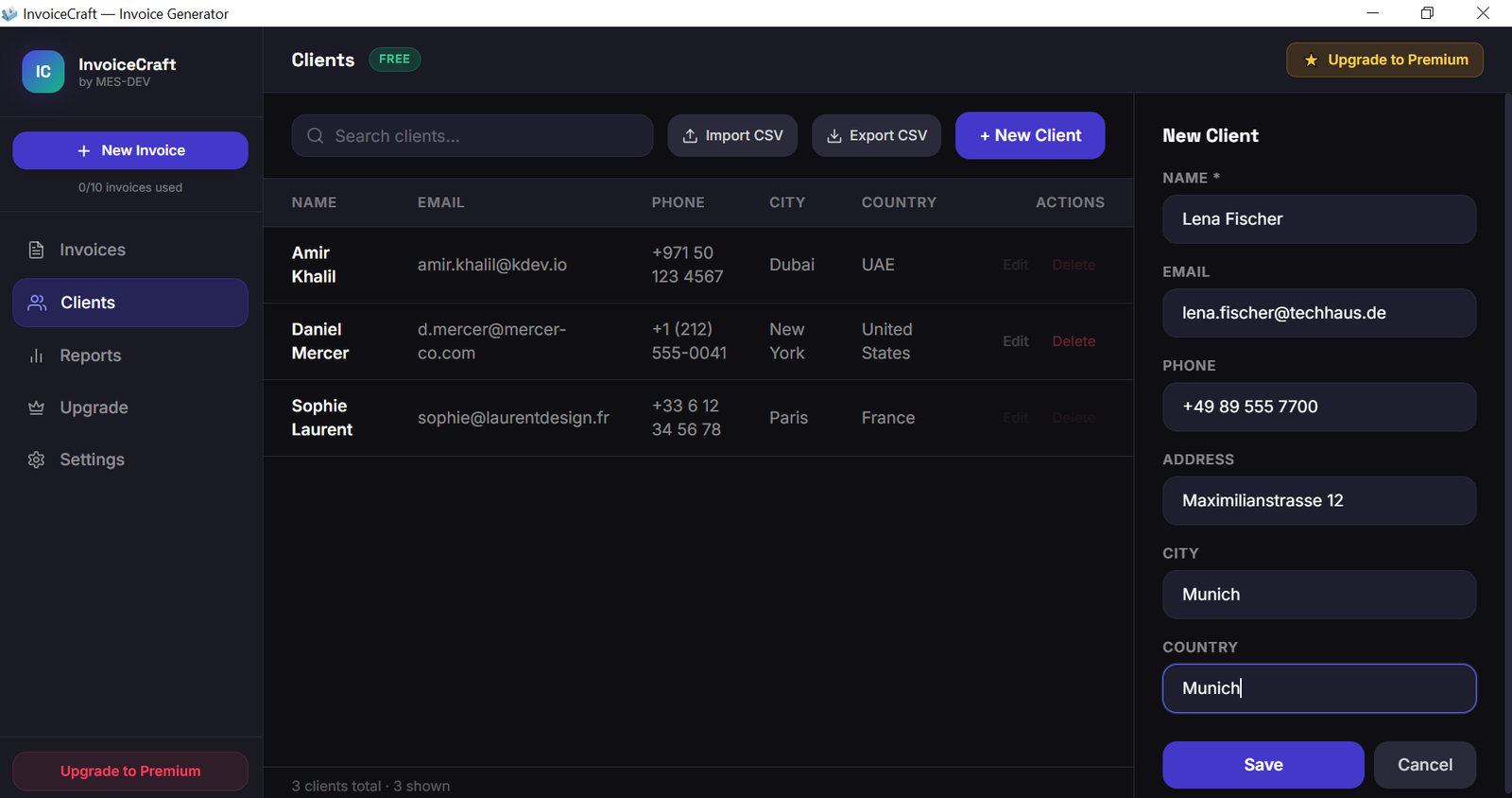
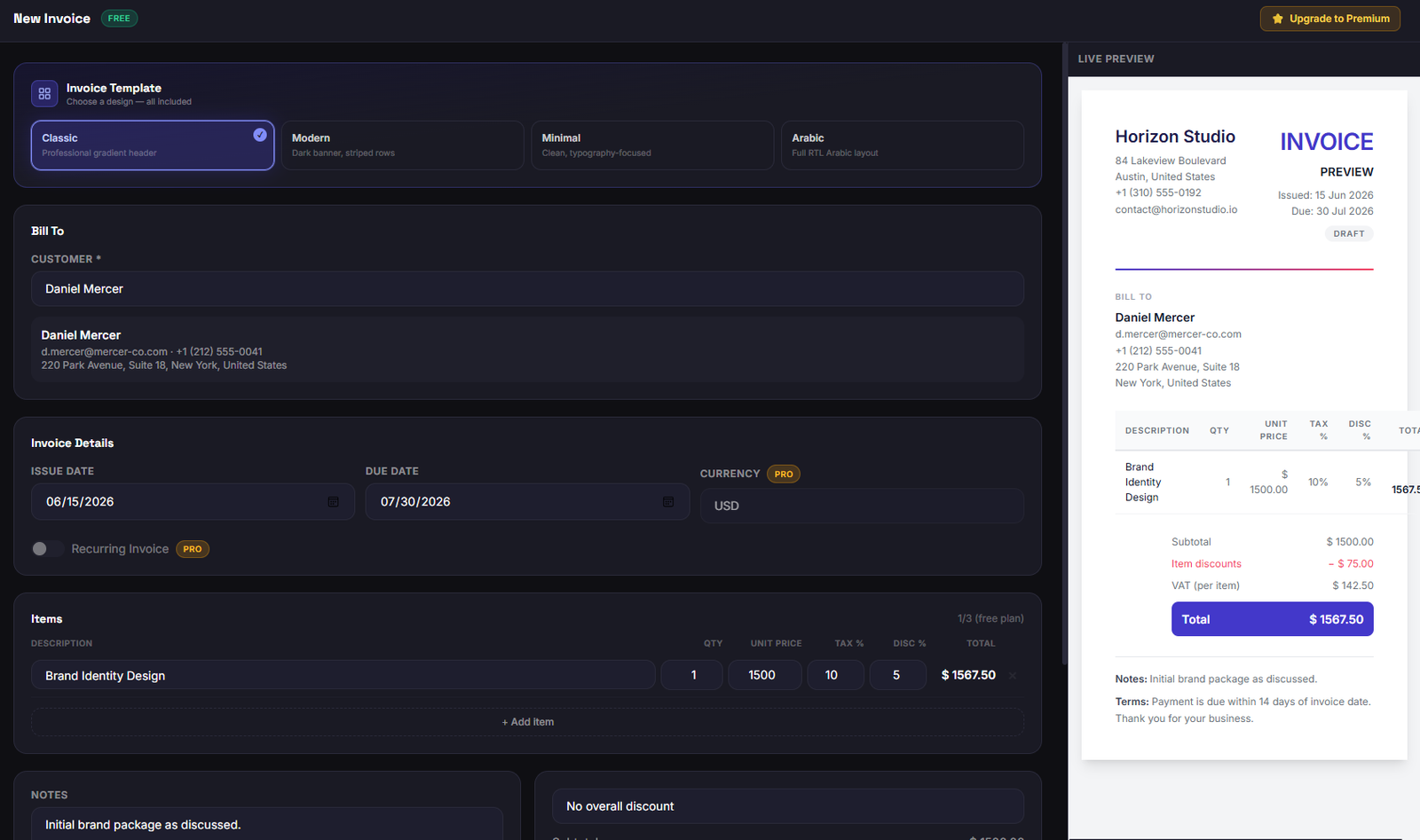
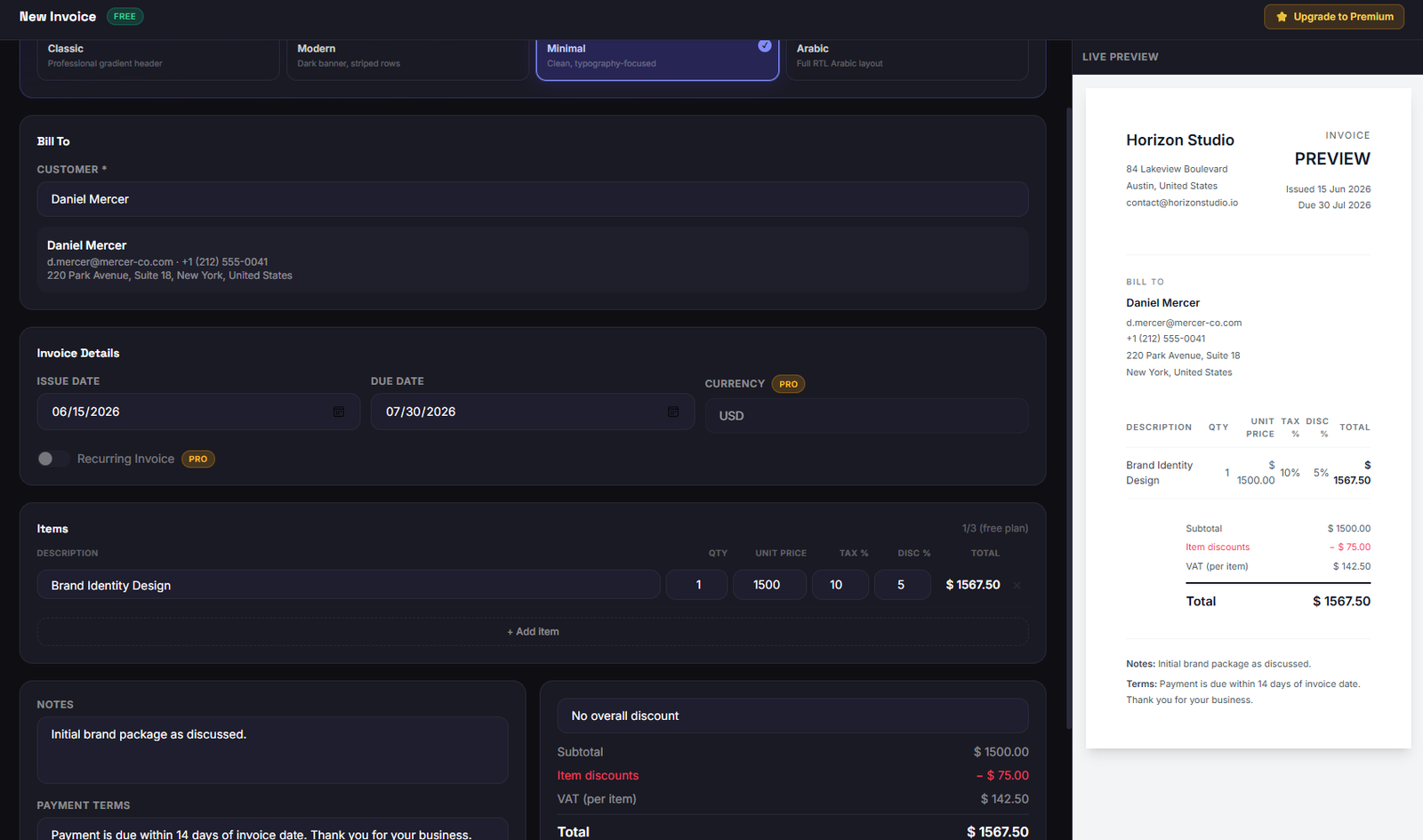
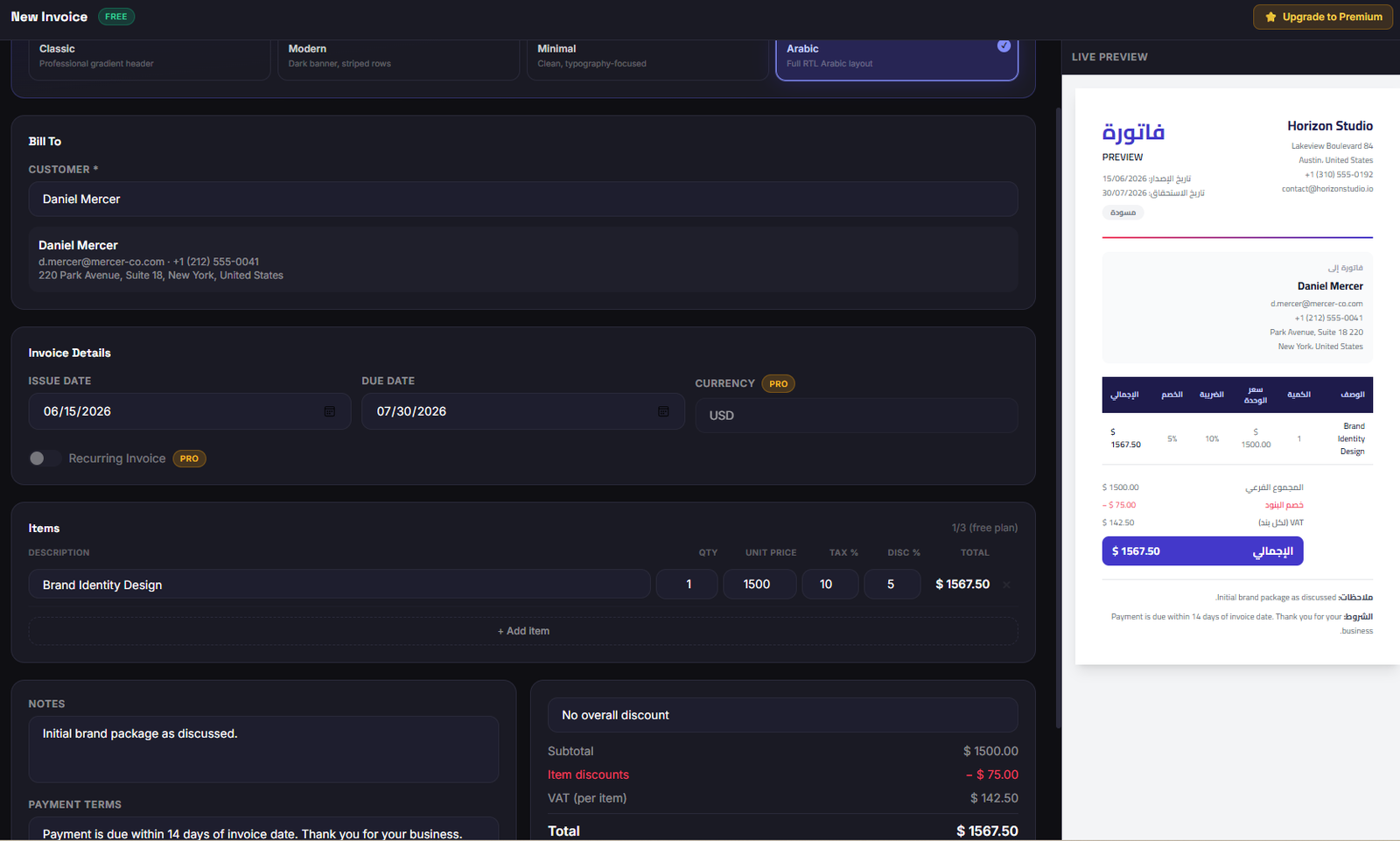
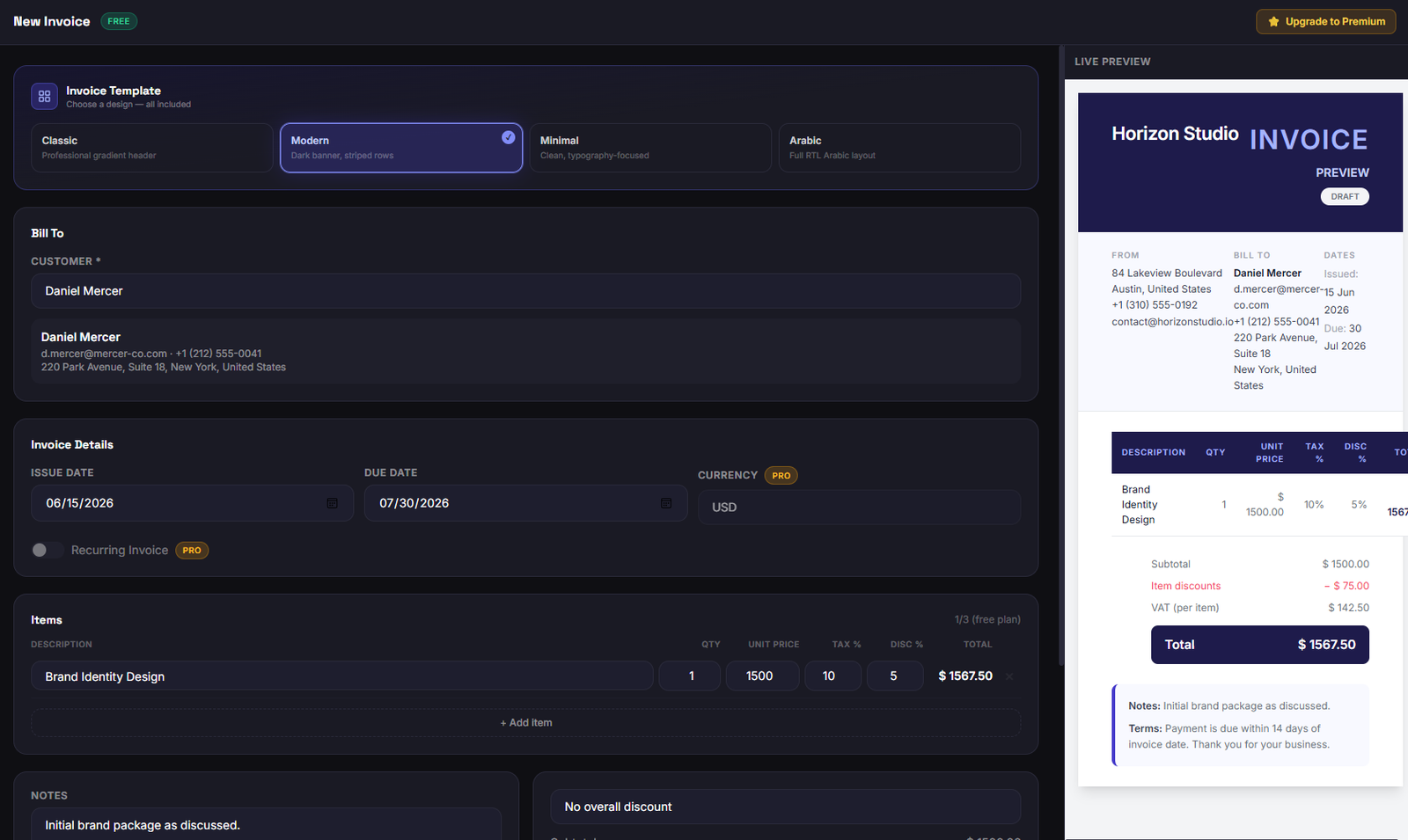
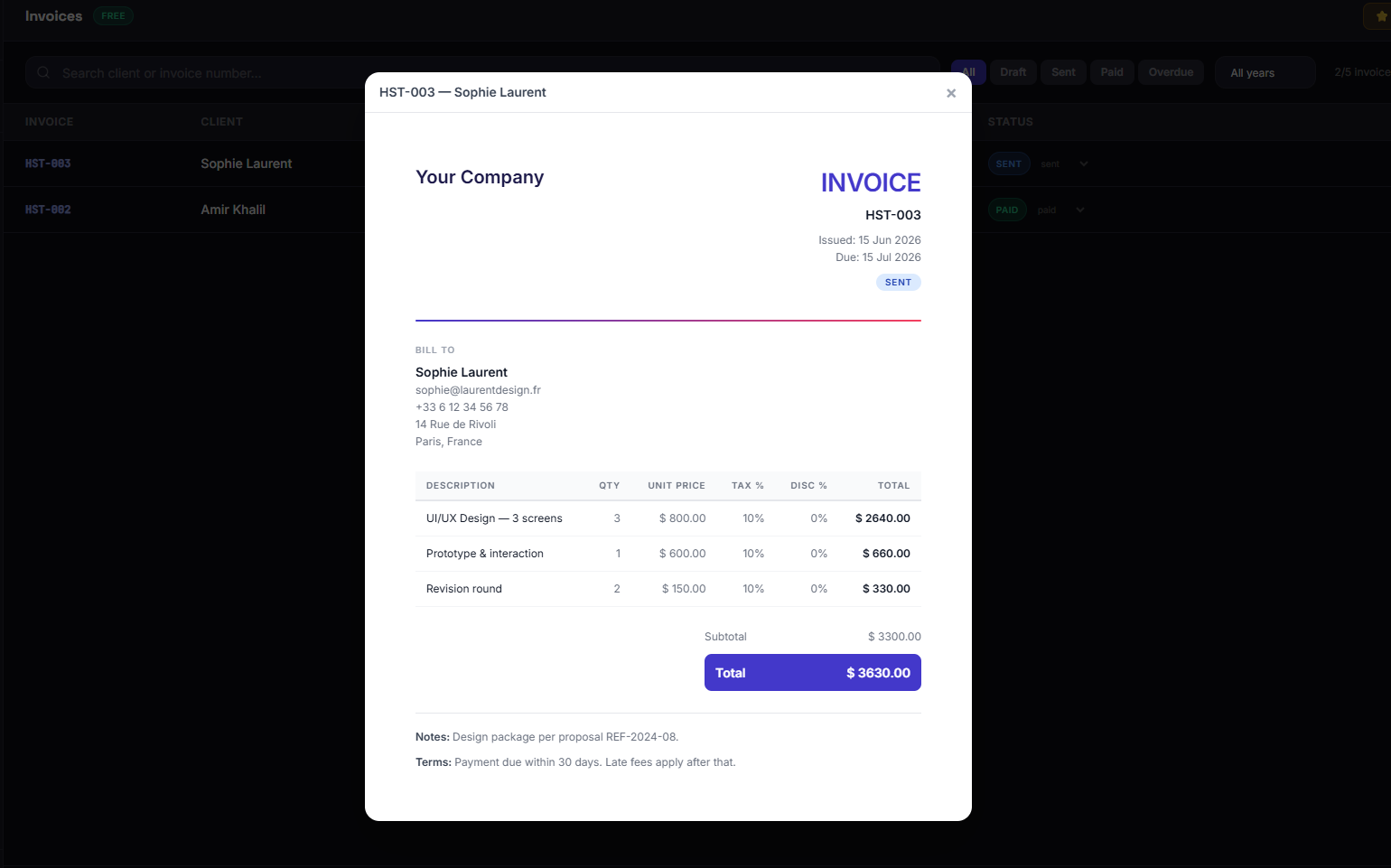
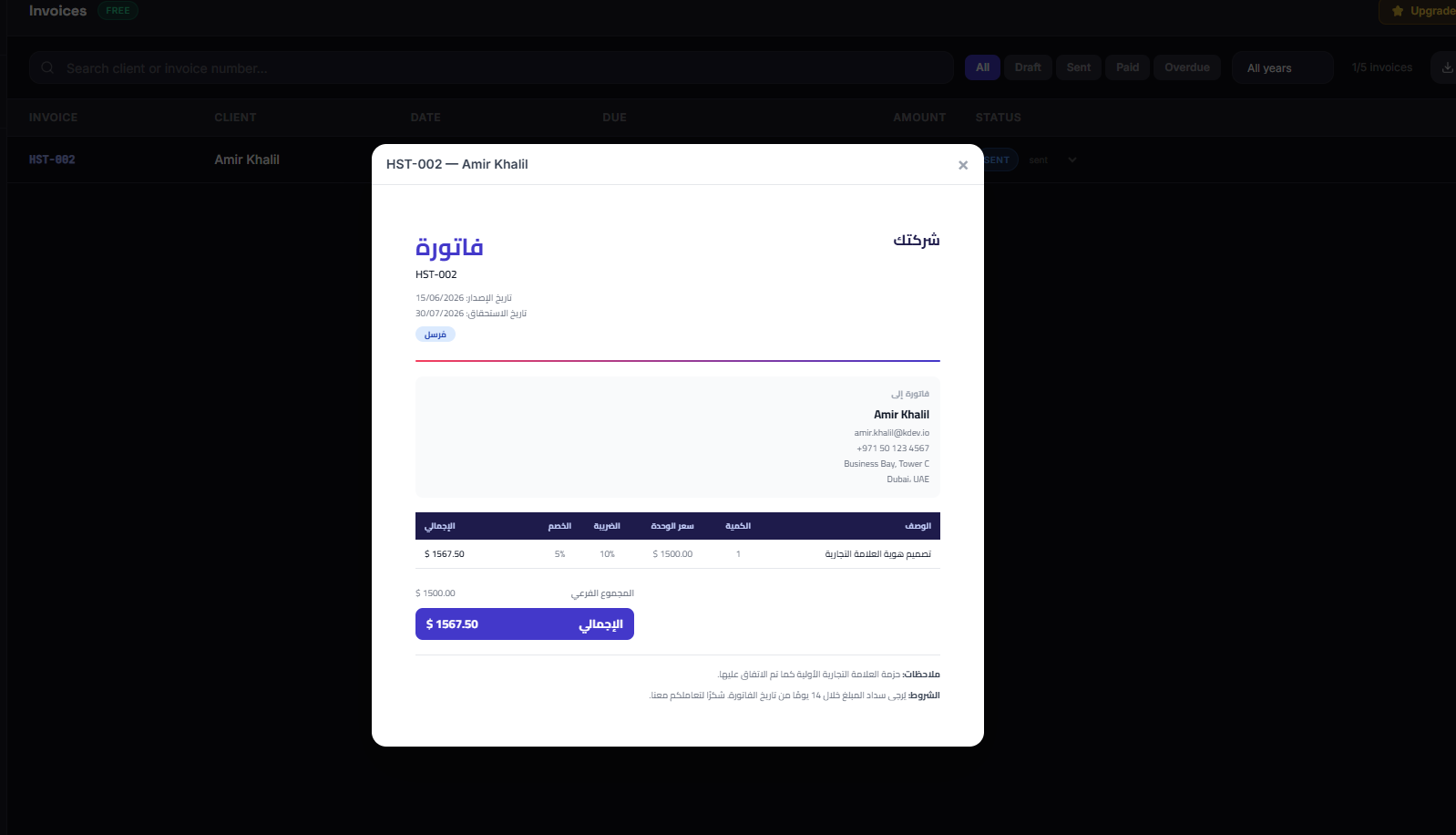
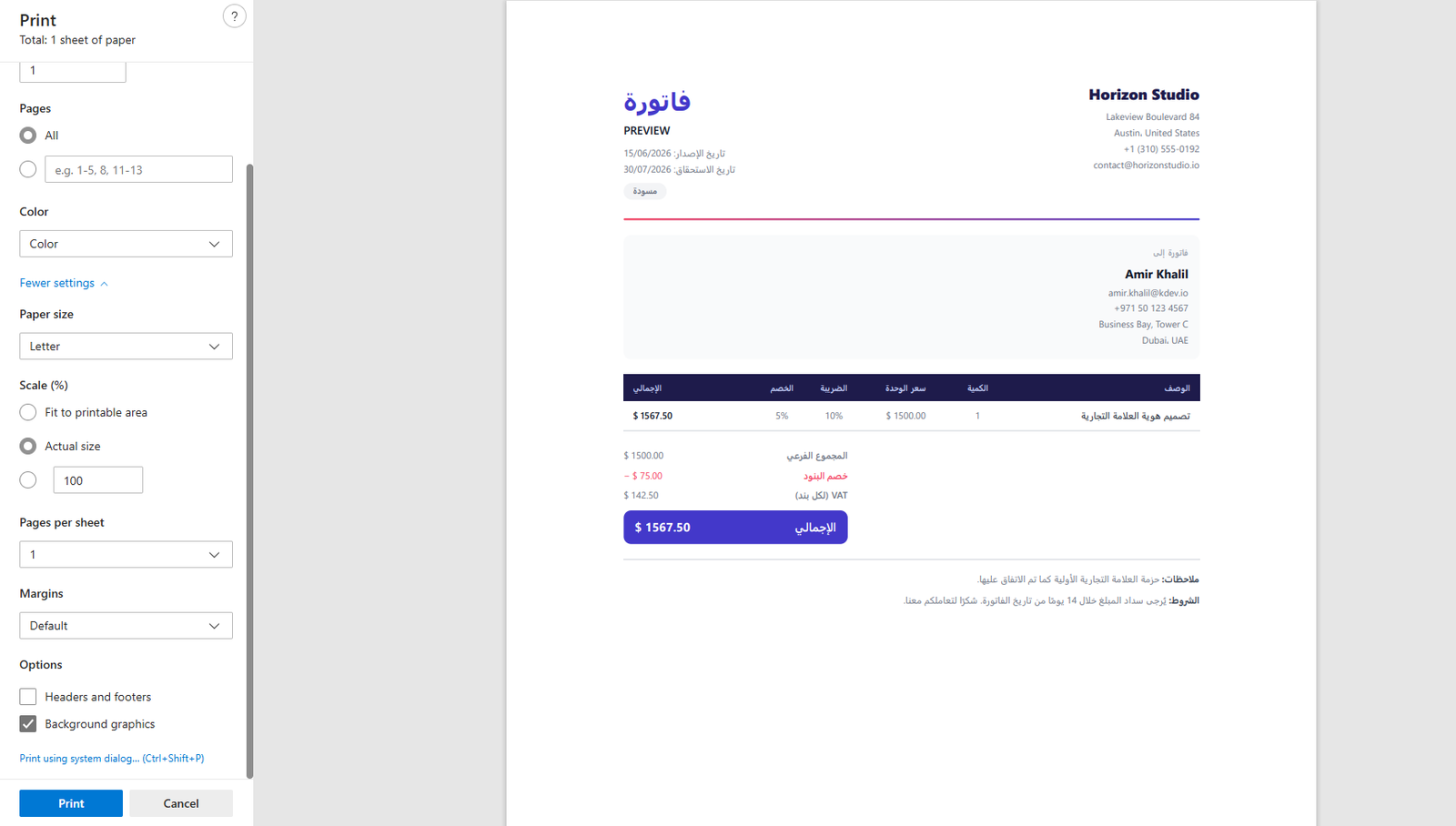
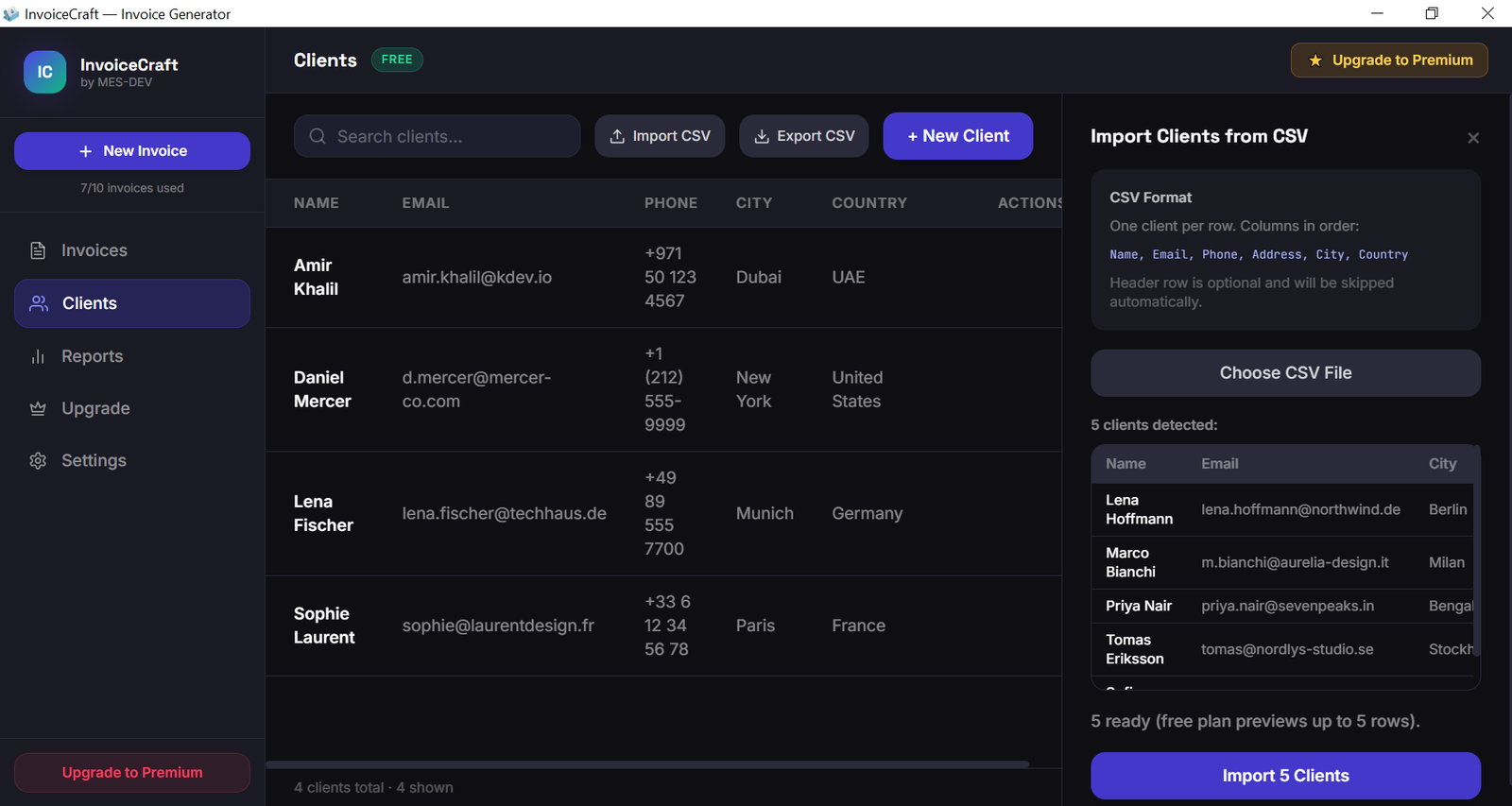
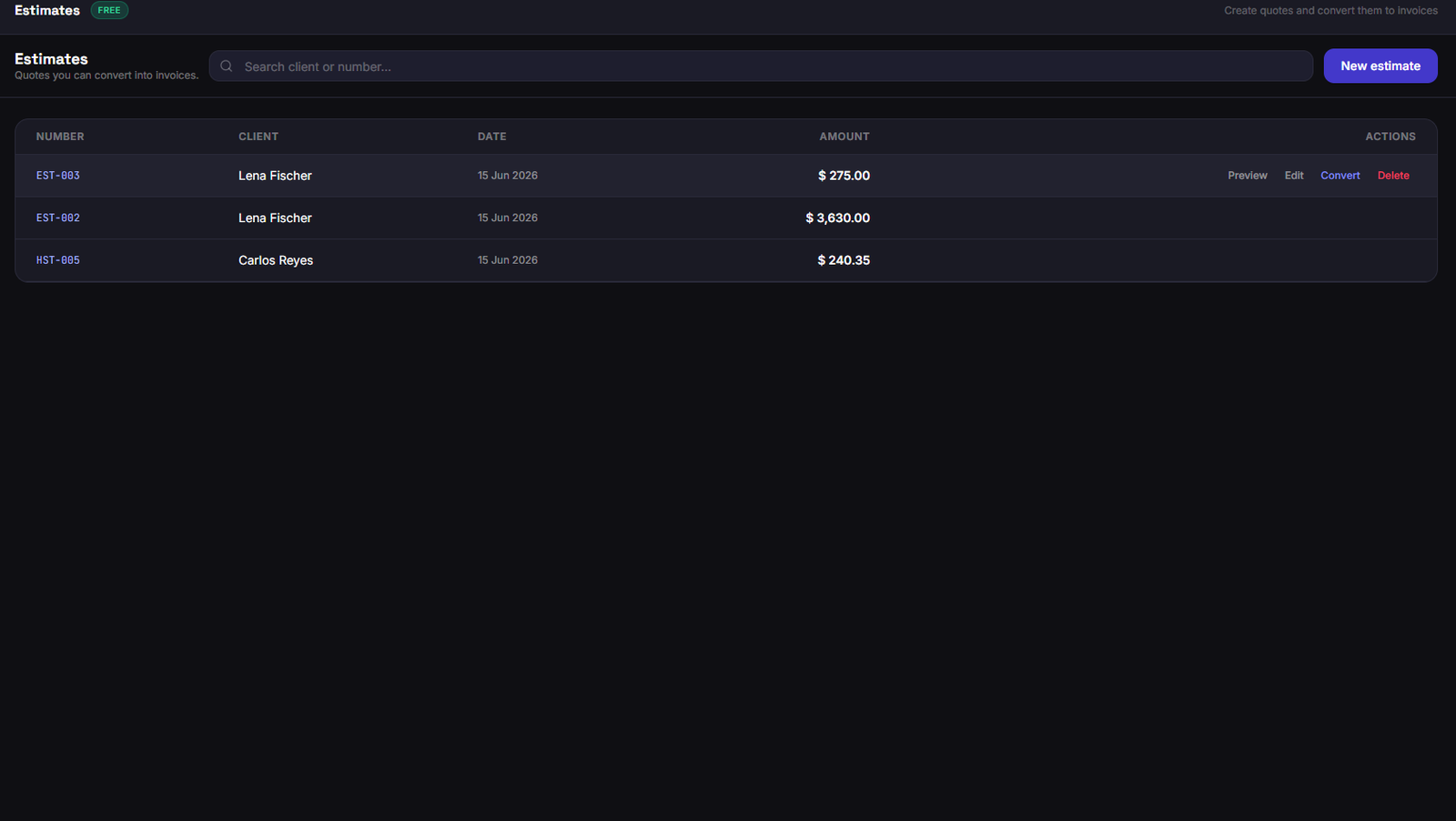
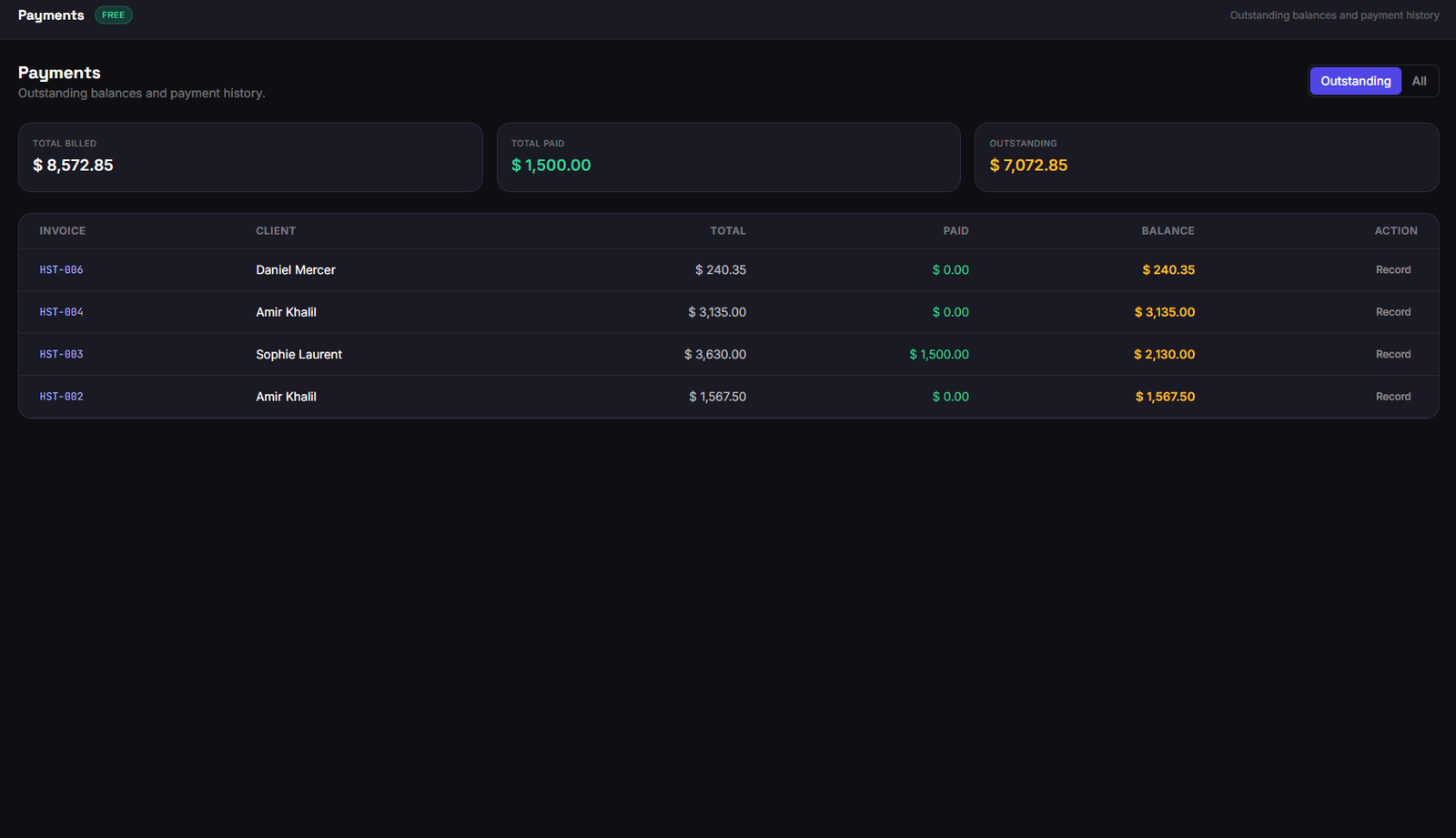
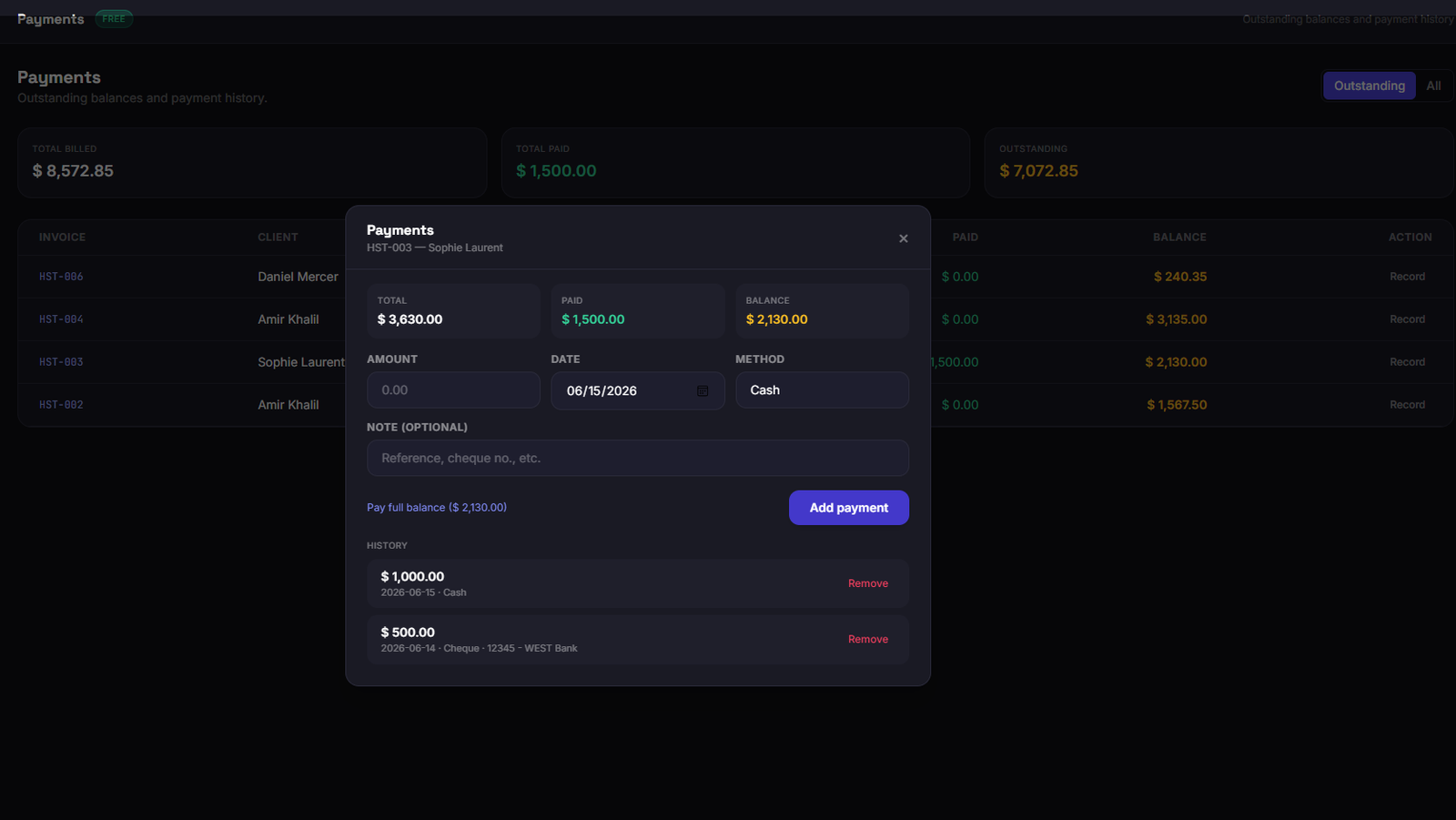
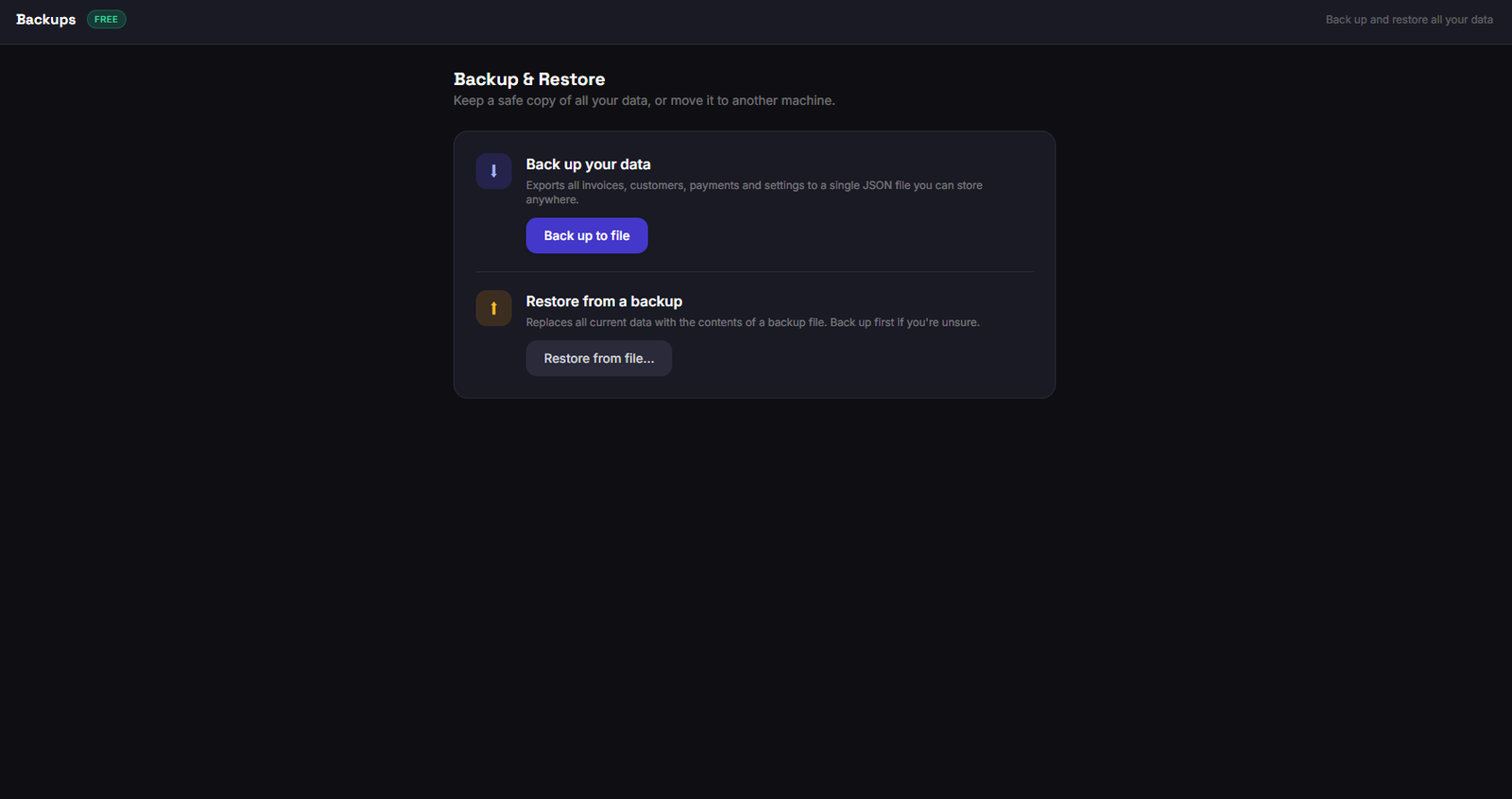
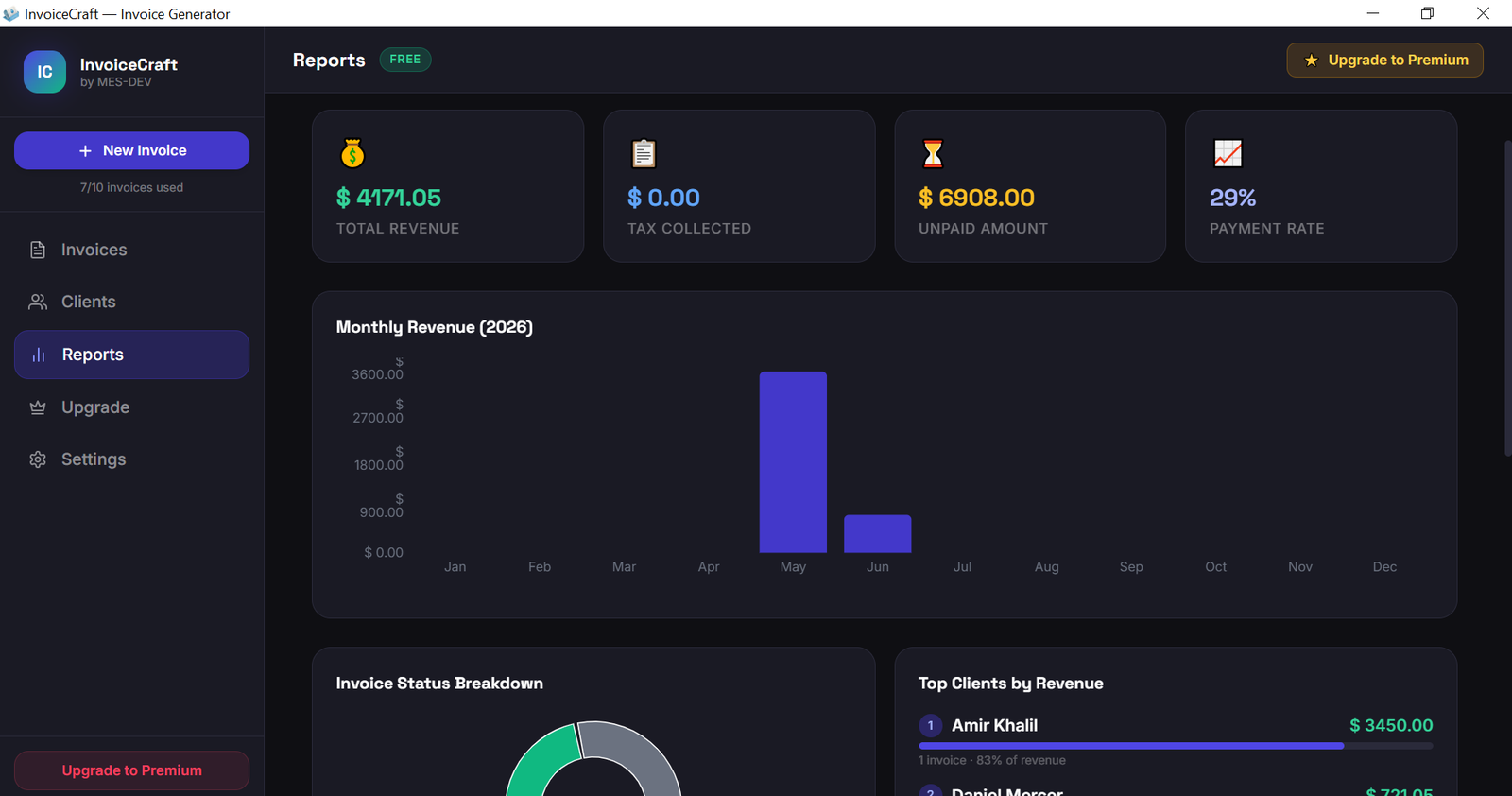
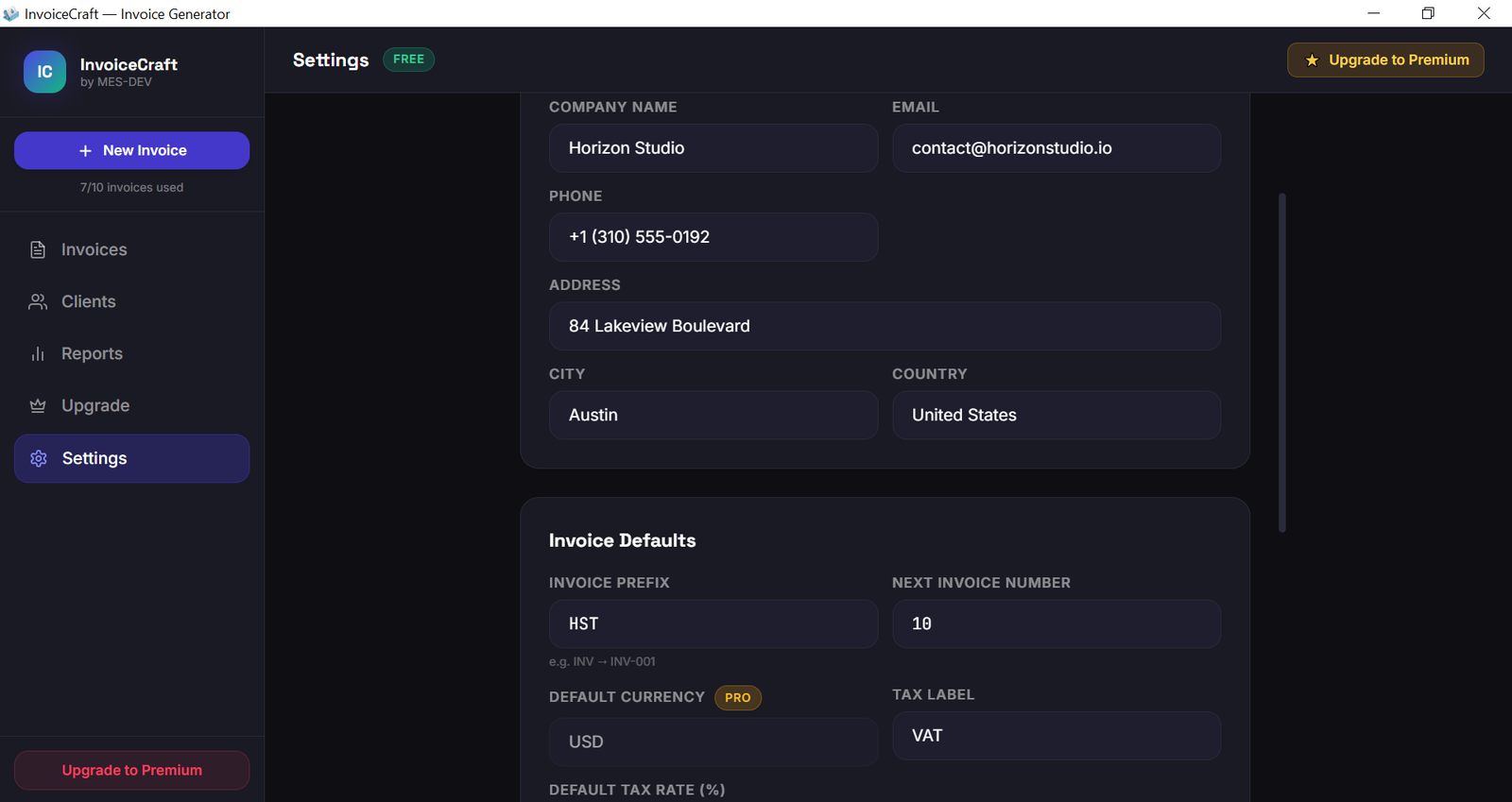
InvoiceCraft is a clean, professional invoicing app for Windows — built for freelancers, consultants, small businesses, and anyone who needs to bill clients quickly and look professional doing it. It runs fully offline. No internet connection required, no account, no monthly subscription. Your data stays on your own machine. Just install and start invoicing. WHAT YOU GET FOR FREE - Create and manage invoices with a real-time live preview - All 4 professional templates: Classic, Modern, Minimal, and a full right-to-left Arabic layout — no template is locked - No watermark on any exported PDF — ever - Automatic tax and discount calculation — per-item and overall, with VAT applied correctly after discounts - Add your company logo and details to every invoice - Export polished PDFs and print directly with full colour output - Save and reuse your customers, with quick search - Import and export customers via CSV - Reports: revenue, invoice status, and top clients at a glance FREE PLAN LIMITS The free plan gives you every feature at full quality, capped only by quantity: - Up to 5 invoices - Up to 5 saved customers - Up to 3 line items per invoice - US Dollar (USD) currency Existing invoices and customers always stay fully editable, viewable, and exportable. PREMIUM — ONE-TIME PURCHASE Upgrade once to lift the limits and unlock the tools serious billing needs: - Unlimited invoices, customers, and line items - All currencies — bill in any currency, add your own custom currency, and control formatting (symbol position, decimals, separators) - Payment tracking — record full or partial payments, see what's paid and the balance due, with a payments overview across all invoices - Estimates — send quotes to clients, then convert an accepted estimate into an invoice in one click (estimates use their own numbering) - Recurring invoices — schedule weekly, monthly, or quarterly billing - Backup & restore — save all your data to a single file and restore it on this or another machine No subscription. One payment, yours for good, on your machine. WHY INVOICECRAFT - Offline-first: your business and client data never leaves your computer - One-time purchase instead of a monthly subscription - Every template unlocked and no watermark, even on the free plan - Lightweight, fast, and simple to use Requirements: Windows 10 or 11 (64-bit).
Screenshots
1 / 16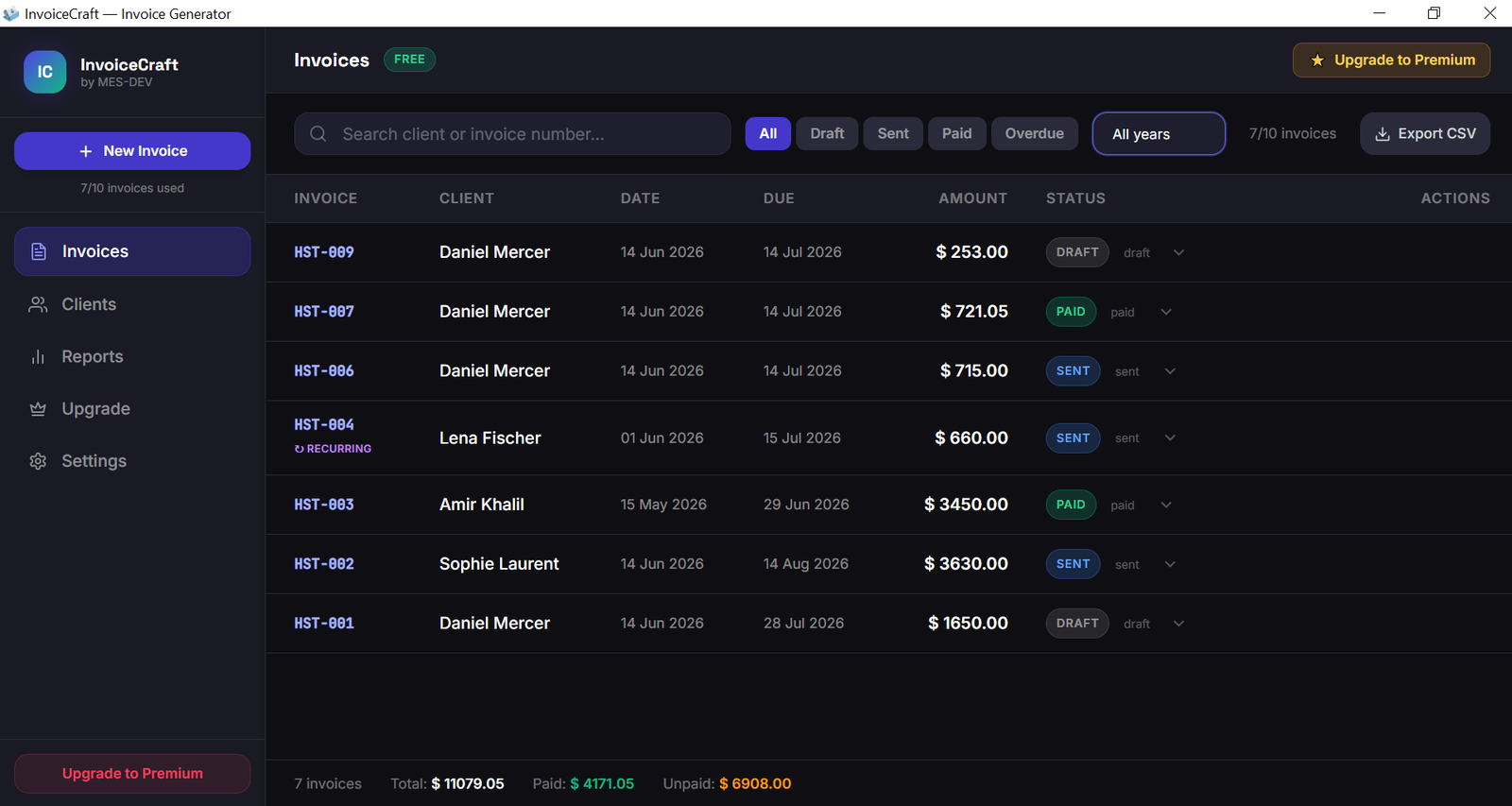
Changelog
Frequently asked questions
Is InvoiceCraft free?
Yes. InvoiceCraft is free to download and use. It also has an optional Premium upgrade for $9.99 (one-time payment). Premium is never required to use the free version.
Does InvoiceCraft work offline?
Yes. InvoiceCraft does its work on your own computer, so no internet connection is needed to use it.
Which computers can run InvoiceCraft?
InvoiceCraft is a desktop app for Windows. It installs on your computer like any other program; it is not a website or a phone app.
How big is the InvoiceCraft download?
The installer is about 2.8 MB.
What is the latest version of InvoiceCraft?
The latest version is 1.1.0, released August 15, 2026. The page lists what changed in each release under Changelog.
How do I get help with InvoiceCraft?
Use the Support Center on this website: you can chat, open a ticket or send an email, and the developer answers directly.
User reviews
1 reviewWrite a review
Download InvoiceCraft and we'll email you a link to leave a review — no account needed.
Elie
3 months ago
Nice content
The app is nice and has needfull features but it is better to keep the theme light. That would be much more clear .
Team reply
Thank you Elie for your review. We will try to add a light theme in the next version of the application.
How to do it with InvoiceCraft
Short, free guides — every one of these runs entirely on your PC.
Related apps

Productivity
CodeCraft
CodeCraft is a free desktop application that lets you generate QR codes and barcodes in seconds. Supports 7 QR types and 7 barcode formats with live preview and one-click export.

Productivity
ConvertCraft
ConvertCraft is a free Windows converter: 14 unit categories, 162 currencies with live rates, world weather and a global hotkey. Works offline. Optional one-time Premium.

Productivity
VideoForge
24 video tools in one offline Windows app — compress, convert, crop, stabilise, key out a green screen, remove silence and batch whole folders. GPU-accelerated. One-time purchase, no cloud.