About this app
Generate QR codes & barcodes freely and instantly — no internet required
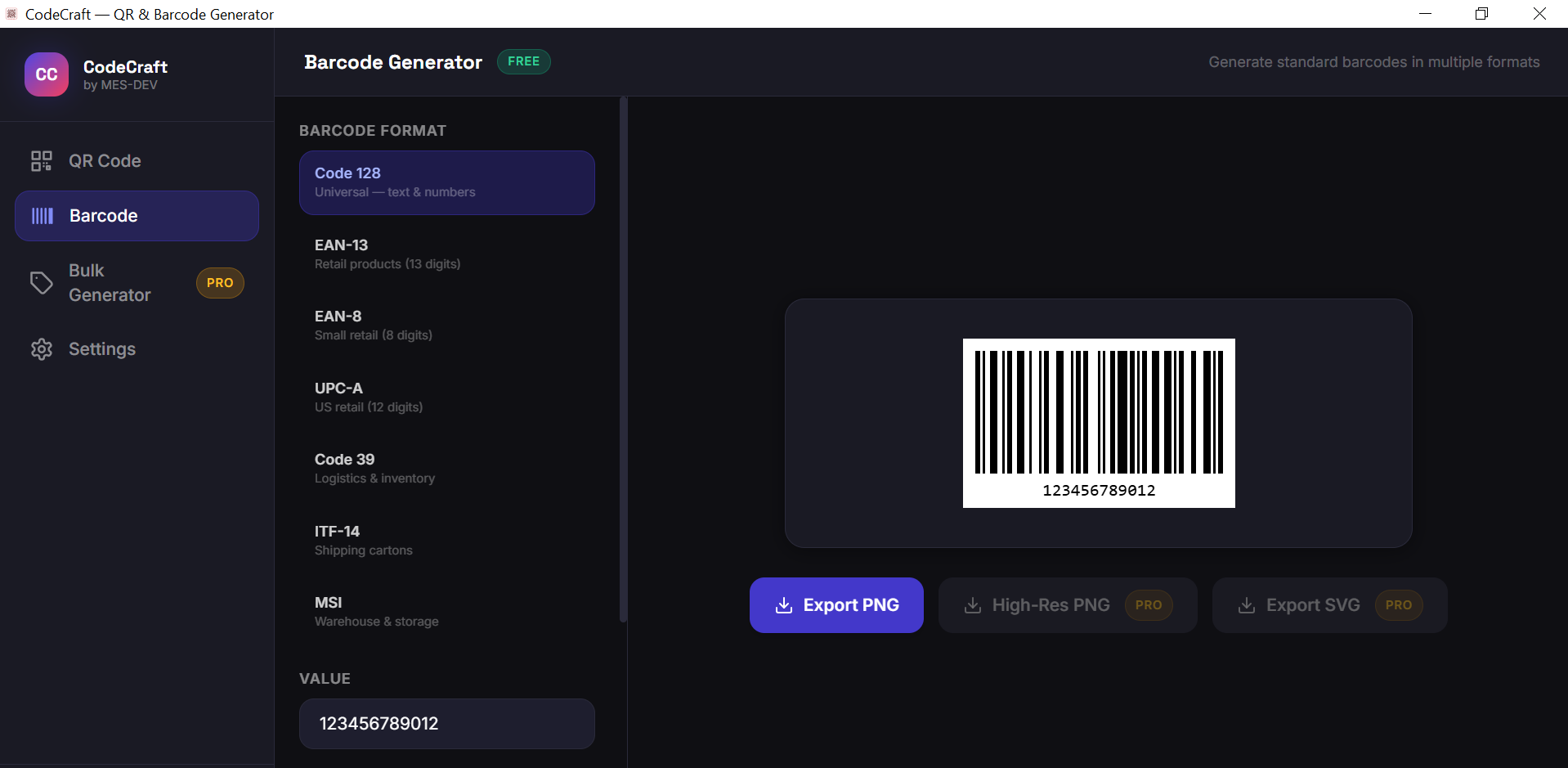
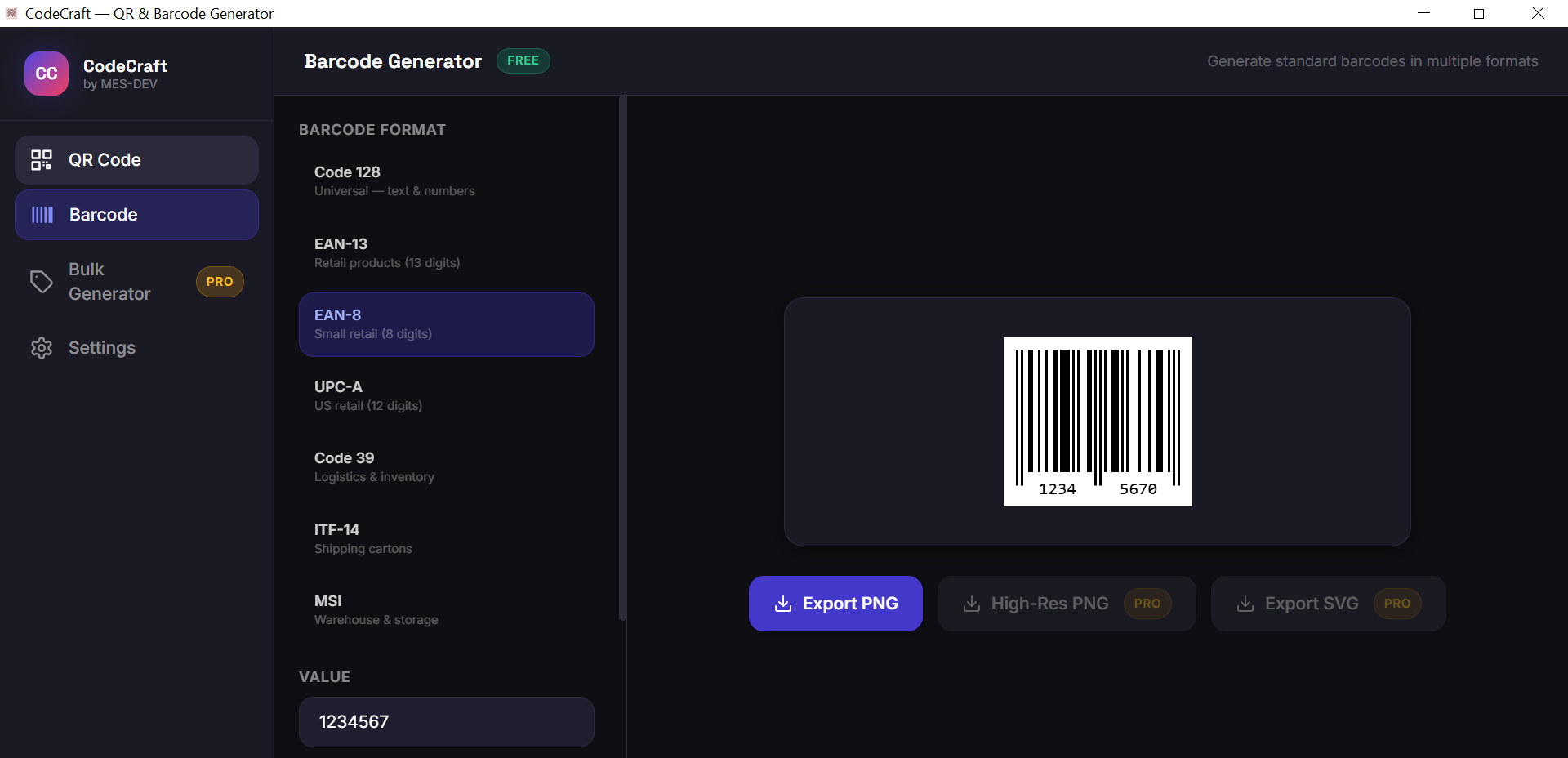
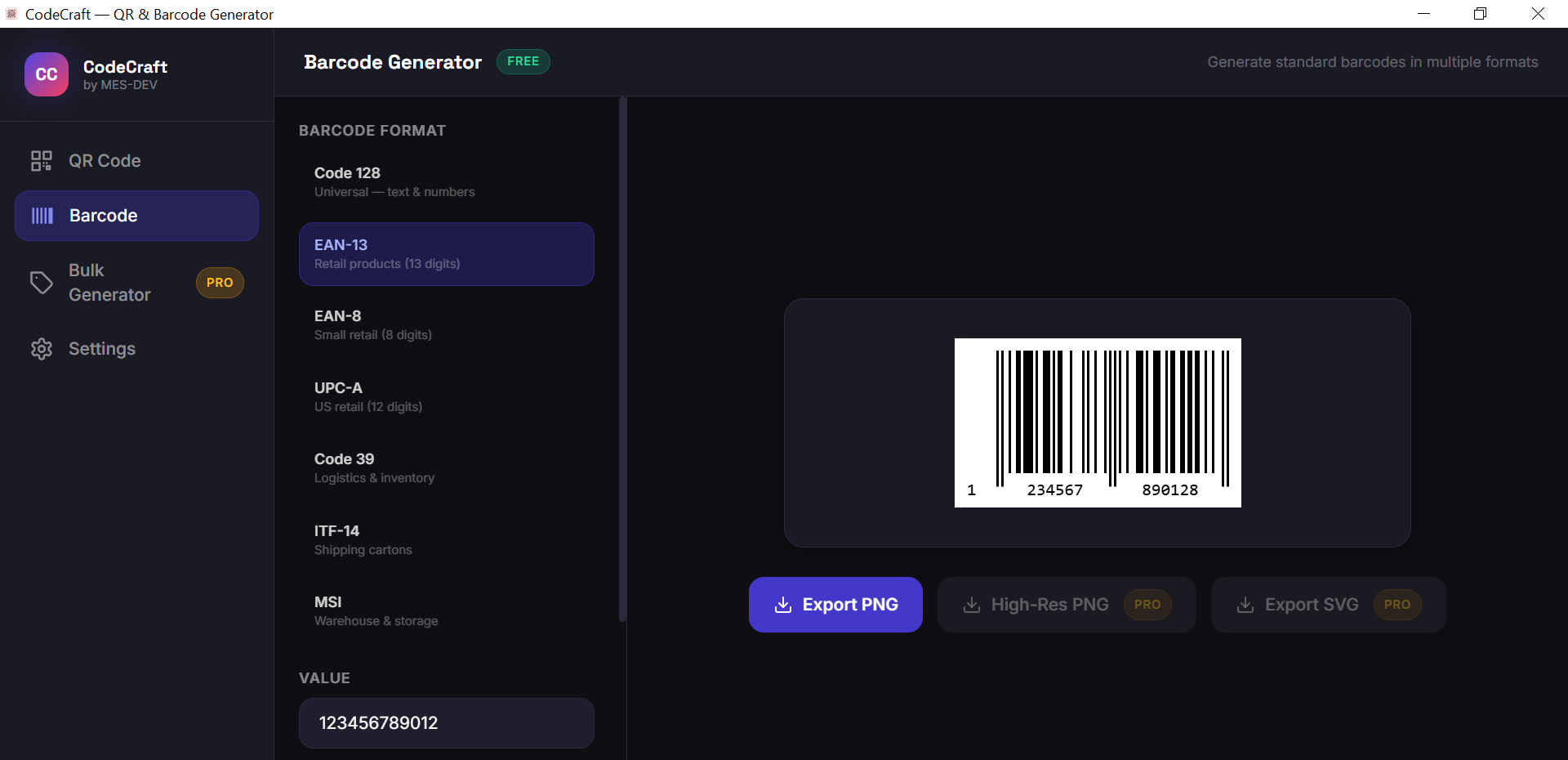
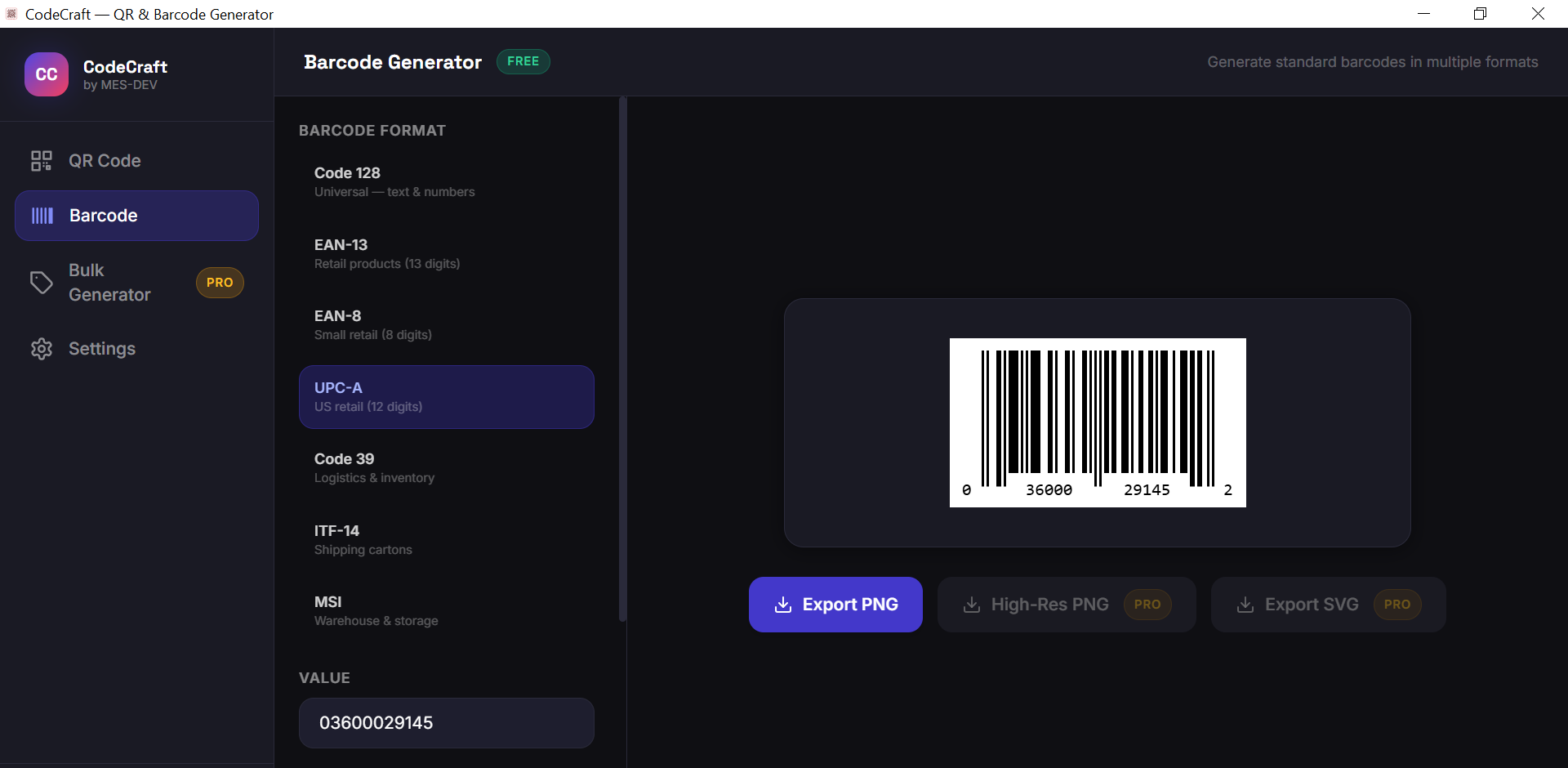
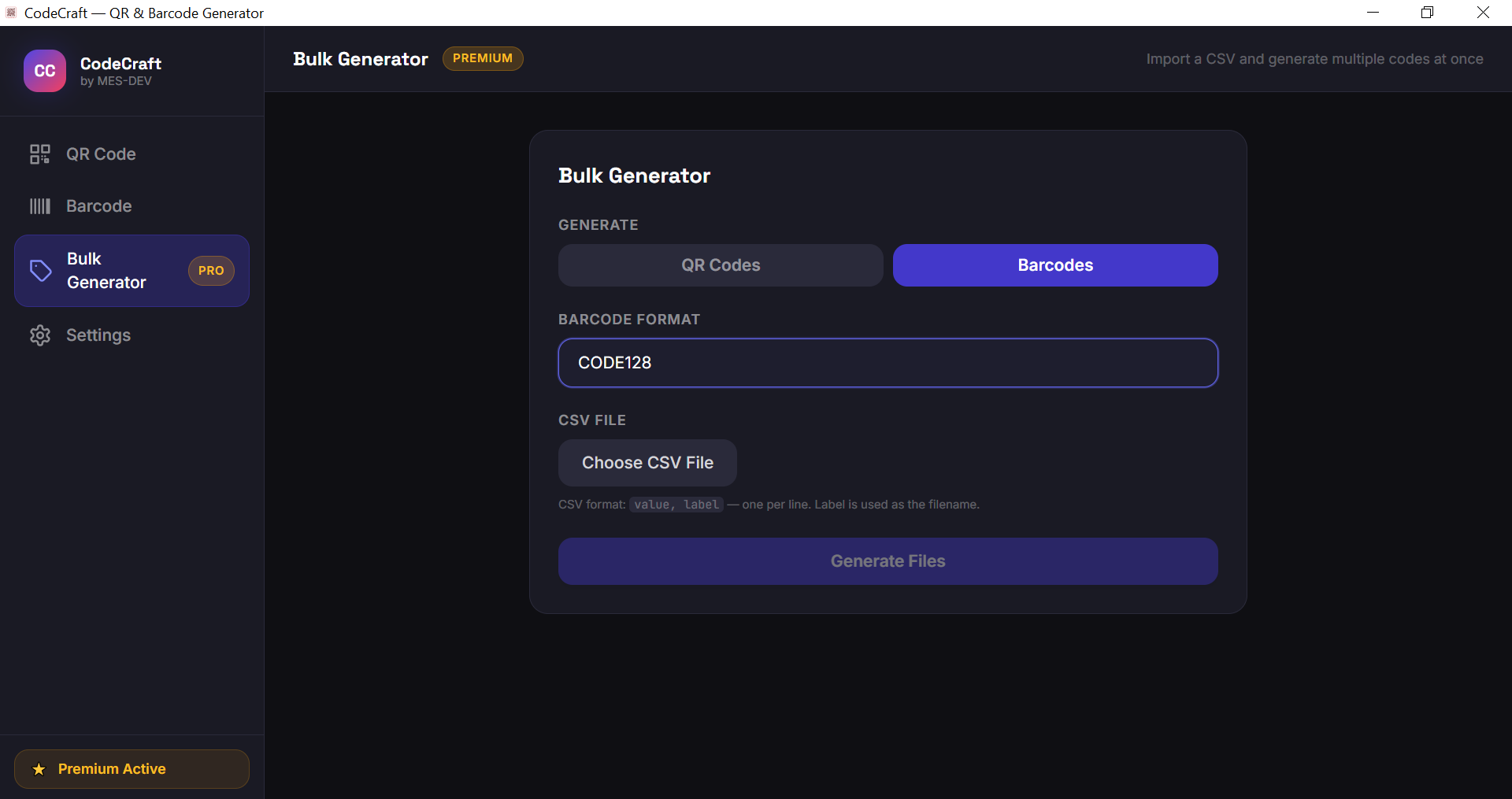
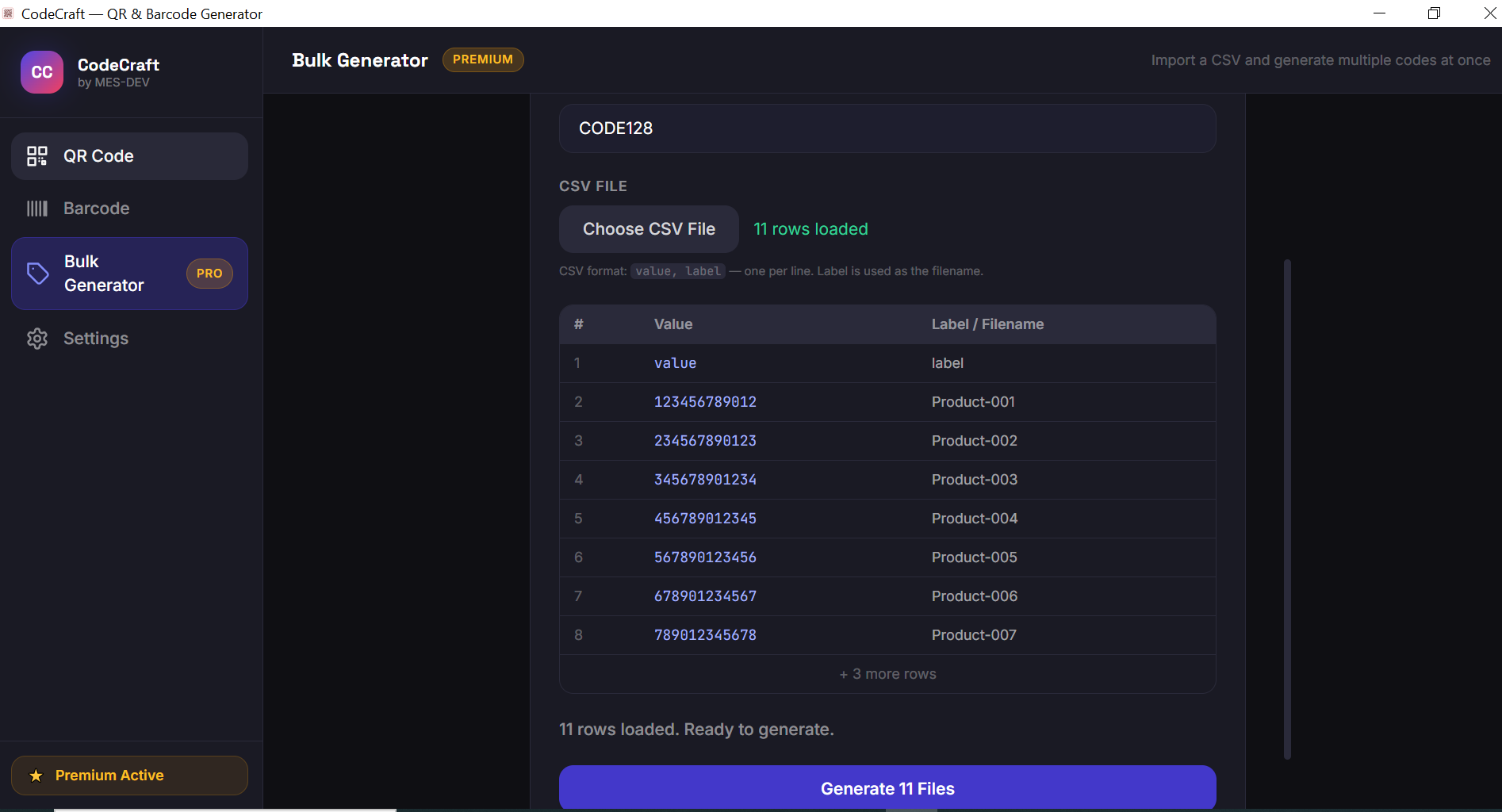
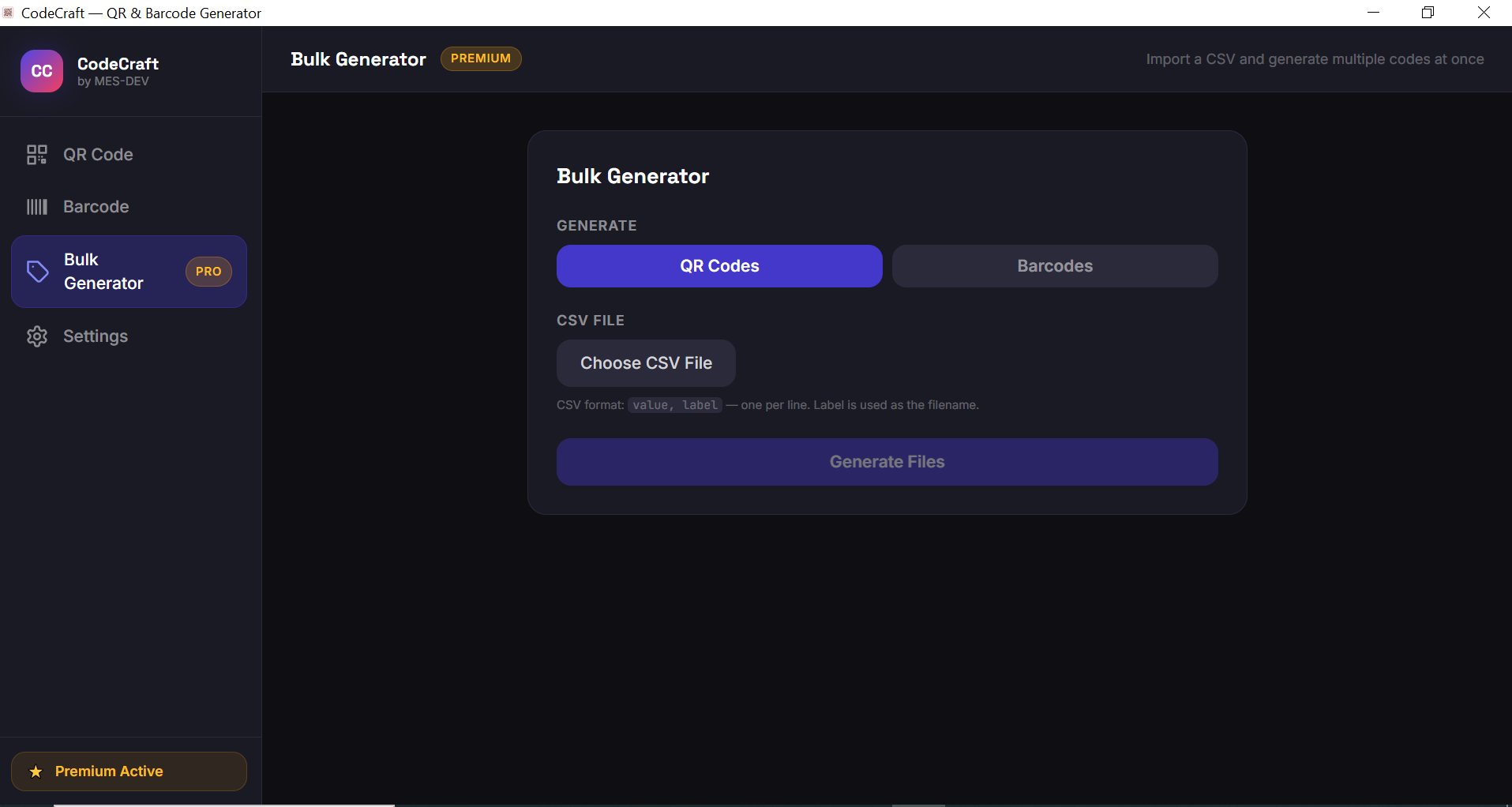
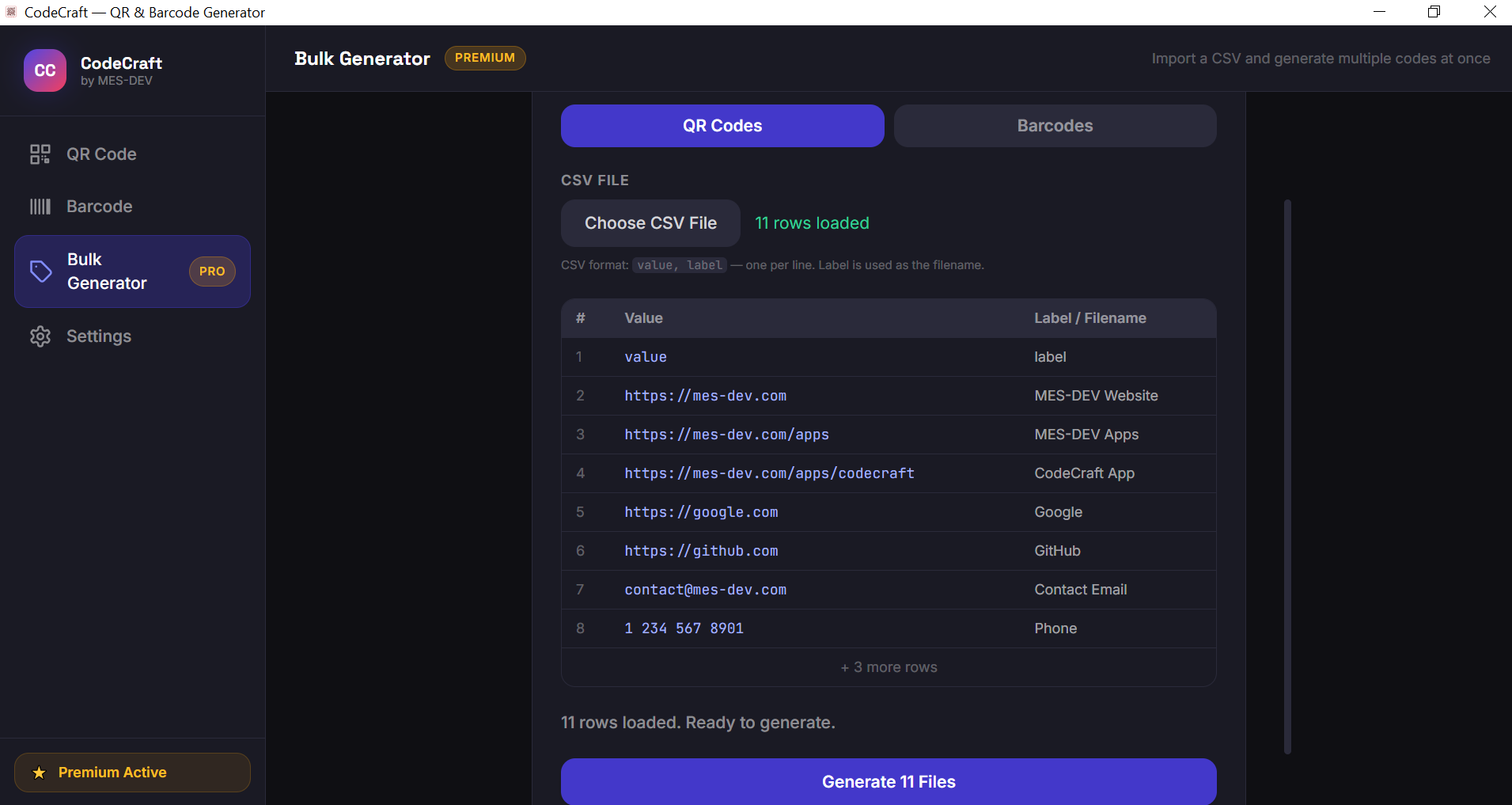
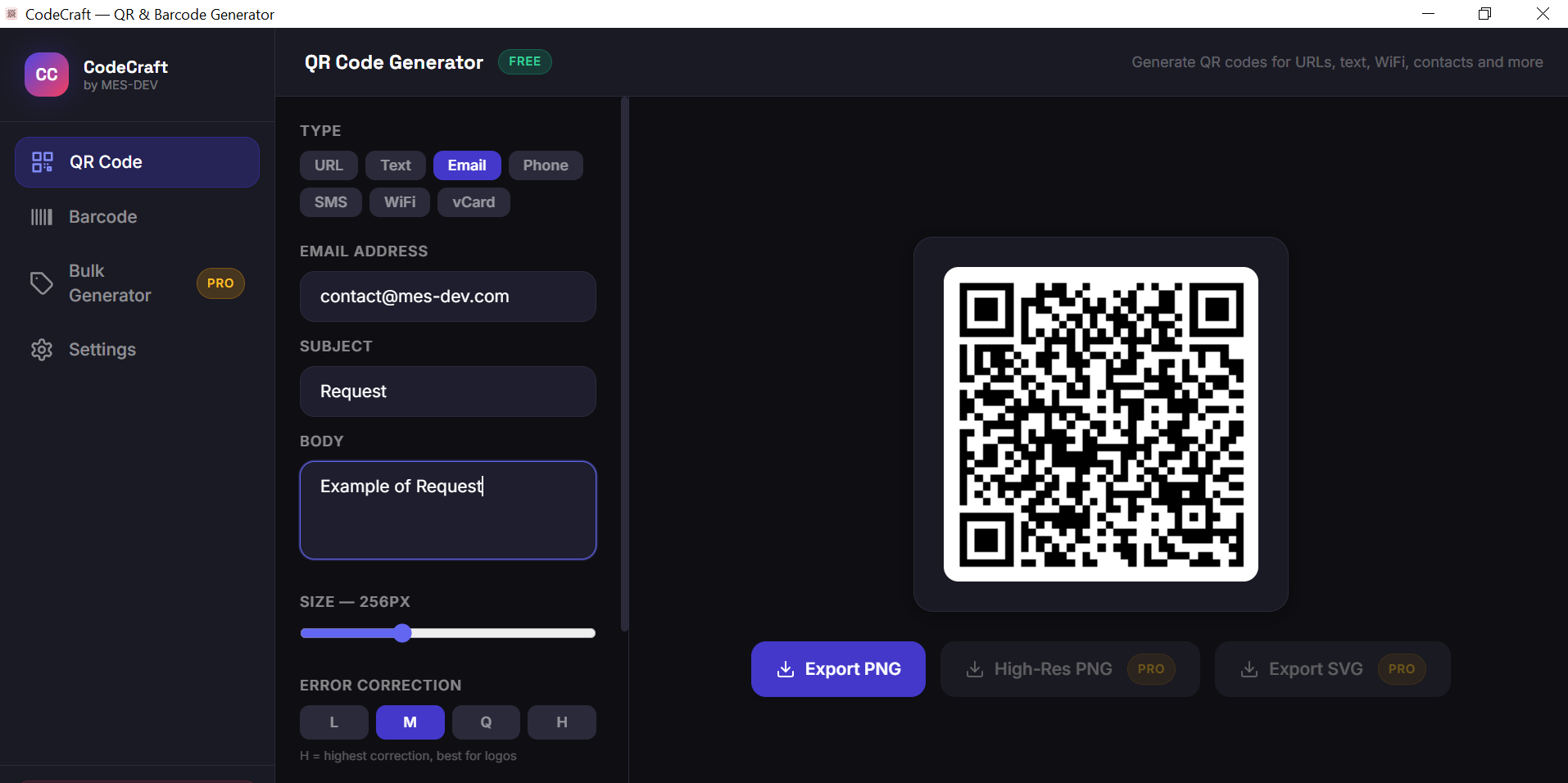
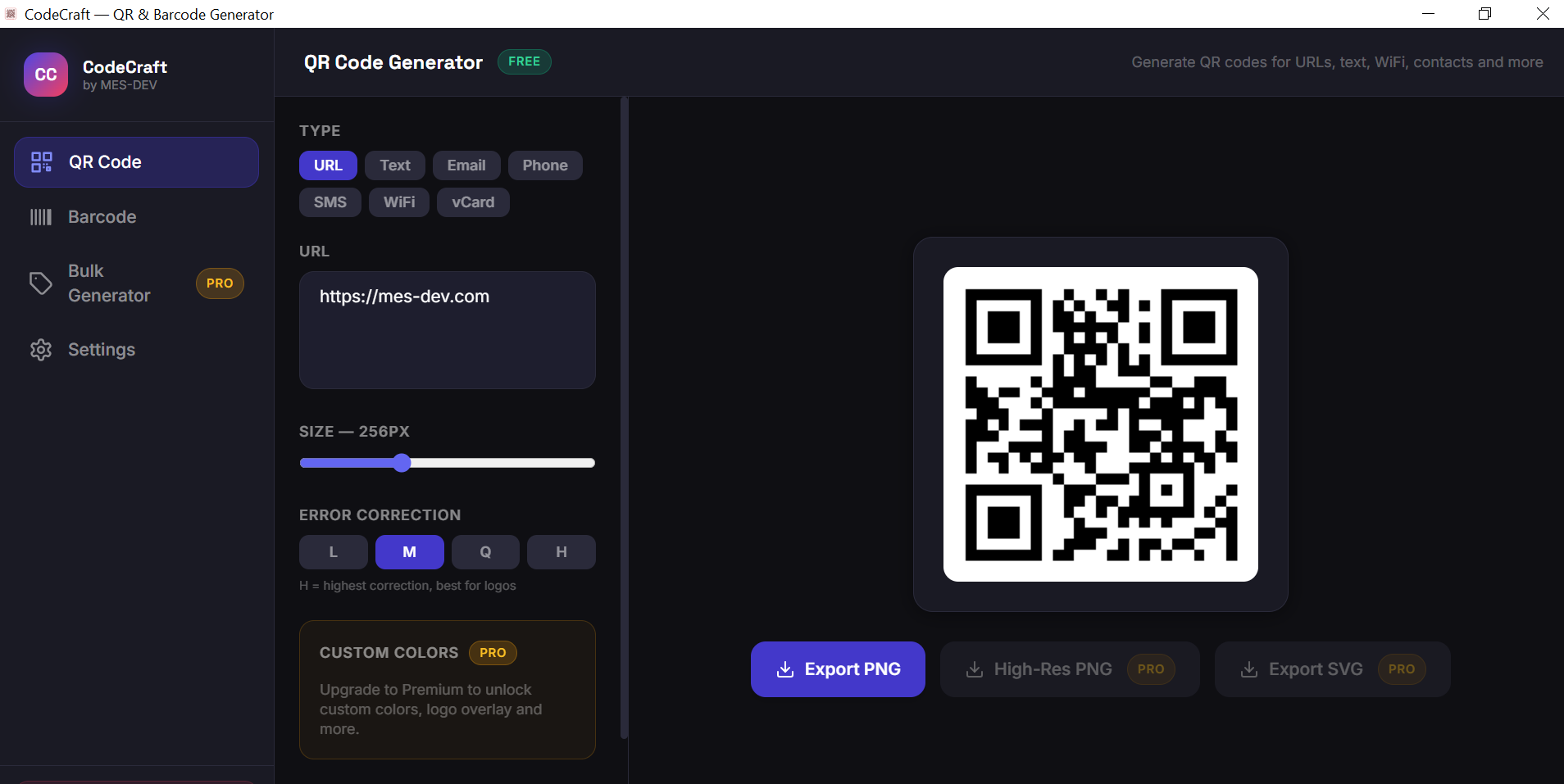
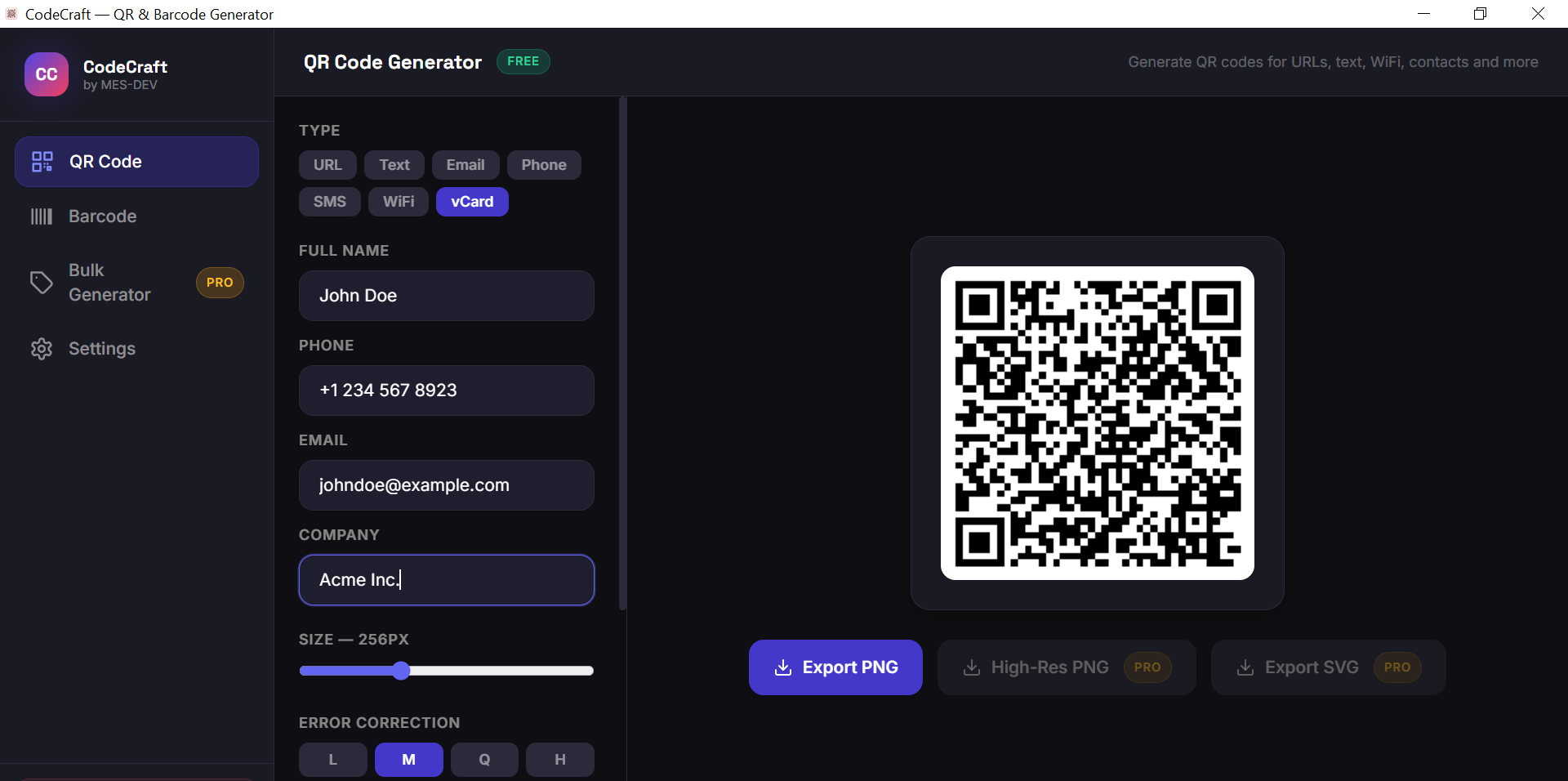
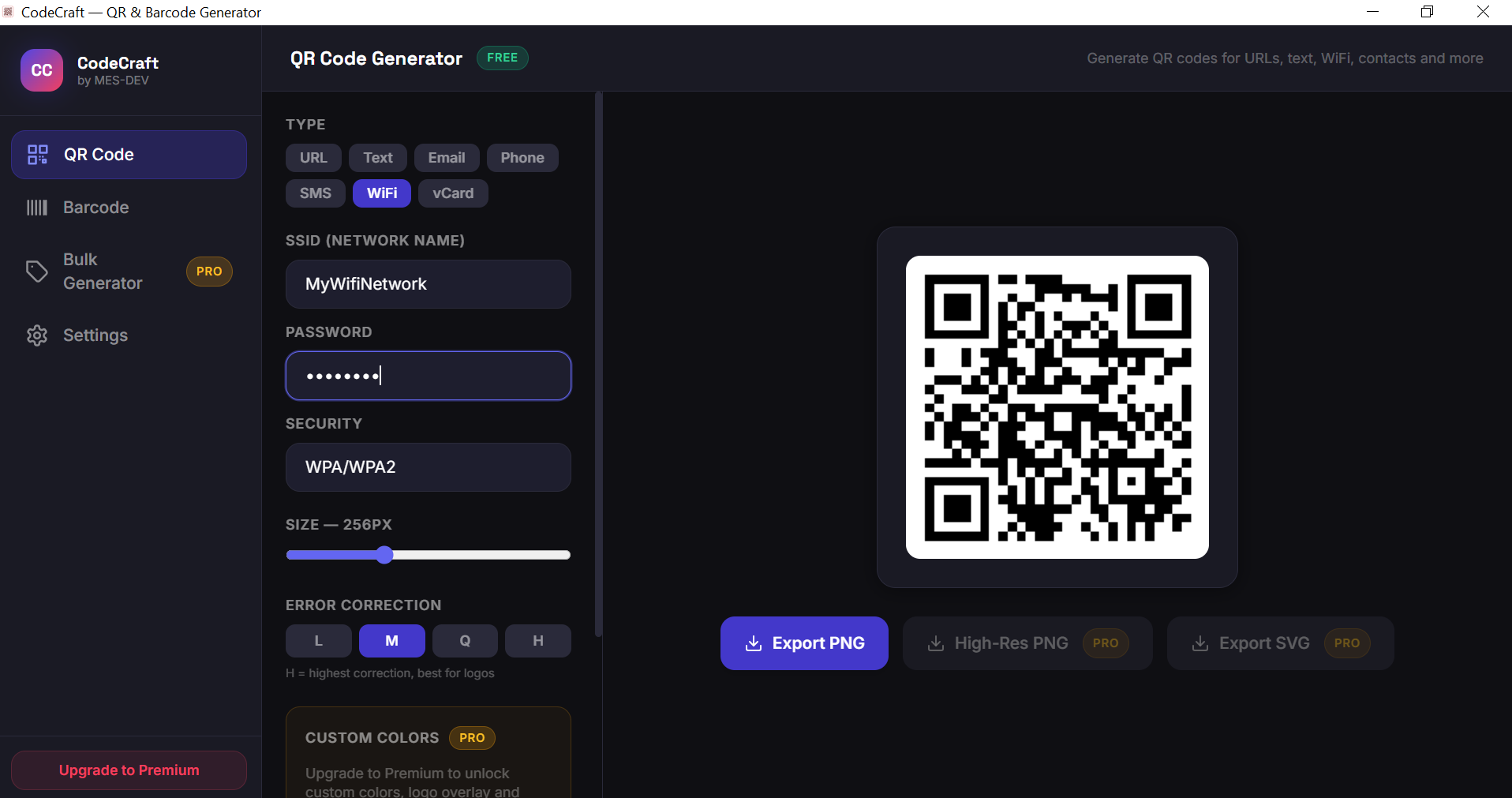
CodeCraft is a lightweight, professional desktop tool for generating QR codes and barcodes on Windows — no internet connection required, no subscription, no hidden fees. Whether you need a QR code for your website, WiFi credentials, contact card, or a barcode for your product, CodeCraft handles it all with a clean and intuitive interface. QR Code Generator supports: - URL, plain text, email, phone number - SMS with message body - WiFi network (SSID + password) - vCard contact information Barcode Generator supports: - Code 128 (universal) - EAN-13 and EAN-8 (retail products) - UPC-A (US retail) - Code 39 (logistics) - ITF-14 (shipping cartons) - MSI (warehouse & storage) Free features include live preview, standard PNG export, and all input types. Premium users unlock custom colors, logo overlay inside QR codes, high-resolution export up to 2048×2048, SVG export, and bulk generation from CSV files.
Screenshots
1 / 13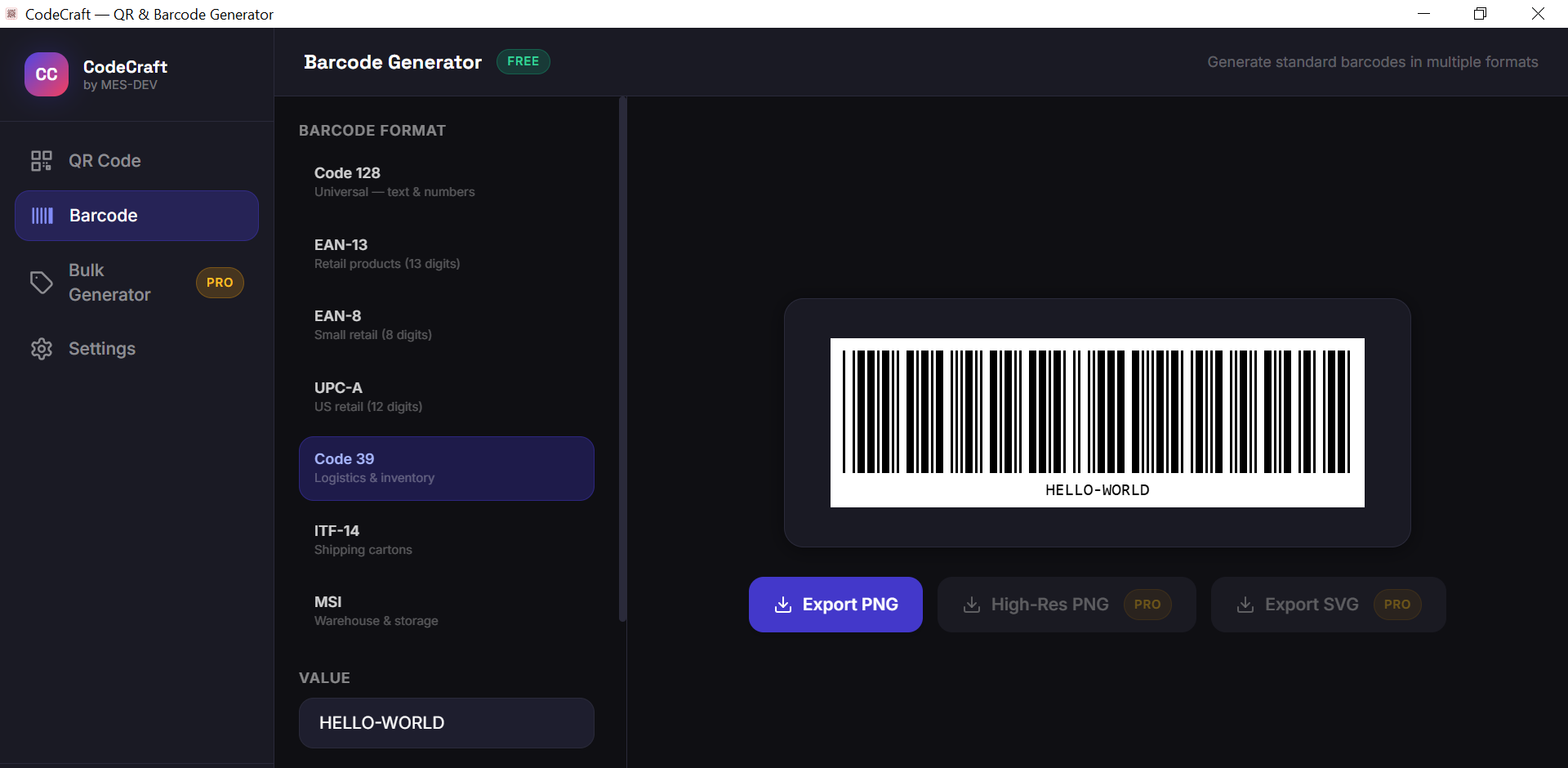
Changelog
Frequently asked questions
Is CodeCraft free?
Yes. CodeCraft is free to download and use. It also has an optional Premium upgrade for $6.99 (one-time payment). Premium is never required to use the free version.
Does CodeCraft work offline?
Yes. CodeCraft does its work on your own computer, so no internet connection is needed to use it.
Which computers can run CodeCraft?
CodeCraft is a desktop app for Windows. It installs on your computer like any other program; it is not a website or a phone app.
How big is the CodeCraft download?
The installer is about 1.9 MB.
What is the latest version of CodeCraft?
The latest version is 1.0.0, released August 14, 2026. The page lists what changed in each release under Changelog.
How do I get help with CodeCraft?
Use the Support Center on this website: you can chat, open a ticket or send an email, and the developer answers directly.
User reviews
Write a review
Download CodeCraft and we'll email you a link to leave a review — no account needed.
No reviews yet — be the first!
How to do it with CodeCraft
Short, free guides — every one of these runs entirely on your PC.
Related apps

Productivity
InvoiceCraft
Free offline invoicing for Windows. Live preview, PDF export, 4 templates including Arabic RTL, tax & discounts, clients and reports. No account, no subscription.

Productivity
ConvertCraft
ConvertCraft is a free Windows converter: 14 unit categories, 162 currencies with live rates, world weather and a global hotkey. Works offline. Optional one-time Premium.

Productivity
VideoForge
24 video tools in one offline Windows app — compress, convert, crop, stabilise, key out a green screen, remove silence and batch whole folders. GPU-accelerated. One-time purchase, no cloud.