About this app
Convert anything, anywhere - units, currencies, weather and time
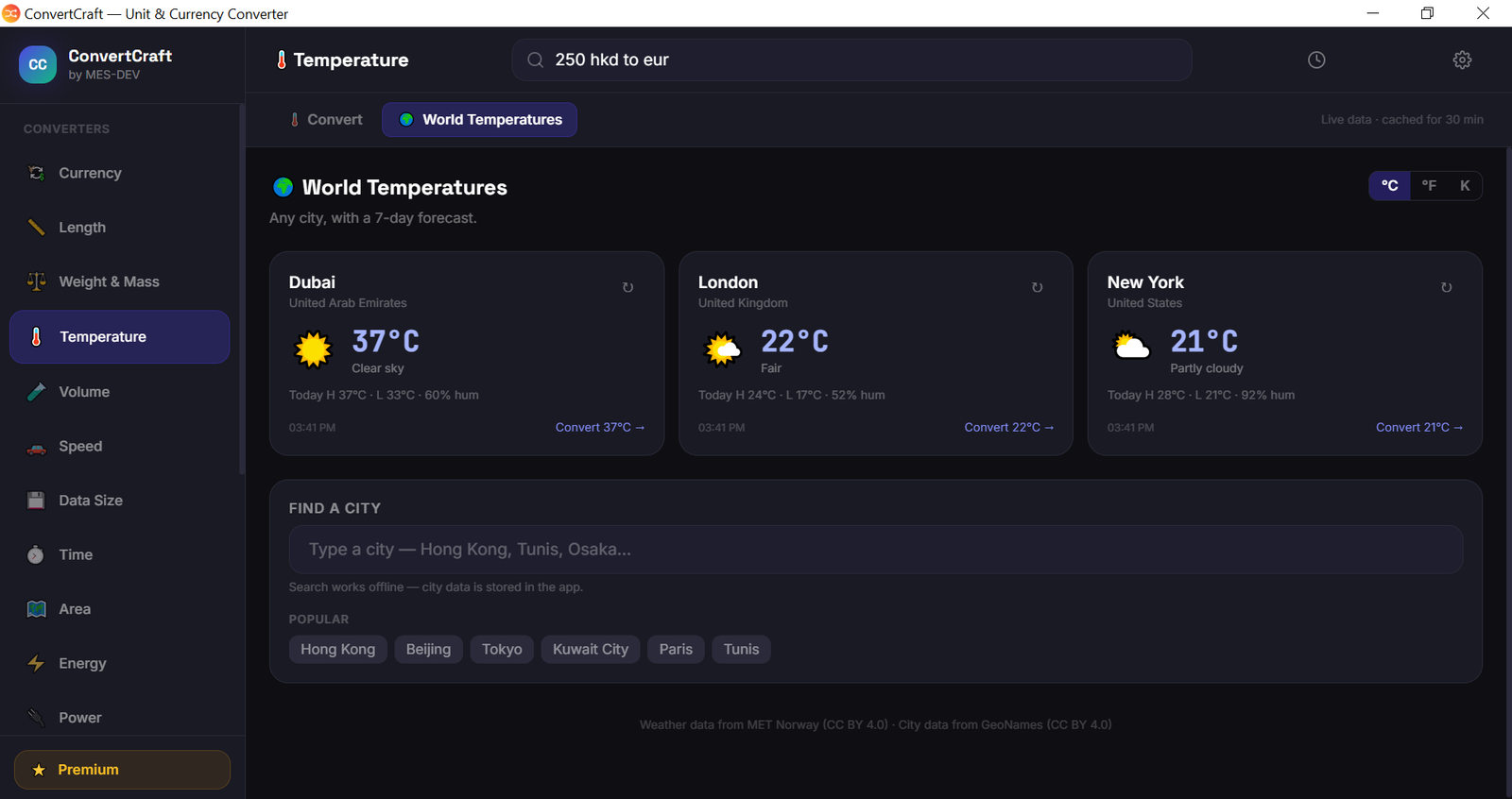
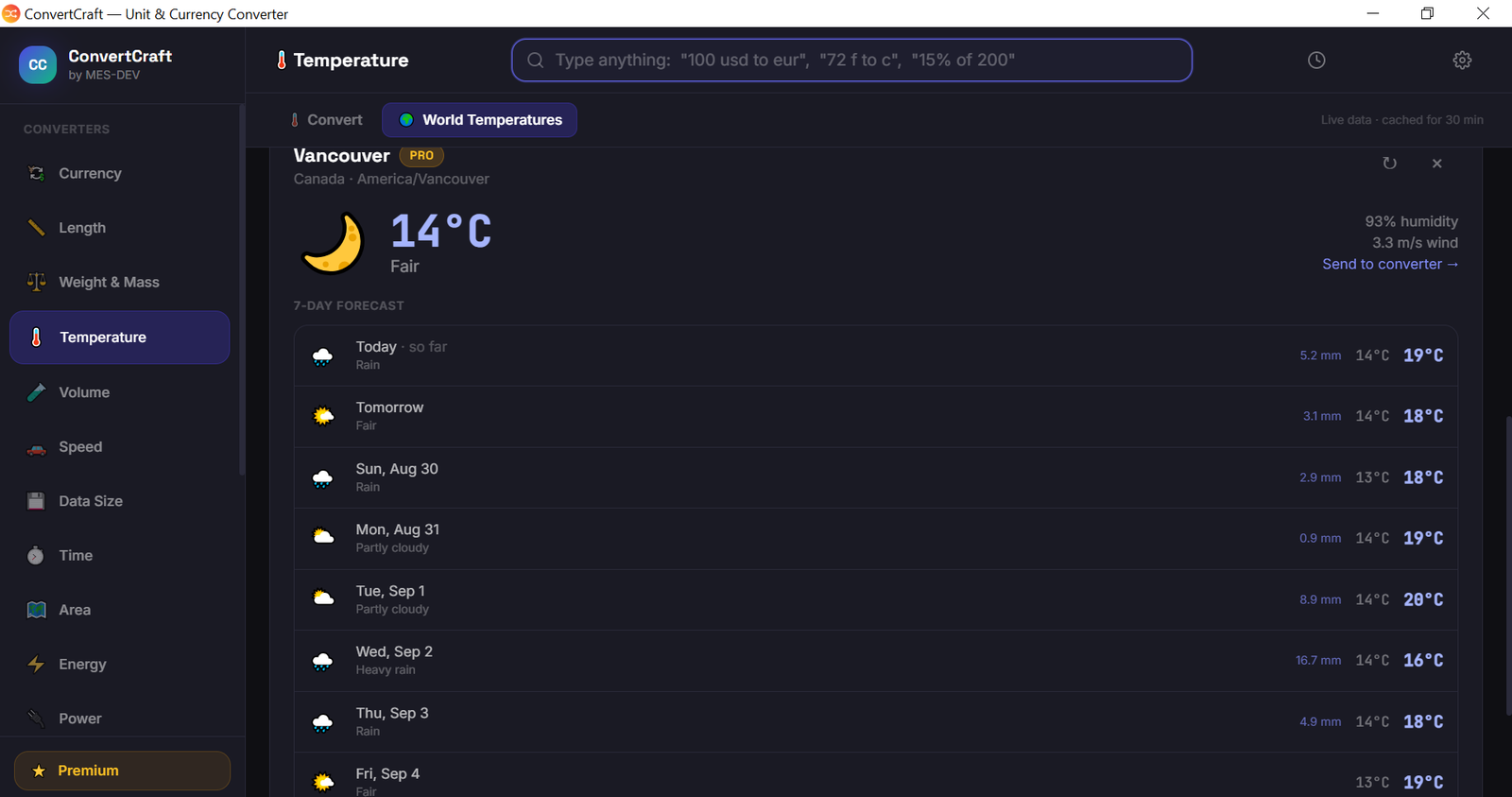
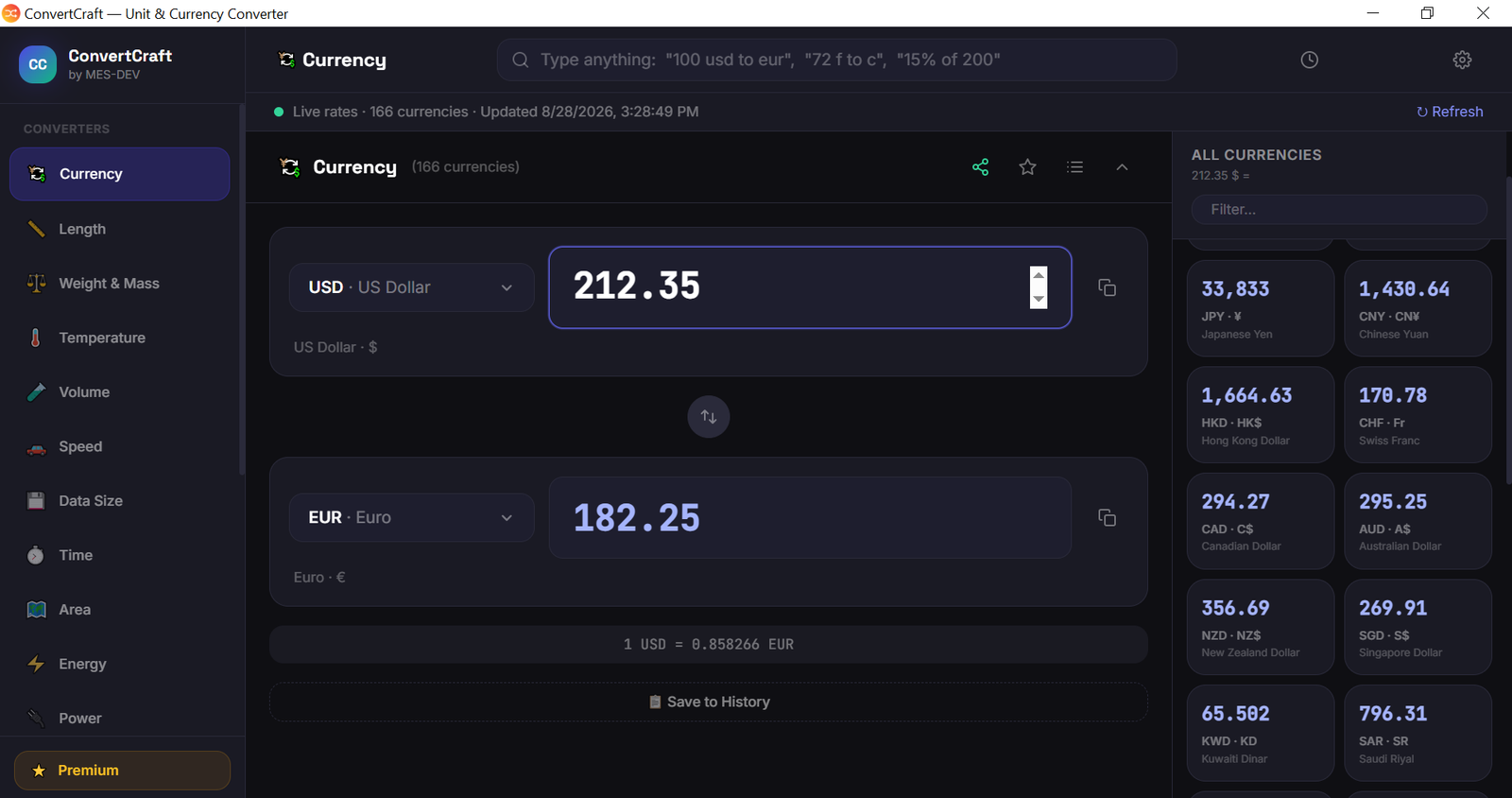
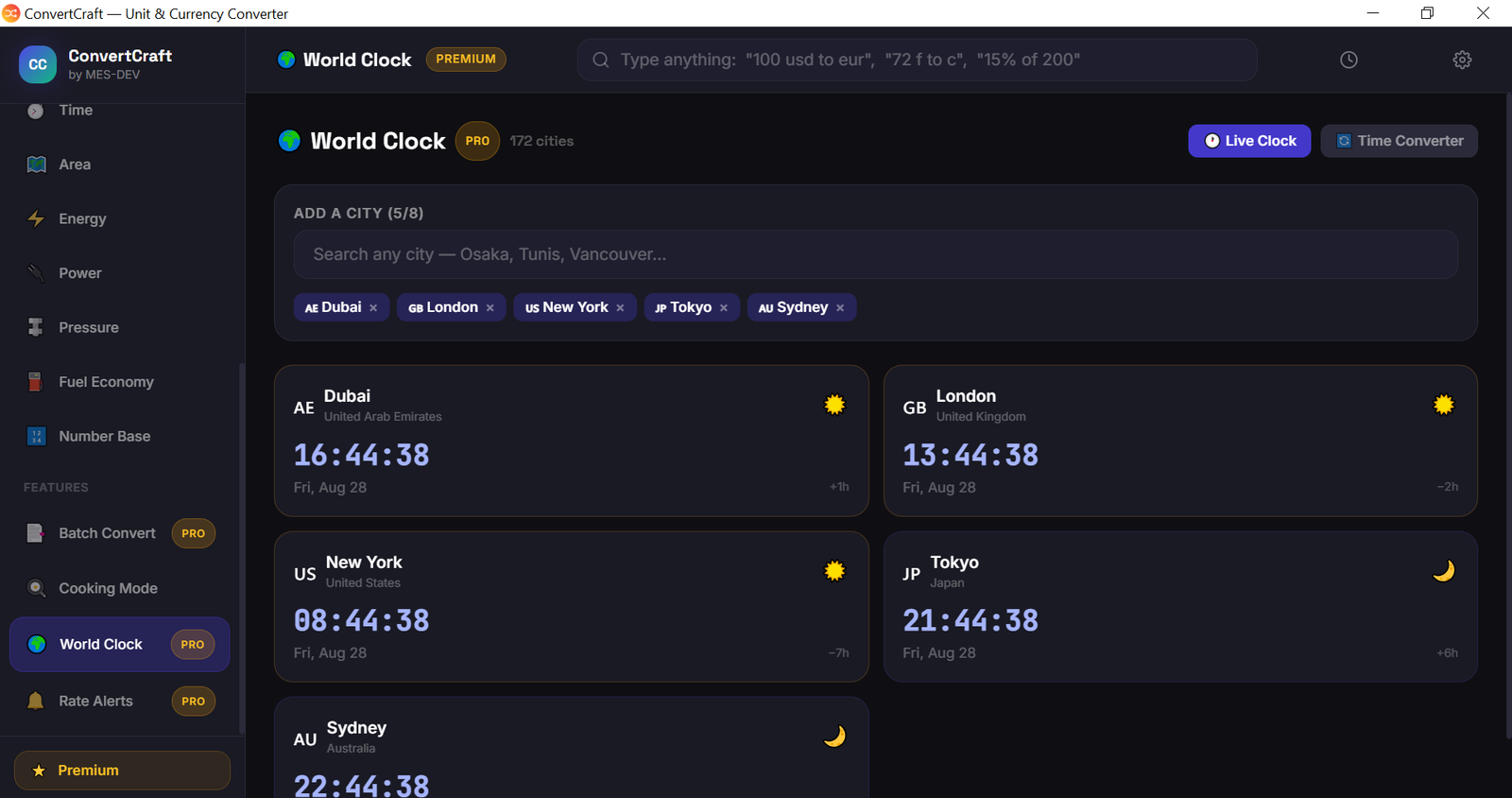
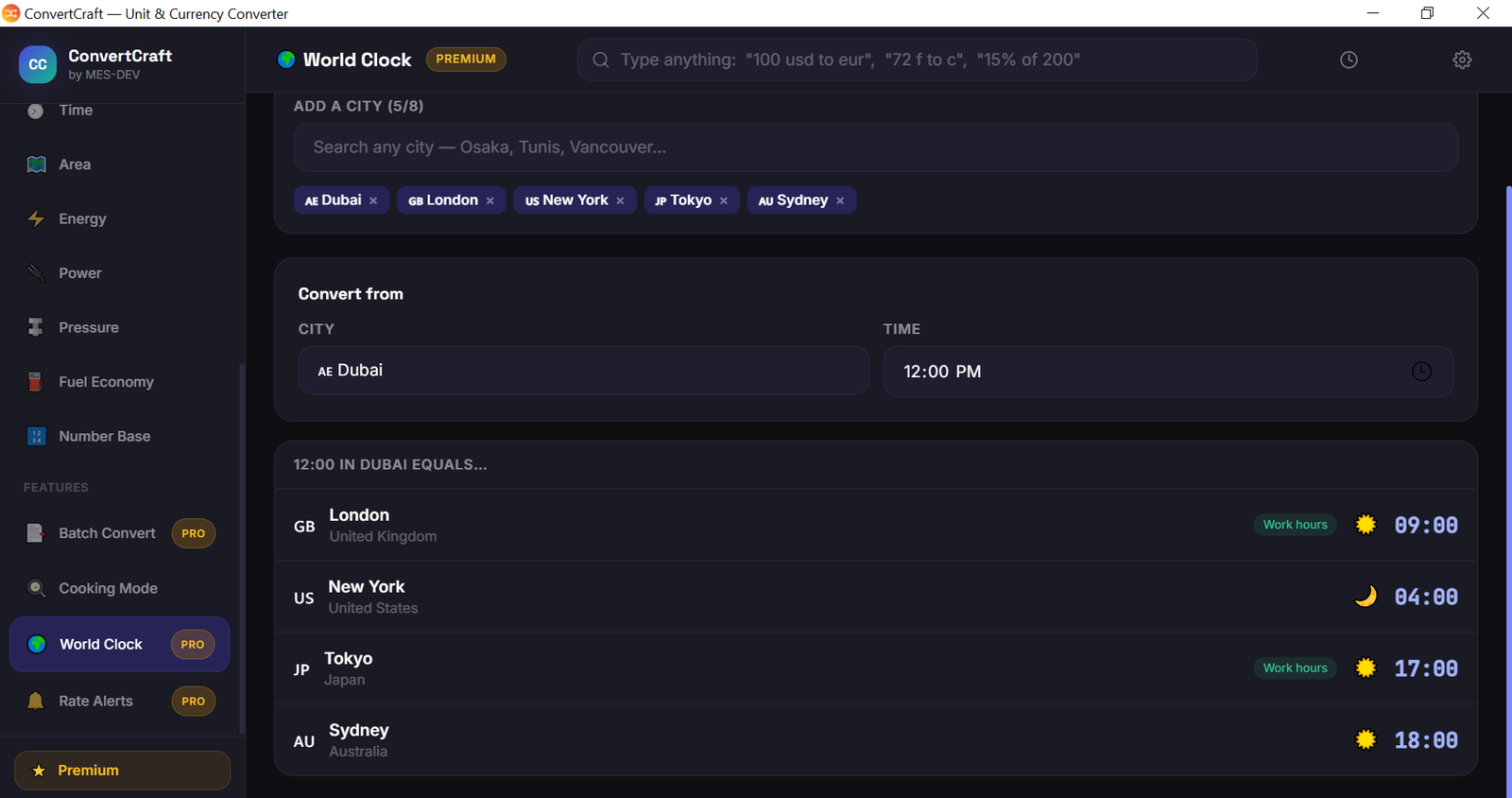
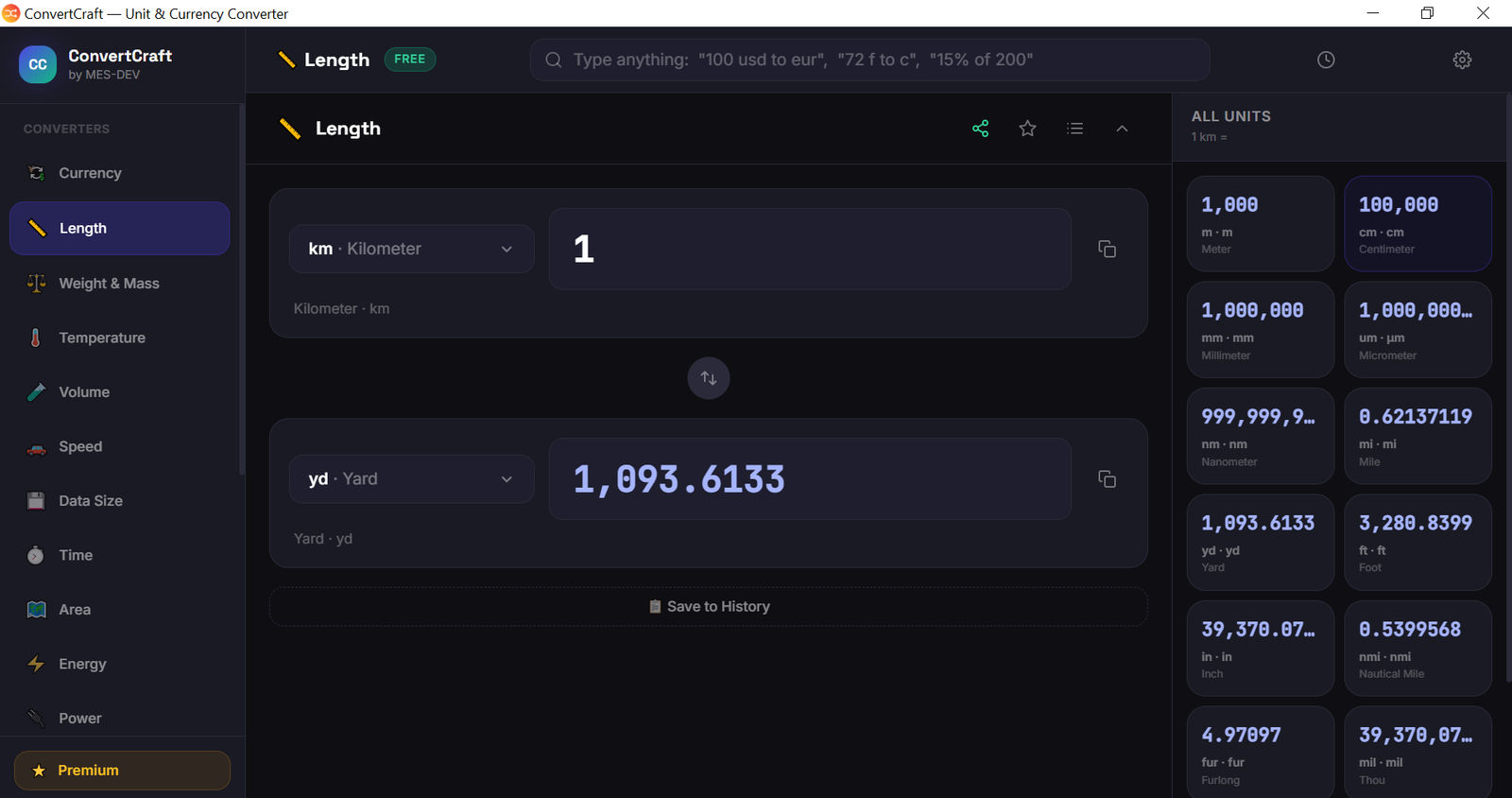
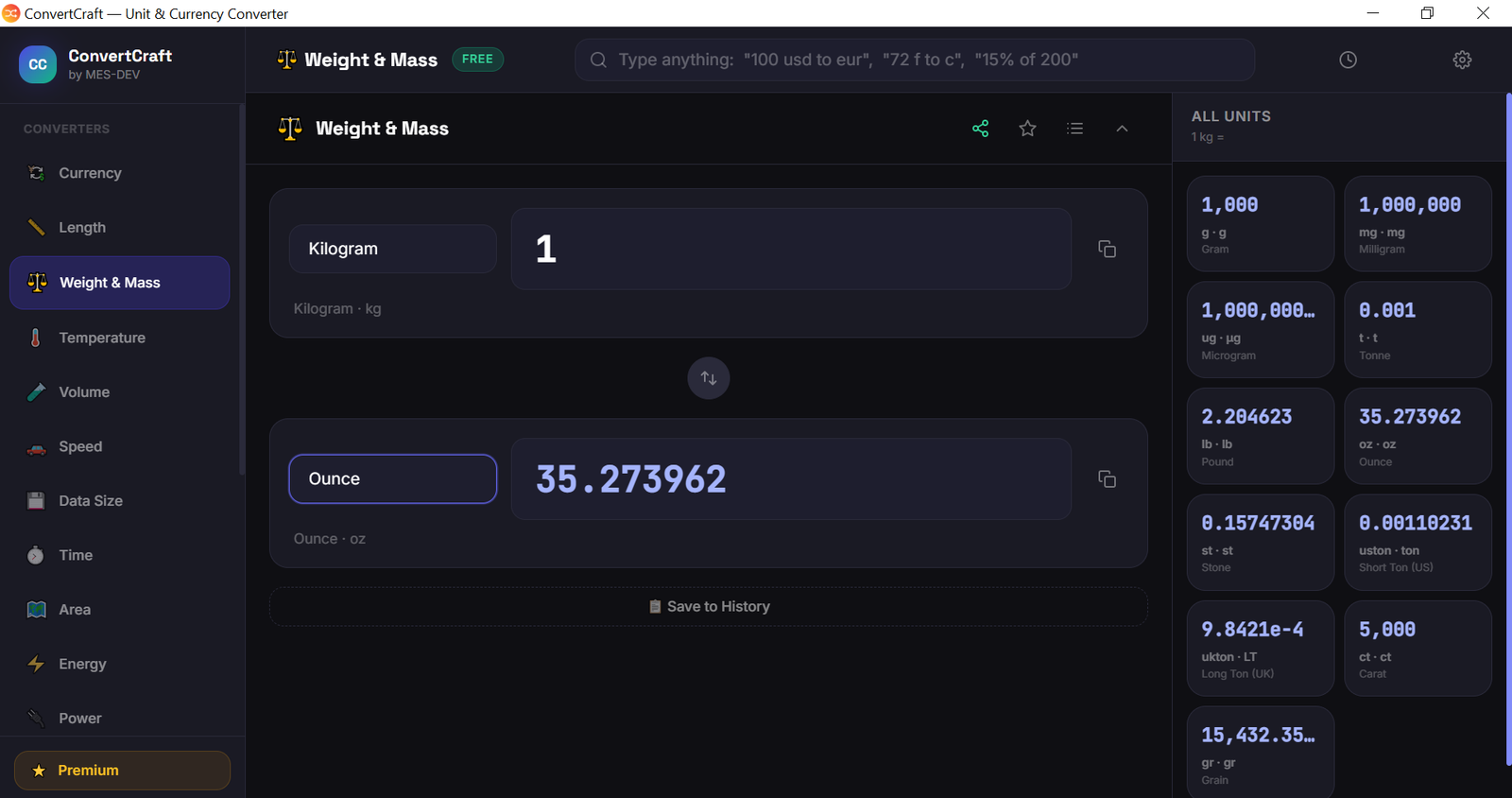
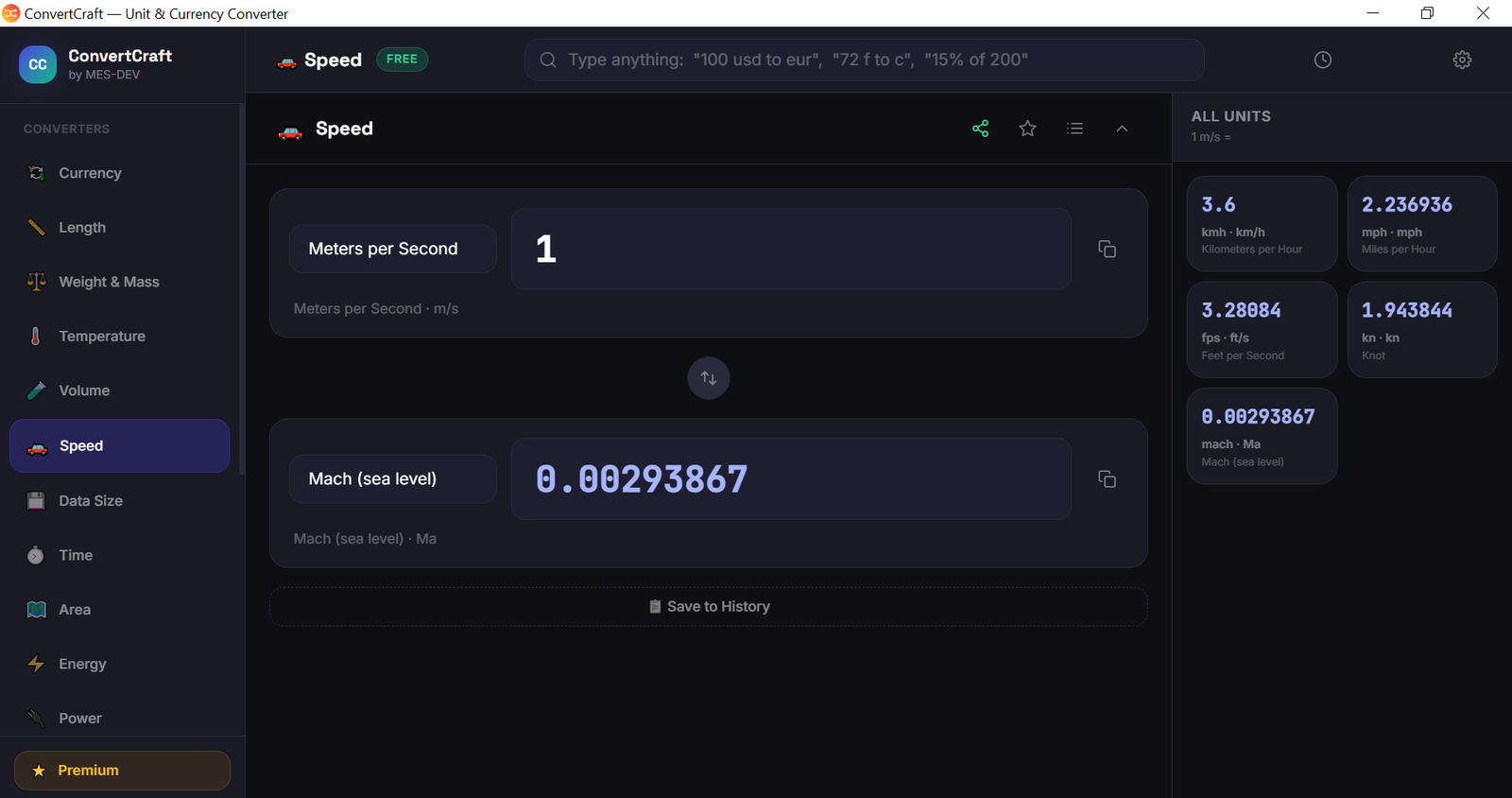
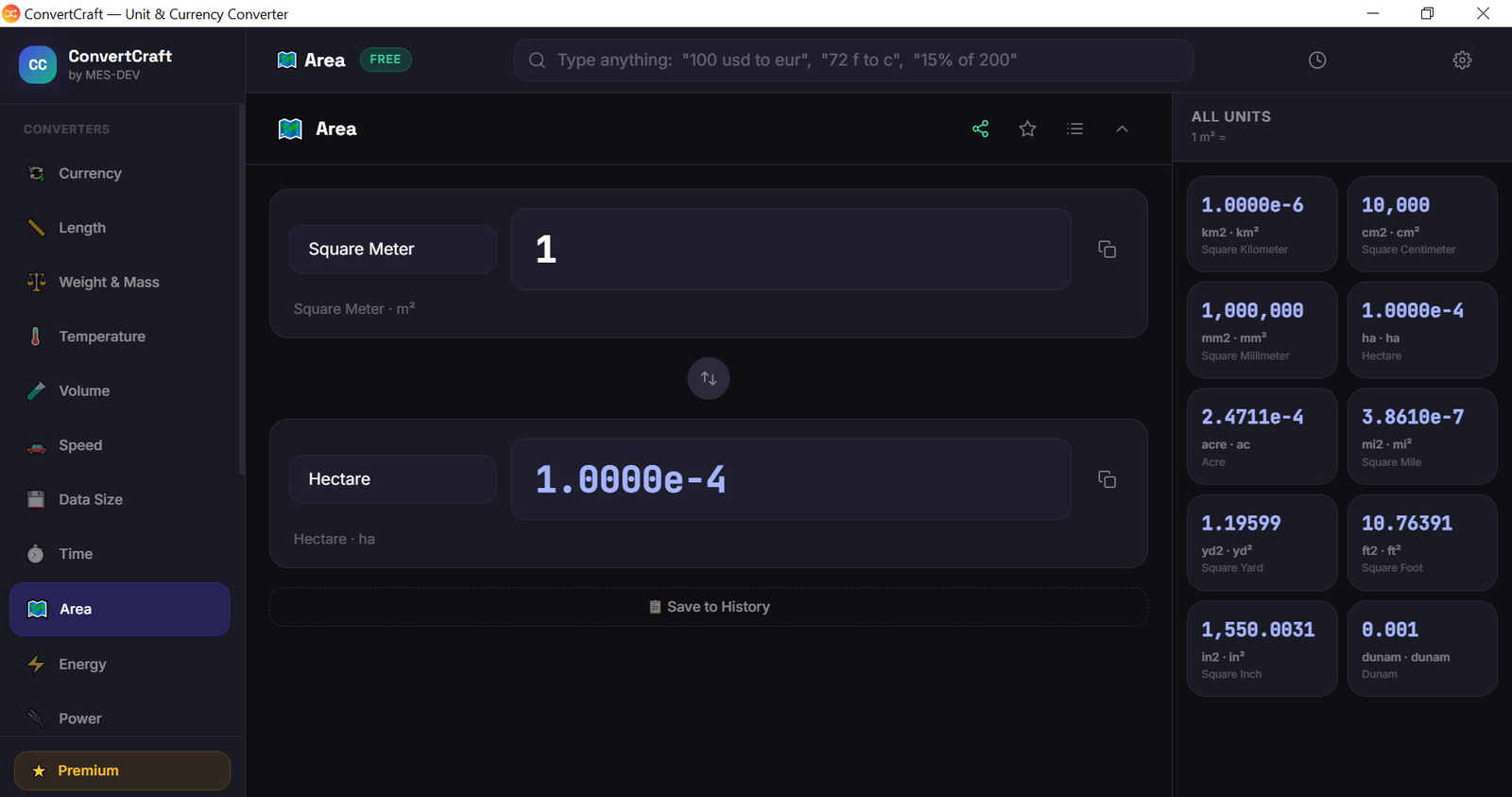
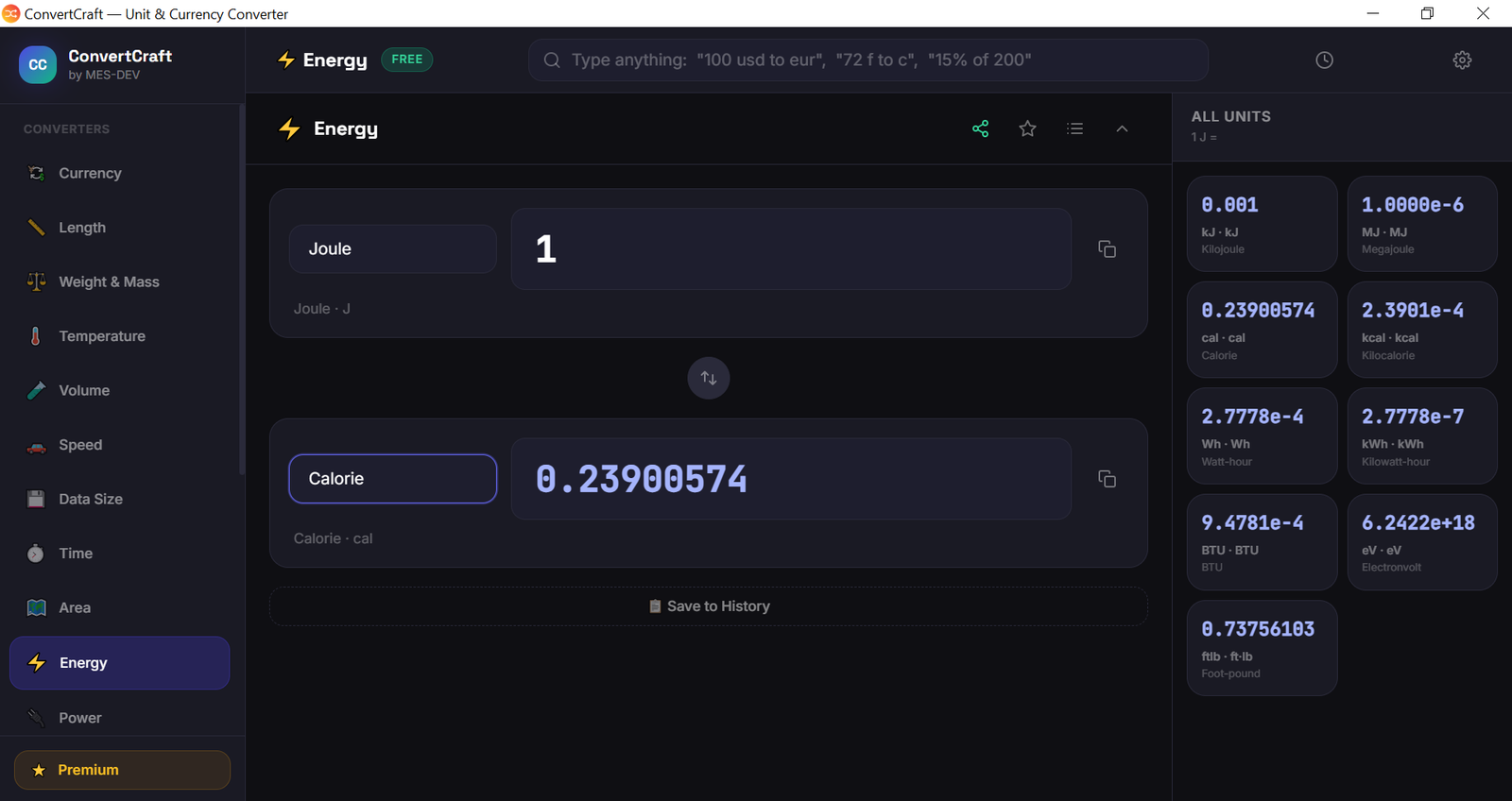
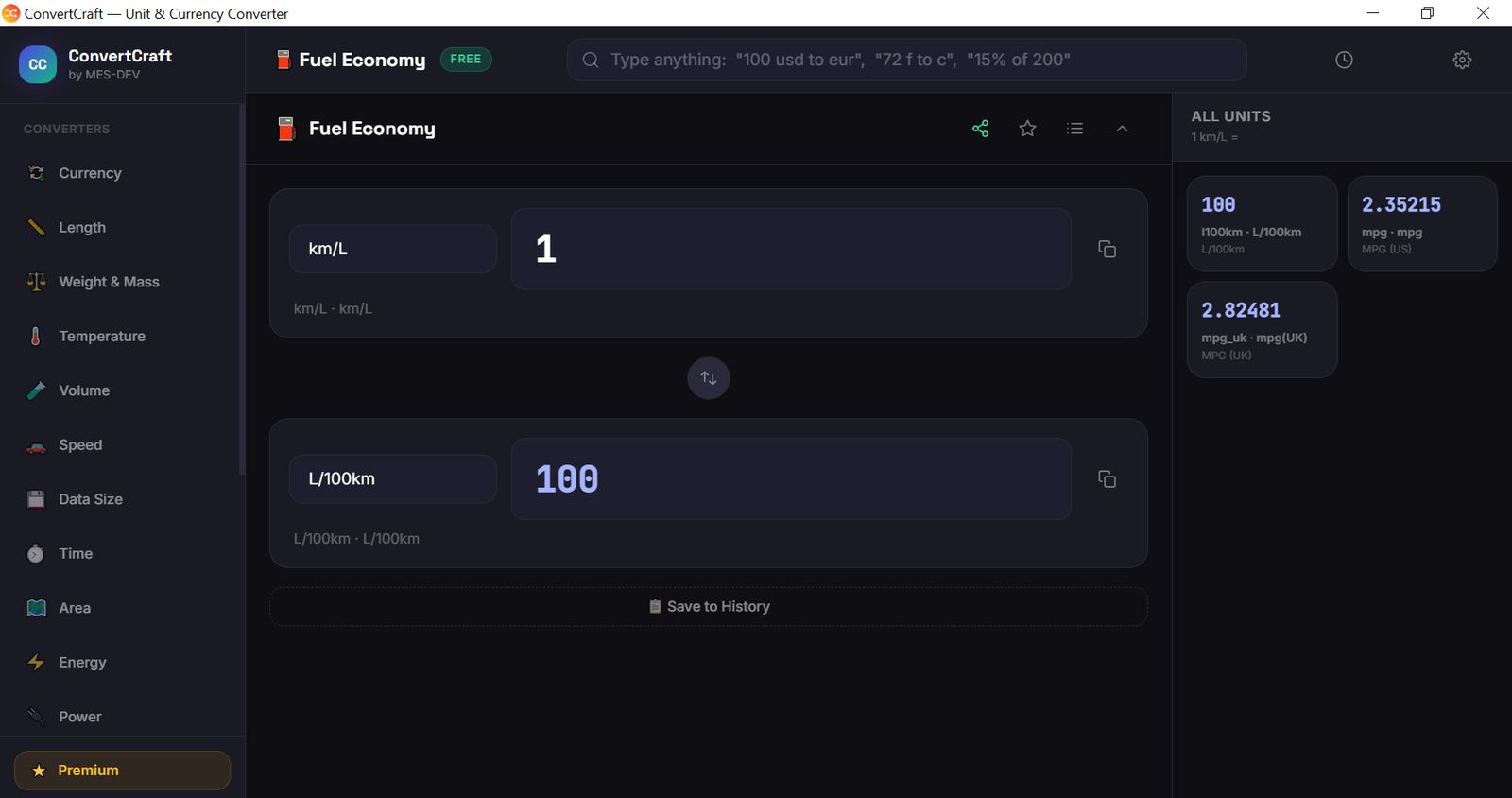
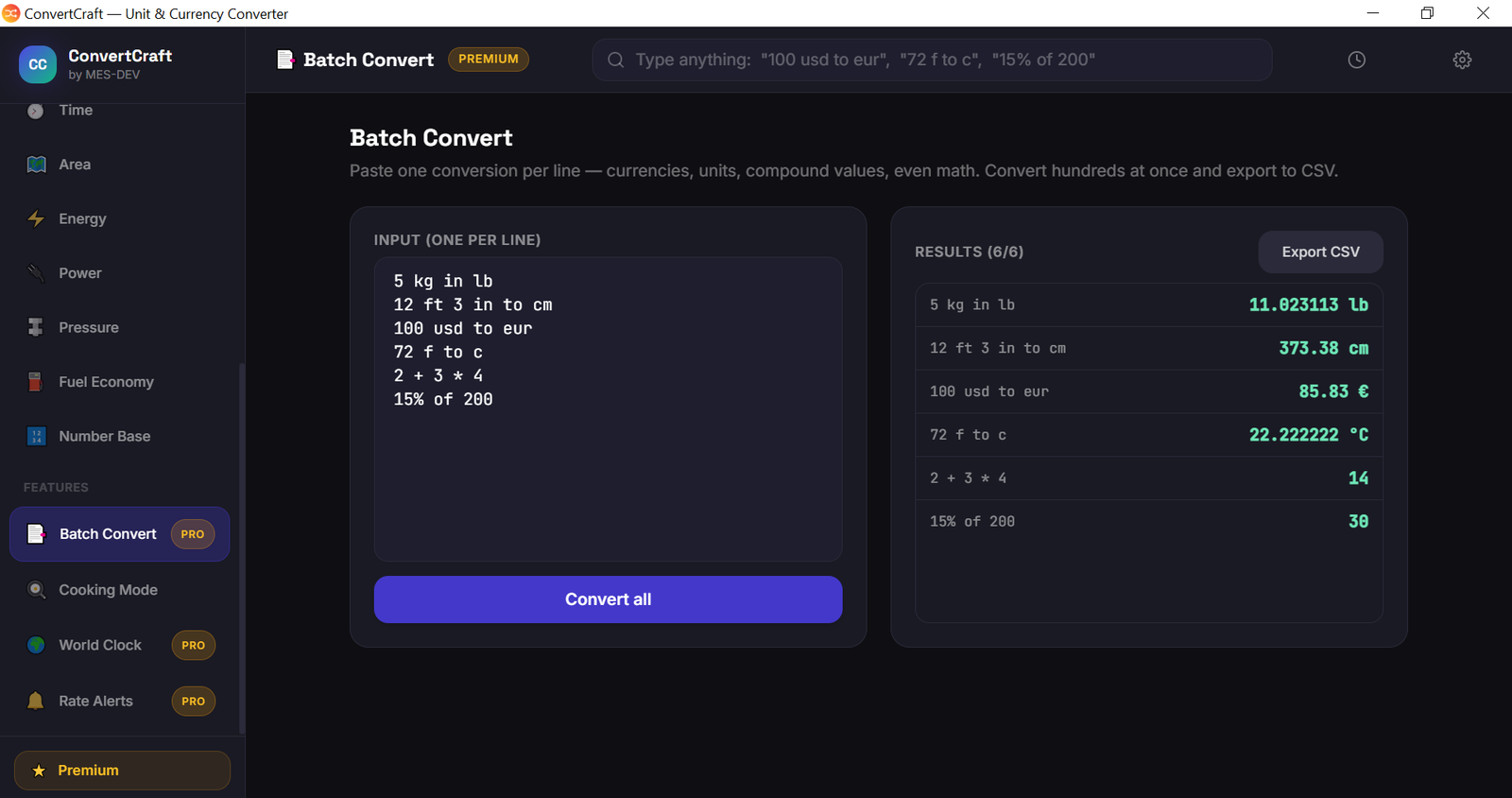
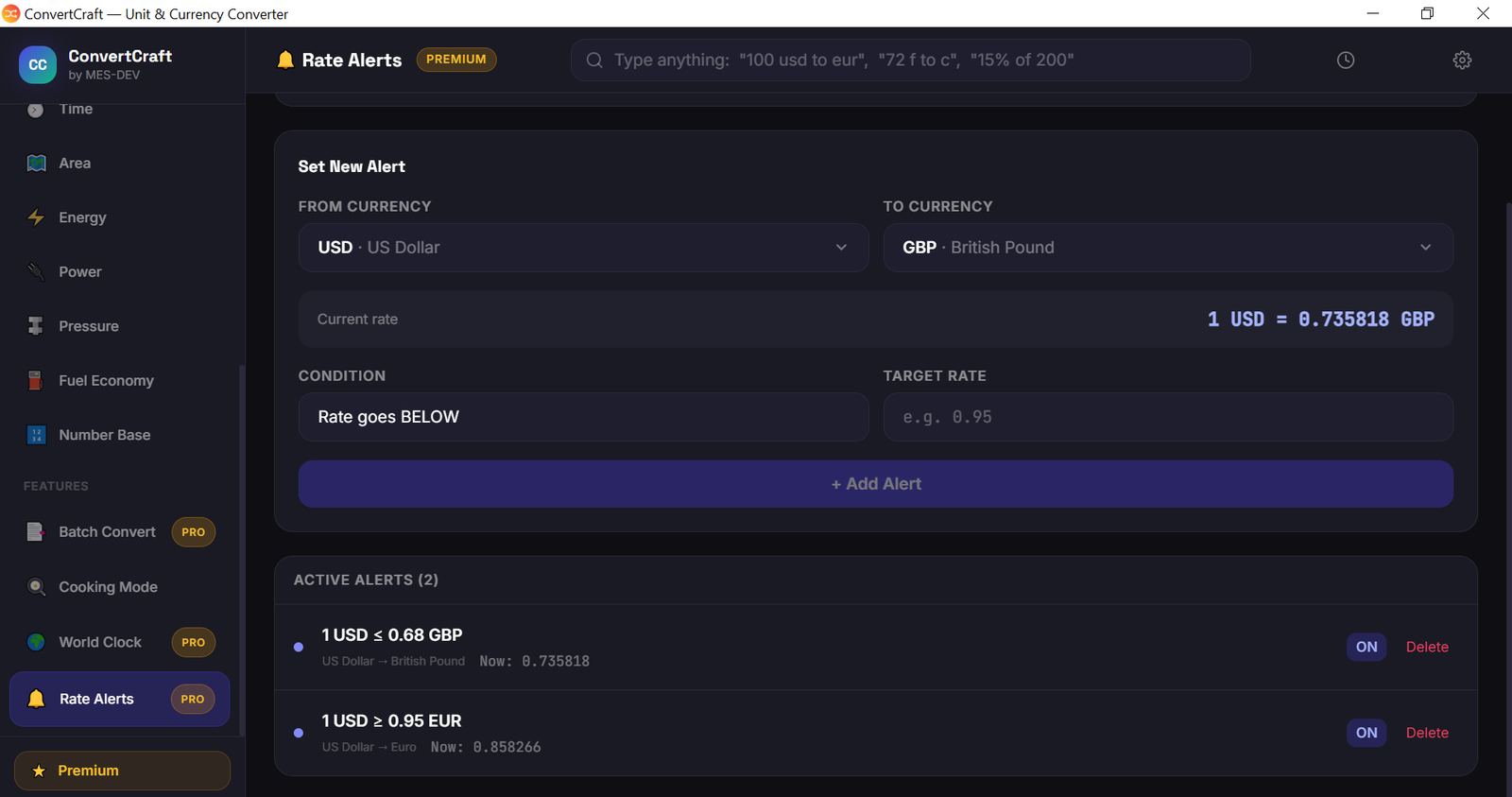
ConvertCraft is a unit and currency converter that lives on your desktop instead of in a browser tab. FREE FEATURES - 14 conversion categories - length, weight, volume, temperature, speed, area, data size, time, energy, power, pressure, fuel economy, number bases, currency - Smart Bar - type what you mean: "5 kg in lb", "12 ft 3 in to cm", "15% of 200" - 160+ currencies with live exchange rates - World Temperatures - today's reading for Dubai, London and New York - Cooking Mode - recipe scaler, ingredient weight converter, oven temperatures - All-units grid - see every unit convert at once - Formula display, one-click swap, copy any result - Favourite unit pairs (up to 3 per category) - Share a conversion as a clean SVG image - Works with no internet connection PREMIUM FEATURES (one-time purchase) - All 162 world currencies with live exchange rates - Quick Convert - press Ctrl+Shift+Space anywhere in Windows to summon the converter over whatever you are doing, convert, and copy the answer - World weather - live temperature and a 7-day forecast for any city - Rate Alerts - a desktop notification when a currency pair hits your target, even with the window closed - Batch Convert - hundreds of conversions at once, export to CSV - World Clock - live time across 172 cities plus a meeting-time converter - Conversion History - saved with timestamps, export to CSV - Unlimited favourite unit pairs Weather data from MET Norway and city data from GeoNames, both CC BY 4.0. Exchange rates from ExchangeRate-API.
Screenshots
1 / 14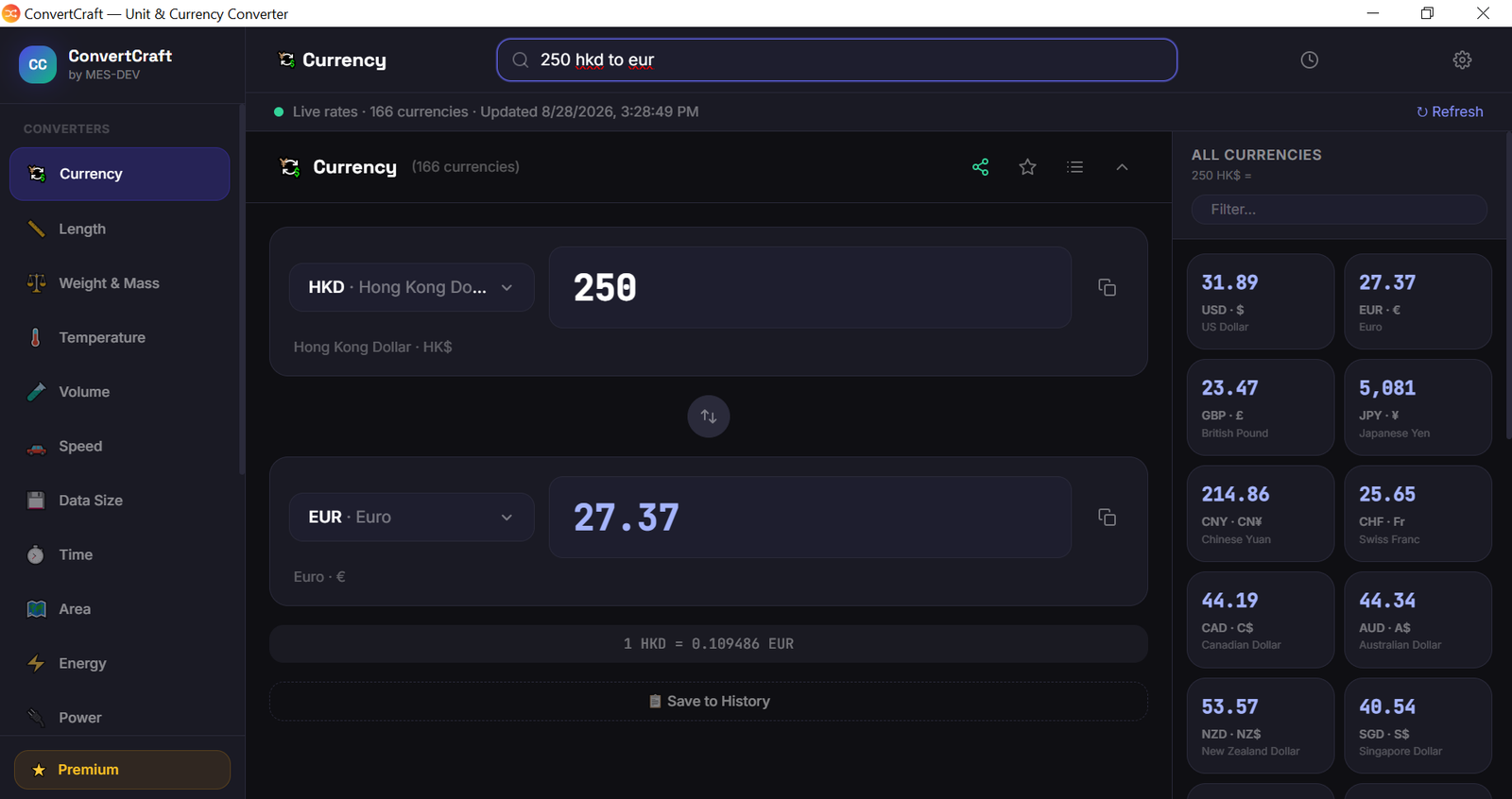
Changelog
Frequently asked questions
Is ConvertCraft free?
Yes. ConvertCraft is free to download and use. It also has an optional Premium upgrade for $8.99 (one-time payment). Premium is never required to use the free version.
Does ConvertCraft work offline?
Mostly. The core features of ConvertCraft work without internet. Some features fetch live data (for example online rates) and need a connection.
Which computers can run ConvertCraft?
ConvertCraft is a desktop app for Windows. It installs on your computer like any other program; it is not a website or a phone app.
How big is the ConvertCraft download?
The installer is about 3.1 MB.
What is the latest version of ConvertCraft?
The latest version is 1.1.0, released August 28, 2026. The page lists what changed in each release under Changelog.
How do I get help with ConvertCraft?
Use the Support Center on this website: you can chat, open a ticket or send an email, and the developer answers directly.
User reviews
Write a review
Download ConvertCraft and we'll email you a link to leave a review — no account needed.
No reviews yet — be the first!
How to do it with ConvertCraft
Short, free guides — every one of these runs entirely on your PC.
Related apps

Productivity
CodeCraft
CodeCraft is a free desktop application that lets you generate QR codes and barcodes in seconds. Supports 7 QR types and 7 barcode formats with live preview and one-click export.

Productivity
InvoiceCraft
Free offline invoicing for Windows. Live preview, PDF export, 4 templates including Arabic RTL, tax & discounts, clients and reports. No account, no subscription.

Productivity
VideoForge
24 video tools in one offline Windows app — compress, convert, crop, stabilise, key out a green screen, remove silence and batch whole folders. GPU-accelerated. One-time purchase, no cloud.