Offline Invoicing Software. Free download
Tired of paying every month just to send an invoice? Here's how offline invoicing software lets you bill clients, track payments, and keep your data on your own computer — no cloud, no subscription.
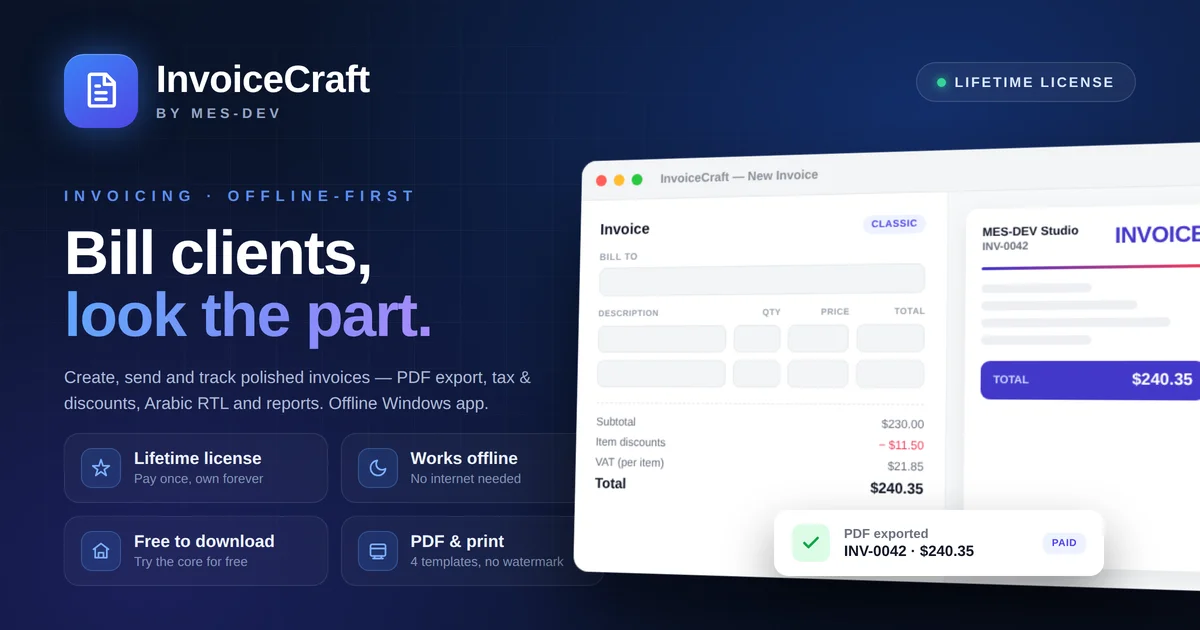
Most invoicing tools today live in the cloud and charge a monthly fee — and the basics you actually need (extra clients, multiple currencies, payment tracking) are often locked behind the higher tiers. If you'd rather use a lifetime free invoicing software, keep your data on your own machine, and never worry about a renewal email, offline invoicing software is worth a serious look.
This guide explains what offline invoicing means, why it matters for freelancers and small businesses, and how InvoiceCraft fits.
Why choose offline invoicing software?
"Offline" doesn't mean limited — it means the app runs entirely on your computer instead of on someone else's server. That difference shows up in a few practical ways:
- Your data stays with you. Invoices, clients, and payment records are stored locally on your device, not uploaded to a third-party cloud you don't control.
- No internet required. You can write and print an invoice on a plane, in a workshop with no Wi-Fi, or anywhere a connection drops.
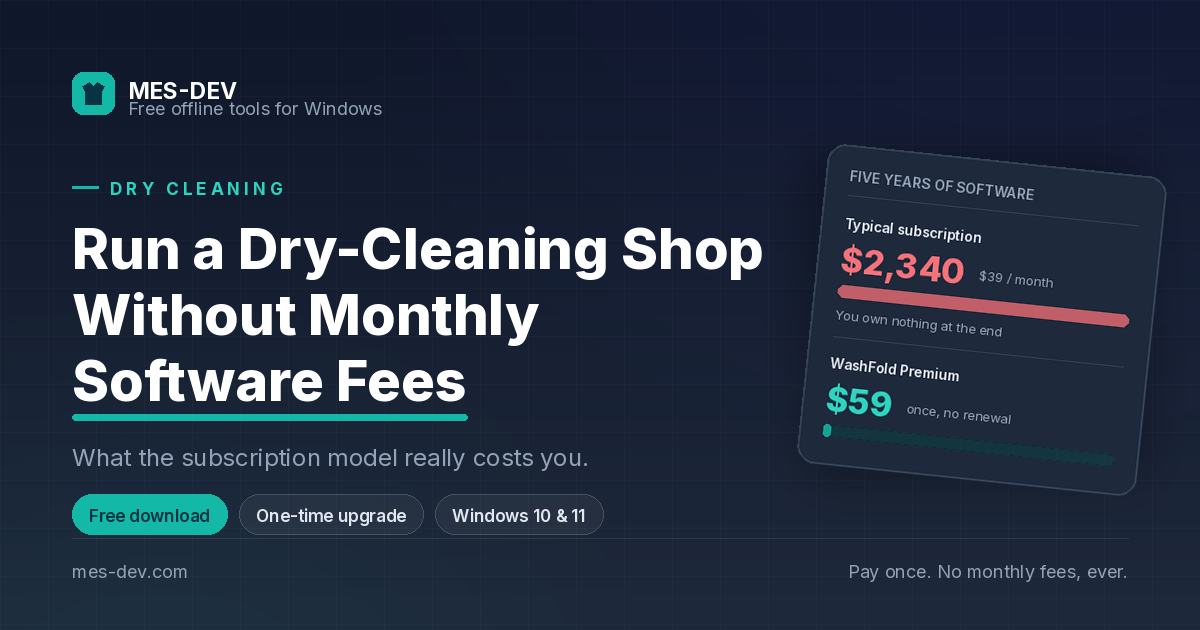
- No monthly bill. A one-time desktop app keeps working whether or not you keep paying — the opposite of a subscription that stops the moment you cancel.
- It stays fast. No loading spinners waiting on a server; everything happens on your machine. For a lot of freelancers, consultants, and small shops, those four points are exactly what a cloud invoicing service can't offer.
What InvoiceCraft does
InvoiceCraft is a desktop invoicing app for Windows that runs offline and is yours lifetime without paying anything ( free version) or after a one-time premium features purchase ( more advanced features). The free version is totally lifetime free and the premium version adds only some advanced feaures. It's built to cover the real invoicing workflow without forcing you onto a recurring plan:
- Create professional invoices from a set of clean, ready-to-use templates.
- Manage your customers and items in one place so you're not retyping details every time.
- Multi-currency support for billing international clients.
- Track payments so you always know what's paid, partially paid, or outstanding.
- Estimates / quotes you can send before the work, then convert into an invoice.
- Duplicate an existing invoice to bill recurring clients in seconds.
- Backup & restore so your records are safe and portable between machines.
- Arabic PDF support for right-to-left invoices — useful if you bill in the Gulf or MENA region. You can download it and start with the free tier to see how it feels before deciding to unlock everything with a one-time purchase.
Offline vs cloud invoicing: a quick comparison
| Typical cloud invoicing app | InvoiceCraft (offline) | |
|---|---|---|
| Pricing model | Monthly / yearly subscription | free version ( lifetime free) or a One-time purchase for a premium version with advanced features |
| Where your data lives | On the provider's servers | On your own computer |
| Works without internet | No | Yes |
| Stops working if you stop paying | Usually yes | No |
| Speed | Depends on your connection | Local, instant |
| Multi-currency & payment tracking | Often a higher-tier feature | Included |
(General comparison against subscription cloud tools — features vary by provider.)
Who is InvoiceCraft for?
It's a strong fit if you're a freelancer, consultant, contractor, or small-business owner who sends a steady stream of invoices and would rather own your tool than rent it. It's especially handy if you work somewhere internet isn't guaranteed, or you simply don't want client and payment data sitting in a cloud account.
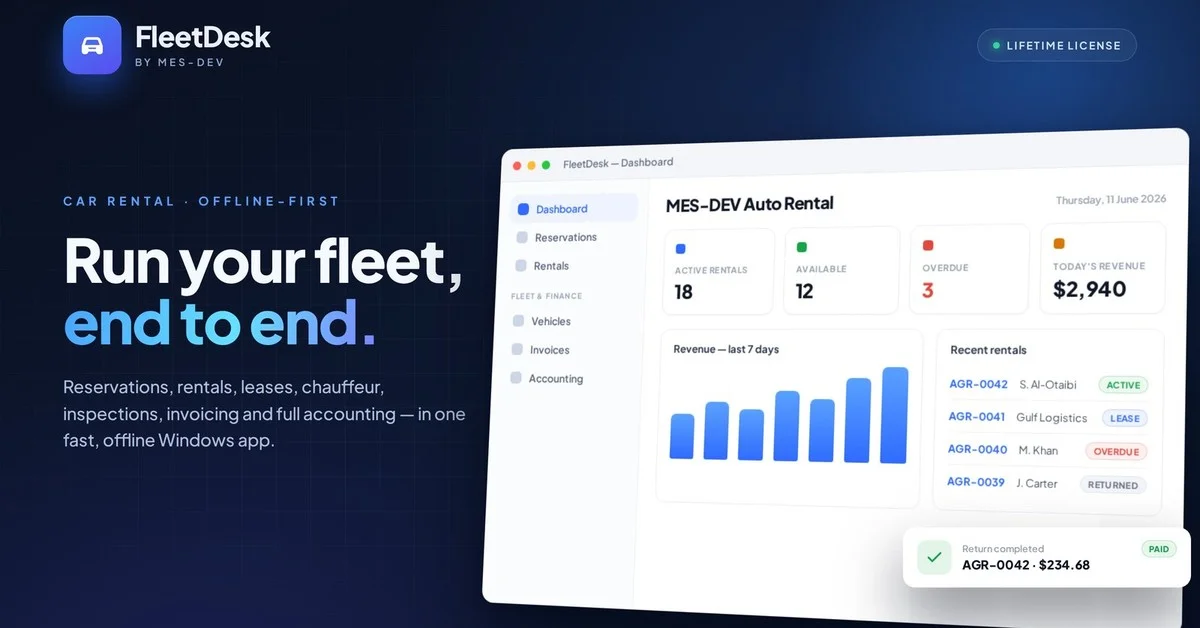
If you also rent vehicles or run a service counter, InvoiceCraft pairs naturally with our other offline tools — see FleetDesk for rental management and WashFold for laundry shops management.
FAQ
Is InvoiceCraft really free to start? Yes — you can download it and use the free tier lifetime to create invoices and try the workflow. A one-time purchase unlocks the full feature set; there's no subscription.
Where are my invoices stored? Locally, on your own computer. Nothing is uploaded to a cloud server, and you can back up and restore your data yourself.
Can I invoice clients in other currencies? Yes. InvoiceCraft supports multiple currencies so you can bill international clients without switching tools.
Does it work without an internet connection? Yes. The whole app runs offline, so you can create and print invoices anywhere.
Try InvoiceCraft
Skip the monthly bill and keep your billing data on your own machine.
👉 Download InvoiceCraft and start invoicing offline today.