Laundry Management Software That Works Offline - Free download
Tired of paying every month for software your shop cannot run without? Here's how offline laundry software lets you take orders, track garments, and keep your customer list on your own computer — no cloud, no subscription.
Every laundry software vendor sells you the same thing: a monthly bill for the right to use your own customer list.
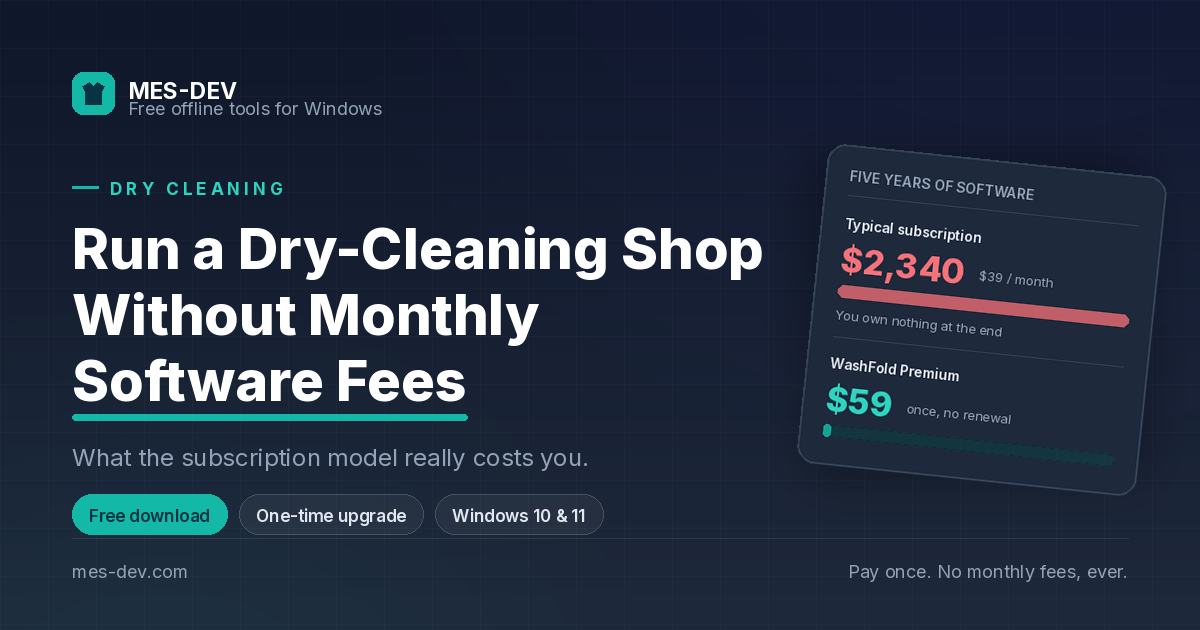
It sounds reasonable at $30 or $40 a month. Over five years it is $2,400, and at the end of it you own nothing. Stop paying and the software stops working — along with your access to every order, every price and every customer you entered into it.
There is another way to do this, and it is the way shop software worked before anyone thought of renting it: install it on the computer at your counter, and it is yours.
What "offline" actually means for a laundry
Offline software runs on your machine. Not "works offline temporarily and syncs later" — actually offline, with the database sitting as a file on your own hard drive.
For a laundry counter that means three specific things.
Your counter does not depend on your Wi-Fi
Router reboots, the ISP has an outage, someone unplugs the wrong thing. None of it reaches the till, because the till is not asking anyone's permission to open an order.
Your data is not leverage
With cloud software, your customer list is held by a company whose interests stop aligning with yours the moment they decide to raise prices. With a local database, the file is on your desk. There is nothing to negotiate.
There is no per-user, per-month arithmetic
Adding a second cashier is not a pricing decision.
What a laundry actually needs at the counter
Generic retail POS software struggles with garment care, and the reason is structural: it assumes a product with one price. A laundry does not have products. It has garments and services, and the price lives at the intersection.
A shirt costs one thing to wash and another to dry clean. A suit is different again. Two dimensions, one price grid — and software built around a barcode and a single price field cannot express it without workarounds.
That is what WashFold is built around. Garment types on one axis, service types on the other, and a price for every pair.
From drop-off to pickup, without a notebook
The counter workflow is short by design:
- Pick the customer, or add them in two fields if they are new
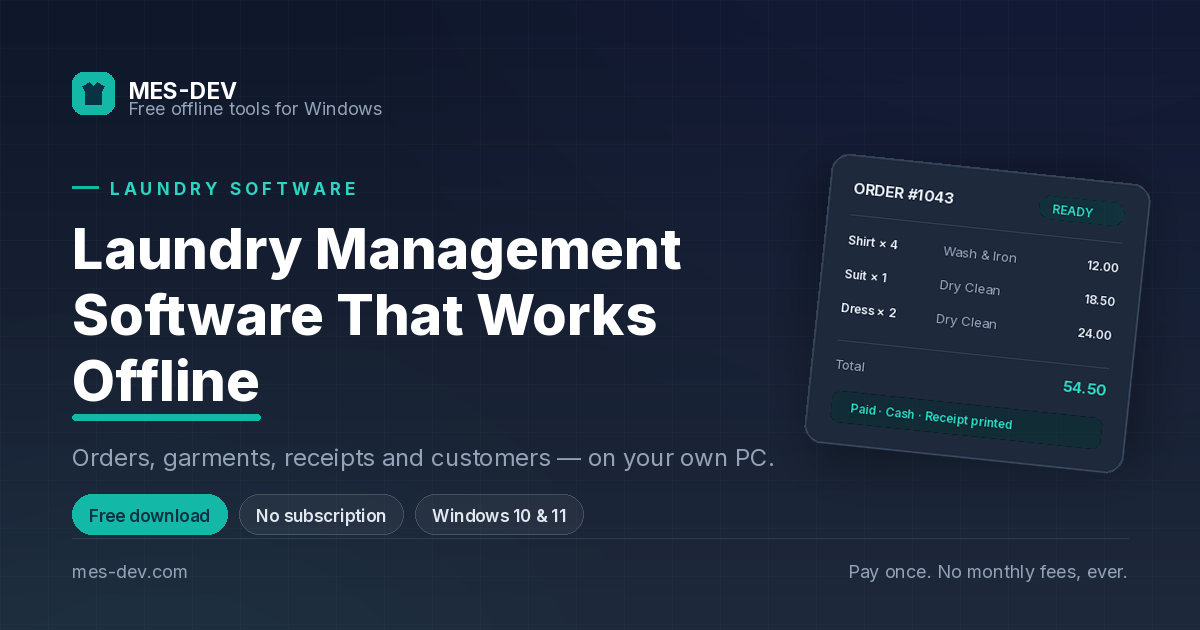
- Pick the garment, the service and the quantity — the price fills itself in
- Apply a discount if you want to, as a fixed amount or a percentage
- Take payment, and print the receipt
The order then goes onto a status board: open, ready for pickup, delivered. Your team taps it forward as it moves through the shop, so when someone walks in and asks "is it ready?", anyone at the counter can answer in a second without walking to the back.
That single question is most of what shop software is for.
Your customers, on your machine
Every order attaches to a customer record automatically. Contact details, full order history, what they paid, what they still owe — all of it available at the counter while they are standing in front of you.
Because the database is a local file, moving to a new PC is a copy, not a migration project. Export a backup, put it on the new machine, carry on.
Money that adds up at the end of the day
Two things matter here and most shop software gets one of them wrong.
The income ledger records every payment as it happens, so revenue is not something you reconstruct from receipts at the end of the month.
The cash drawer opens with a starting float, tracks cash in and out through the shift, and closes against a counted total. It shows you what should be in the drawer, what actually is, and the difference — with a note field for the explanation, and a full session history per cashier. That is the difference between knowing your takings and guessing them.
Arabic, French, Spanish — or a language you add yourself
WashFold ships in English with French, Arabic and Spanish ready to use, and Arabic runs with full right-to-left layout rather than English boxes with Arabic text dropped in.
You are also not limited to the languages we ship. Add any language, fill every interface string in one click using your own AI provider key, then edit any wording by hand until it reads the way your shop actually talks. Receipts can print in English, in Arabic, or in both side by side. Switching languages and auto-translate are part of the Premium upgrade.
What the free version does
WashFold is free to download and use, with no time limit and no expiry.
The free version covers 100 orders, 50 customers, 2 staff accounts and 5 garment types, with unlimited service types and one manual backup per calendar month. It takes cash payments and runs in English, and free receipts carry a small "Powered by WashFold" line at the bottom.
That is enough to run a small shop for a month or two and decide properly, rather than enough to see a demo.
Premium is a single one-time purchase, not a subscription. It lifts every limit above and adds:
- Card payments at the counter
- Home-delivery scheduling and tracking
- Expense tracking, profit and loss, and cash-drawer reconciliation
- Prepaid wallets and recurring subscription plans
- Multiple price lists and the full pricing matrix
- Customer loyalty points and prepaid balances
- Advanced reports — revenue by service and peak hours
- Export to CSV and PDF, and list printing
- Unlimited interface languages with one-click auto-translate
- Automatic scheduled backups
- Receipts without the WashFold line
Pay once. There is no renewal.
Getting started
Download WashFold, run the setup wizard — business details, your owner account, your garment types and services, your prices — and start taking orders. If you want to look around first, load the built-in demo data, explore it with realistic orders, then clear it in one click before your first real one.
Windows 10 and 11. Also available on the Microsoft Store.