What actually makes a password strong (and what doesn't)
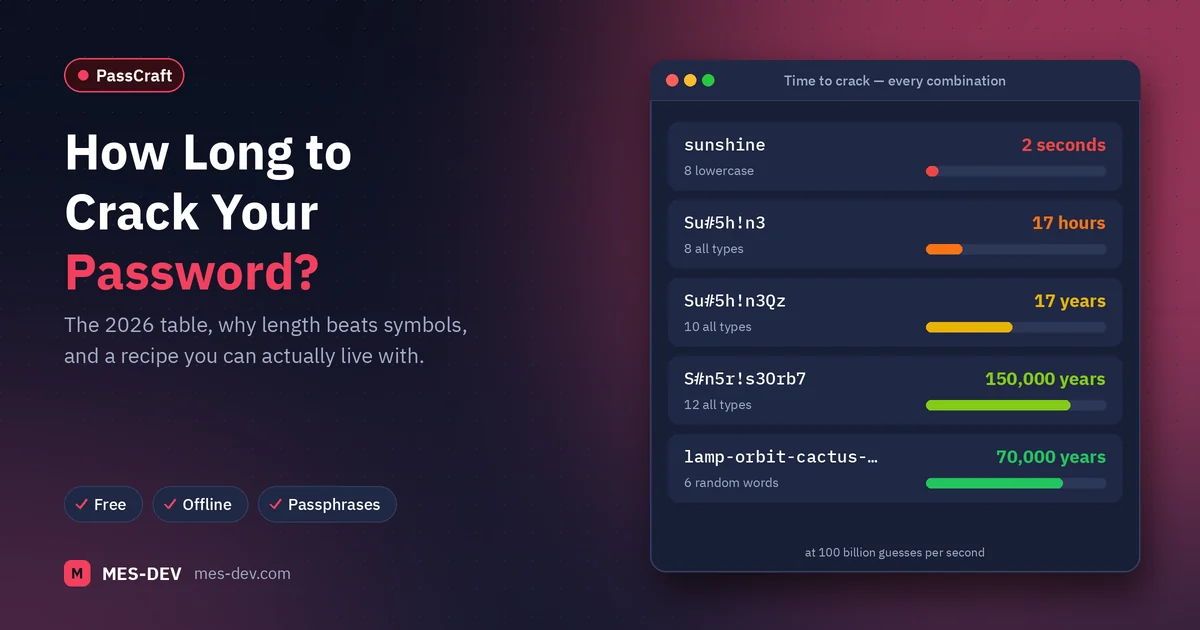
Length beats complexity by a wide margin, "Password1!" satisfies almost every complexity rule ever written, and changing passwords every 90 days made things worse. Here is what actually determines whether a password holds.
Most password advice is thirty years old and was wrong when it was written. The rules that got baked into signup forms — one uppercase, one number, one symbol, change it every 90 days — were guesses that turned out to make things worse, and the organisations that wrote them have since said so.
Here is what actually matters.
Length beats complexity, and it is not close
The number of guesses needed to break a password grows exponentially with its length and only linearly with the size of the character set.
Put plainly: adding one more character to a password multiplies the work an attacker has to do. Adding symbols to a short password barely moves it.
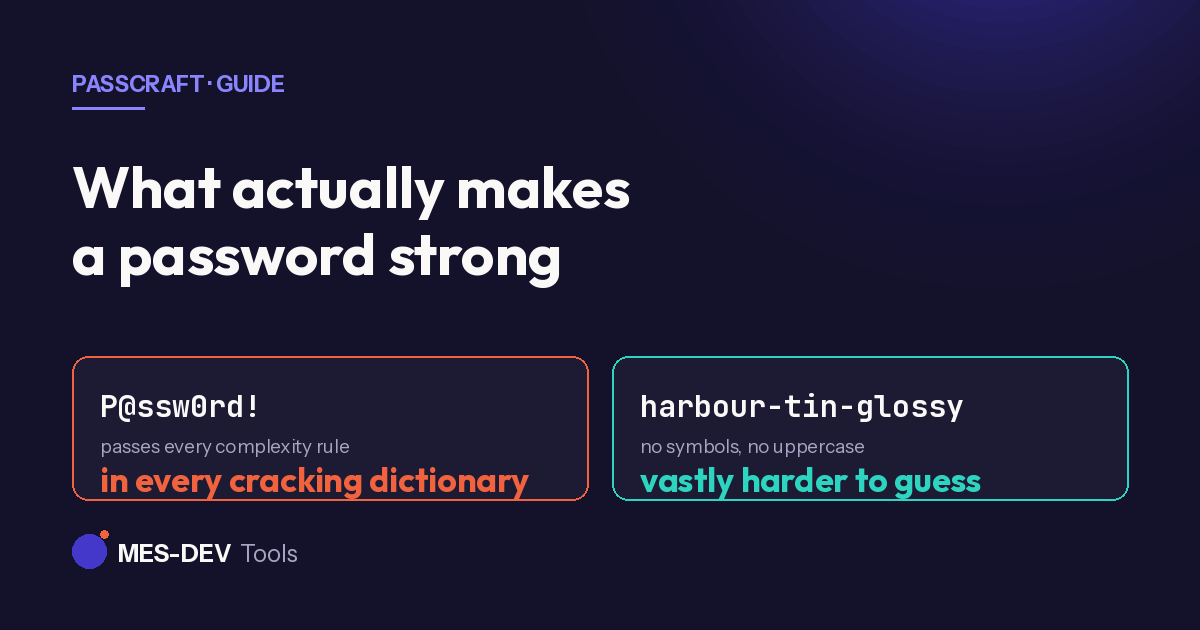
P@ssw0rd! satisfies almost every complexity rule ever written. It is also in every cracking dictionary in existence, because the substitutions people make are entirely predictable — a becomes @, o becomes 0, an exclamation mark goes on the end. Cracking tools apply those rules automatically. The complexity is theatre.
A four-word phrase like harbour-tin-glossy-embark has no symbols and no uppercase, and it is vastly harder to guess.
What entropy actually measures
Entropy, measured in bits, is how many guesses an attacker needs on average. Each additional bit doubles it.
The rough shape of it:
| Password | Approximate entropy | Meaning |
|---|---|---|
| 8 characters, mixed | ~40 bits | Falls to modern hardware quickly |
| 12 characters, random | ~70 bits | Meaningful resistance |
| 16 characters, random | ~95 bits | Not brute-forceable in practice |
| 4 random common words | ~50 bits | Fine, and memorable |
| 6 random common words | ~75 bits | Strong and still memorable |
The word "random" is doing heavy lifting there. Four words you chose are not four random words — people pick related ones, from a much smaller pool than they imagine. The words have to be picked by something that is not you.
Why forced 90-day changes were dropped
Both NIST in the US and the UK's NCSC now advise against routine forced expiry, because of what people actually do when made to change a password every quarter: they change Summer2025! to Summer2026!. The new password is a trivial derivation of the old one, so an attacker who had the old one has the new one immediately.
Worse, frequent forced changes push people towards passwords simple enough to keep re-inventing, and towards writing them down badly.
Change a password when there is a reason — a breach, a suspicion, a shared credential where someone has left. Not on a calendar.
Reuse is the real problem
Almost nobody is targeted by someone patiently brute-forcing their password. What actually happens is credential stuffing: a site gets breached, the email and password pairs are dumped, and attackers try that same pair on hundreds of other sites automatically.
Your strongest password is worthless the moment it is also the password on a forum that stored it badly.
Every account needs a different password. That is the single highest-value habit on this page, and it is the one that makes a password manager necessary rather than optional — nobody memorises two hundred unique strings.
What to do
- Unique password per account. No exceptions for "unimportant" sites; those are the ones that get breached.
- Long over clever. 16+ random characters where you never have to type it manually; a 5–6 word generated passphrase where you do.
- Generated, not invented. Human-chosen randomness is not random.
- Turn on two-factor wherever it is offered. An app-based code beats SMS, which can be intercepted through SIM swapping.
- Stop rotating on a schedule. Change on cause.
Where the passwords live
A generator is only half of it. The other half is somewhere to keep two hundred unique strings you will never remember.
PassCraft generates passwords and stores them in an AES-256 encrypted vault on your own PC. There is no cloud account and no sync, which is a deliberate trade: cloud managers concentrate every user's vault in one place, and that concentration is what makes them worth attacking. A local vault has no such blast radius.
The trade runs the other way too, and it is worth stating plainly: because there is no cloud copy, backing up the vault file is your responsibility rather than a vendor's. It is a file — back it up wherever you already back up files.
Related reading: generate a strong password offline and an offline password manager for Windows.