About this app
Generate strong passwords and manage them securely — fully offline, no subscription
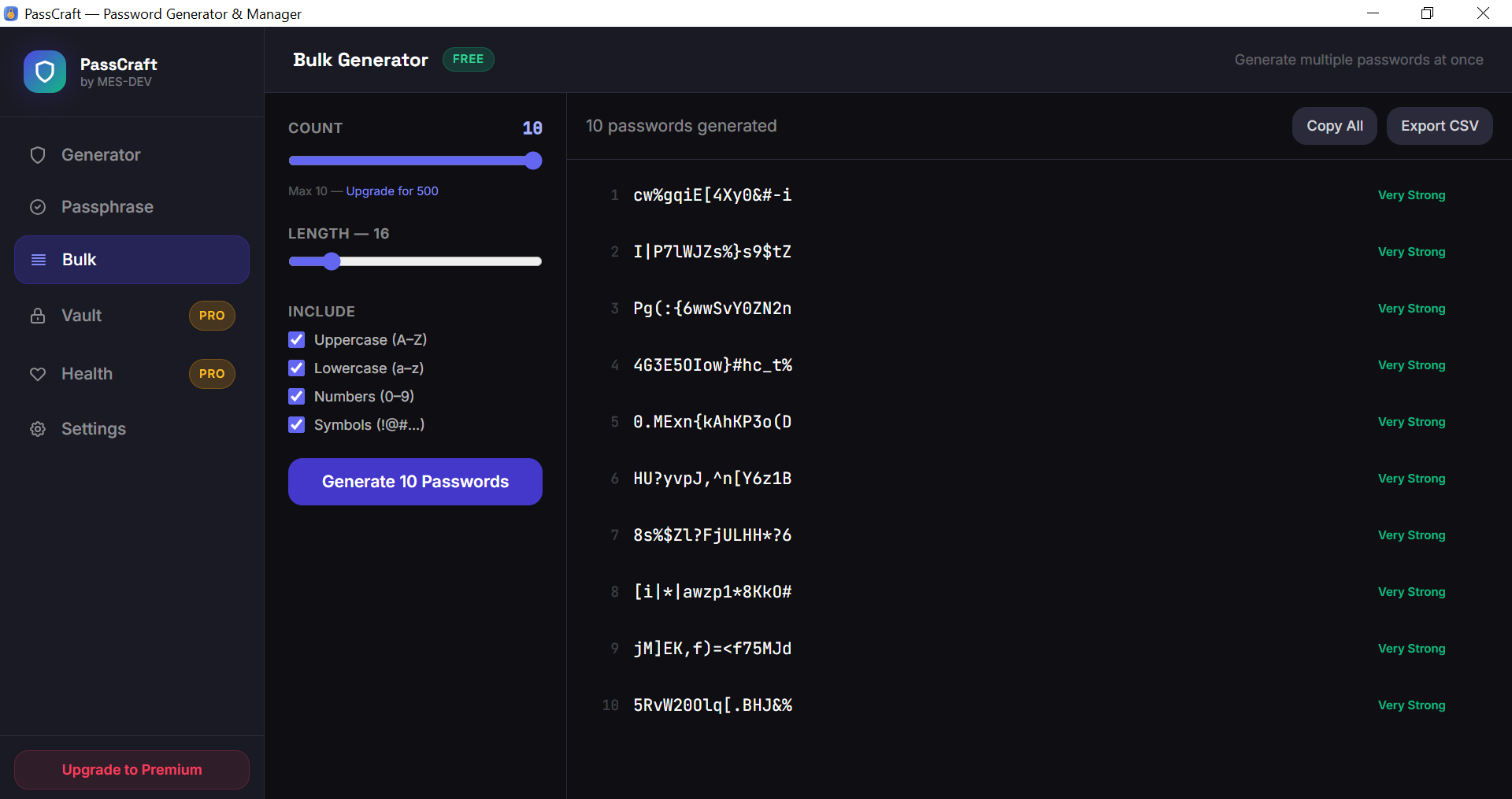
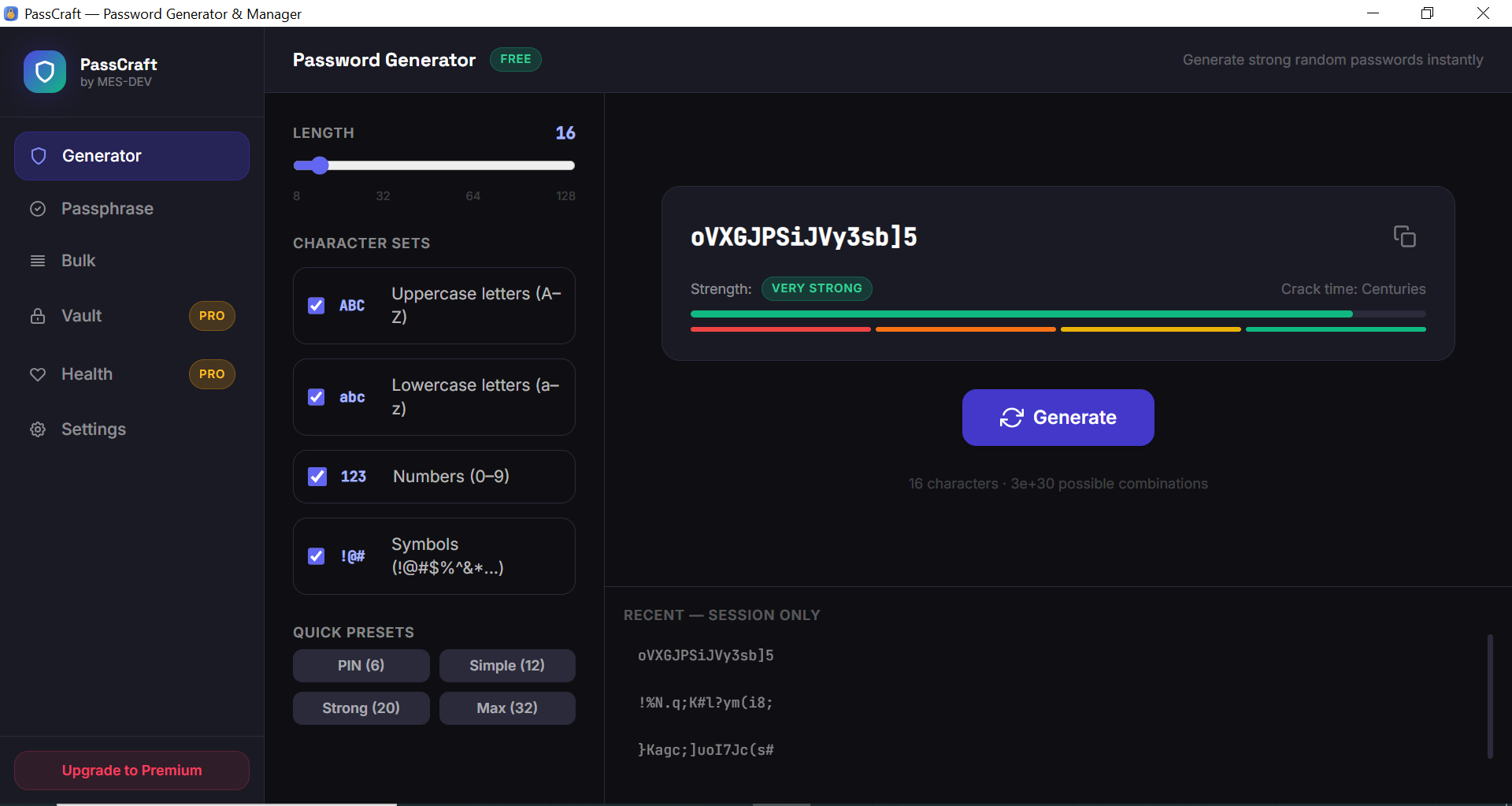
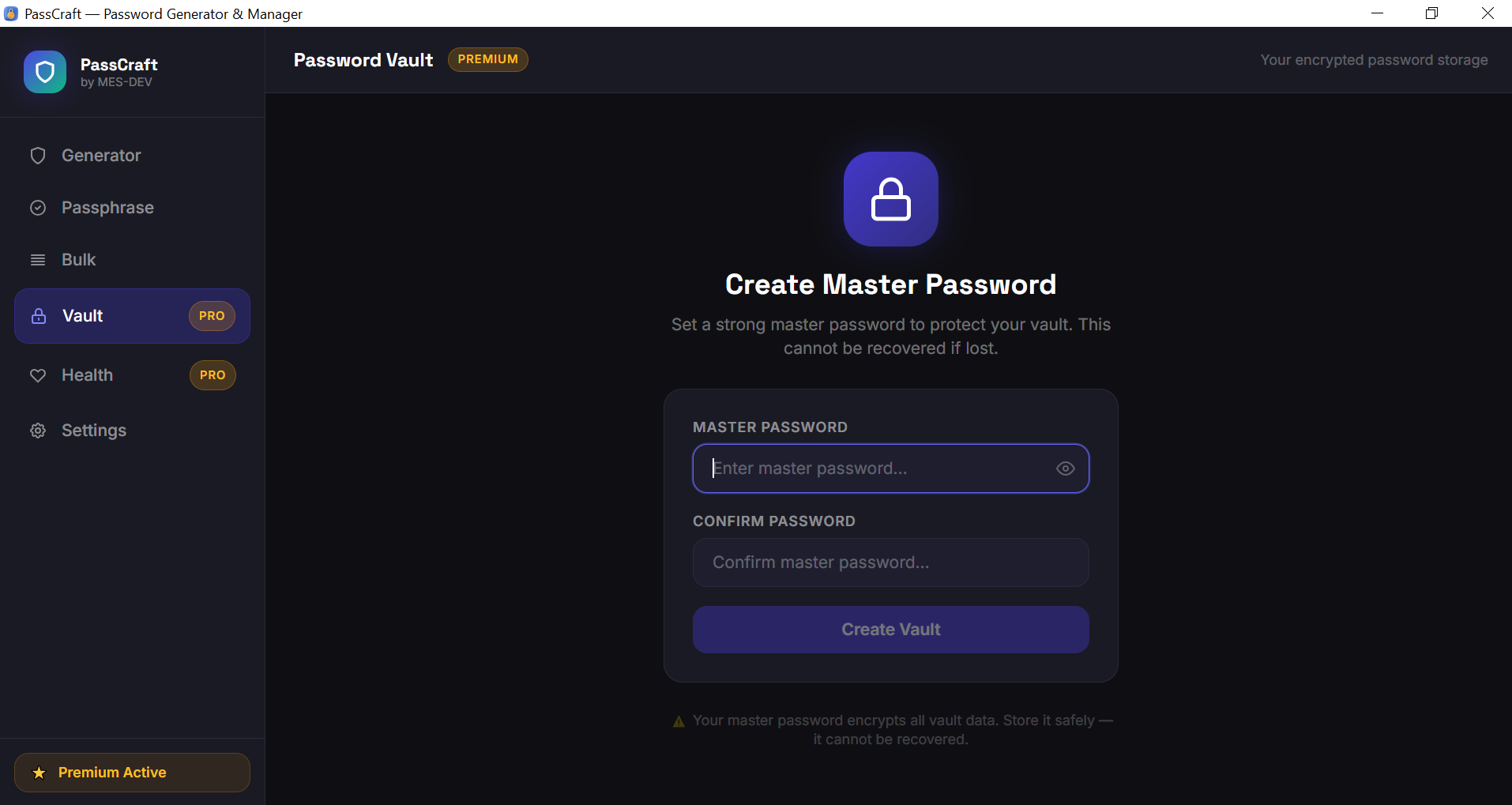
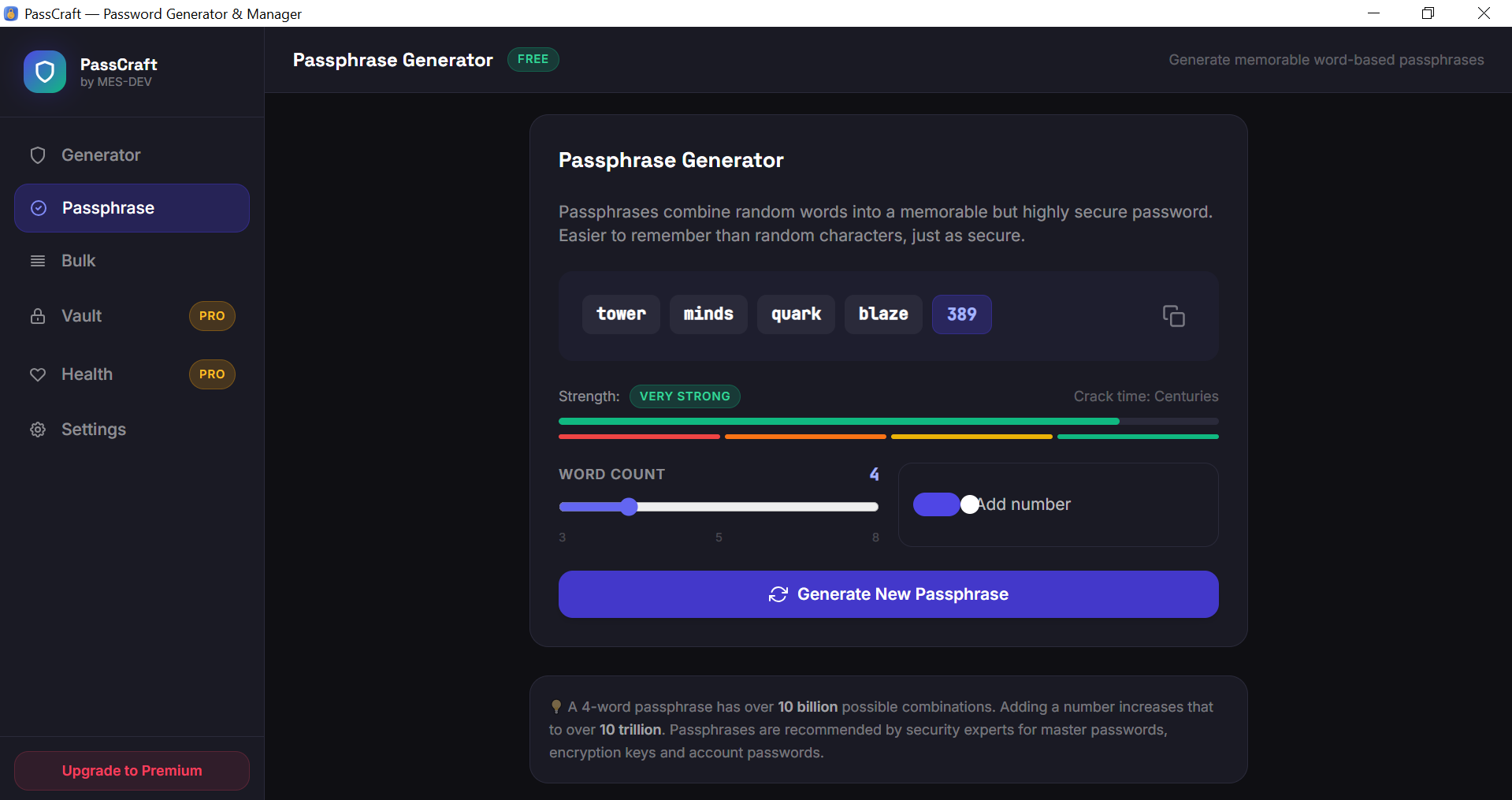
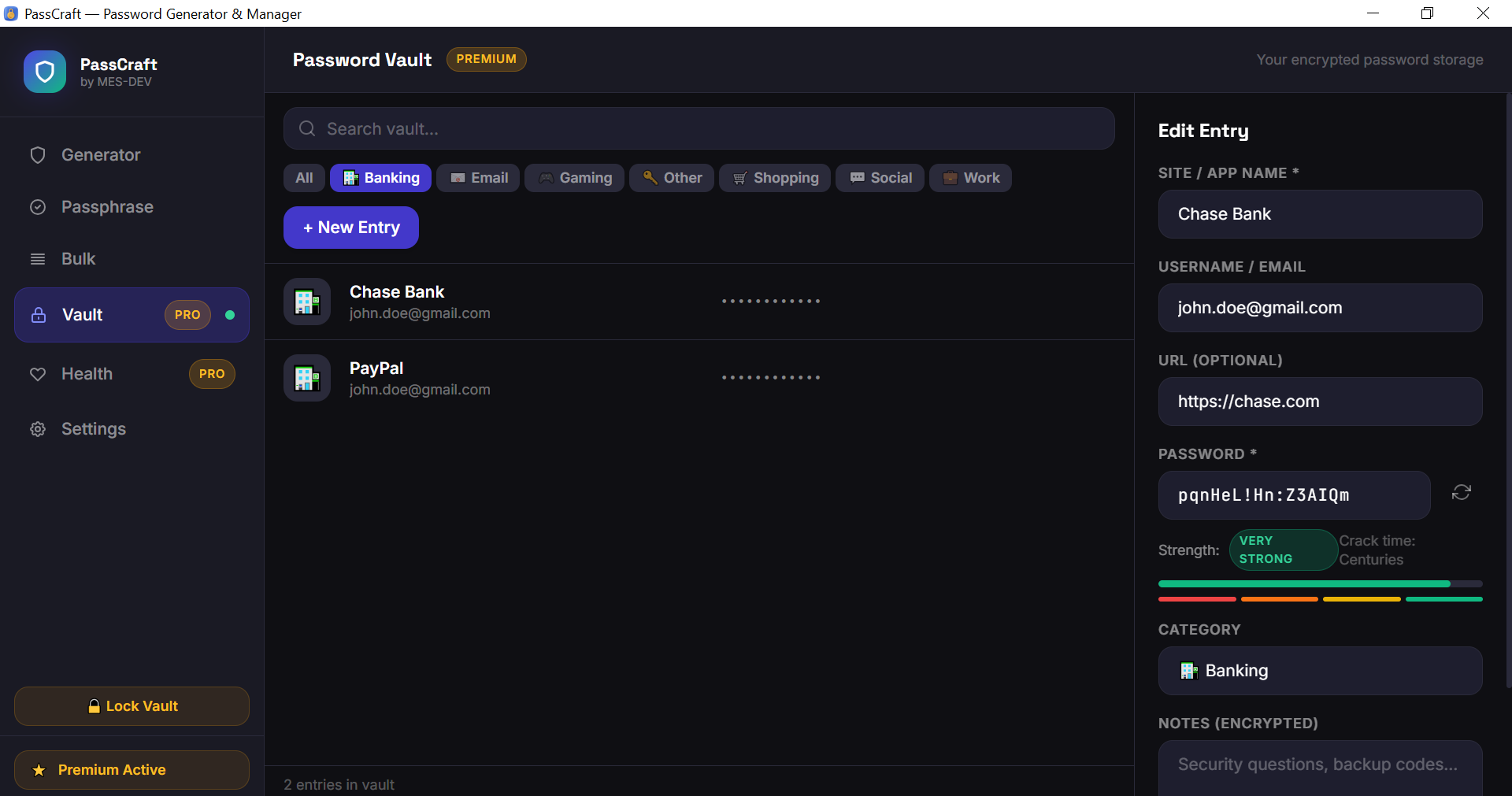
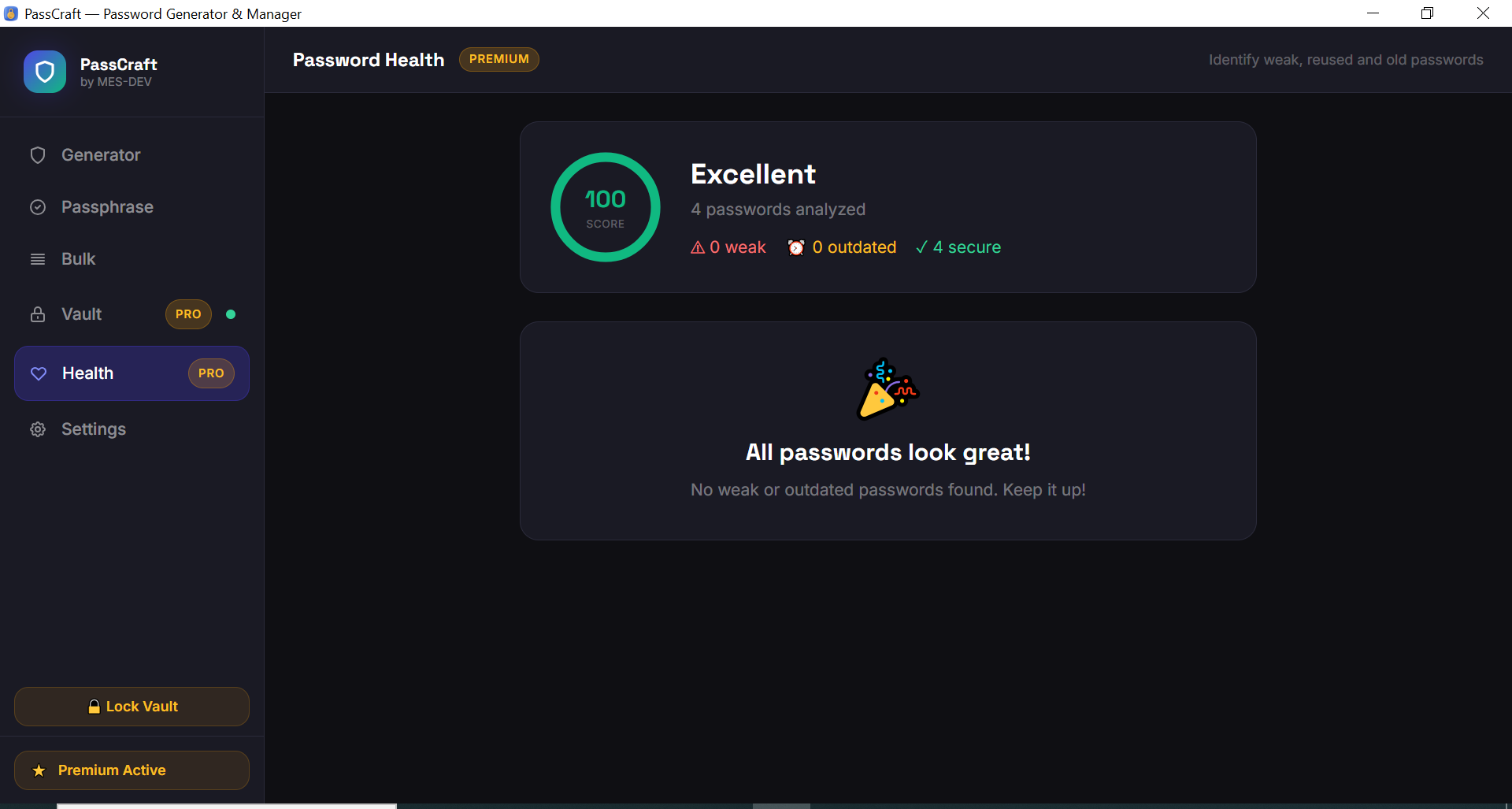
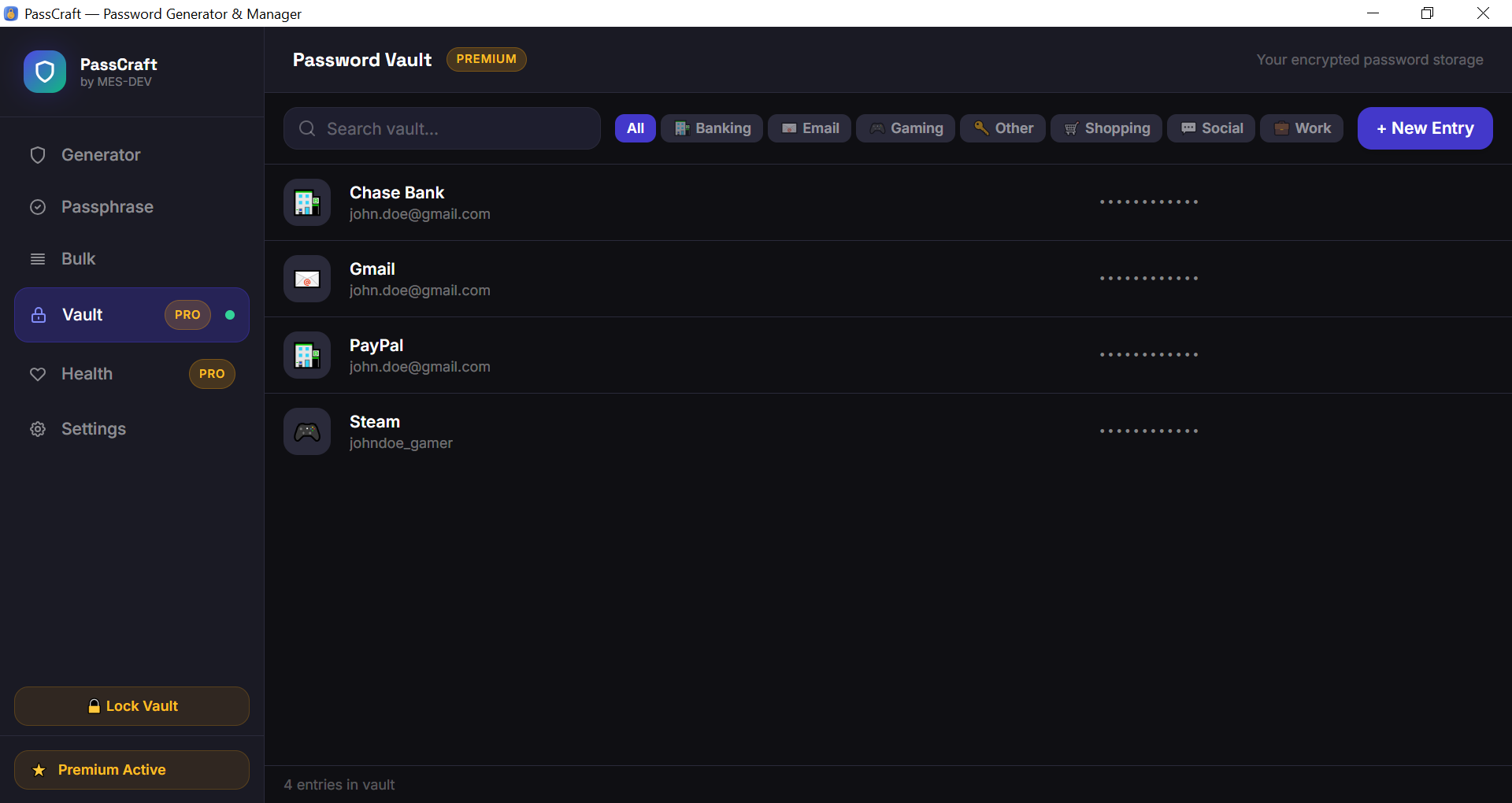
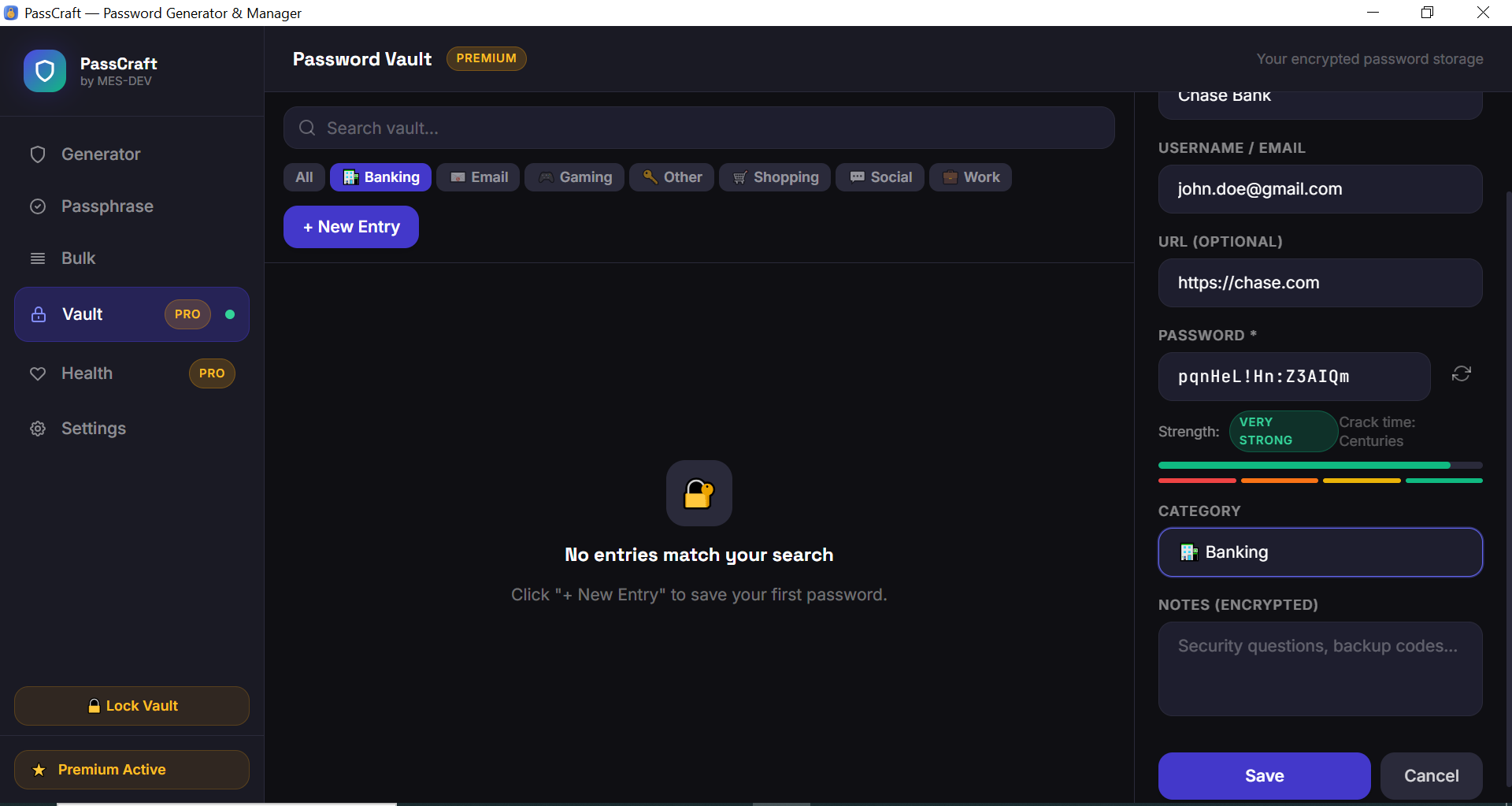
PassCraft is a lightweight, professional password generator and manager for Windows — built for everyone who wants stronger passwords without trusting a cloud service. No internet required. No monthly fees. Your data stays on your machine, encrypted and private. Free Features: - Password Generator with full control over length (8–128 chars) and character sets - Toggle uppercase, lowercase, numbers and symbols independently - Real-time password strength meter with crack time estimate - One-click copy to clipboard - Quick presets: PIN, Simple, Strong, Maximum - Passphrase Generator — memorable word-based passwords (3–8 words) - Bulk Generator — generate up to 10 passwords at once - Session history — last 20 generated passwords - Export bulk passwords to CSV Premium Features: - Encrypted Password Vault — AES-256-GCM encryption with master password (Argon2id hashing) - Save unlimited entries with site name, username, password, URL and notes - 7 built-in categories: Social, Banking, Work, Shopping, Email, Gaming, Other - Reveal and copy passwords directly from the vault - Password Health check — identifies weak and outdated passwords - Visual health score with actionable recommendations - Auto-lock vault after inactivity (1/5/15/30 minutes) - Unlimited bulk password generation (up to 500 at once) - Encrypted notes per entry — store security questions and backup codes safely Security Architecture: - Master password hashed with Argon2id (industry standard) - Each entry encrypted with AES-256-GCM - Encryption key derived using PBKDF2-SHA256 (100,000 iterations) - Random 96-bit nonce per encryption — no two ciphertexts are identical - All cryptography runs in Rust — never in JavaScript - SQLite database stored locally — zero cloud sync, zero telemetry
Screenshots
1 / 9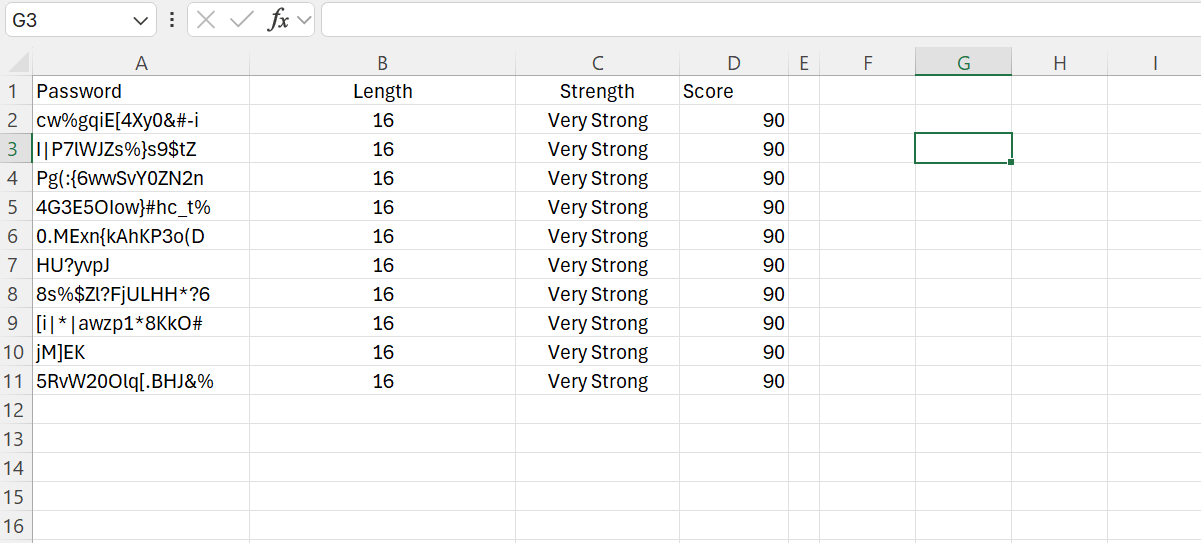
Changelog
Frequently asked questions
Is PassCraft free?
Yes. PassCraft is free to download and use. It also has an optional Premium upgrade for $9.99 (one-time payment). Premium is never required to use the free version.
Does PassCraft work offline?
Yes. PassCraft does its work on your own computer, so no internet connection is needed to use it.
Which computers can run PassCraft?
PassCraft is a desktop app for Windows. It installs on your computer like any other program; it is not a website or a phone app.
How big is the PassCraft download?
The installer is about 2.5 MB.
What is the latest version of PassCraft?
The latest version is 1.0.0, released August 10, 2026. The page lists what changed in each release under Changelog.
How do I get help with PassCraft?
Use the Support Center on this website: you can chat, open a ticket or send an email, and the developer answers directly.
User reviews
Write a review
Download PassCraft and we'll email you a link to leave a review — no account needed.
No reviews yet — be the first!
How to do it with PassCraft
Short, free guides — every one of these runs entirely on your PC.