JPEG vs PNG vs WebP: which image format should you use?
Saving a screenshot as JPEG makes the text blurry. Saving a photo as PNG makes the file five times bigger for no benefit. The choice comes down to one question about the image, and here is how to answer it.
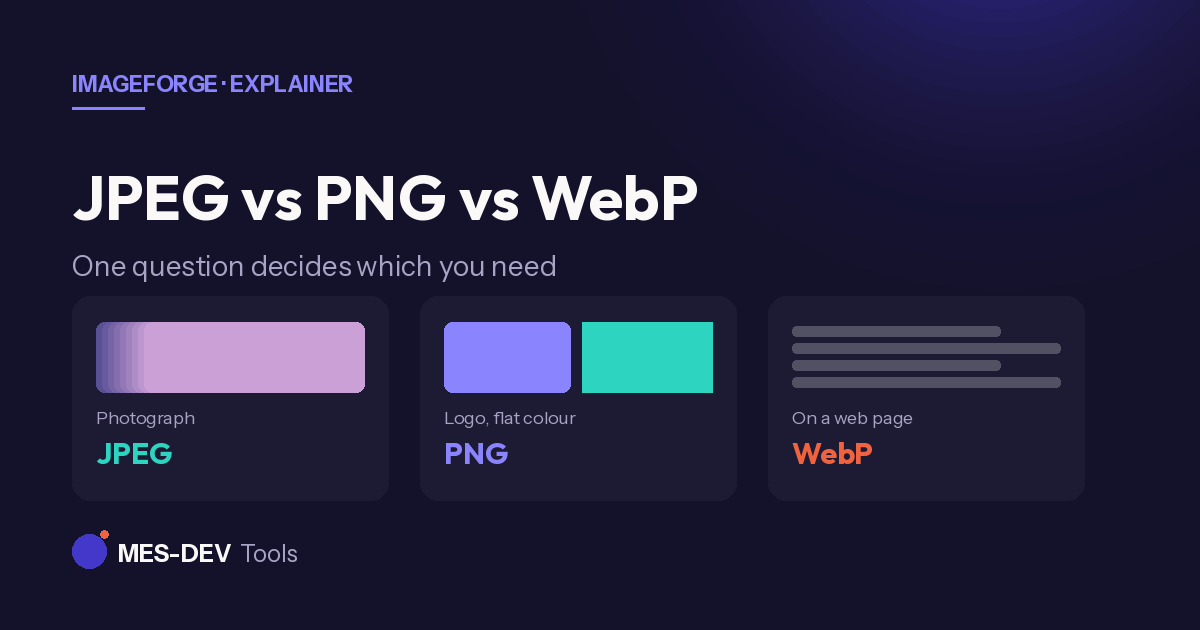
Save a screenshot of text as JPEG and the letters come out fuzzy, with grey smudges around the edges. Save a photograph as PNG and you get a file five times larger that looks exactly the same. Both are the wrong format for the job, and the reason is the same in each case.
Lossy and lossless, in one paragraph
JPEG is lossy. It throws away image data that human eyes are bad at noticing, and it cannot get that data back. This works brilliantly on photographs, where detail is soft and gradual, and badly on anything with hard edges.
PNG is lossless. Every pixel comes back exactly as it went in. That makes it perfect for hard edges and flat colour, and wasteful for photographs, where the file gets much larger with no visible gain.
WebP does both. It has a lossy mode that beats JPEG and a lossless mode that beats PNG, typically 25–35% smaller either way. The catch used to be browser support; that is largely solved now, but it is still not universal outside browsers.
The one question that decides it
Does the image have hard edges and areas of flat colour?
If yes — a logo, a screenshot, a diagram, an icon, anything with text — use PNG. JPEG's compression works by averaging across neighbouring pixels, which is exactly what you do not want where a sharp black line meets white background. That averaging is what produces the grey halo.
If no — a photograph, or anything with smooth gradients and natural detail — use JPEG. PNG stores every pixel faithfully, and for a photograph that is a huge amount of data describing detail nobody would have missed.
Then, if it is going on a website and you can serve a fallback, use WebP instead of whichever you just picked.
Transparency decides some of it for you
JPEG has no transparency at all. If any part of the image needs to be see-through — a logo going over a coloured background, a product cut-out — JPEG is out regardless of what the image looks like. That leaves PNG or WebP.
This is the single most common reason a logo ends up with an ugly white box around it: it was saved as JPEG somewhere in the chain, and the transparency was silently flattened.
At a glance
| JPEG | PNG | WebP | |
|---|---|---|---|
| Photographs | Best | Wasteful | Best |
| Text, logos, screenshots | Poor | Best | Best |
| Transparency | No | Yes | Yes |
| Animation | No | No | Yes |
| Opens everywhere | Yes | Yes | Mostly |
| Survives re-saving | No | Yes | Lossy mode: no |
Why re-saving a JPEG keeps making it worse
Each time a JPEG is opened, edited and saved again, it is re-compressed — and the loss is cumulative. Crop a photo five times, saving between each step, and you can see the damage.
PNG does not have this problem. Neither does WebP in lossless mode.
The practical rule: keep your original. Edit from it each time rather than editing an export of an export. If you are working through several steps, save your working copies as PNG and only produce the JPEG at the very end.
What about HEIC?
If your photos come off an iPhone, they are probably HEIC. It compresses better than JPEG at the same quality, but support outside Apple is inconsistent enough that most people convert to JPEG before sharing. Treat it as a camera format rather than a delivery one.
Doing the conversion
ImageForge resizes, compresses, converts and watermarks images entirely on your own Windows PC. Nothing is uploaded, so there is no file-size cap and no upload wait, and there is no account or subscription — it is a one-time purchase rather than a monthly fee.
Related reading on this site: convert images offline, compress images without uploading, and resize images offline.