About this app
Batch-process hundreds of images in seconds — fully offline.
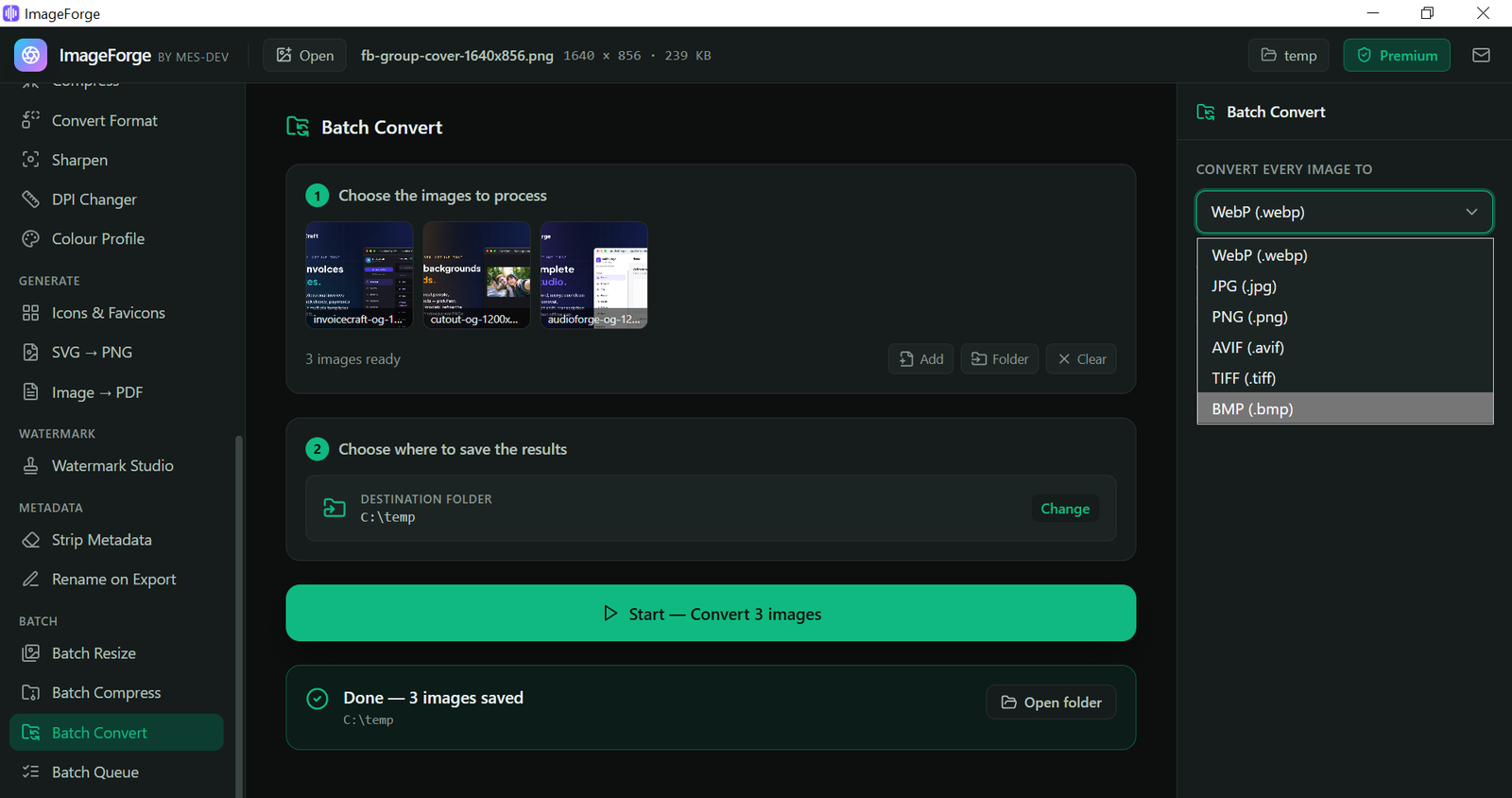
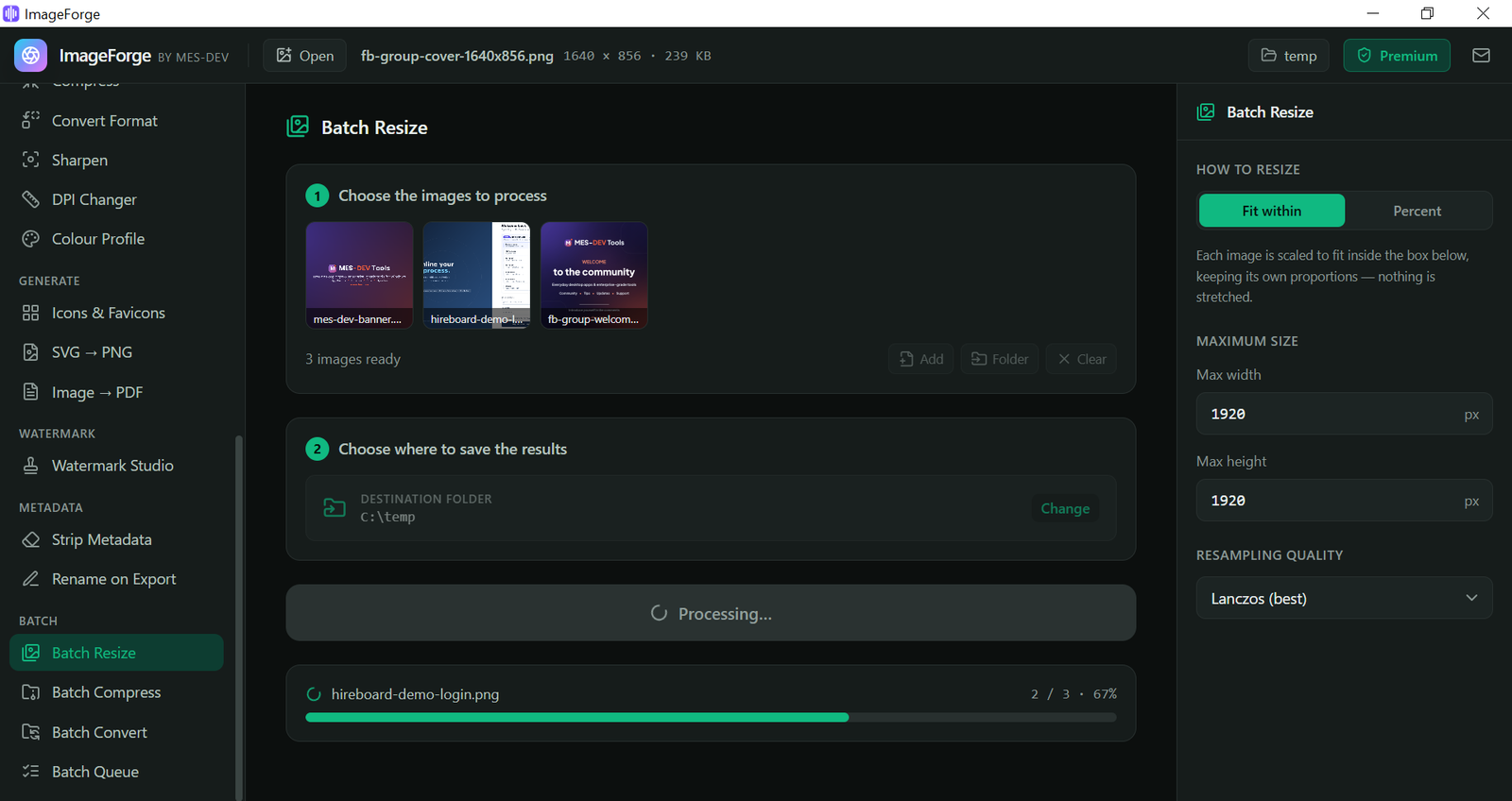
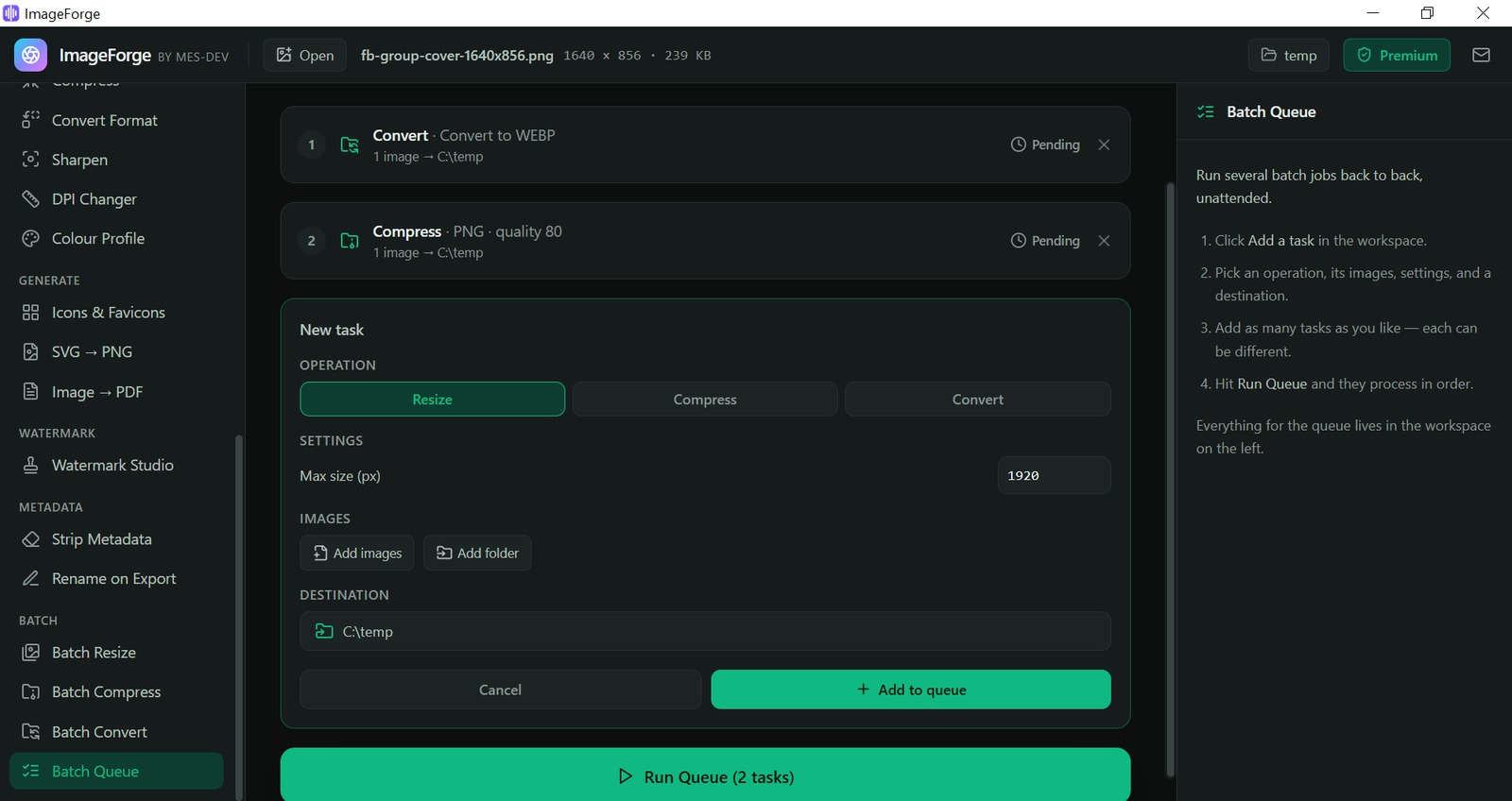
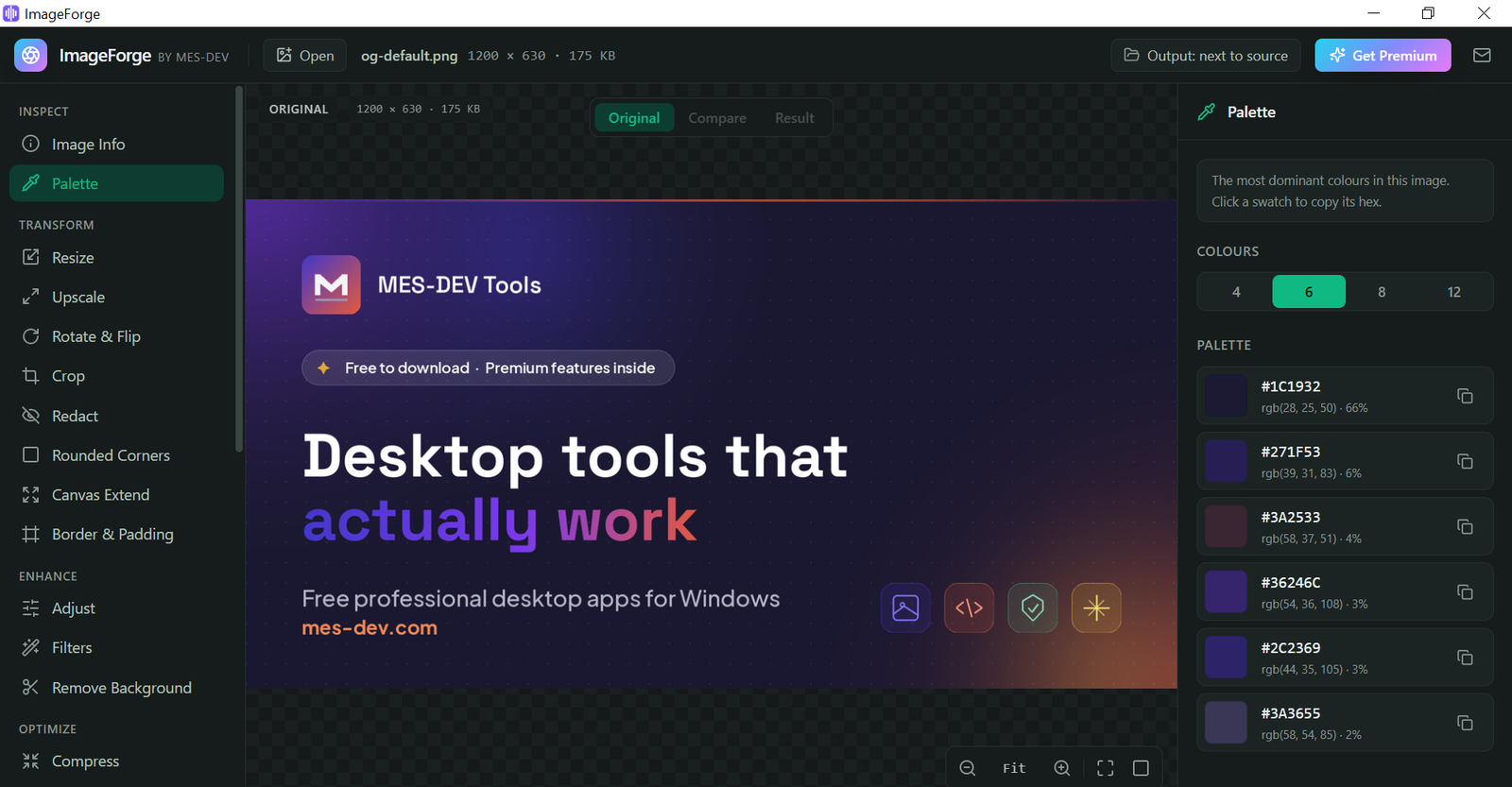
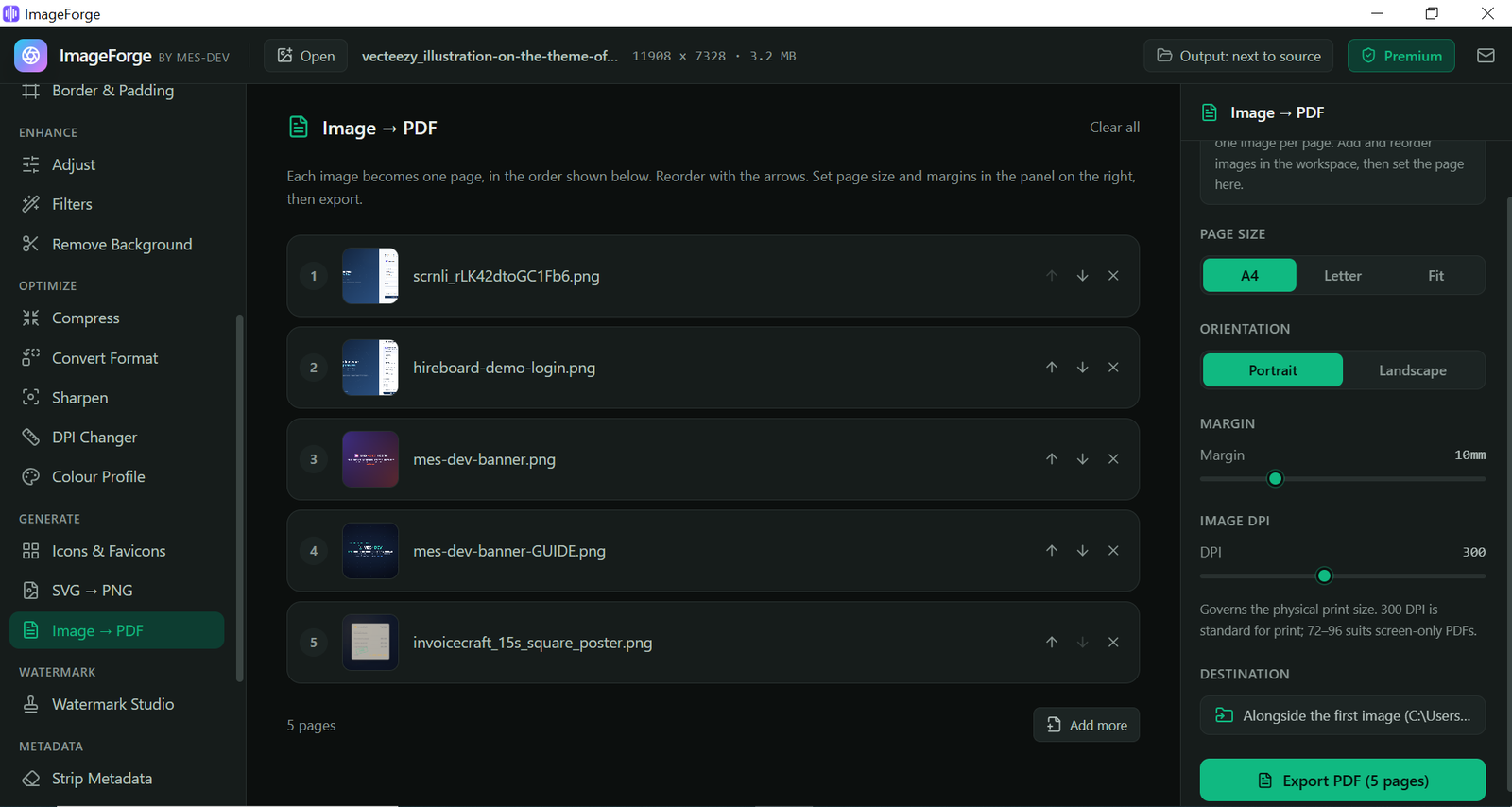
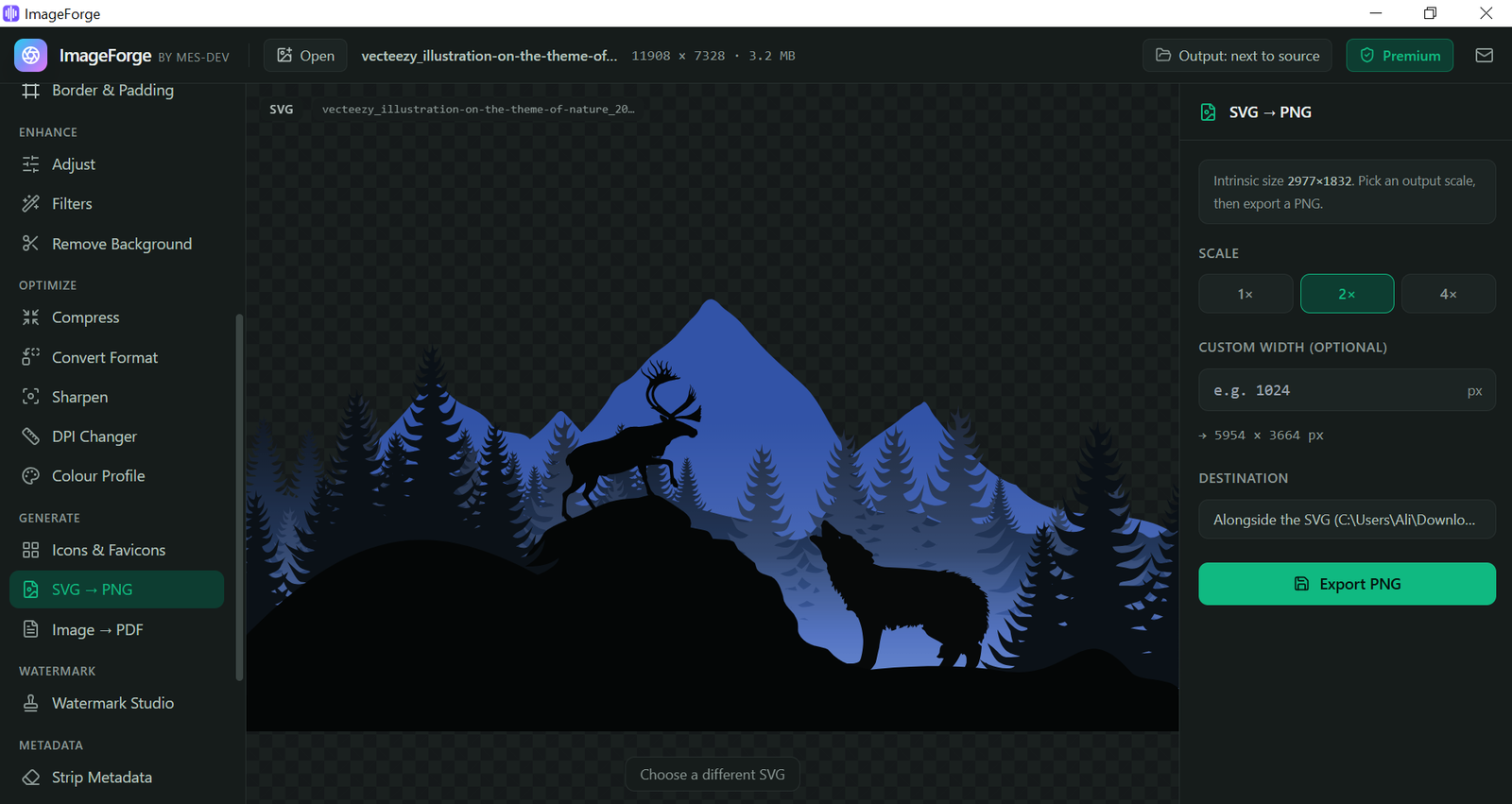
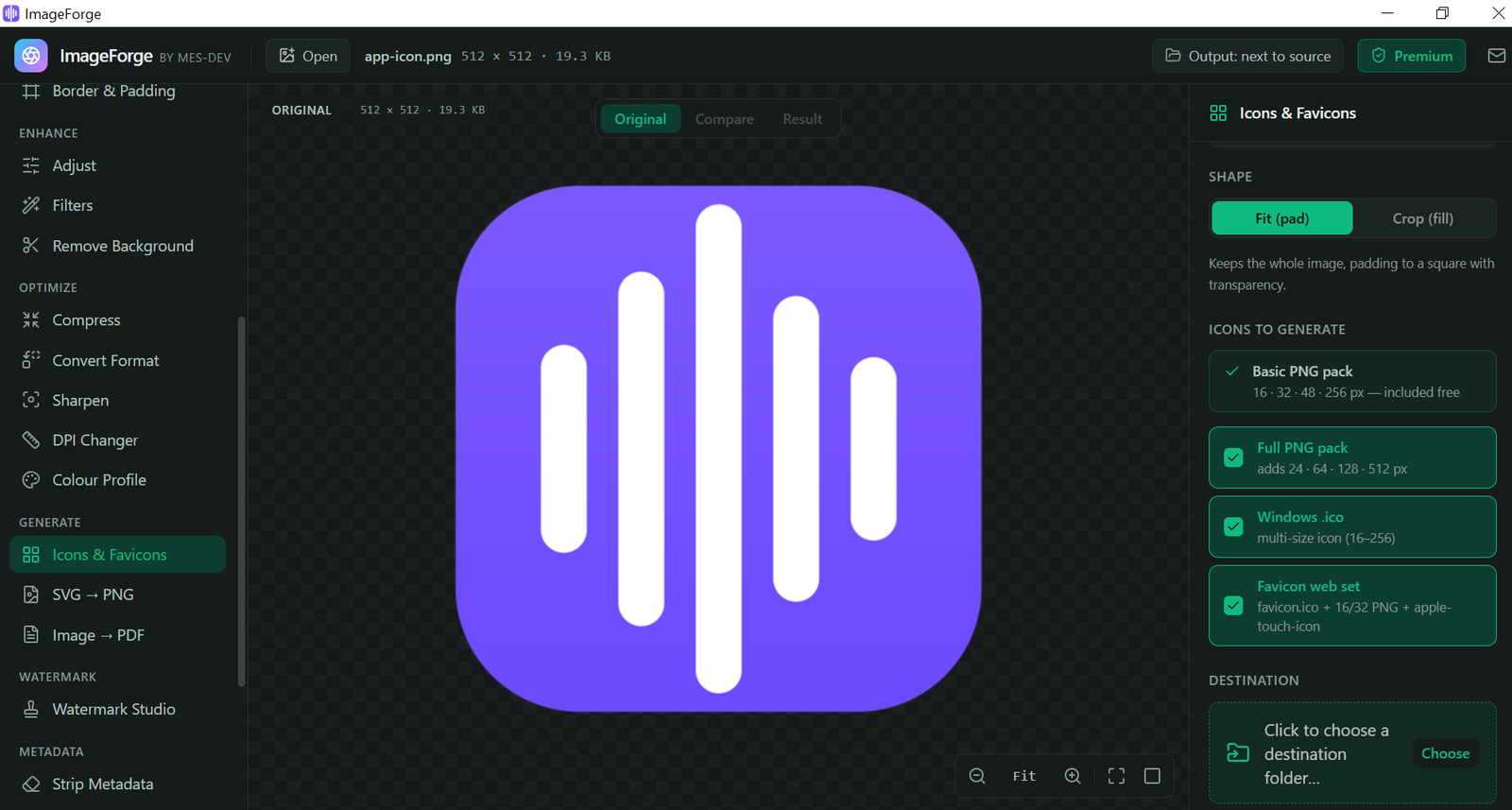
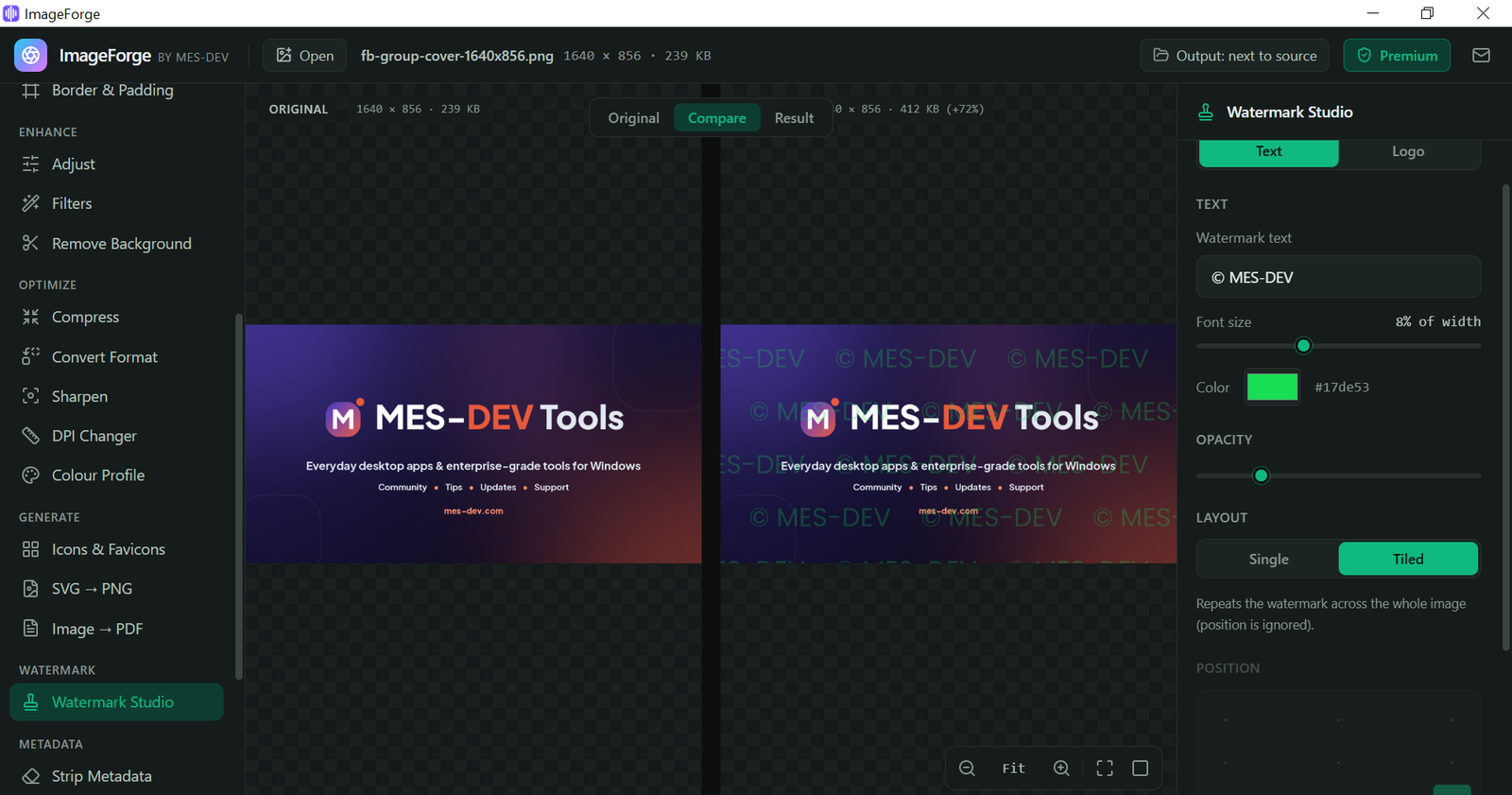
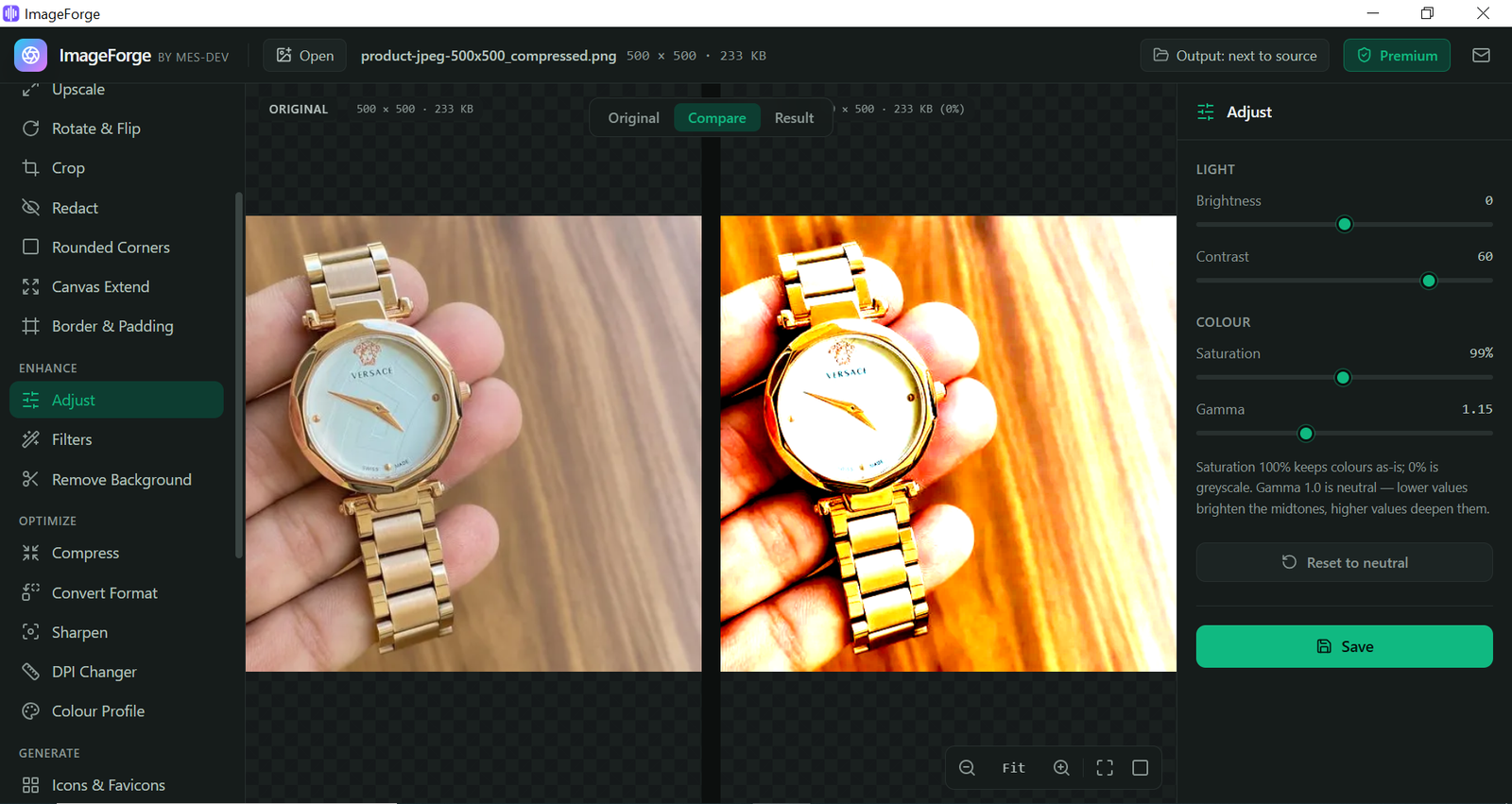
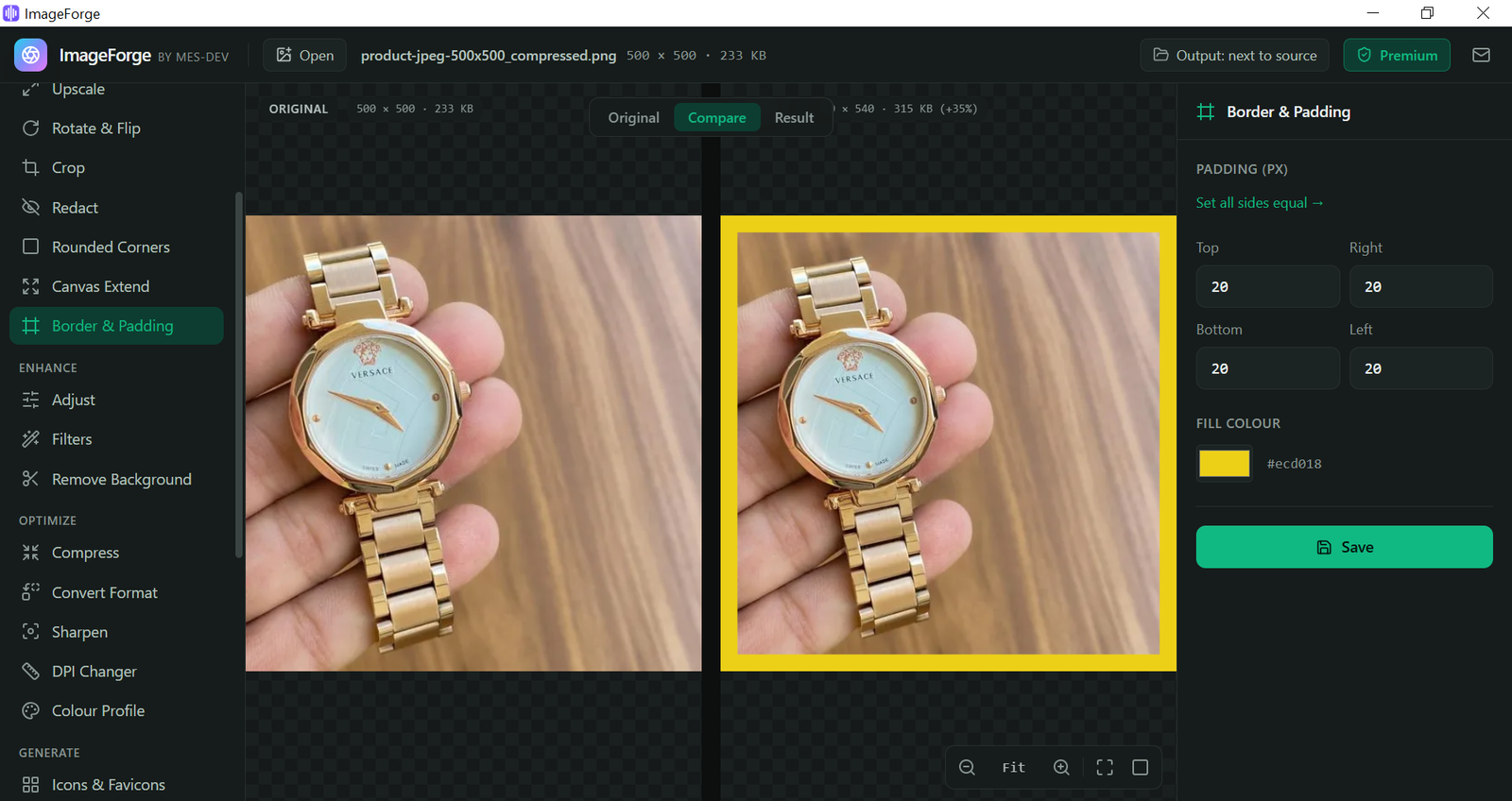
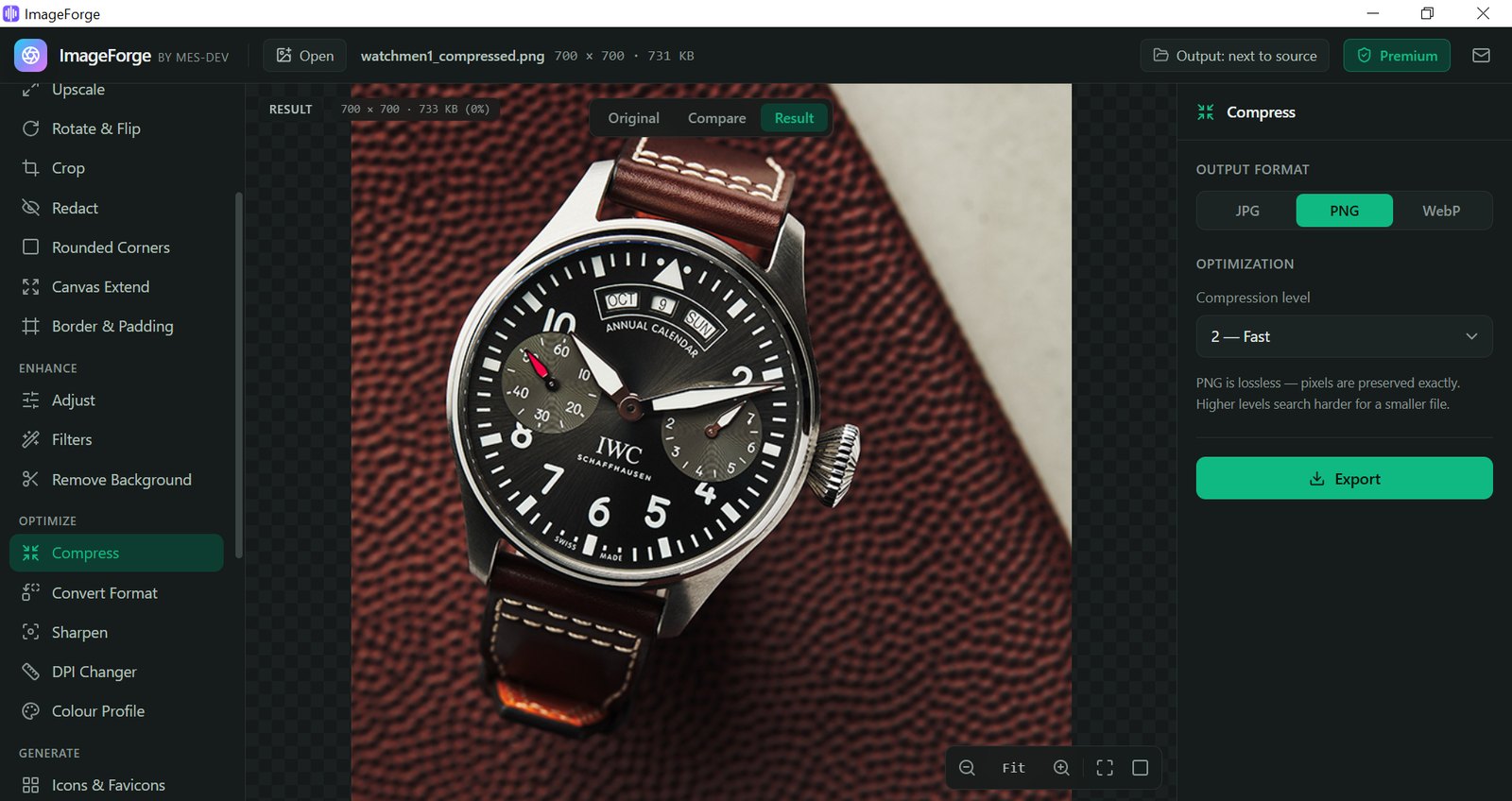
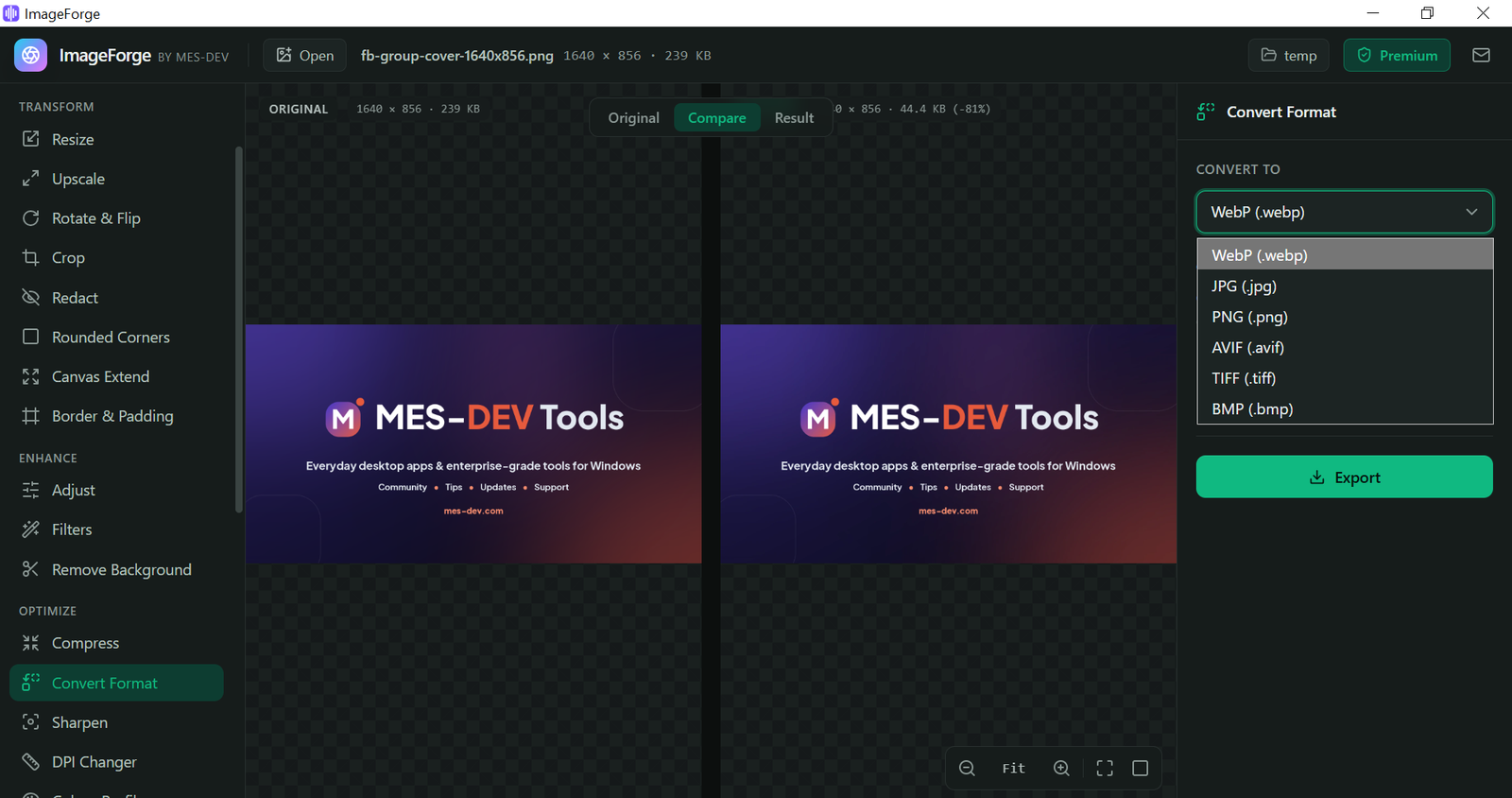
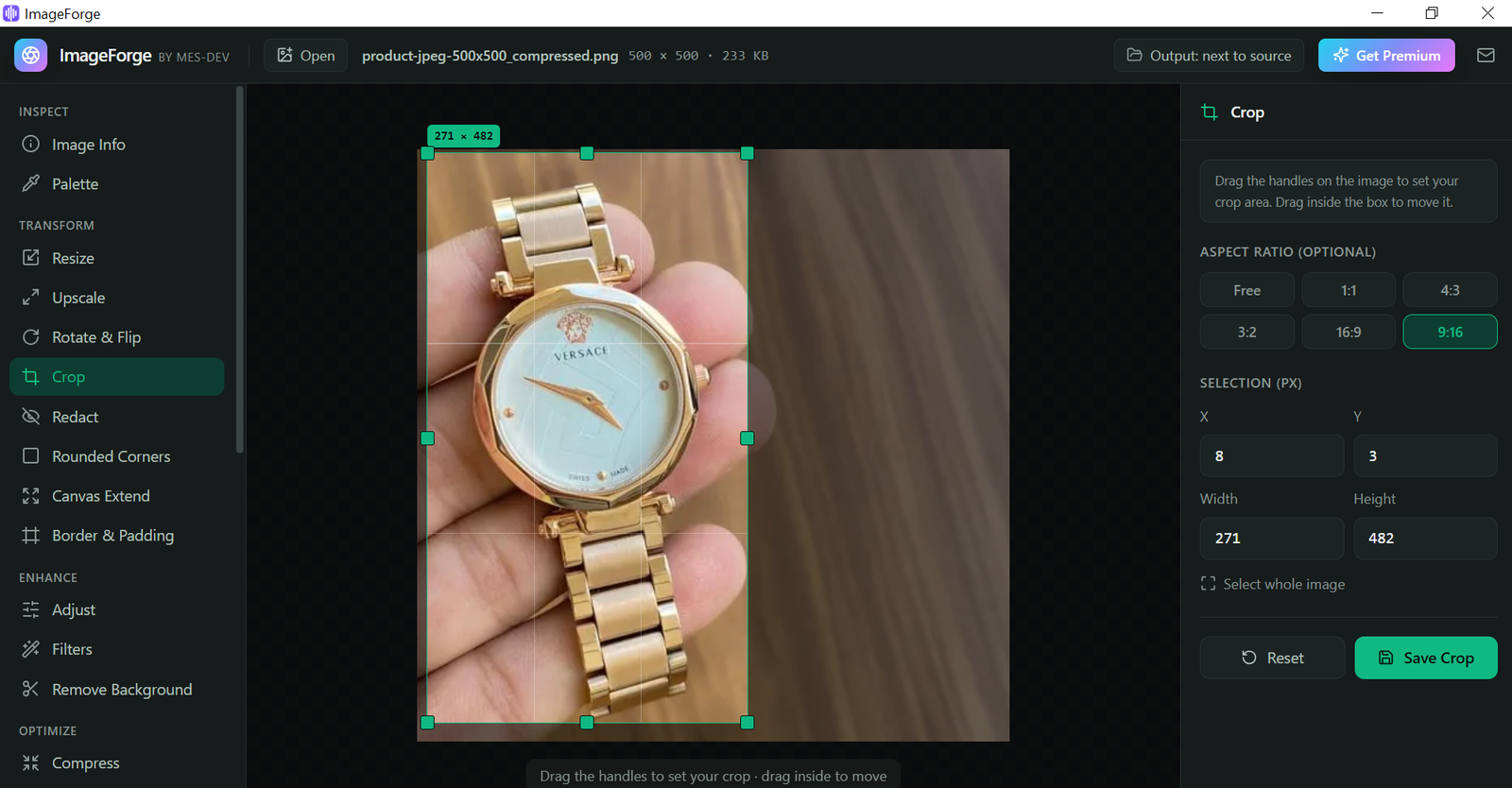
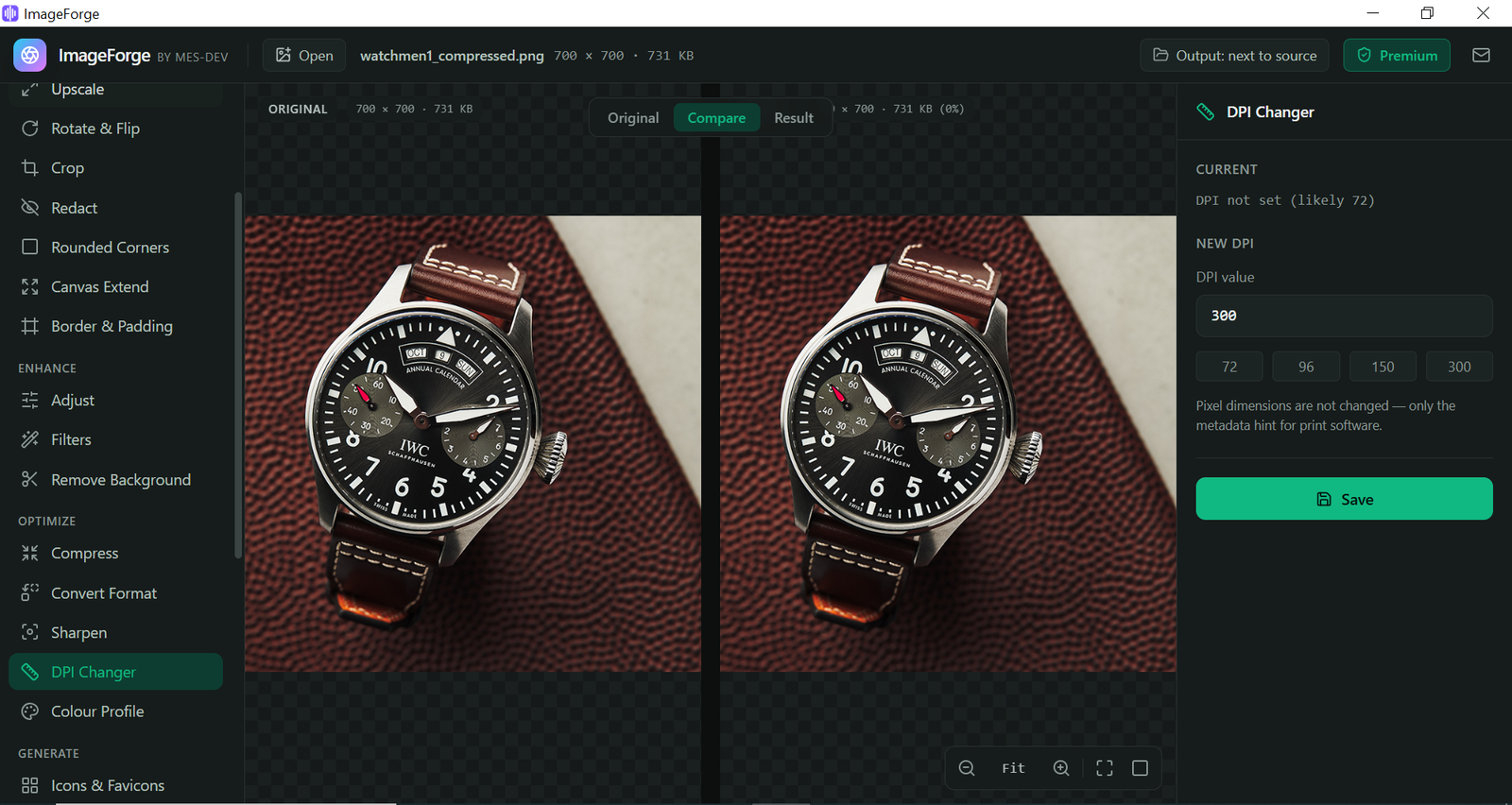
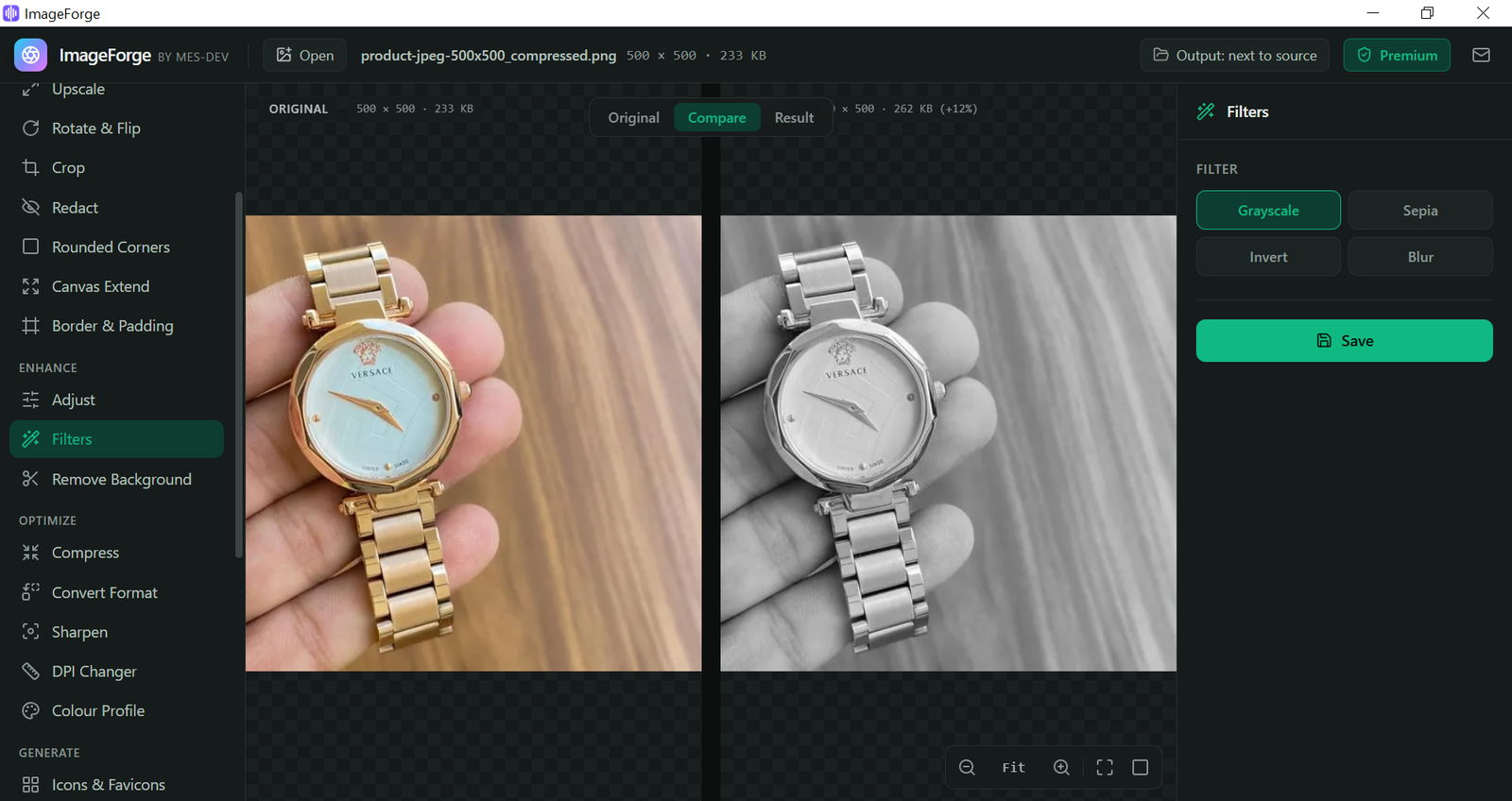
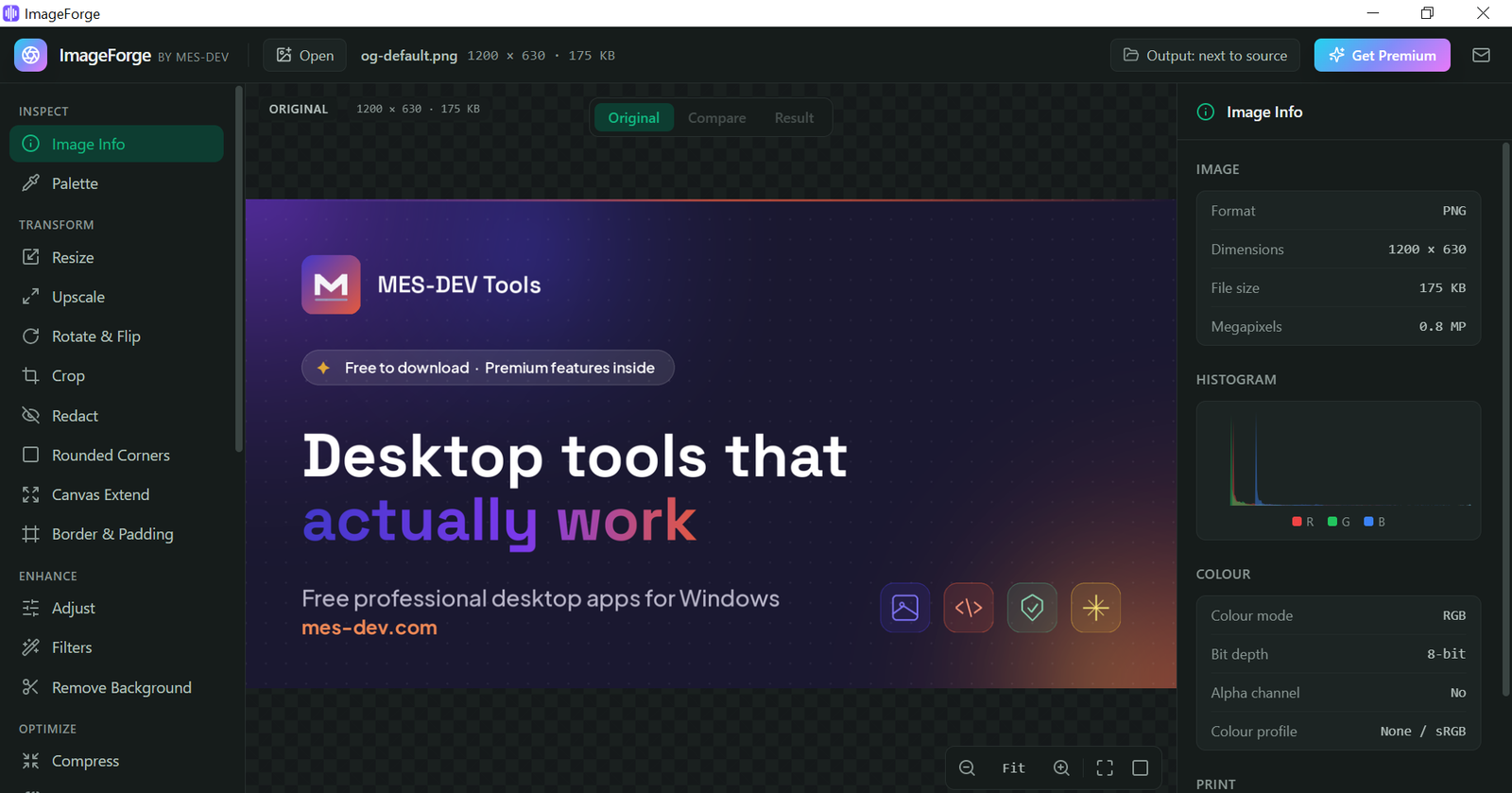
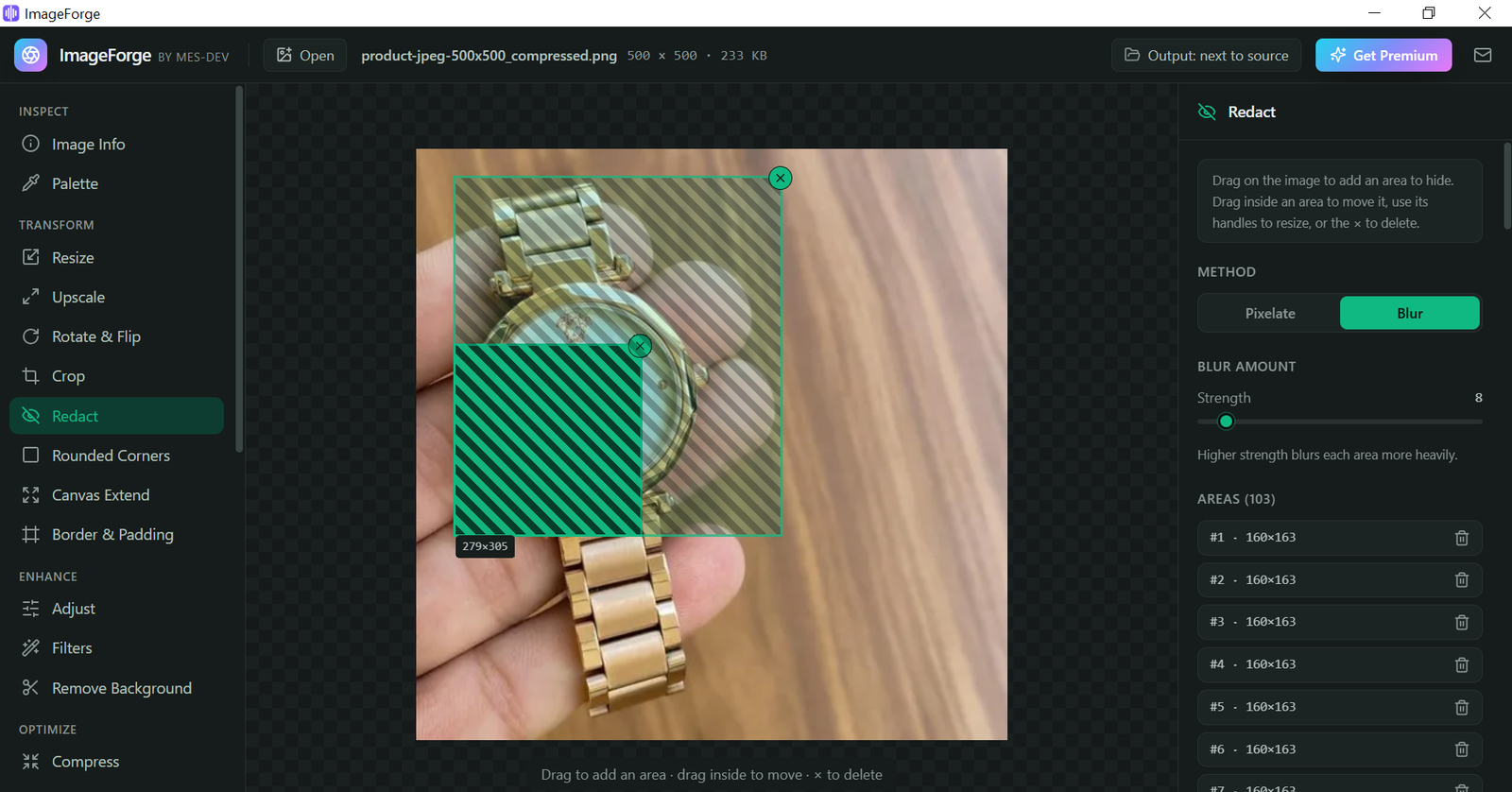
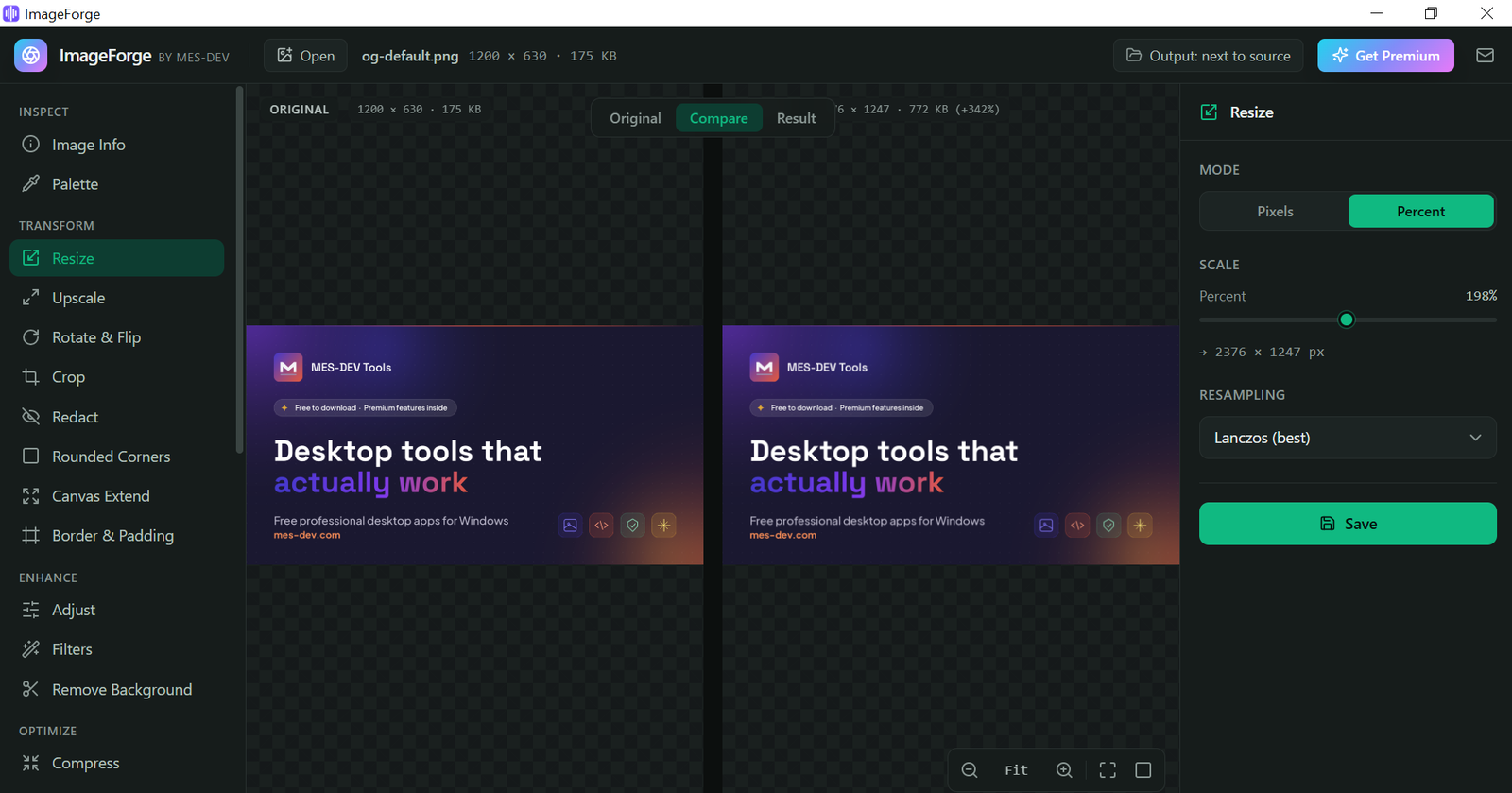
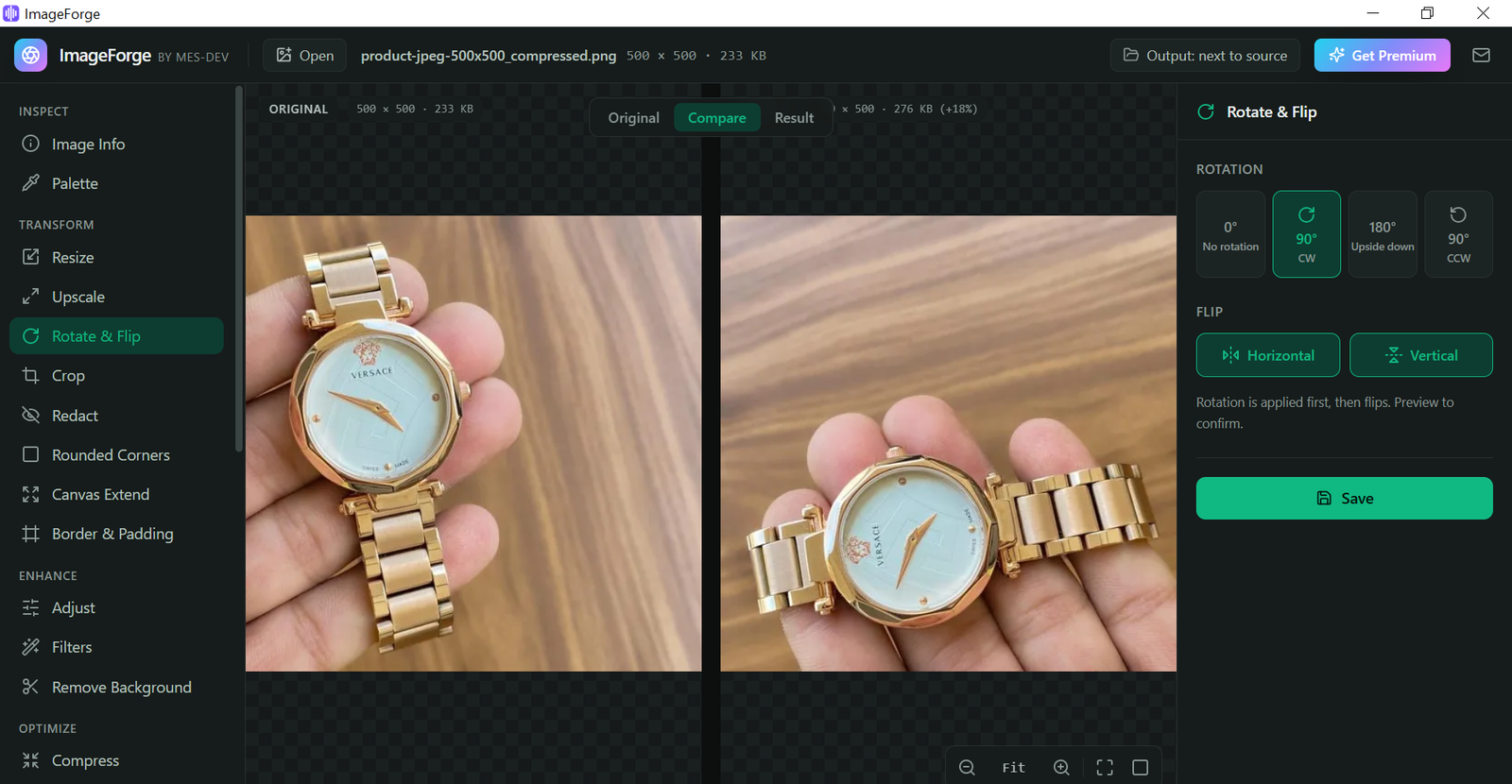
ImageForge is a complete, professional-grade image toolkit that runs entirely on your Windows PC. Resize, compress, convert, watermark, crop and batch-process thousands of images in seconds — without ever uploading a single file. Your photos never leave your computer, so it stays fast, private, and safe for sensitive, client, and commercial work. Everything happens locally. No internet connection, no account, no cloud — just drop in a file or an entire folder and go. Batch processing built for real workloads: - Resize, compress and convert entire folders in a single pass - Queue different operations on different image sets and run them unattended - Drag and drop whole folders and let ImageForge work through the queue automatically Resize, compress and convert: - Resize to exact dimensions, a percentage, or a target long/short side - Compress to shrink file size dramatically with no visible quality loss - Convert between PNG, JPEG, WebP and more Watermarking: - Add text or logo watermarks across an entire batch - Full control over placement, opacity and rotation Crop, canvas and framing: - Crop to social aspect-ratio presets (Instagram Square 1:1 and more) - Add borders and padding, or extend the canvas - Rotate and flip with full EXIF awareness - Sharpen automatically after downscaling for crisp results Print and professional workflows: - Convert colour profiles and DPI for print-ready output - Strip EXIF, IPTC and XMP metadata to protect your privacy Rename and presets: - Rename on export with flexible naming patterns - Save reusable presets like "Instagram Square — 1:1 crop, 1080px, WebP 85%" and reapply them in one click Built for product photographers, content creators, designers, e-commerce sellers and web developers who need speed, control and privacy — without a subscription or a monthly cloud bill. ImageForge is 100% free. No limits, no account, no ads, no subscription — every tool, full quality, forever. And because it runs entirely offline, it is always fast and your images always stay yours.
Screenshots
1 / 20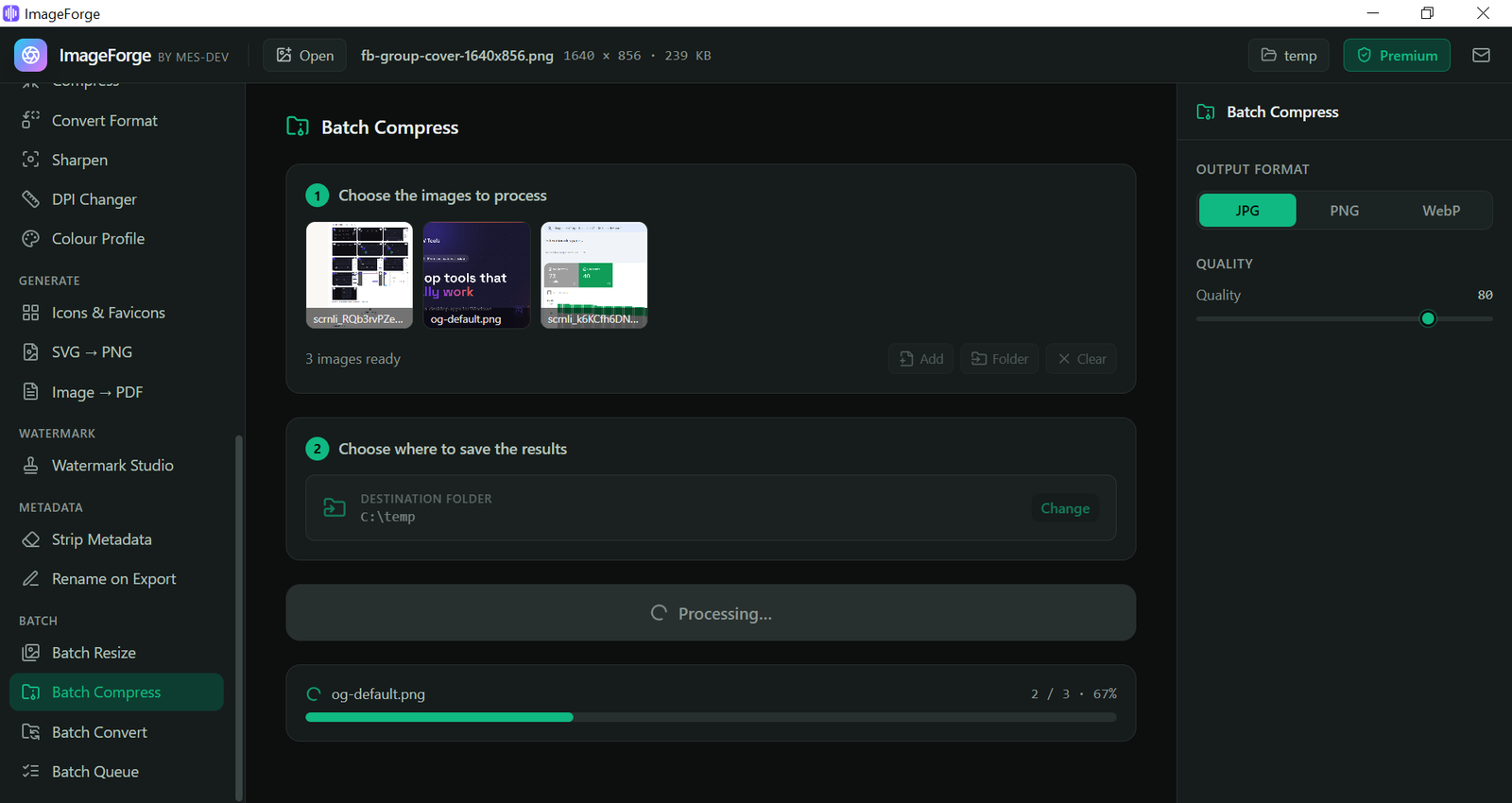
Changelog
Frequently asked questions
Is ImageForge free?
Yes. ImageForge is free to download and use.
Does ImageForge work offline?
Yes. ImageForge does its work on your own computer, so no internet connection is needed to use it.
Which computers can run ImageForge?
ImageForge is a desktop app for Windows. It installs on your computer like any other program; it is not a website or a phone app.
How big is the ImageForge download?
The installer is about 4.6 MB.
What is the latest version of ImageForge?
The latest version is 1.0.0, released August 17, 2026. The page lists what changed in each release under Changelog.
How do I get help with ImageForge?
Use the Support Center on this website: you can chat, open a ticket or send an email, and the developer answers directly.
User reviews
Write a review
Download ImageForge and we'll email you a link to leave a review — no account needed.
No reviews yet — be the first!
How to do it with ImageForge
Short, free guides — every one of these runs entirely on your PC.
Related apps

Productivity
CodeCraft
CodeCraft is a free desktop application that lets you generate QR codes and barcodes in seconds. Supports 7 QR types and 7 barcode formats with live preview and one-click export.

Productivity
InvoiceCraft
Free offline invoicing for Windows. Live preview, PDF export, 4 templates including Arabic RTL, tax & discounts, clients and reports. No account, no subscription.

Productivity
ConvertCraft
ConvertCraft is a free Windows converter: 14 unit categories, 162 currencies with live rates, world weather and a global hotkey. Works offline. Optional one-time Premium.