Is It Safe to Upload PDFs to Online Tools? What to Check
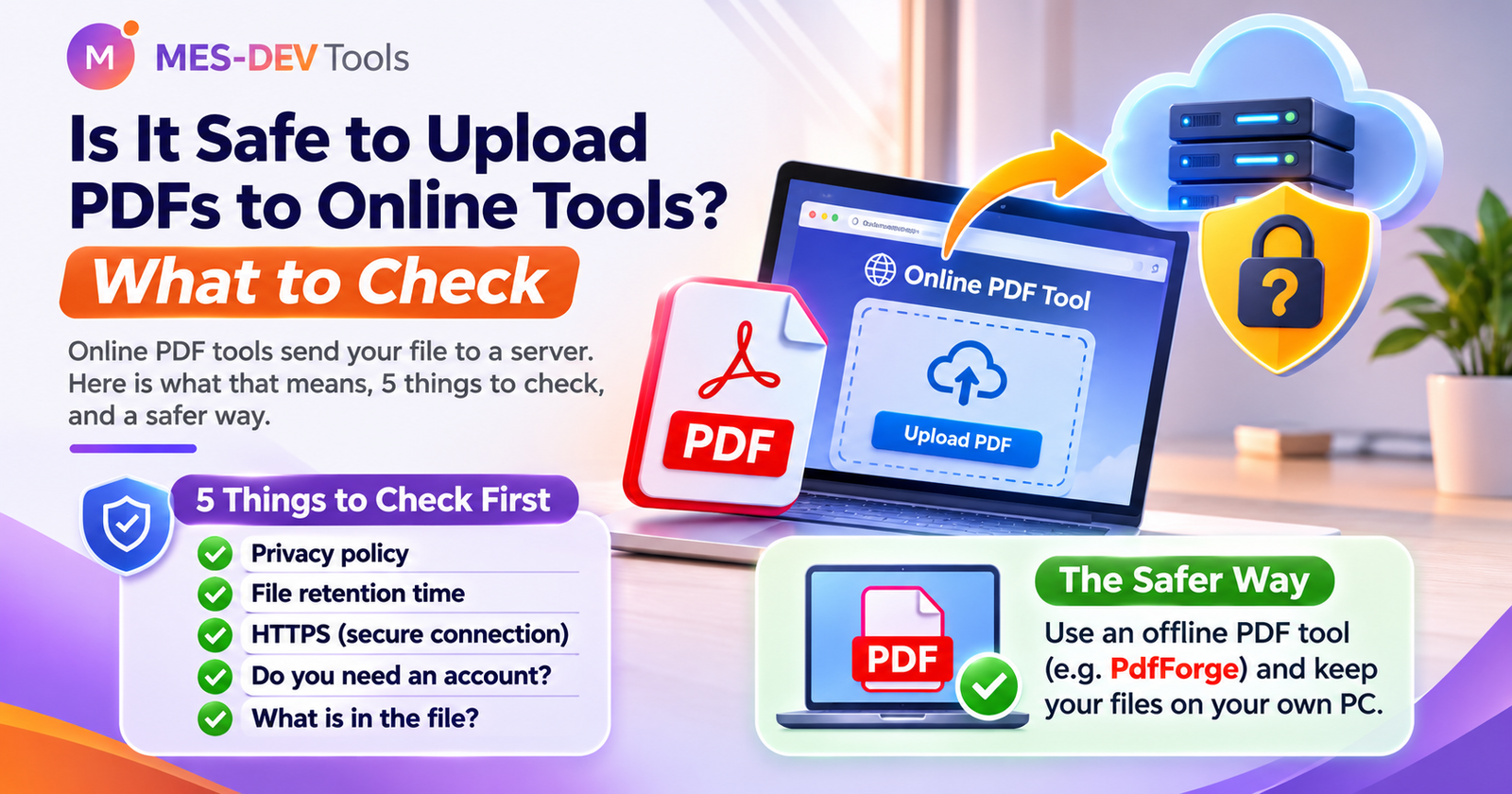
Online PDF tools send your file to a server. Here is what that means, 5 things to check, and a safer way.
Need to compress, merge or sign a PDF in a hurry? A quick search gives you dozens of free websites. You drop your file in, click a button, and download the result. It is easy. But before you upload that contract or ID card, it is worth knowing what actually happens to your file.
What happens when you upload a PDF
An online PDF tool does not work on your computer. Your file travels over the internet to the company's server. The work happens there, and the result comes back to you.
This means a copy of your document, at least for a short time, sits on a computer that you do not control. Most companies say they handle files carefully. But you can only trust what they promise, because you cannot see what really happens.
Which documents are risky to upload
Think twice before you upload:
- ID cards, passports and driving licences
- Bank statements and invoices
- Contracts and legal papers
- Medical documents
- School or work files that are private
- Any file from a client that is covered by an agreement
A recipe or a public flyer is fine. A scan of your passport is not something you want on a random server.
5 things to check before you use an online PDF tool
- Look for a privacy policy. If you cannot find one, do not upload anything.
- Check how long files are kept. Some sites say they delete files after a set time. Read it, and do not just assume.
- Make sure the address starts with https. This protects your file on its way to the server. It does not tell you what happens afterwards.
- Check if you need an account. An account means your email is linked to your files.
- Ask yourself: what is in this file? If the answer is "something private", use another way.
The safer way: work on your own computer
The only way to be sure a file never leaves your PC is to use a tool that runs on your PC. An offline PDF tool opens your file, changes it and saves it on your own disk. There is nothing to upload and nothing to delete afterwards.
PdfForge is an offline PDF toolkit for Windows. It runs on your own computer, so your documents stay with you. You can see how it handles common jobs here:
Quick summary
| Situation | What to do |
|---|---|
| A public file with nothing private | An online tool is fine |
| A private or official document | Use a tool that works offline |
| You are not sure what is inside the file | Use a tool that works offline |
| You must use an online tool | Read the privacy policy and check how long files are kept |