About this app
Every PDF tool you need. Offline. Free download, no subscription.
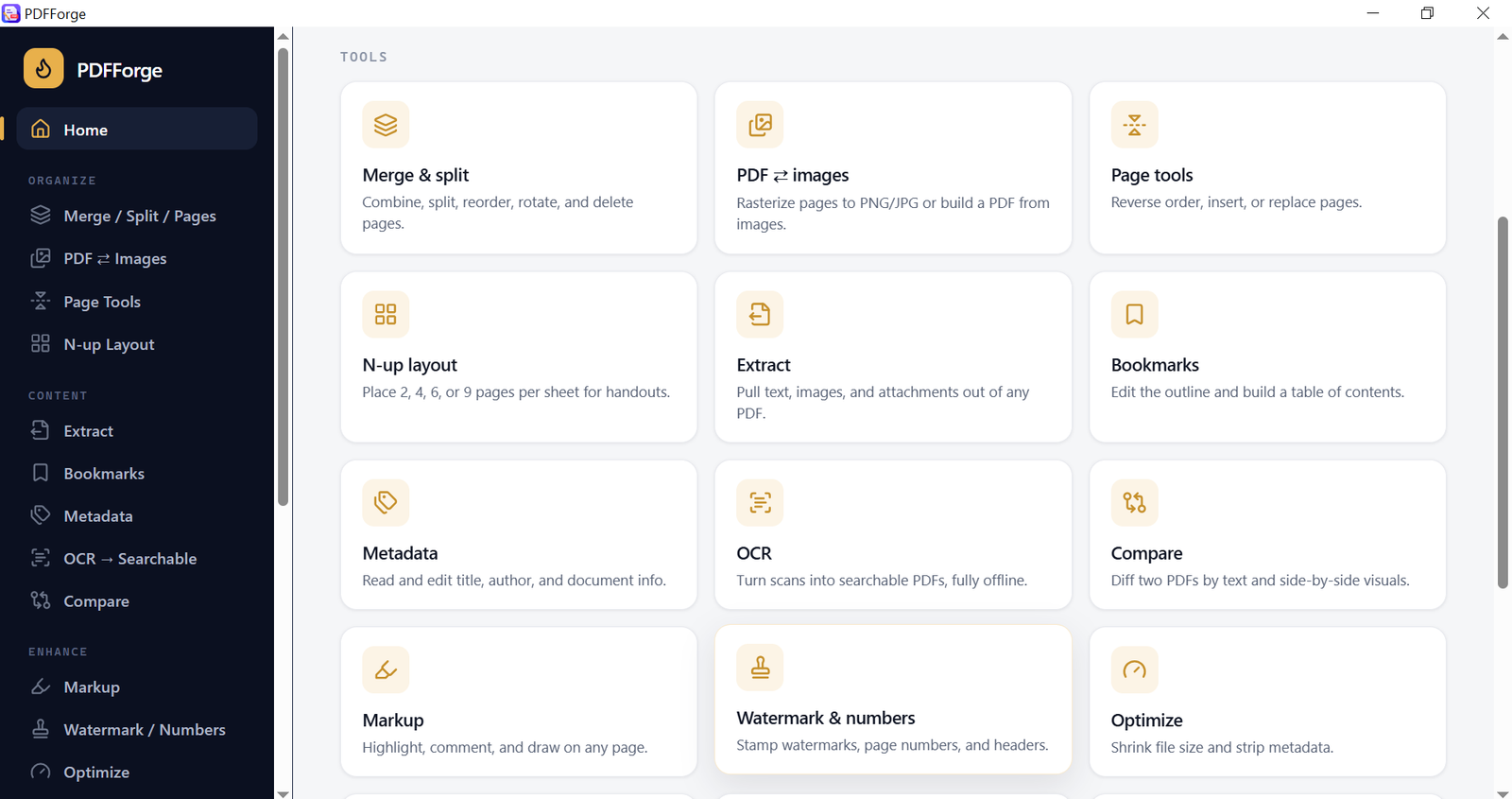
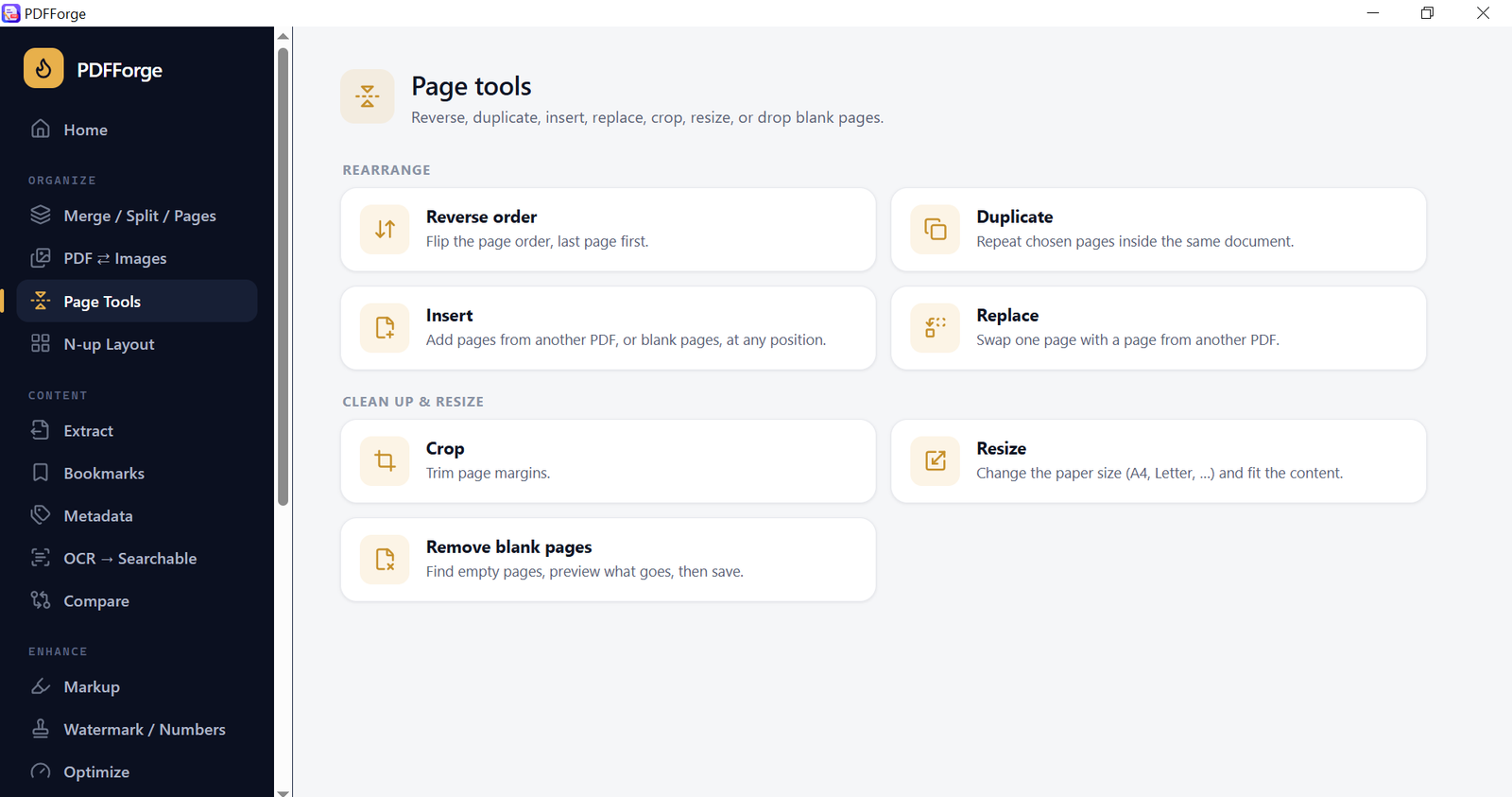
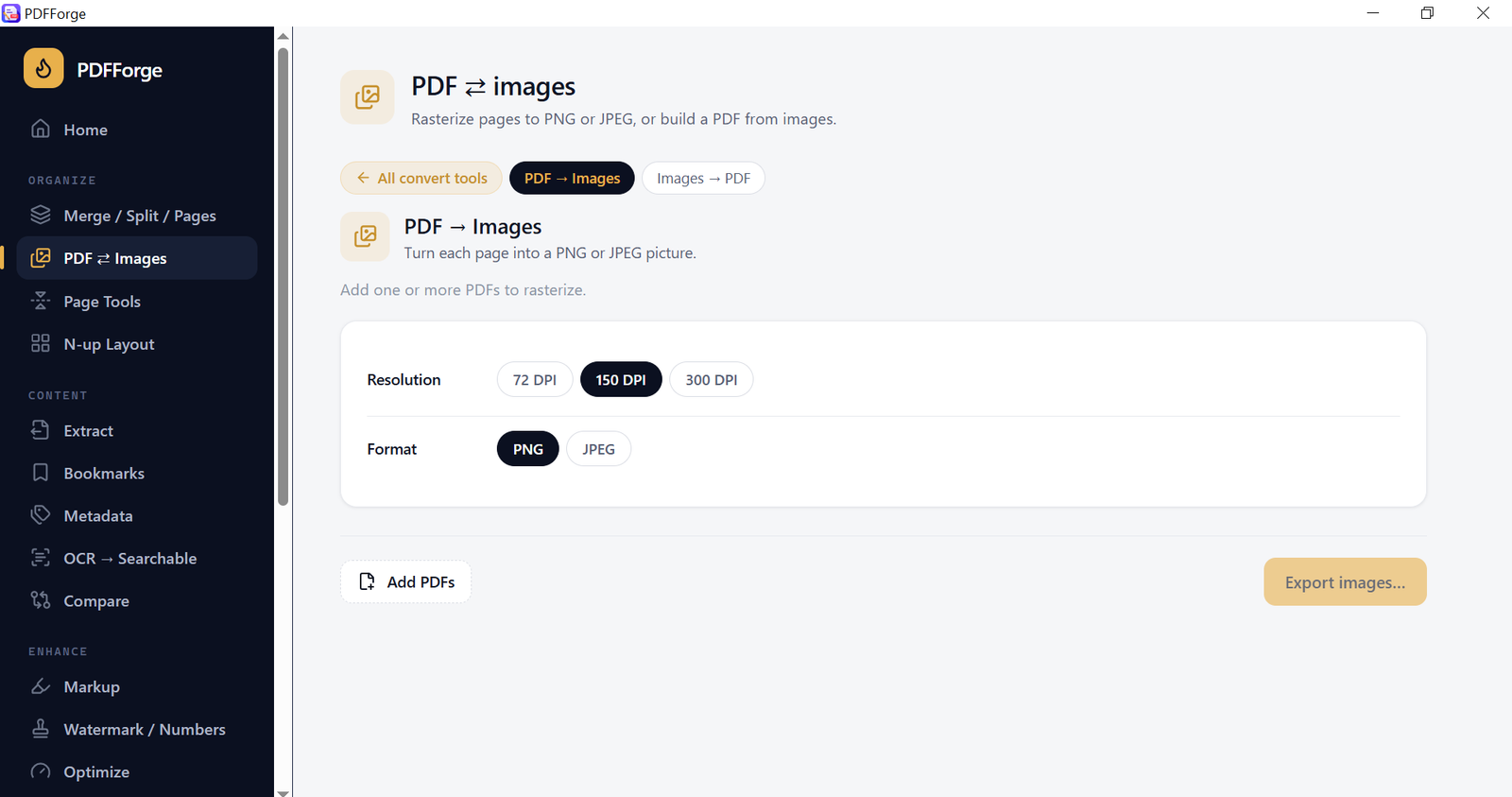
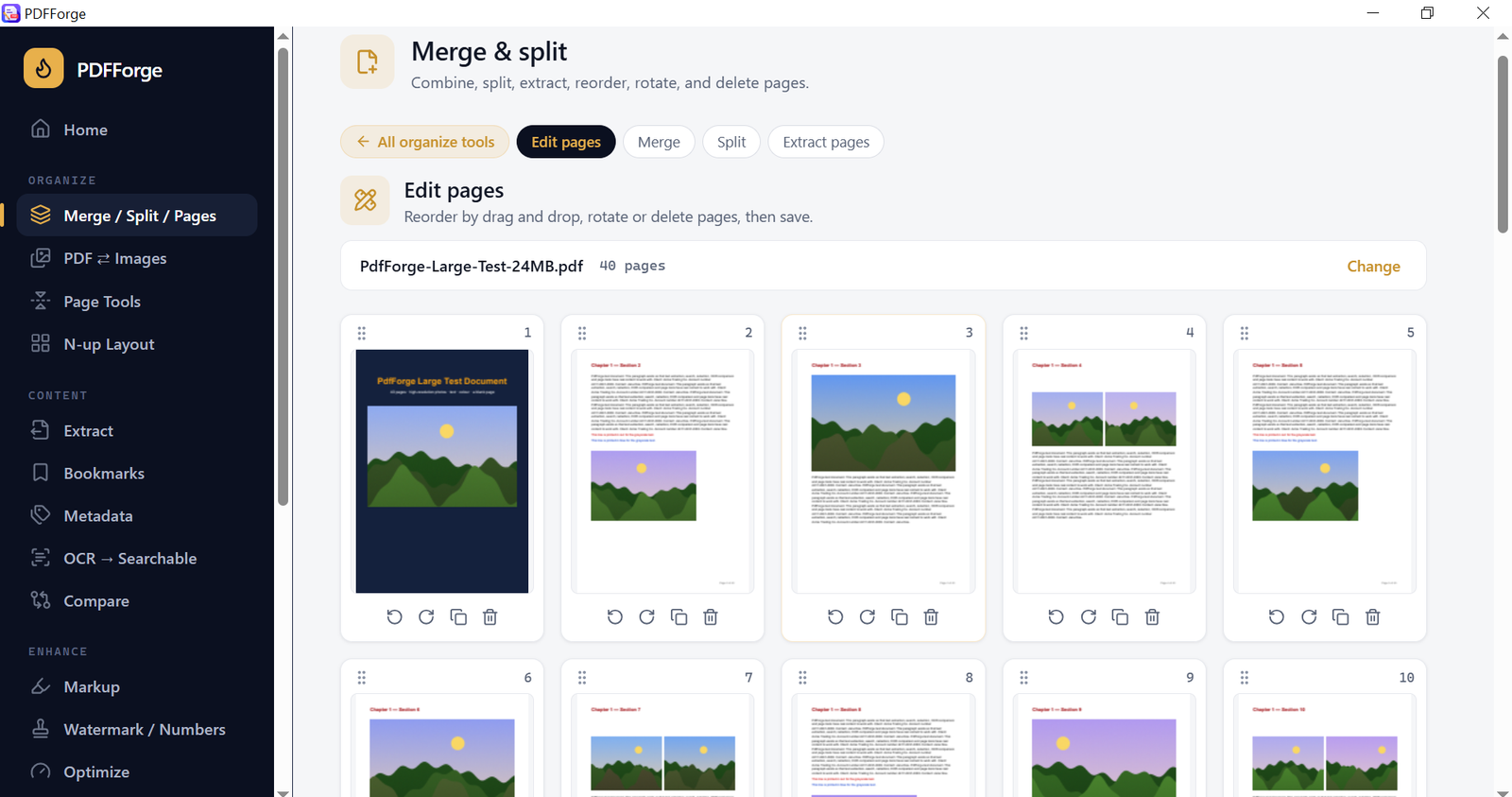
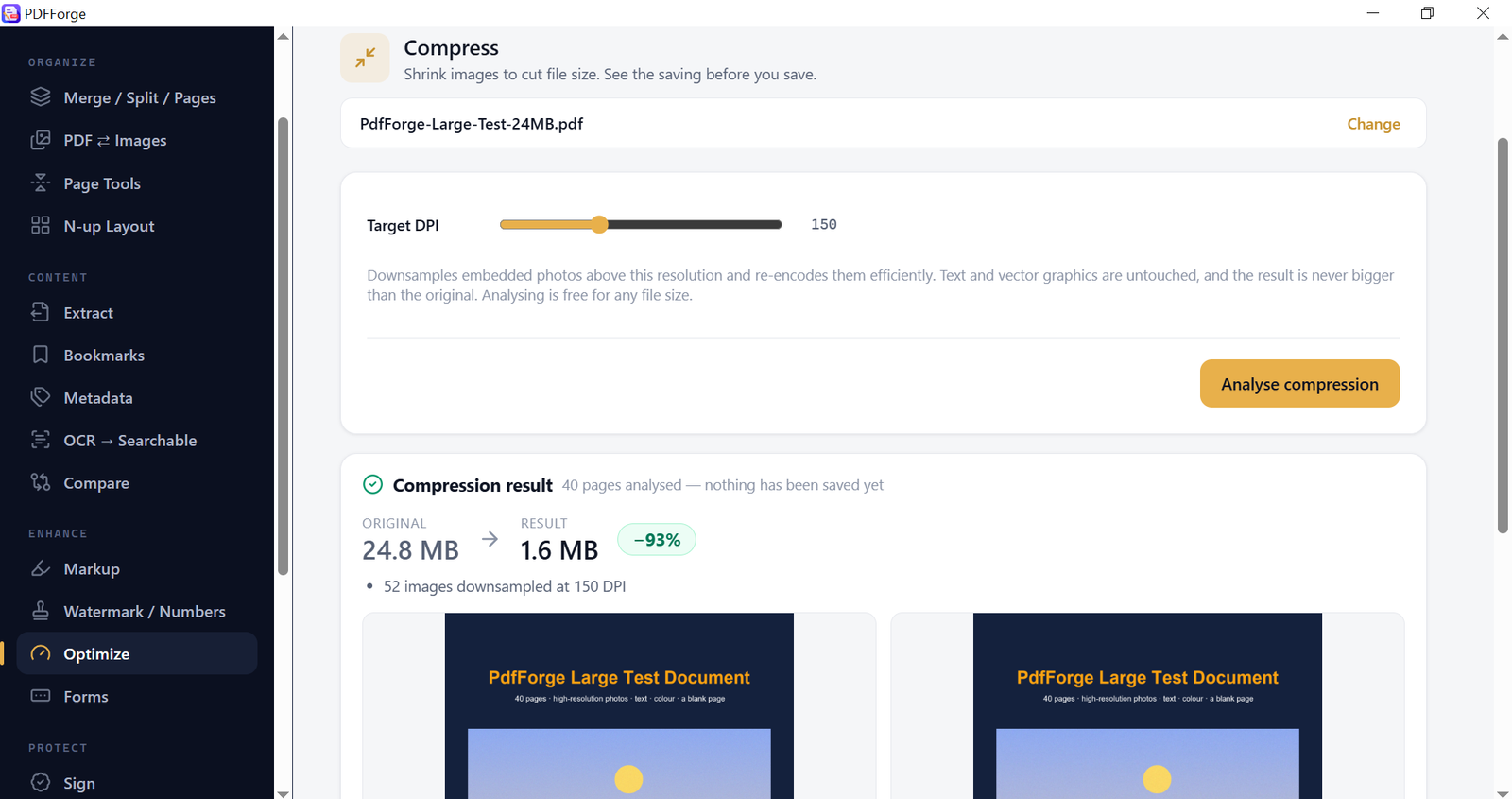
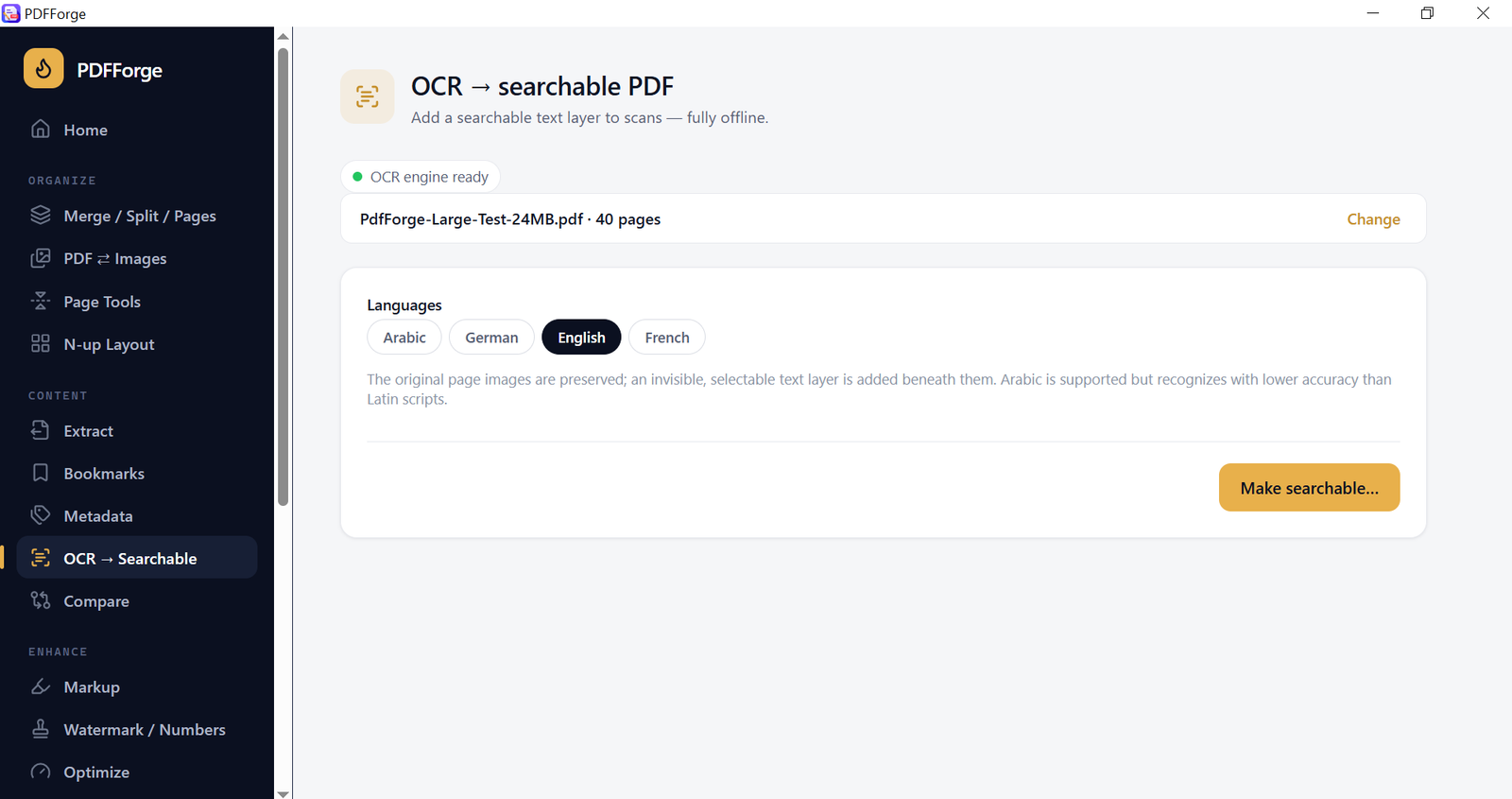
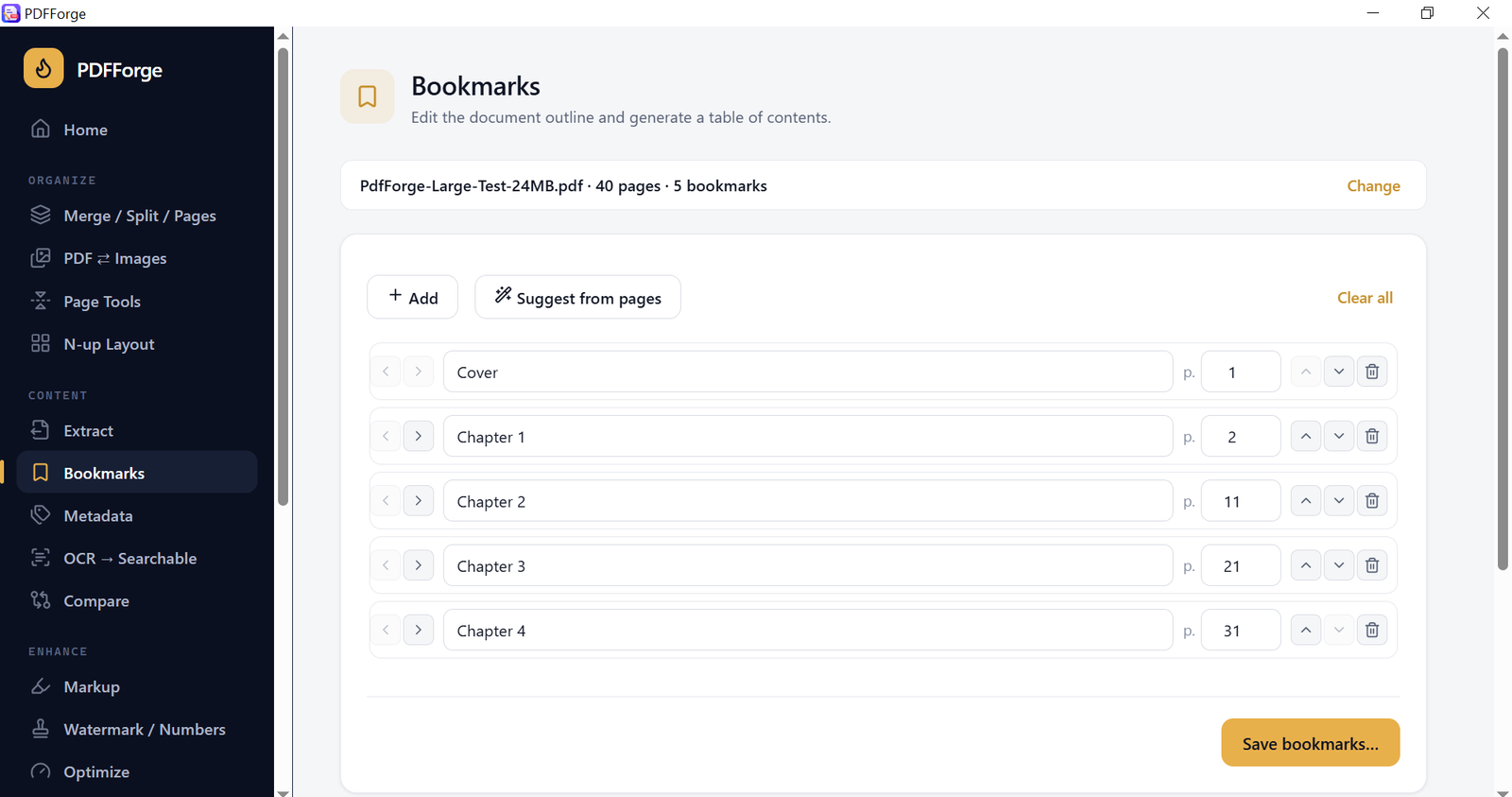
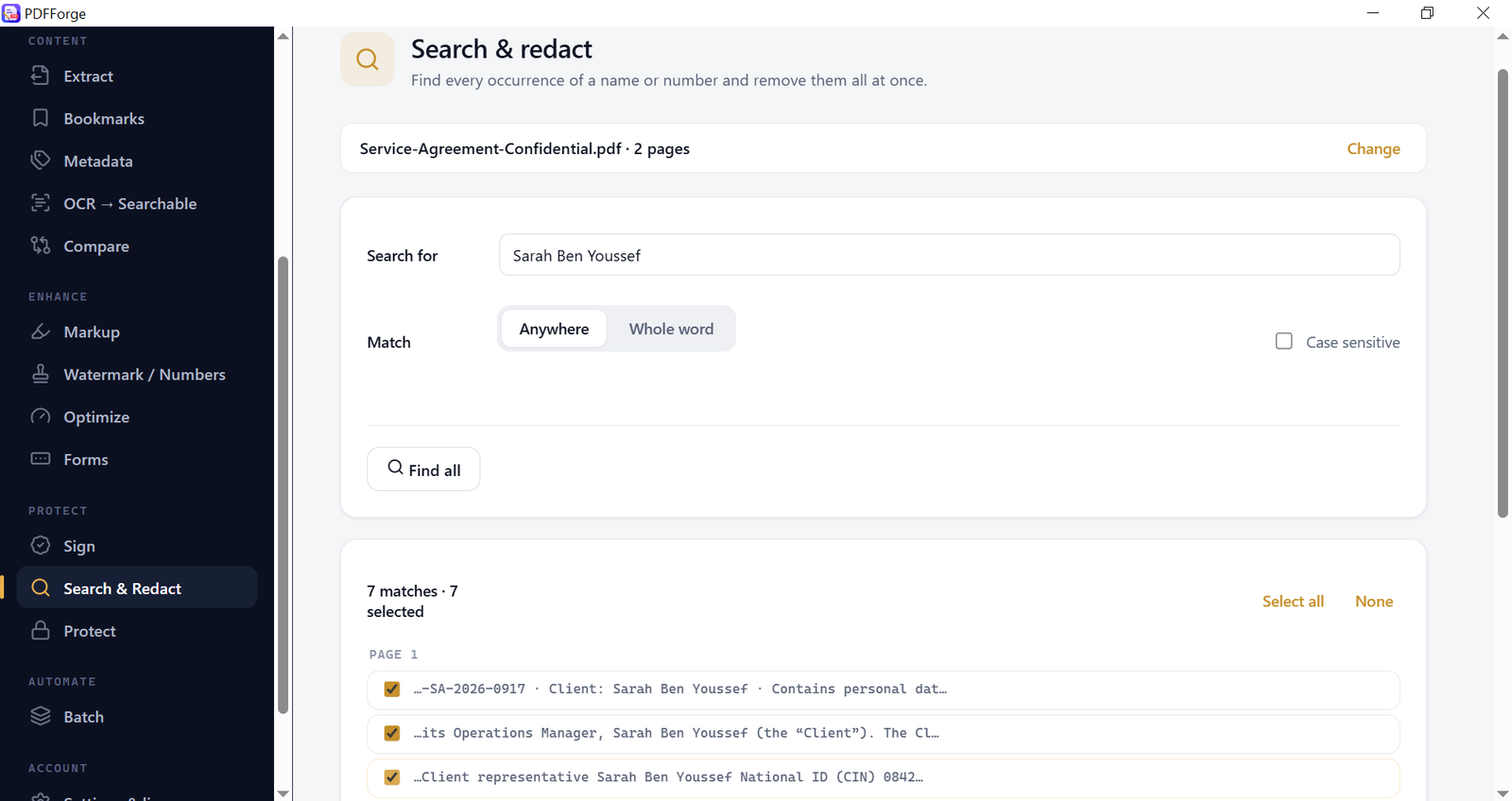
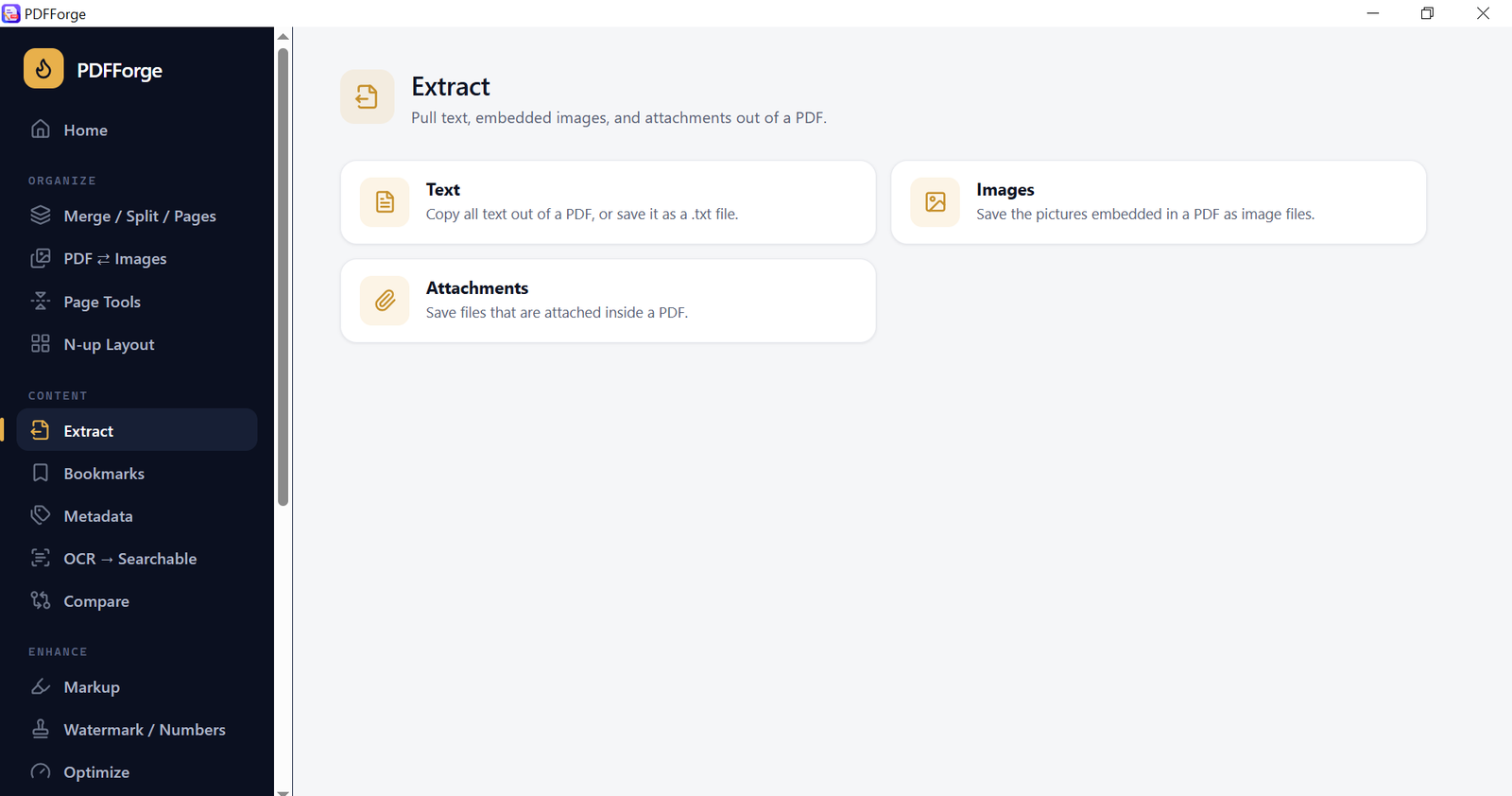
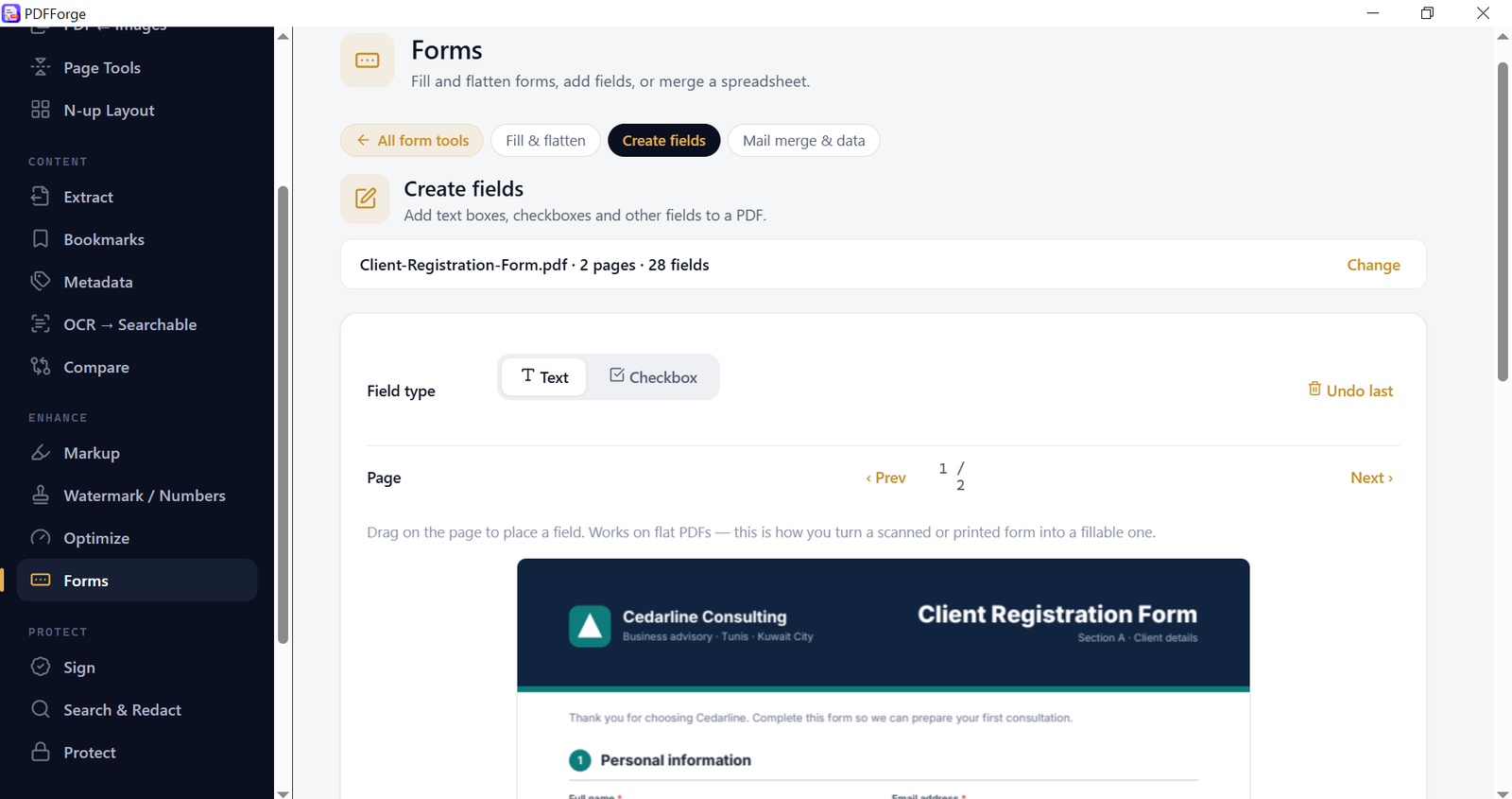
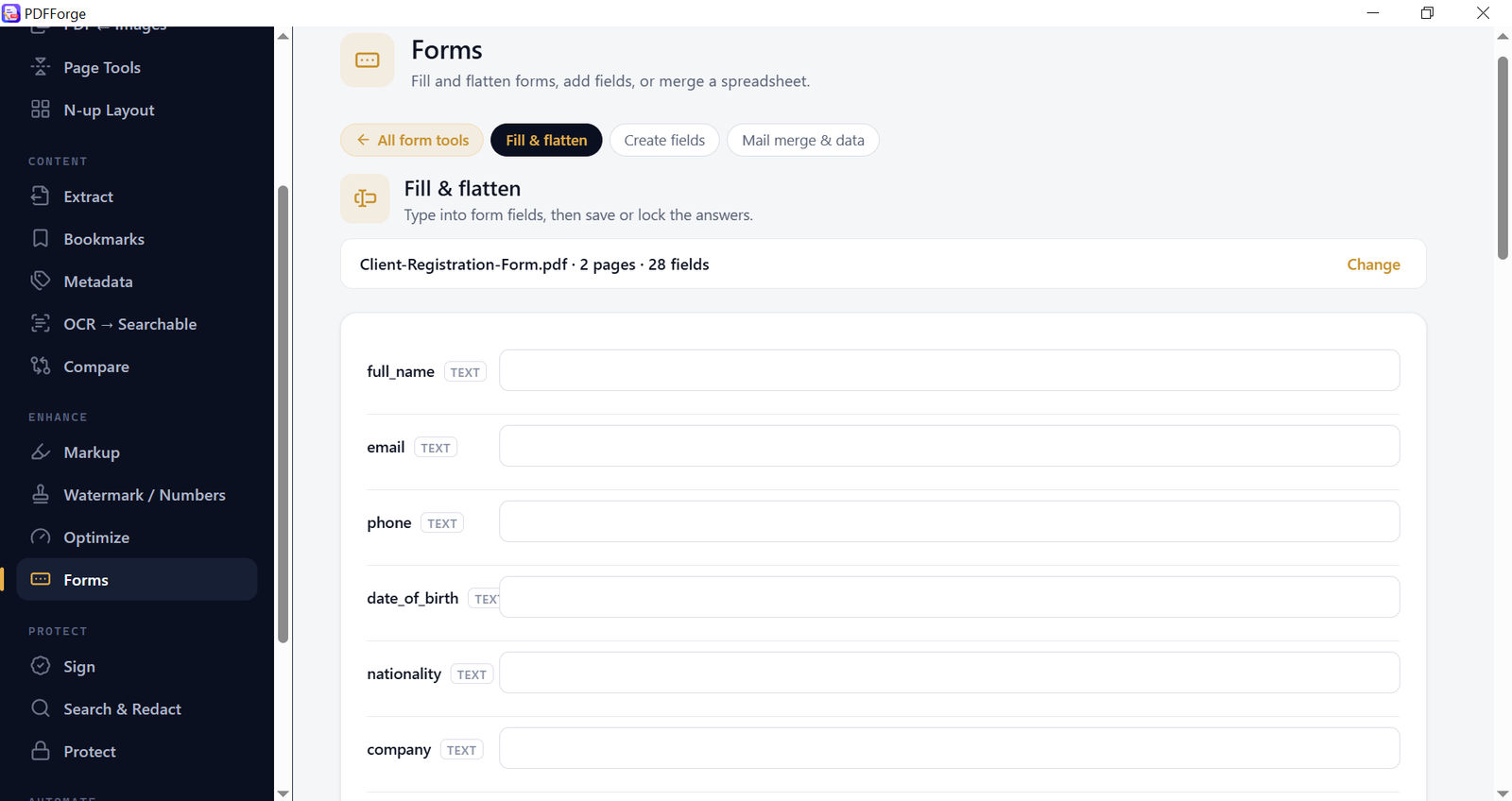
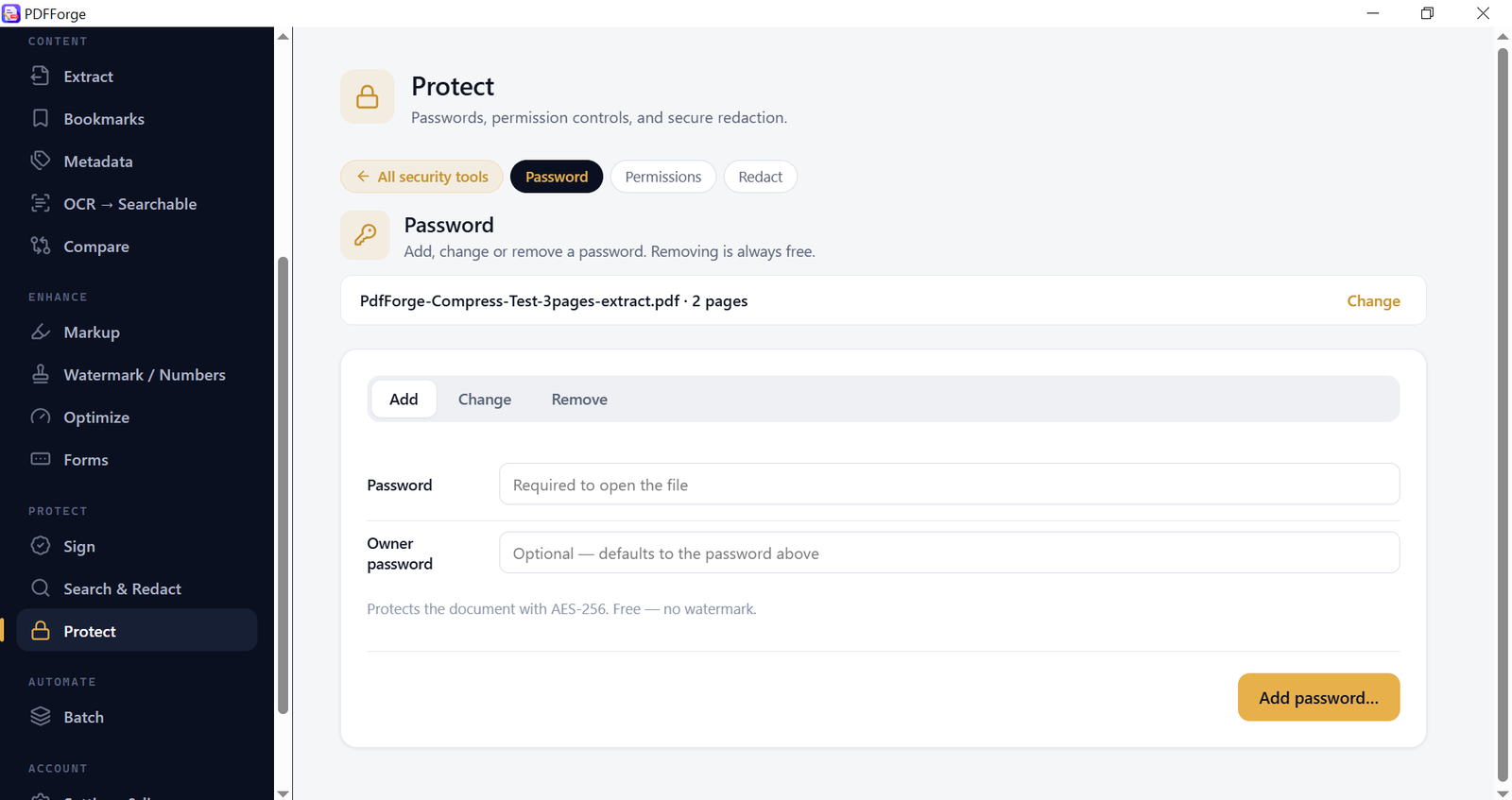
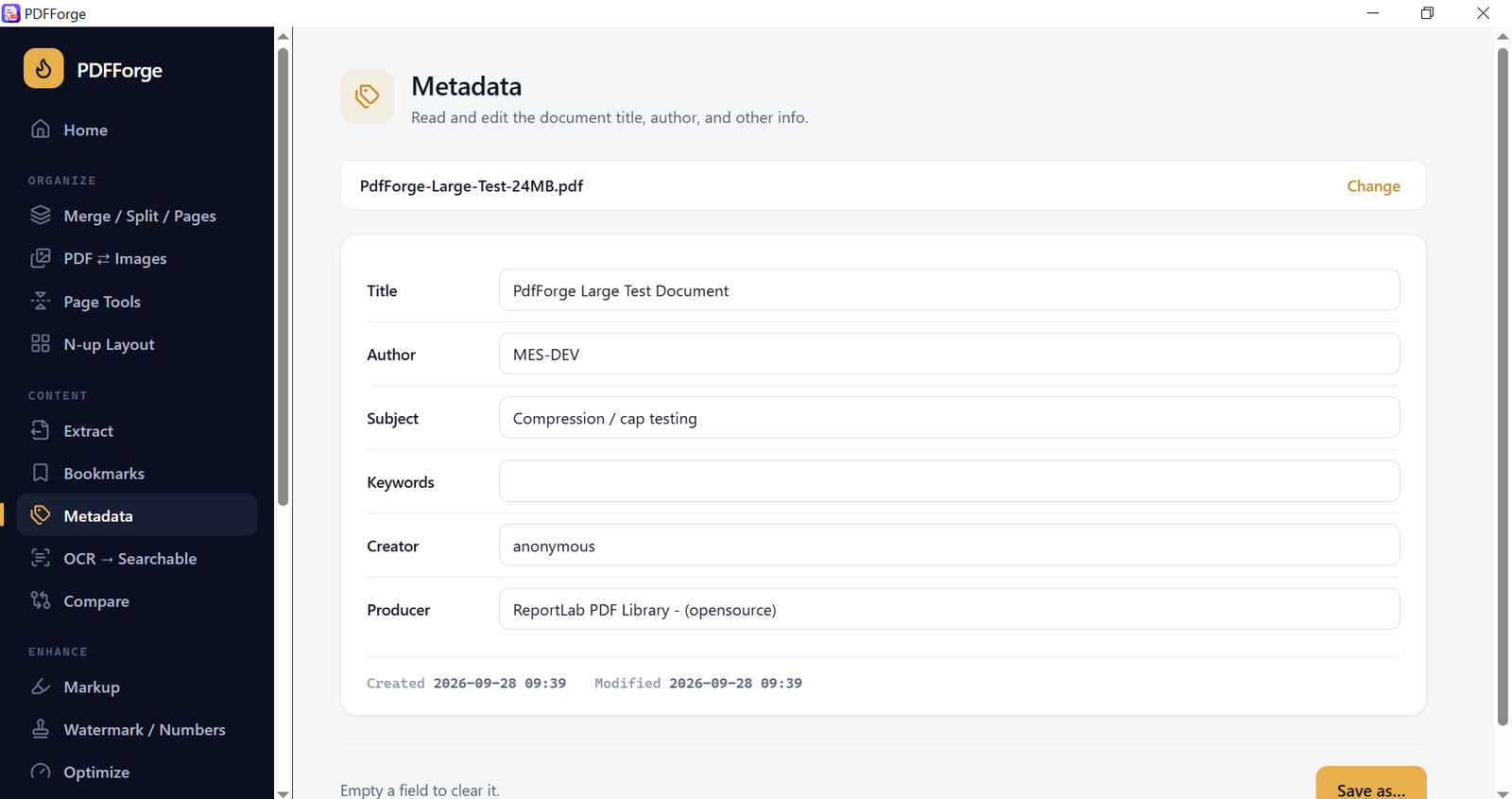
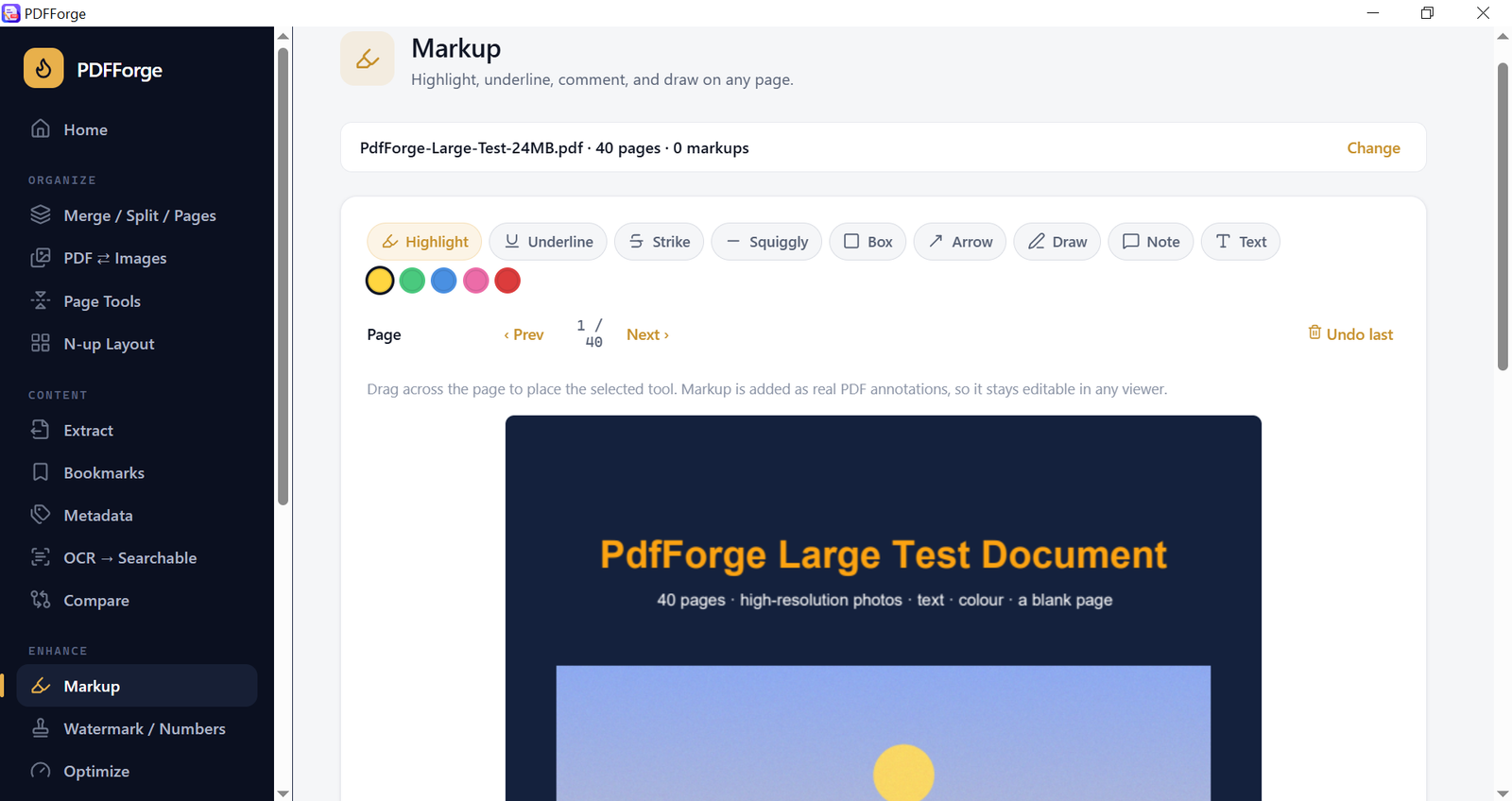
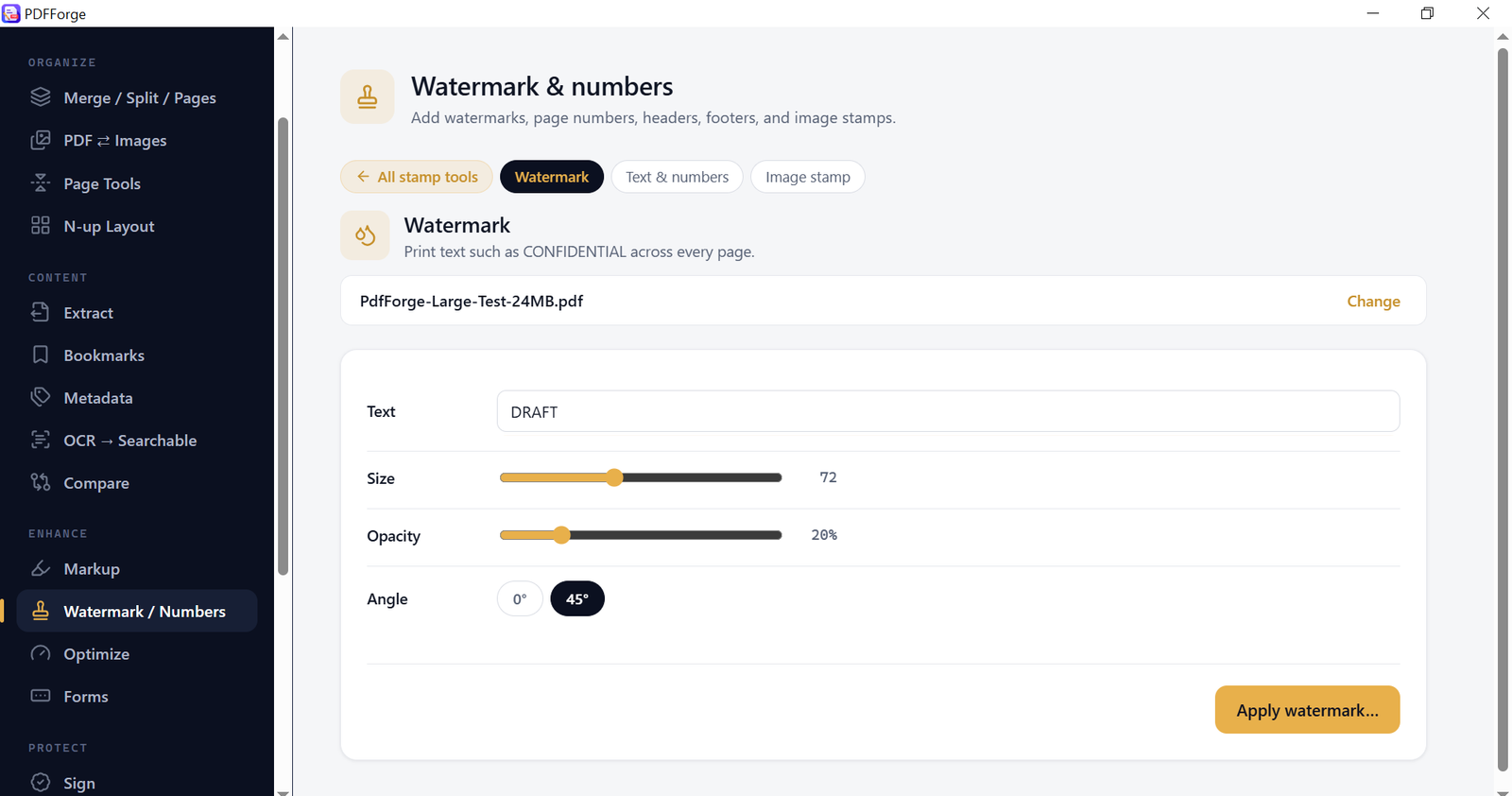
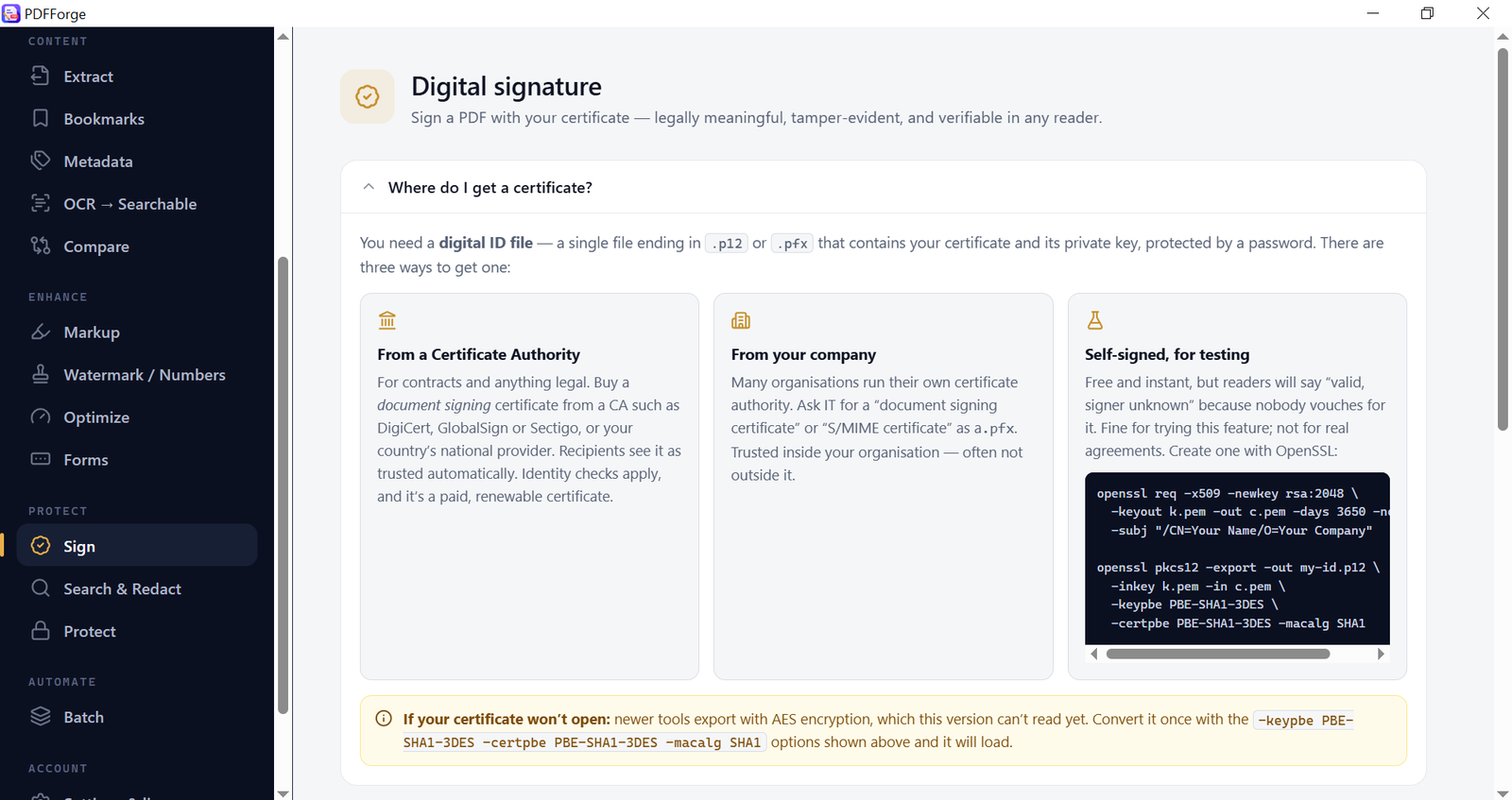
PdfForge is an all-in-one PDF toolkit for Windows that works completely offline. Merge, split, compress, OCR, sign, redact, fill forms and batch-process PDF files on your own computer — nothing is uploaded to a website, nothing is sent to a server, and there is no monthly subscription. It is built for people who handle PDFs every day: office staff, accountants, lawyers, teachers, students, government and HR teams, and anyone who works with confidential documents that should never be uploaded to an "online PDF tool". WHY PDFFORGE • 100% offline — your documents stay on your PC. Works without internet. • 50+ PDF tools in one clean, fast app — no ads, no watermarks on your output. • English and Arabic OCR built in — turn scanned PDFs into searchable, copyable text. • Real digital signatures with your own certificate (.pfx / .p12). • True redaction — removed text is destroyed, not just covered with a black box. • One-time price. Pay once, use it for life. No subscription, no account. • Free plan included — try every tool on small documents before you buy. ORGANIZE PAGES • Visual page editor: drag-and-drop to reorder, rotate and delete pages, then save. • Merge several PDFs into one file. • Split a PDF every N pages or by custom page ranges (e.g. 1-3, 4-8). • Extract selected pages into a new PDF. • Reverse page order, duplicate pages, insert one PDF into another, replace a page. • Insert blank pages, crop margins, resize pages to A4, Letter and other sizes. • Find and remove blank pages automatically (ideal for scanned documents). • N-up layout (2, 4 or more pages per sheet) and saddle-stitch booklet printing. CONVERT • PDF to images: PNG or JPEG at the resolution (DPI) you choose. • Images to PDF: combine JPG and PNG photos or scans into one PDF. OCR — SCANNED PDF TO SEARCHABLE PDF • Recognize text in scanned PDFs in English and Arabic. • The page looks exactly the same, but text can now be searched, selected and copied. • Runs fully on your PC — no cloud OCR, no page limits on Premium. COMPRESS & OPTIMIZE • Compress PDF: shrink large PDFs by downsampling oversized images (often 80–95% smaller on photo-heavy files). PdfForge never saves a file that is bigger than the original. • Compact: lossless size reduction — page content stays identical. • Convert to true grayscale for cheaper printing. • See the before/after size before you save. SECURITY & PRIVACY • Add, change or remove a password (AES-256 encryption). • Set permissions: block printing, copying, editing or form filling. • Redact by area (draw boxes) or by search (find a name, number or word on every page and remove all matches). • Strip hidden metadata (author, software, dates) before sharing. SIGN • Apply a real cryptographic digital signature using your own certificate. • Check a certificate before signing. FORMS • Fill PDF forms and flatten them so they can no longer be changed. • Create fillable form fields on a flat PDF. • Mail merge: fill one PDF form per row of a CSV/Excel-exported file — certificates, letters, contracts. • Export form data to CSV or FDF, and import FDF data back. ANNOTATE & MARK UP • Add a text or image watermark. • Page numbers, headers and footers ("Page 3 of 12", dates, file name). • Image stamps (logo, "APPROVED", signature image). • Markup: text notes, arrows and shapes — then flatten them into the page. EXTRACT, SEARCH & COMPARE • Extract all text (view on screen or save as .txt). • Extract embedded images and file attachments. • Search text across the whole document. • Compare two PDFs: text differences or visual (pixel) differences page by page. • View and edit metadata (title, author, subject, keywords). • Bookmarks: read, auto-suggest, edit and save; generate a clickable Table of Contents page. BATCH PROCESSING Apply one action to many PDFs at once: watermark, page numbers, compress, strip metadata, crop, remove blank pages, password-protect, flatten forms, OCR or convert to images. FREE PLAN vs PREMIUM The free plan lets you use every tool on small documents (typically up to 3 pages), with a daily and monthly limit on some tools. Reading, searching, viewing metadata and removing a password from your own file are always free and unlimited. Free output is clean — no watermark, no blurred pages. Premium (one-time purchase) removes every limit: any document size, any number of files, unlimited daily use, full OCR and full batch processing. WHAT PDFFORGE DOES NOT DO PdfForge works on PDFs — it does not convert PDF to Word, Excel or PowerPoint, and it does not rewrite the existing text of a PDF. It does not create PDF/A archive files. SYSTEM REQUIREMENTS Windows 10 or Windows 11 (64-bit). Internet is only needed once, to activate a Premium license. Made by MES-DEV — offline-first Windows software, one-time price, no subscription.
Screenshots
1 / 17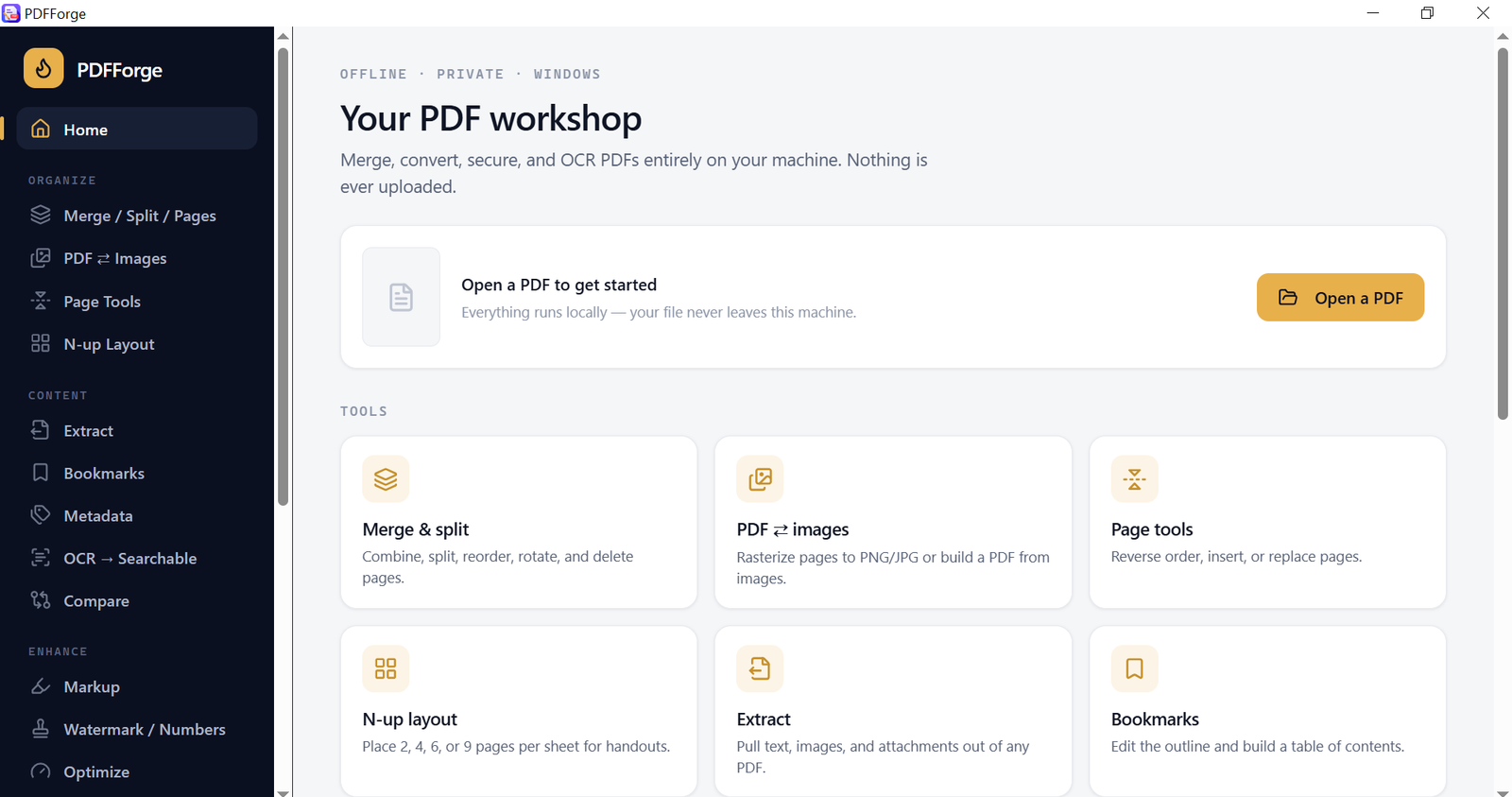
Changelog
Frequently asked questions
Is PdfForge — Offline PDF Toolkit free?
Yes. PdfForge — Offline PDF Toolkit is free to download and use. It also has an optional Premium upgrade for $24.99 (one-time payment). Premium is never required to use the free version.
Does PdfForge — Offline PDF Toolkit work offline?
Yes. PdfForge — Offline PDF Toolkit does its work on your own computer, so no internet connection is needed to use it.
Which computers can run PdfForge — Offline PDF Toolkit?
PdfForge — Offline PDF Toolkit is a desktop app for Windows. It installs on your computer like any other program; it is not a website or a phone app.
How big is the PdfForge — Offline PDF Toolkit download?
The installer is about 43.1 MB.
What is the latest version of PdfForge — Offline PDF Toolkit?
The latest version is 1.0.0, released June 17, 2026. The page lists what changed in each release under Changelog.
How do I get help with PdfForge — Offline PDF Toolkit?
Use the Support Center on this website: you can chat, open a ticket or send an email, and the developer answers directly.
User reviews
Write a review
Download PdfForge — Offline PDF Toolkit and we'll email you a link to leave a review — no account needed.
No reviews yet — be the first!
How to do it with PdfForge — Offline PDF Toolkit
Short, free guides — every one of these runs entirely on your PC.
Related apps

Productivity
CodeCraft
CodeCraft is a free desktop application that lets you generate QR codes and barcodes in seconds. Supports 7 QR types and 7 barcode formats with live preview and one-click export.

Productivity
InvoiceCraft
Free offline invoicing for Windows. Live preview, PDF export, 4 templates including Arabic RTL, tax & discounts, clients and reports. No account, no subscription.

Productivity
ConvertCraft
ConvertCraft is a free Windows converter: 14 unit categories, 162 currencies with live rates, world weather and a global hotkey. Works offline. Optional one-time Premium.