'pip' is not recognized on Windows: 5 Fixes That Work
Windows says 'pip' is not recognized? Start with one command that works right now, then fix it for good.
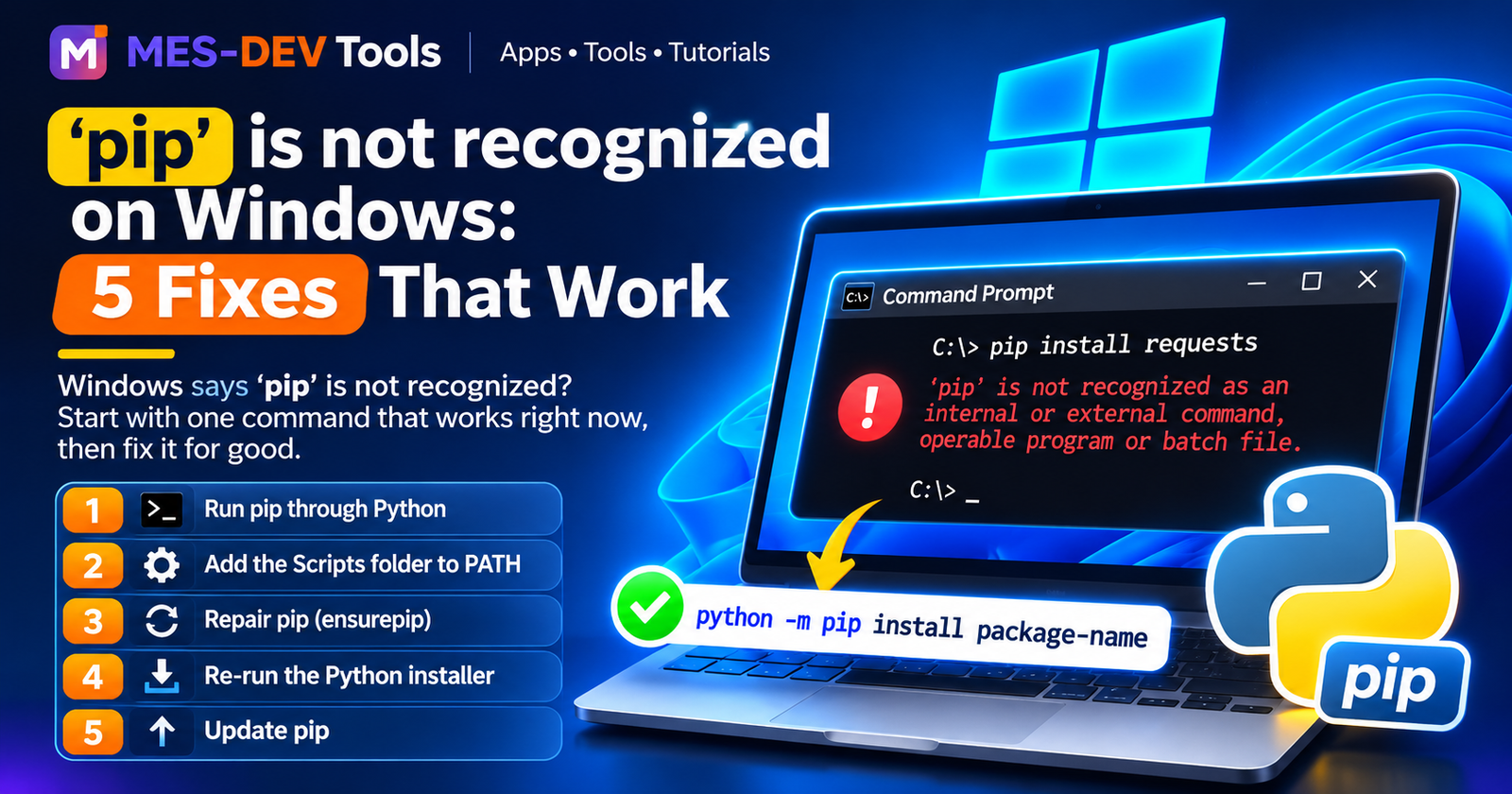
You type pip install something and Windows answers 'pip' is not recognized as an internal or external command. The good news: Python is usually fine. Windows just cannot find the pip tool. Try the fixes below in order. Most people are done by Fix 1 or Fix 2.
Fix 1: Run pip through Python (works right now)
You do not need the pip command at all. Use this instead:
python -m pip install package-name
If python is not found either, try:
py -m pip install package-name
If both fail, Windows cannot find Python itself. Read this first: fix 'python' is not recognized on Windows. Not sure Python is installed? Check in 10 seconds.
Fix 2: Add the Scripts folder to PATH
The pip command lives in a folder called Scripts. If that folder is not in PATH, Windows cannot find pip.
- Find your Scripts folder. It usually looks like this (your Python version number may be different):
C:\Users\YourName\AppData\Local\Programs\Python\Python312\Scripts - Press the Windows key, type
environment variables, and open Edit the system environment variables. - Click Environment Variables.
- Under User variables, select Path and click Edit.
- Click New, paste the Scripts folder path, and click OK on every window.
- Close Command Prompt, open it again, and type
pip --version.
Fix 3: Repair pip
If python -m pip says No module named pip, pip is missing. Install it again with:
python -m ensurepip --upgrade
Fix 4: Re-run the Python installer
- Run the Python installer you downloaded from python.org again.
- Choose Modify.
- Make sure pip is ticked in the optional features.
- On the next screen, tick Add Python to environment variables, then click Install.
- Close Command Prompt, open it again, and try
pip --version.
Fix 5: Update pip
An old pip can also fail in strange ways. Update it with:
python -m pip install --upgrade pip
Quick summary
| Problem | Fix |
|---|---|
| You need pip right now | python -m pip install package-name |
pip command not found |
Add the Scripts folder to PATH |
No module named pip |
python -m ensurepip --upgrade |
| Nothing works | Run the installer again and choose Modify |
Want to run scripts without setting up Python first?
Python Code Runner is a free offline Python editor for Windows. You can write and run scripts in it without installing Python separately. It also has a package manager, which is a Premium feature.