About this app
Remove any background in one click — AI that runs entirely on your PC.
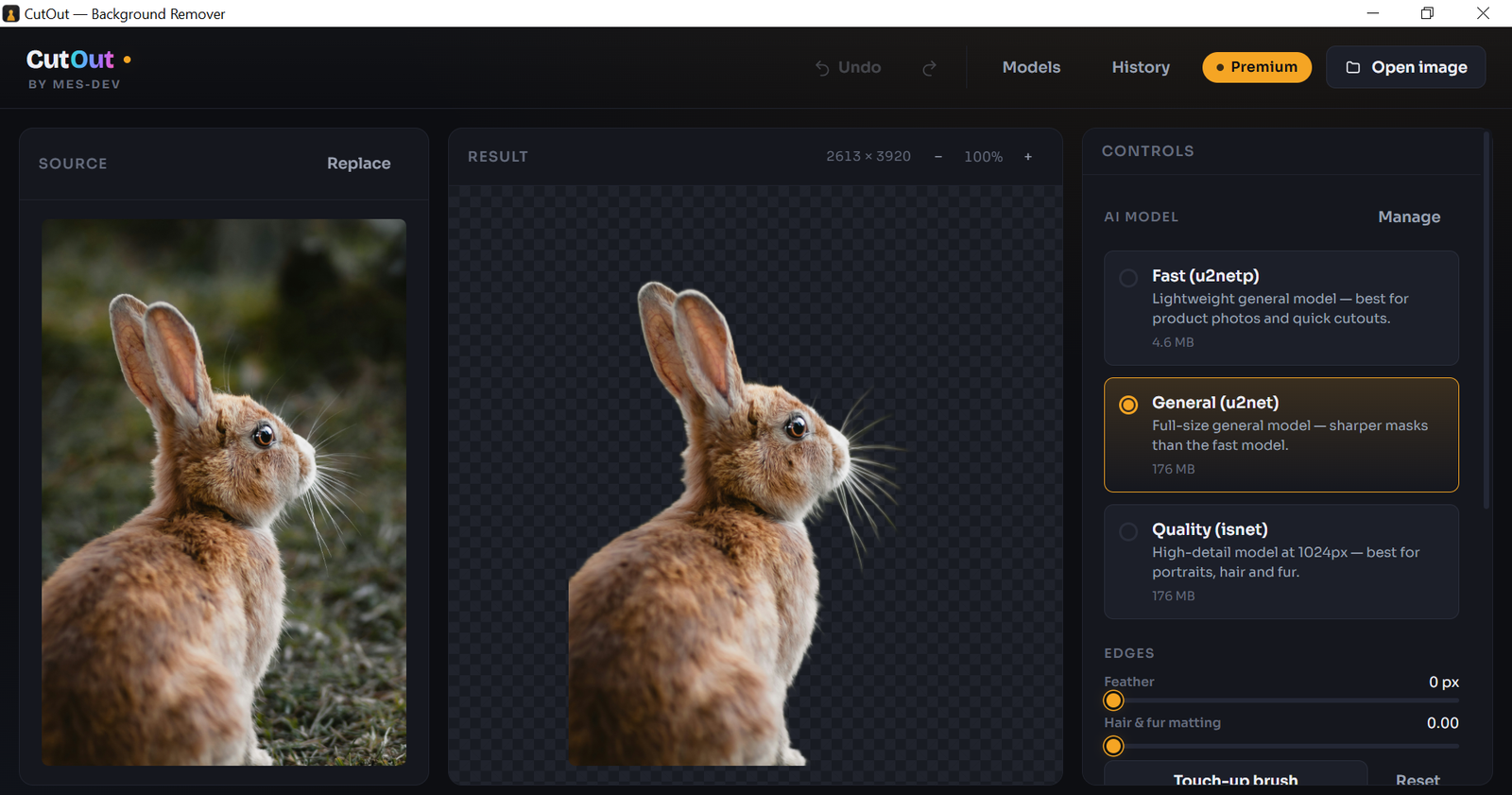
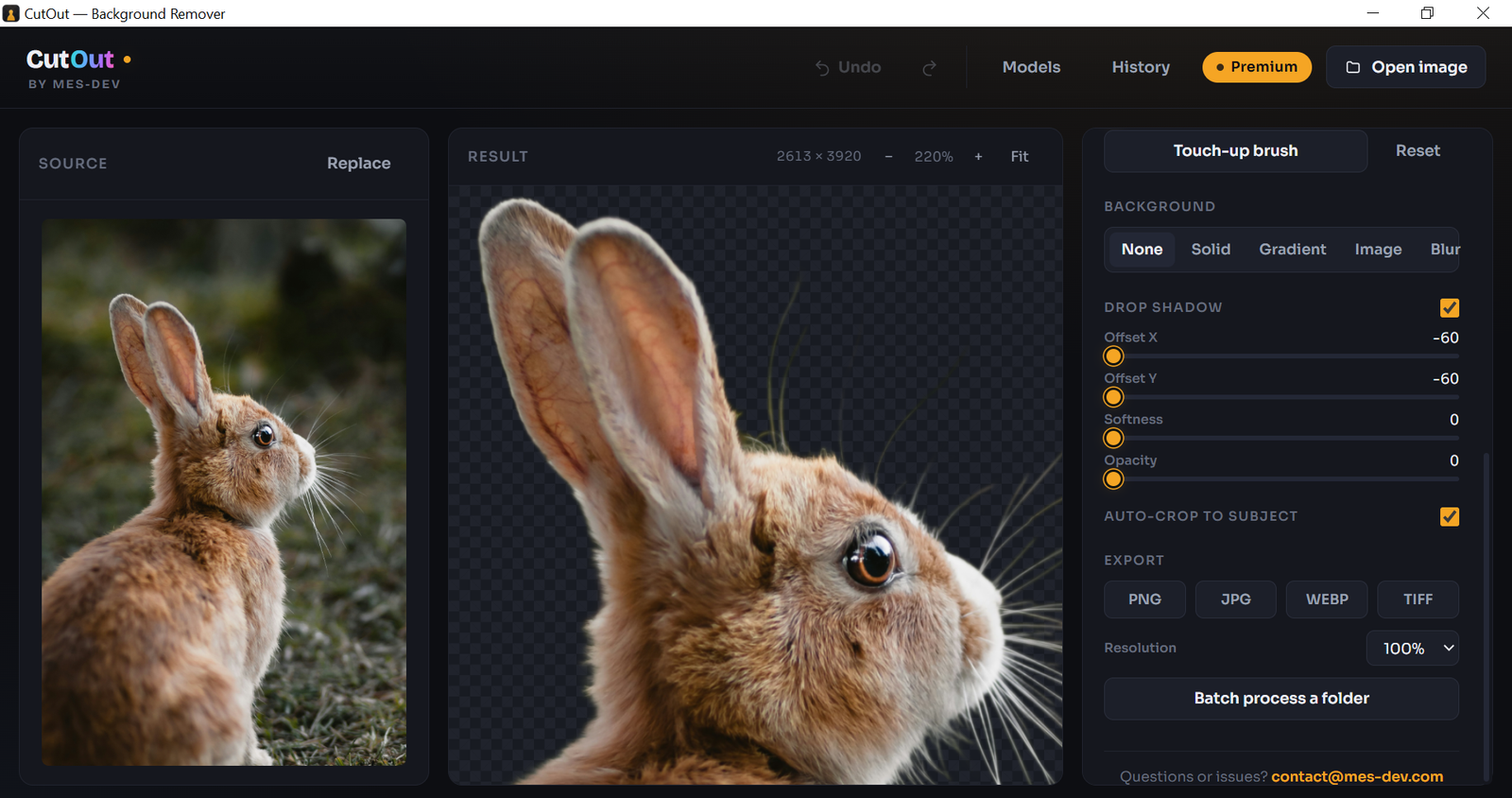
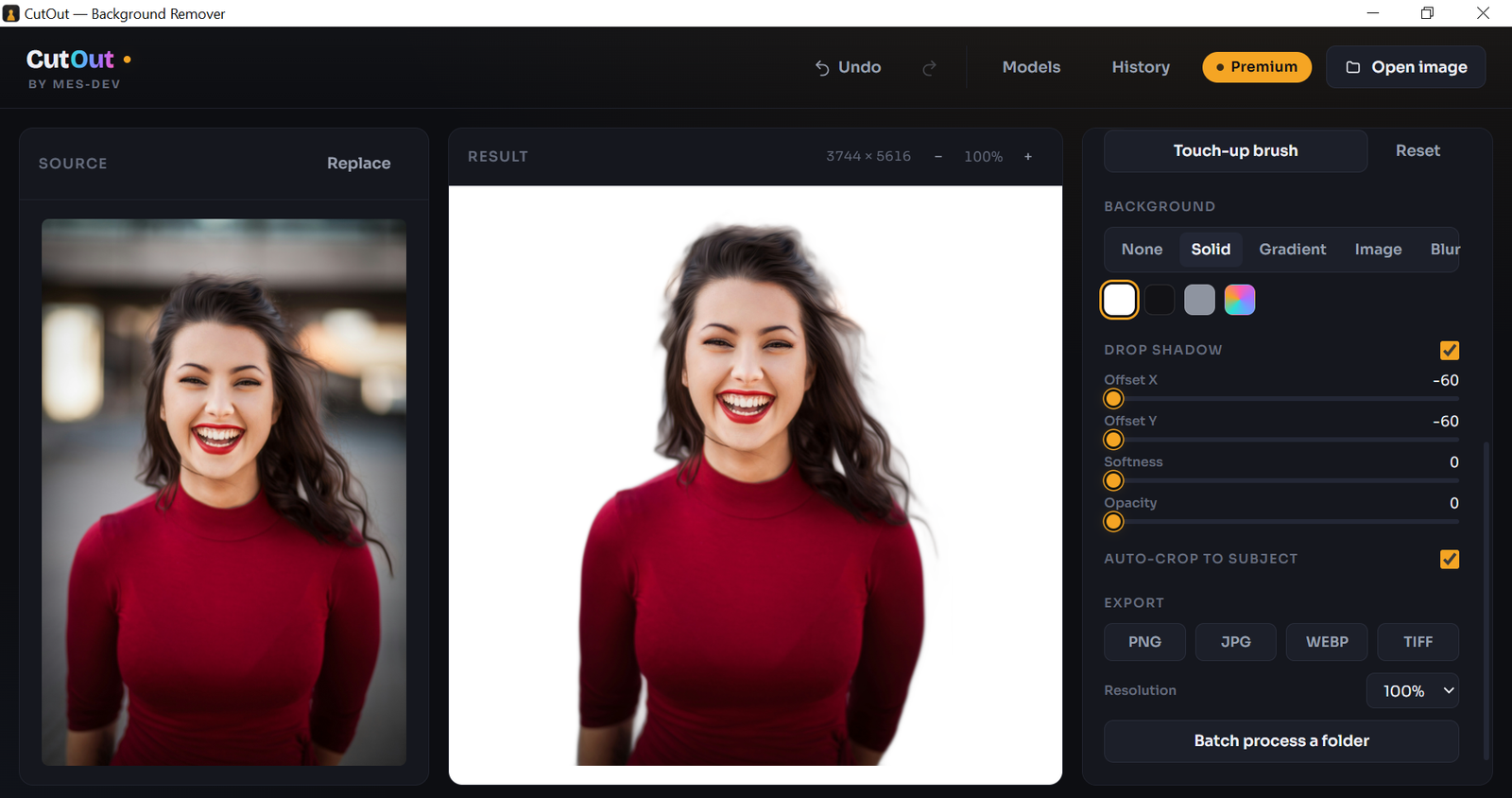
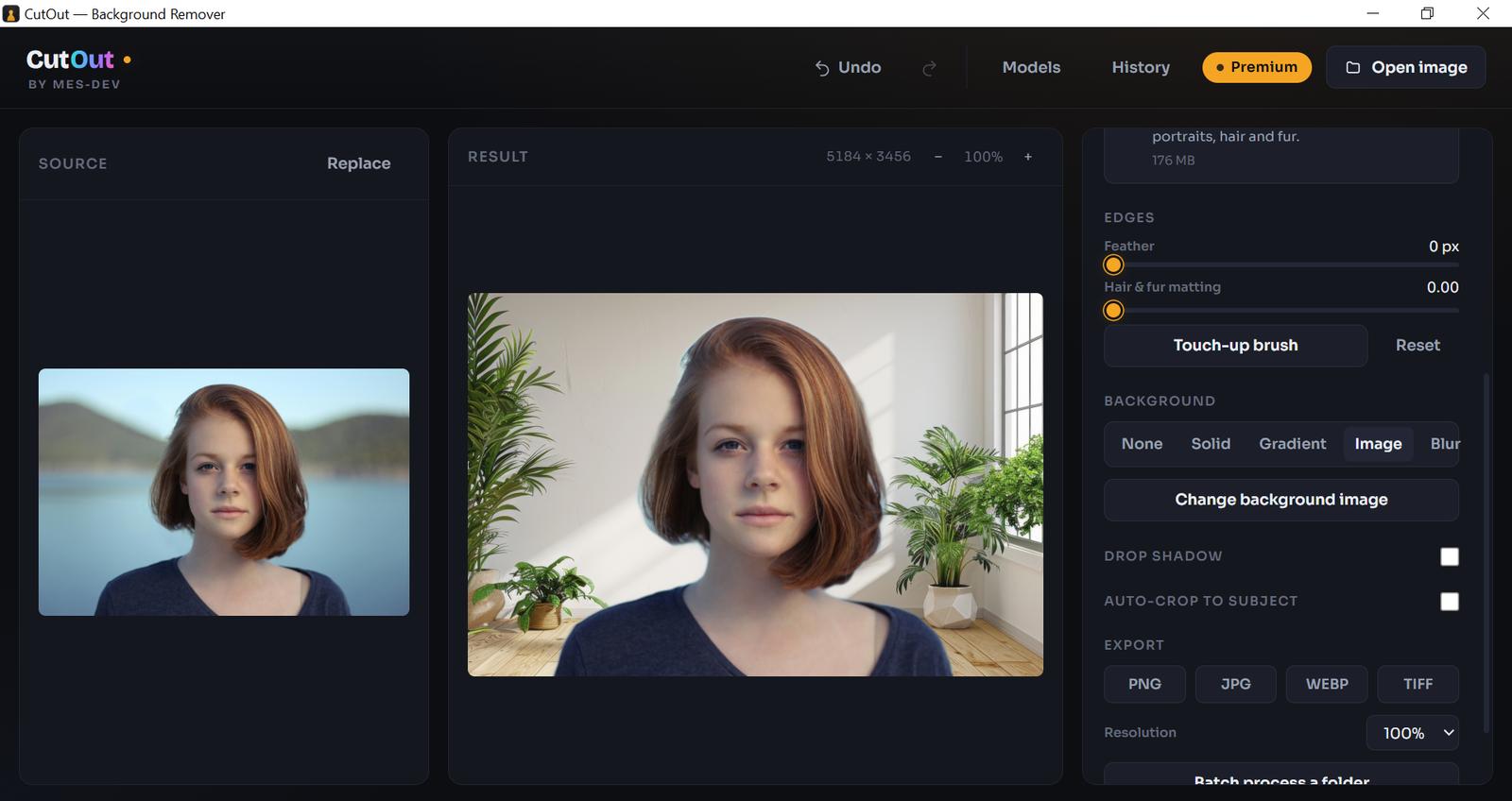
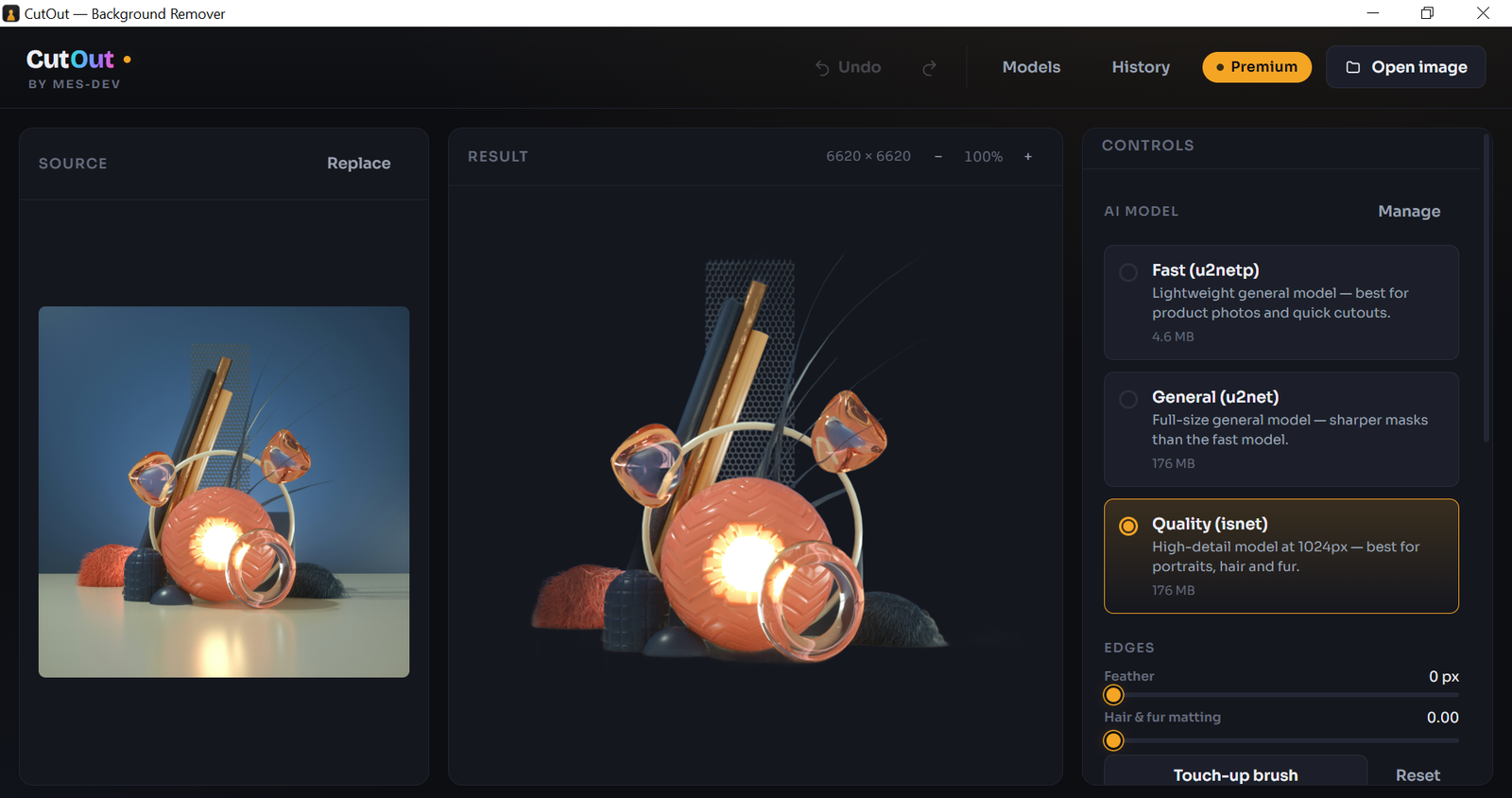
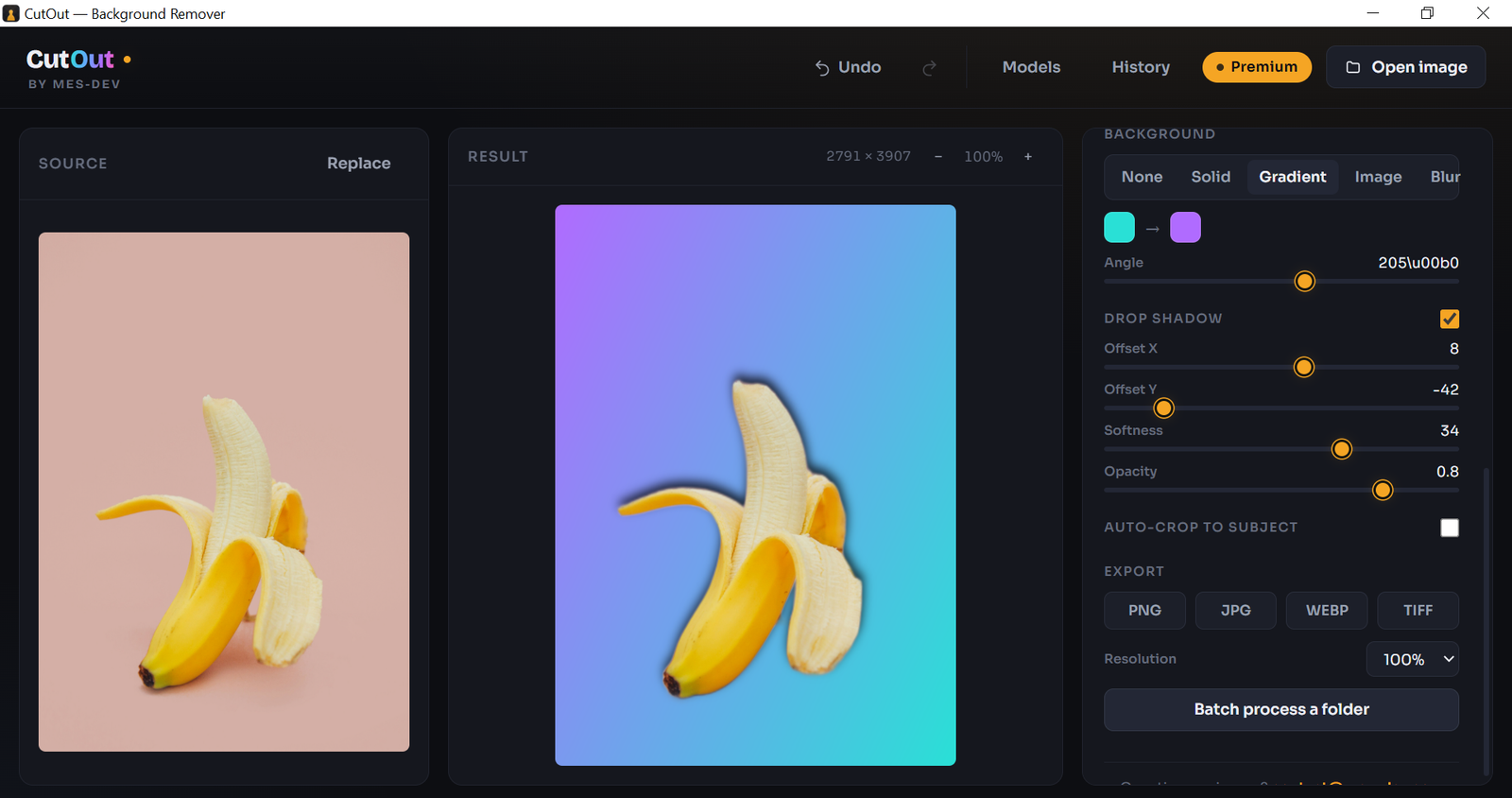
CutOut removes the background from any photo in one click, using AI that runs on your own machine. After a one-time model download on first run, nothing is ever uploaded — no account, no subscription.. Your photos never leave your computer. Built for photographers, content creators, designers, e-commerce sellers and anyone tired of per-image credits, upload limits and monthly fees. CutOut gives you full privacy and full control, on the desktop. ── HOW IT WORKS ── Open an image — or just drag and drop — and the subject is isolated automatically. CutOut opens to a clean three-pane studio: your source on the left, the live cutout on a transparency checkerboard in the centre, and all your controls on the right. Every adjustment re-composites instantly and non-destructively. The AI runs only once per image, so nothing is ever recalculated from scratch. Made a change you don't like? One Undo button steps back through everything — brush strokes, background changes, shadows, edge refinement — in the exact order you made them. Ctrl+Z works too. ── WHAT YOU CAN DO ── - Export a transparent PNG, or drop your subject onto a solid colour, a gradient, your own photo, or a portrait-mode blur - Soften the cutout edge so it sits naturally against any background - Add a realistic drop shadow with control over angle, distance, softness and opacity - Auto-crop tight to the subject for catalogue images and thumbnails - Recover fine hair and fur that a hard mask would clip - Fix anything the AI missed by hand, painting at up to 32× magnification with a soft-edged brush - Run whole folders in one pass and walk away ── THE TOUCH-UP BRUSH ── No background remover is perfect on wispy hair, glass, or a subject that matches its backdrop. CutOut gives you the last word. Zoom into the exact pixels that need attention — the brush window opens at whatever magnification you were already using, at full source resolution, so fine detail stays sharp instead of turning to mush. Paint to restore or erase, adjust brush size and edge hardness, and check your work three ways: dim the removed area, show it as a red mask overlay, or preview the finished cutout live on a checkerboard. Every stroke can be undone individually. ── PRIVACY BY DESIGN ── There is no server. There is no account. There is no telemetry. CutOut works on a plane, on a train, and behind a corporate firewall, because the AI model sits on your hard drive. For anyone handling client work, unreleased product shots, or images they simply don't want on someone else's servers, that is the entire point. ── FREE FOREVER, PREMIUM OPTIONAL ── The core one-click background removal is free with no watermark, no time limit and no image cap. A single one-time purchase unlocks the higher-detail AI models, the touch-up brush, hair and fur matting, background replacement, shadows, batch processing and the professional export formats. No subscription, ever. Windows 10 and 11. Also available on the Microsoft Store.
Screenshots
1 / 7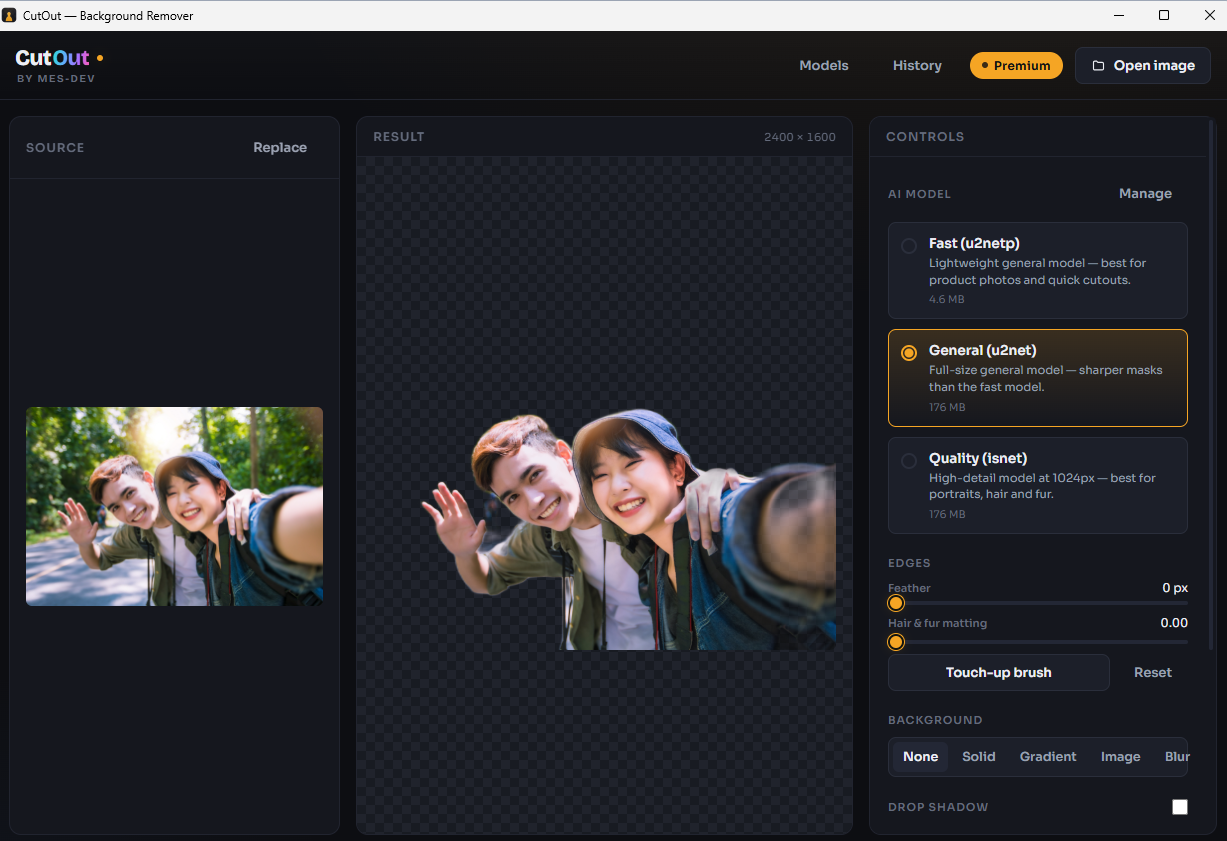
Changelog
Frequently asked questions
Is CutOut free?
Yes. CutOut is free to download and use. It also has an optional Premium upgrade for $7.99 (one-time payment). Premium is never required to use the free version.
Does CutOut work offline?
Yes, after setup. CutOut needs an internet connection once, on first use, to download the components it needs. After that it runs fully offline.
Which computers can run CutOut?
CutOut is a desktop app for Windows. It installs on your computer like any other program; it is not a website or a phone app.
How big is the CutOut download?
The installer is about 10.5 MB.
What is the latest version of CutOut?
The latest version is 1.1.1, released August 26, 2026. The page lists what changed in each release under Changelog.
How do I get help with CutOut?
Use the Support Center on this website: you can chat, open a ticket or send an email, and the developer answers directly.
User reviews
1 reviewWrite a review
Download CutOut and we'll email you a link to leave a review — no account needed.
Nigel
1 month ago
Finally, a proper free one
Finally found a background remover that's actually free. No upload limits, no watermarks, and no signing up for anything. It's fast, the interface is clean and simple, and the best part is it works completely offline. Love this app
How to do it with CutOut
Short, free guides — every one of these runs entirely on your PC.
